
Archicad has been around since 1987, making it the original BIM software. But almost 40 years of development also means a deep, sometimes unintuitive workflow that's hard to learn on your own.
The courses below cut through the confusion. You'll learn how to model efficiently, document accurately, collaborate with consultants, visualize your Archicad designs, and master the stuff that actually matters when deadlines hit.
Here's where to start.
Cost: Starts free with Archicad subscription (some advanced courses require SSA/Forward contract)
Level: Beginner to Advanced
Duration & format: Self-paced online courses, 30 minutes to 3+ hours per module
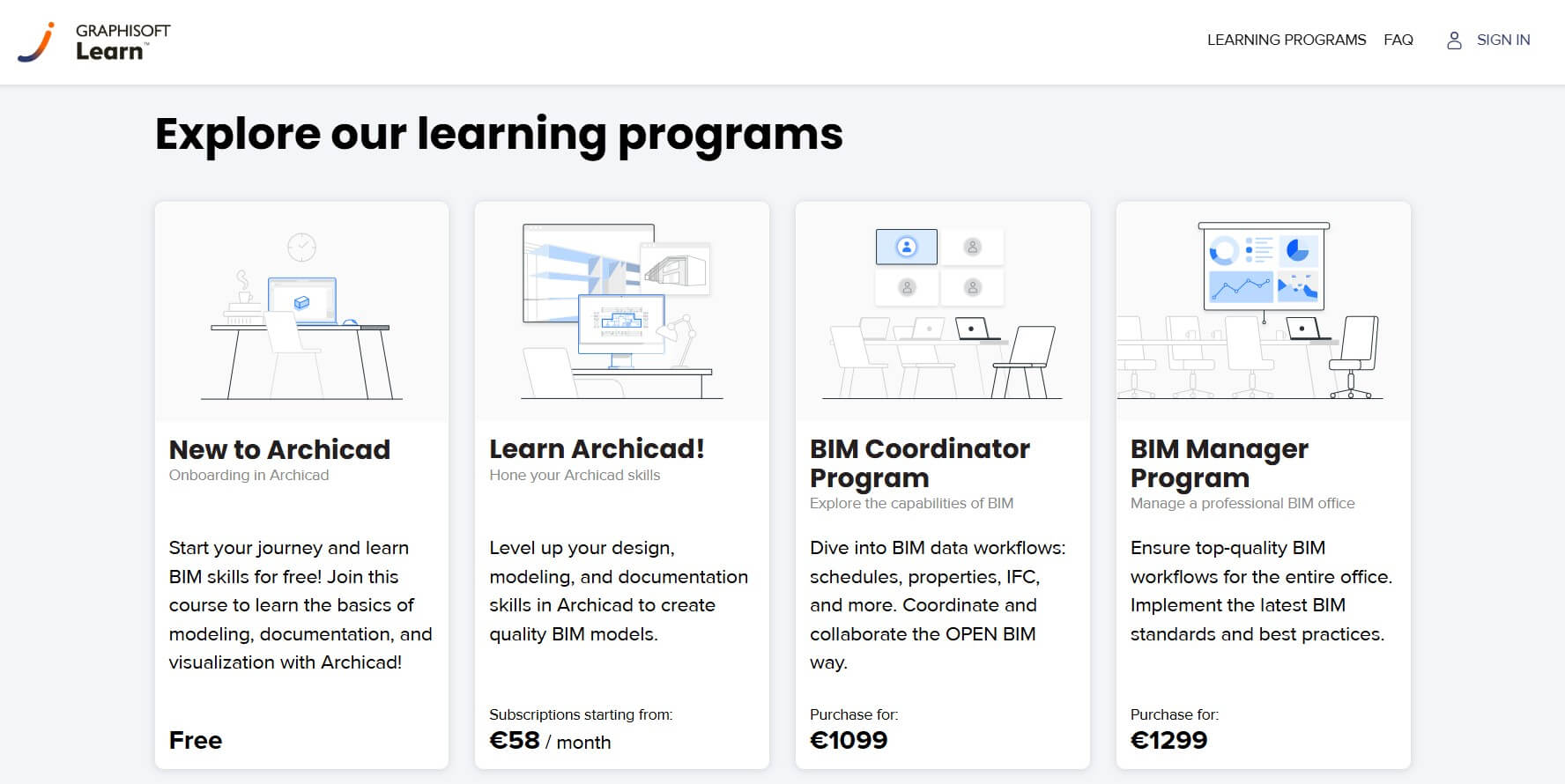
Graphisoft Learn, the official learning platform, offers the most current Archicad training available. The foundation courses cover everything from BIM basics to essential construction elements to visualization workflows.
Throughout the structured learning paths, you'll model a contemporary summer house, learning proper documentation practices on the go. The platform includes courses on Archicad 27's newest features and collaboration workflows, as well as MEP design—everything you need to work toward official Graphisoft certifications.
This is the best way to learn Archicad if you already have a subscription and want training that stays current with software updates. The multi-level certification system also gives you credentials recognized throughout the industry.
Cost: Varies (check site for current pricing)
Level: Beginner to Intermediate
Duration & format: ~6 hours across 30 video lessons, self-paced with 1-year access
.jpeg)
Created by KunKun Visual, an Indonesian architectural visualization studio known for their award-winning CGI work and Enscape training, KunKun Archicad Masterclass teaches Archicad through a complete project workflow. You'll move from schematic design through design development to final documentation and presentation, mirroring how real projects actually progress.
The course is structured in three clear phases:
What makes this Archicad course different is the focus on producing complete, presentation-ready documentation rather than just 3D modeling. If you want to learn how to go from an empty file to a full set of drawings ready for print or BIMx presentation, this is a solid option.
Cost: $10.99-$44.99 (varies with frequent Udemy sales)
Level: Beginner to Intermediate
Duration & format: 36 hours of video content across 445 lectures
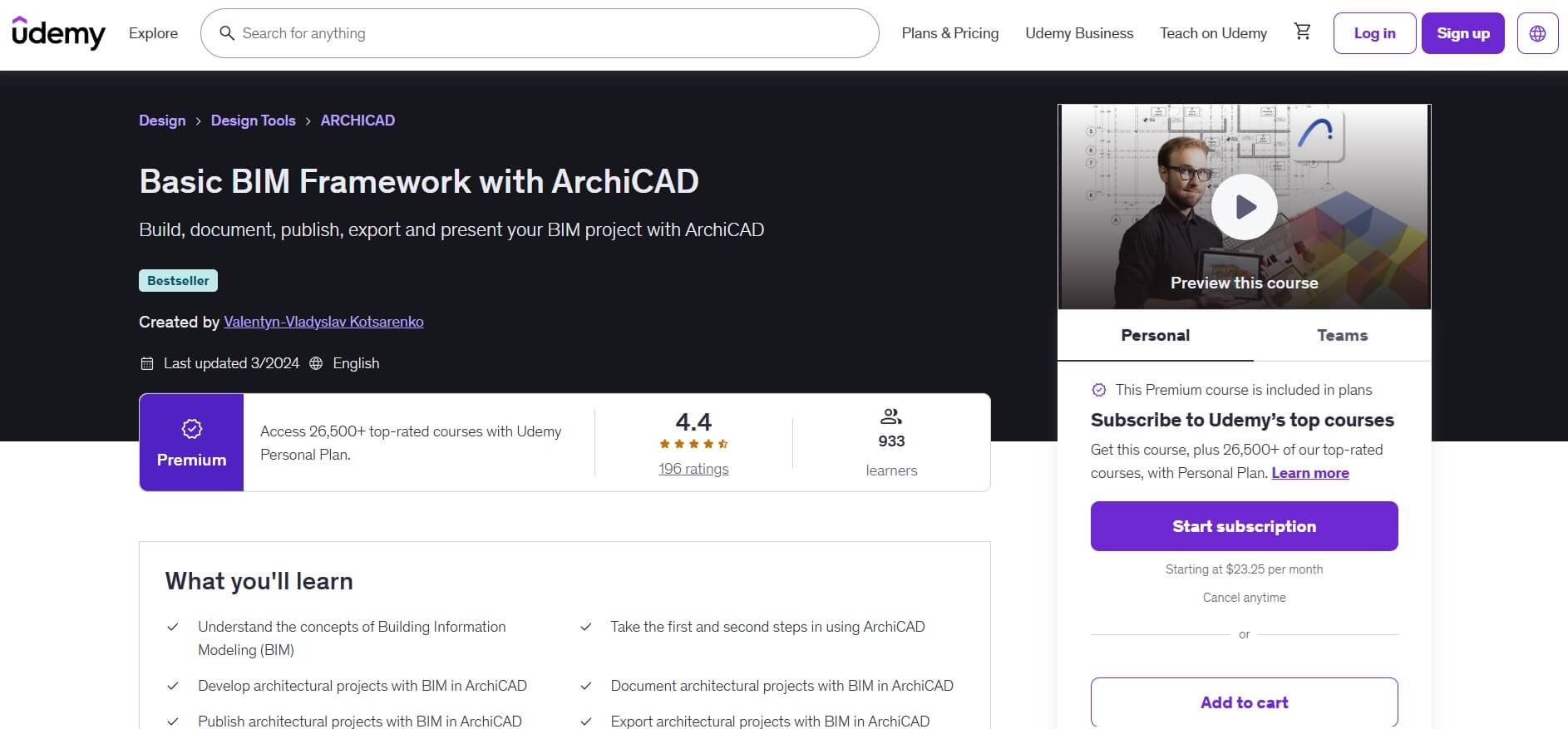
Created by Valentyn-Vladyslav Kotsarenko, a certified Graphisoft BIM Coordinator with over 10 years of experience, Basic BIM Framework with ArchiCAD covers everything from BIM fundamentals to complete project documentation.
You'll learn to model, document, publish, and export professional architectural projects using proper BIM workflows. The course walks through floor plans, sections, elevations, and perspectives, and teaches you how to export to DWG for platforms like AutoCAD.
This is one of the most thorough Archicad tutorials for beginners available online. The 36-hour runtime also means you're getting serious depth.
Pro tip: Watch for Udemy sales when prices often drop to under $20.
Cost: $29.99/month, depending on region/plans (includes all LinkedIn Learning courses)
Level: Beginner to Advanced
Duration & format: 9 hours 7 minutes, self-paced
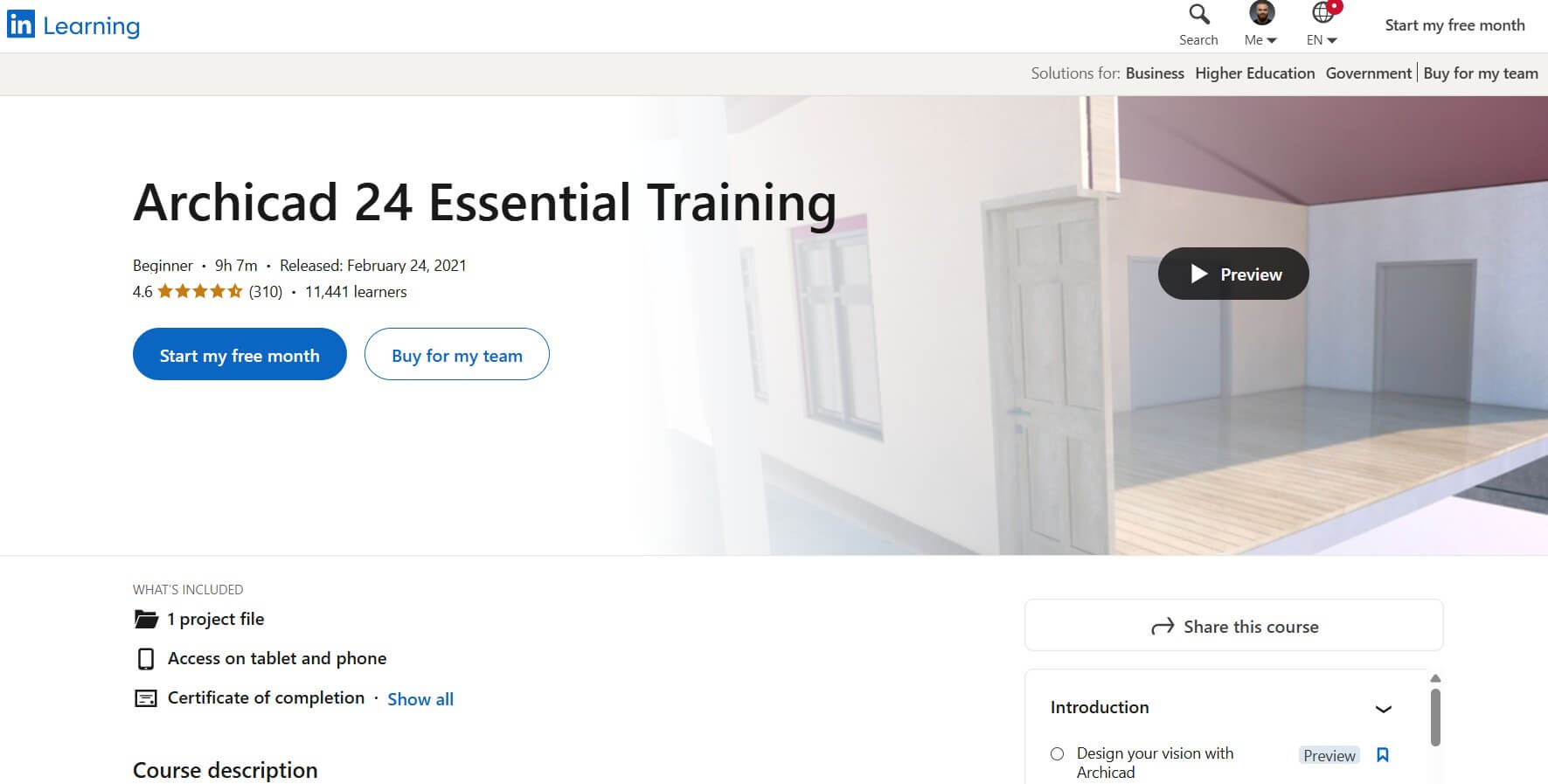
In Archicad 24 Essential Training, licensed architect Willard Williams walks you through setting up your Archicad environment and demonstrates both basic and advanced tools. He covers the actual stages of architecture, making it easy to relate features to real-world daily activities.
The Archicad classes cover everything from project preferences and attributes to schematic design, design development, construction documents, and advanced collaboration features. What’s more, you'll also get the chance to explore experimental tools and features.
This Archicad online training is well-structured and maps directly to professional practice. It works well for corporate teams with LinkedIn Learning subscriptions or professionals who want verifiable credentials for their LinkedIn profiles.
Cost: Free with Graphisoft ID
Level: Beginner
Duration & format: Self-paced, 1-2 hours per path
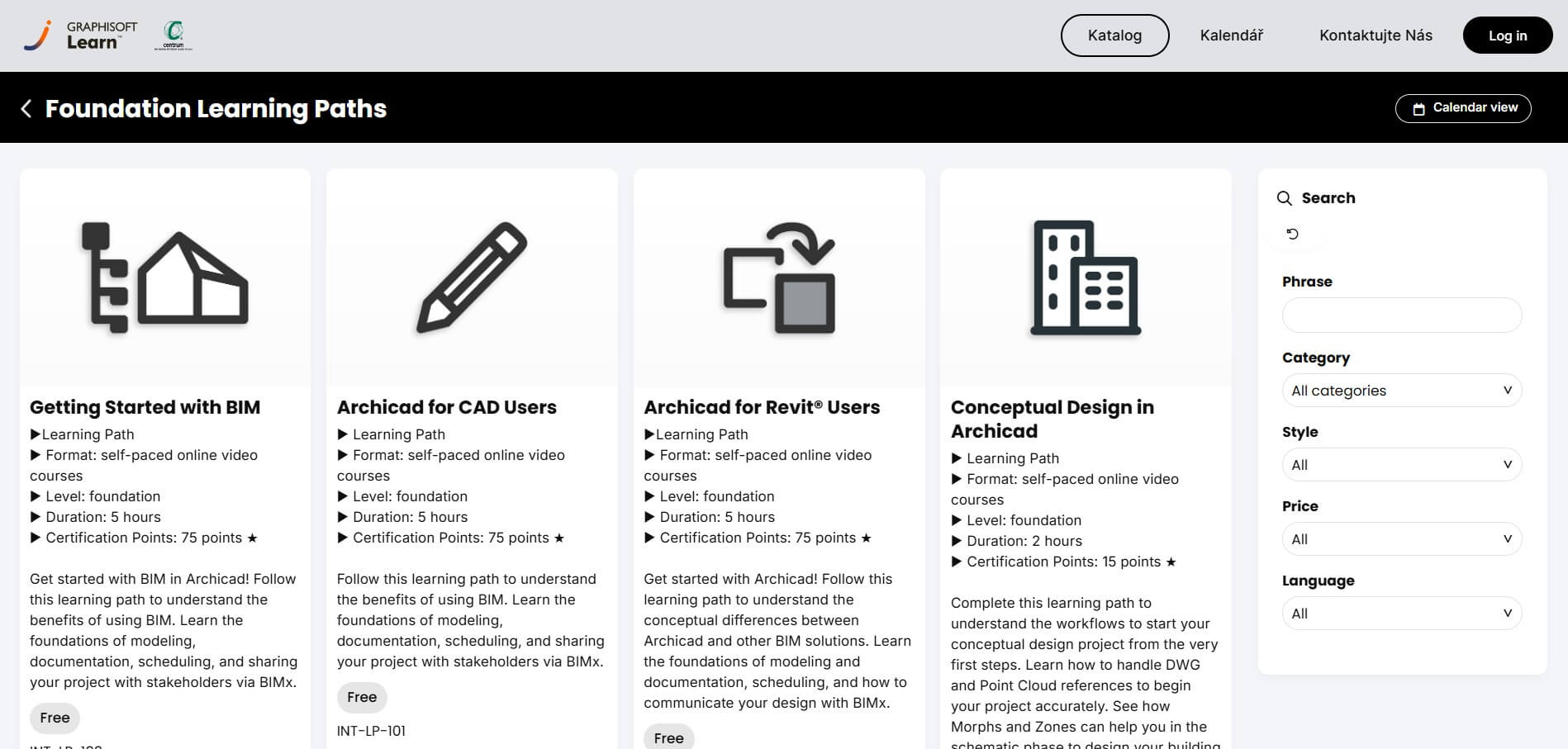
Graphisoft Transitional Paths are dedicated onboarding courses for users transitioning from specific platforms. There are separate paths for CAD users, Revit users, and SketchUp users. Each one addresses the mental model shift required and highlights where Archicad works differently from what you're used to.
These courses work for experienced professionals who know design software but keep fighting Archicad because they're applying the wrong logic. So, if you're switching from Revit or AutoCAD, it’s worth checking them out before committing to a full course.
Cost: Annual membership (includes all courses)
Level: Beginner
Duration & format: 12 video lessons, approximately 3+ hours, self-paced
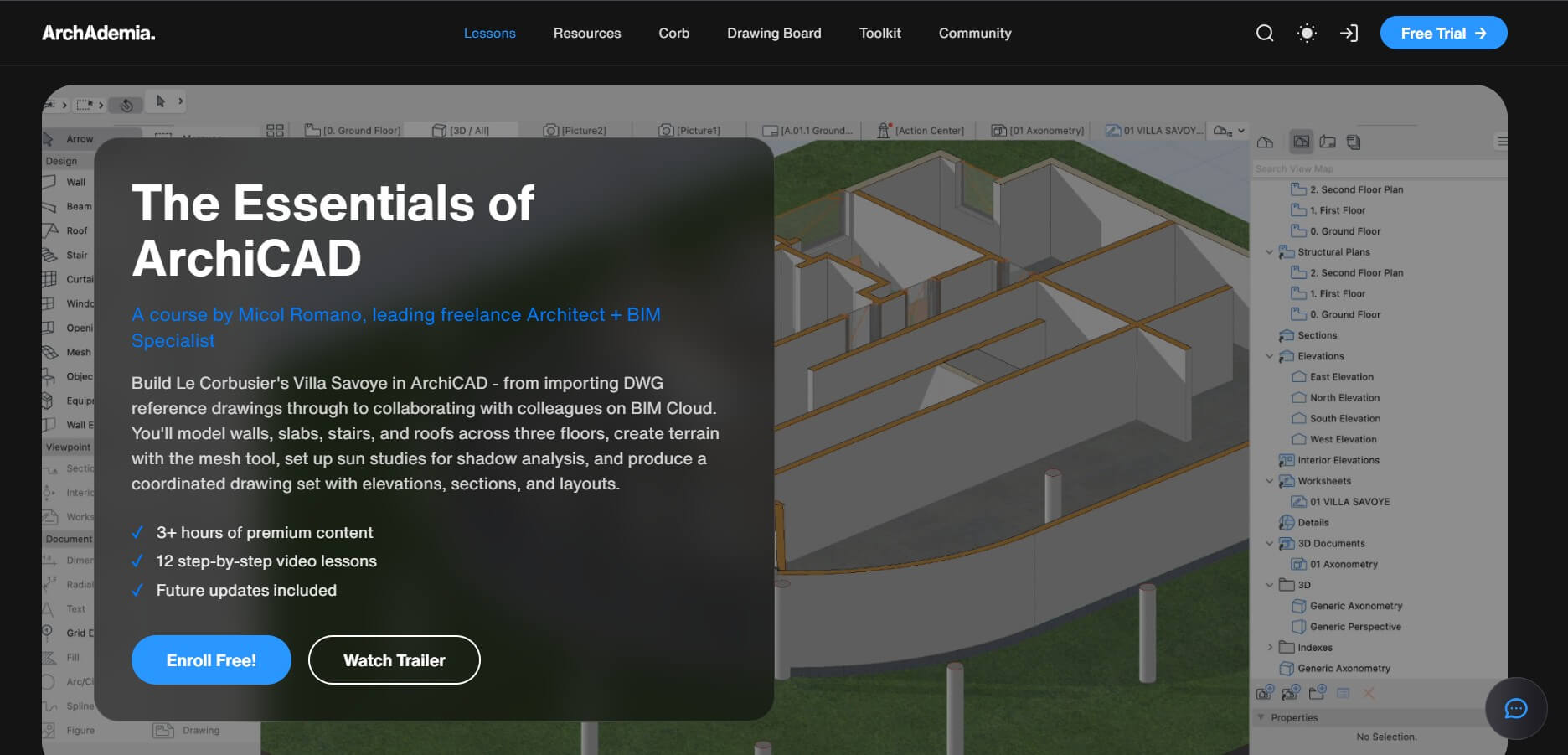
The ArchAdemia Archicad Training Course takes a unique approach, teaching Archicad through Le Corbusier's iconic Villa Savoye project. You'll learn the software's integrated 2D/3D workflow while working on actual modernist architectural principles such as pilotis, free plans, and roof gardens.
The course is taught by Micol Romano, a freelance architect and BIM specialist. Upon completion, you receive a certificate that can be added to your portfolio or LinkedIn profile.
This Archicad training option works well if you prefer learning through real architectural projects over abstract exercises. An additional bonus is that the membership model gives you access to ArchAdemia's other architecture courses.
Cost: $1299 (discounts available)
Level: Expert
Duration & format: 40-45 hours over 8-10 weeks, hybrid trainer-led online
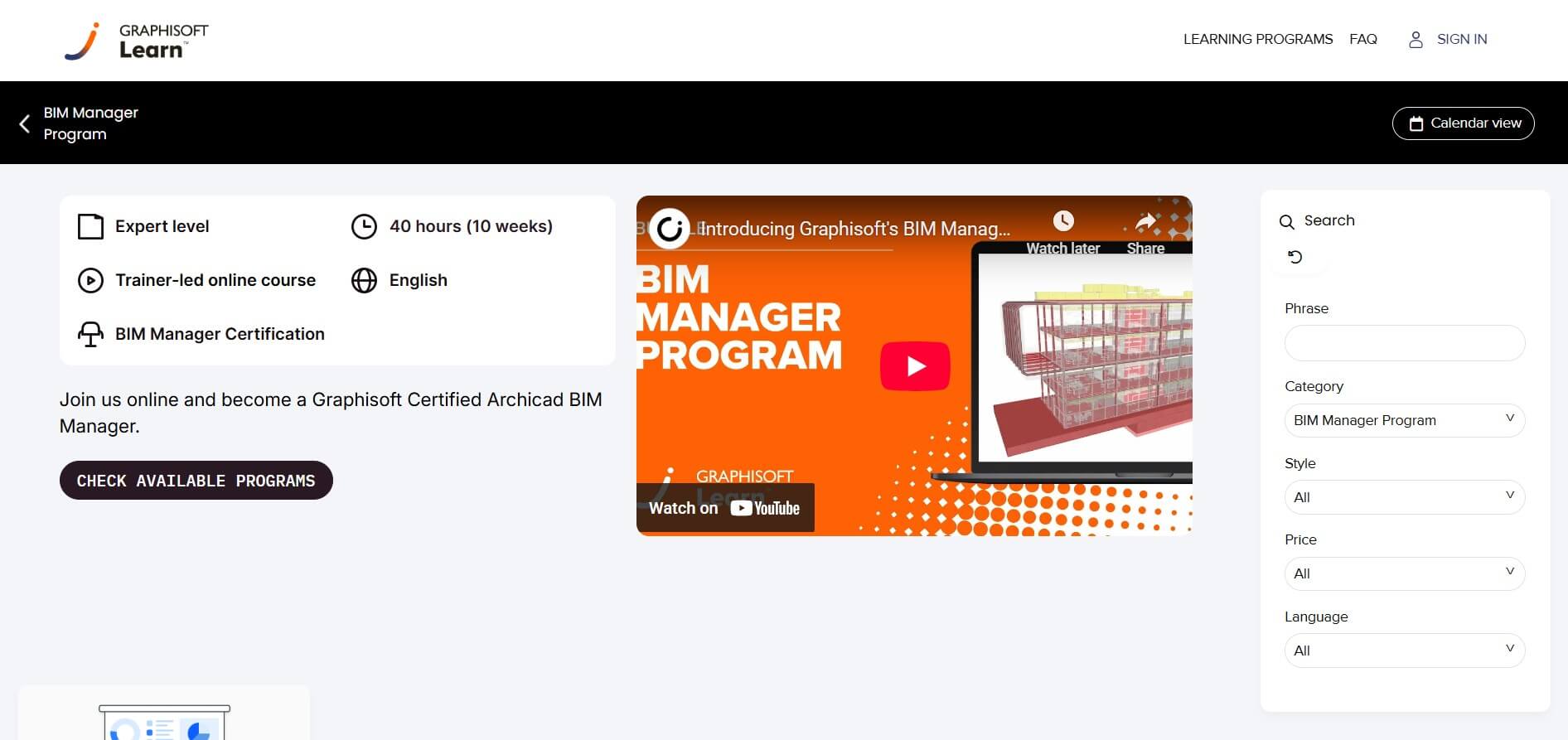
For experienced Archicad users looking to level up, the Graphisoft BIM Manager Program covers BIM coordination and management. These advanced Archicad courses teach you to manage BIM-enabled projects and organize your team's daily work.
The BIM Manager Program goes deeper into implementation strategies and consultant collaboration. These are taught by Graphisoft trainers and former BIM Managers, so you're learning from people who've done the real work.
This is the path to becoming a certified Graphisoft BIM professional. The investment is significant, but the credentials and skills are valuable for senior roles and firm leadership.
Cost: Starts from $197-$700 per course (bundle pricing available)
Level: Intermediate to Advanced
Duration & format: Approximately 1 hour per lesson, multiple courses available
The Masters of ArchiCAD series features specialized Archicad classes from recognized experts worldwide. Topics include GDL object creation with Gary Lawes, Cinerender techniques with Andreas Lettner, and highly detailed 3D modeling with Timothy Ball.
These Archicad lessons are designed for users who already know the basics and want to develop specific advanced skills. Each instructor shares real-world methods and practical tools from years of professional experience.
If you've completed foundational Archicad training and want to specialize in areas like parametric object creation or photorealistic rendering, this series offers targeted expertise you won't easily find elsewhere.
Cost: Membership-based (Basic, Pro, and Premium tiers available; free trial offered)
Level: All levels
Duration & format: Weekly live lessons on Mondays with Q&A, plus monthly workshops
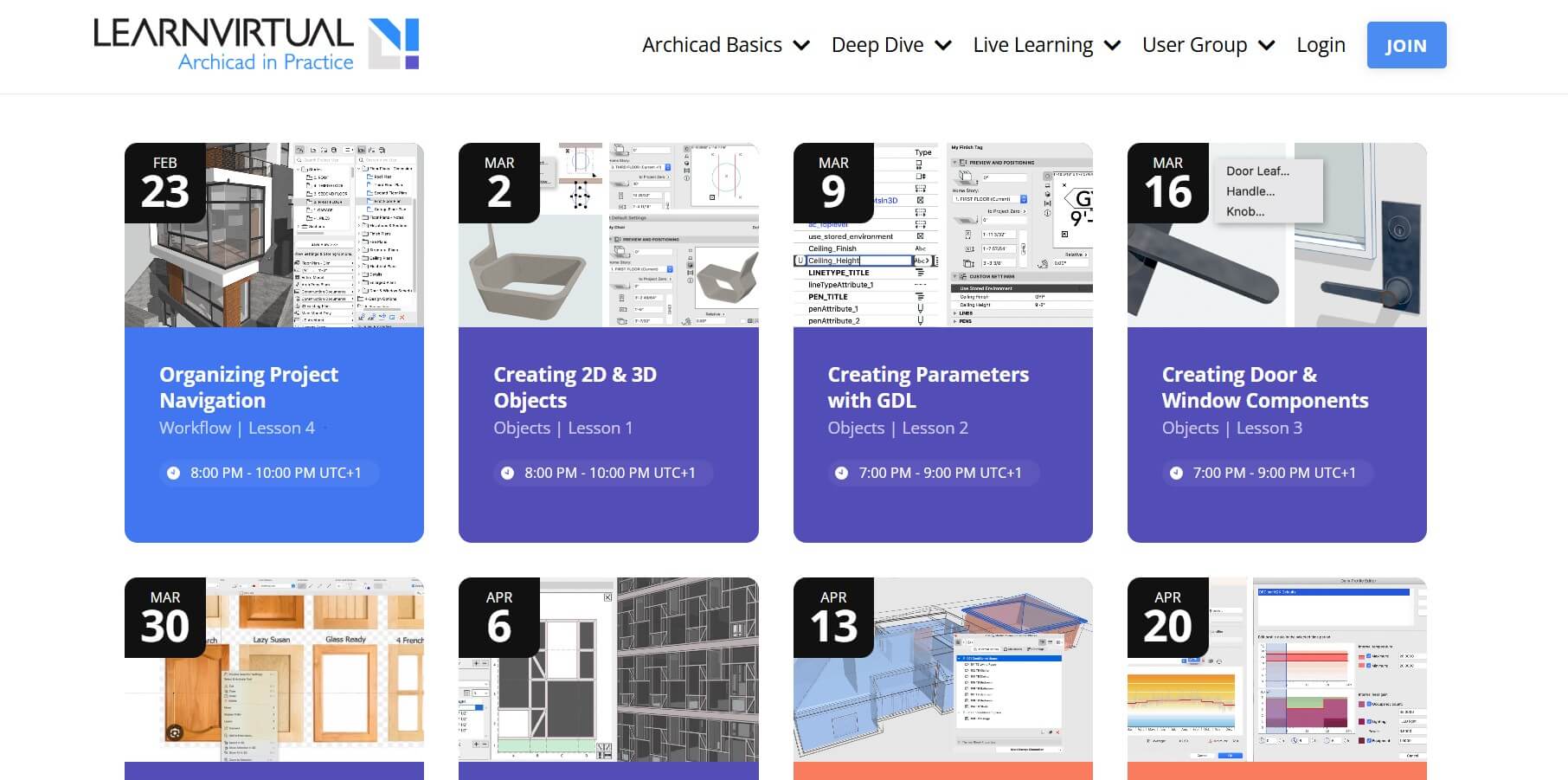
Run by ARCHVISTA, a California-based Graphisoft reseller with 20+ years of Archicad implementation experience, LearnVirtual takes a team approach to coaching. Multiple instructors—including BIM consultants and practicing architects—rotate through weekly sessions covering topics from basic drafting to advanced documentation.
The format mirrors what you'd get from a one-on-one trainer: live schooling followed by open Q&A where you can bring your specific project questions. Sessions are recorded and archived in a library with 200+ on-demand lessons.
What sets this coaching program apart is the user group component. Monthly sessions feature real architects sharing how they actually use Archicad on projects. If you wish to learn Archicad tips and tricks from practical workflow insights and from seeing how others solve problems, this is worth a look.
Cost: Membership-based (Free Essentials, and Elite plans available; 30-day money-back guarantee)
Level: Beginner
Duration & format: 4.5 hours across 25+ video lessons, self-paced
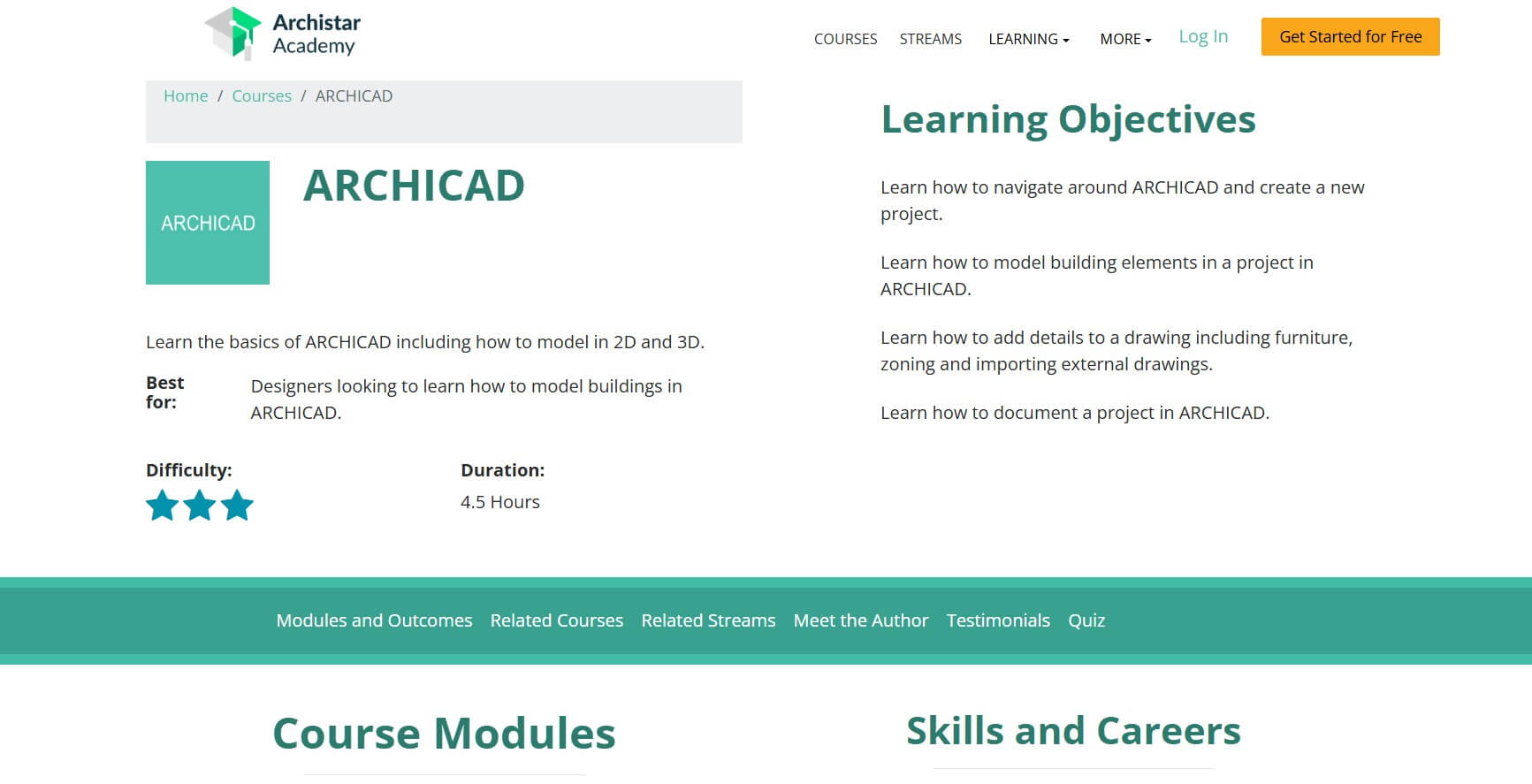
ArchiStar Academy is a Sydney-based online learning platform built specifically for architects, engineers, and construction professionals. The Archicad course is taught by Anycie Barakat, a computational designer at Archistar.ai, and follows the platform's rapid-learning methodology across four structured modules.
You'll work through interface navigation and project setup, then move into modeling building elements. From there, the Archicad lessons cover adding detail through furniture placement, zoning, and drawing imports, before finishing with documentation workflows.
The real appeal here is the broader platform. Your membership includes access to ArchiStar's full course library covering Revit, Rhino, Grasshopper, SketchUp, and more—so if your practice works across multiple tools, one subscription covers them all. The platform is used by universities, including UNSW and RMIT, and by firms like Wood & Grieve Engineers, which also gives it some institutional credibility.
Cost: $997
Level: Beginner to Advanced
Duration & format: 100+ hours of video content with weekly live coaching
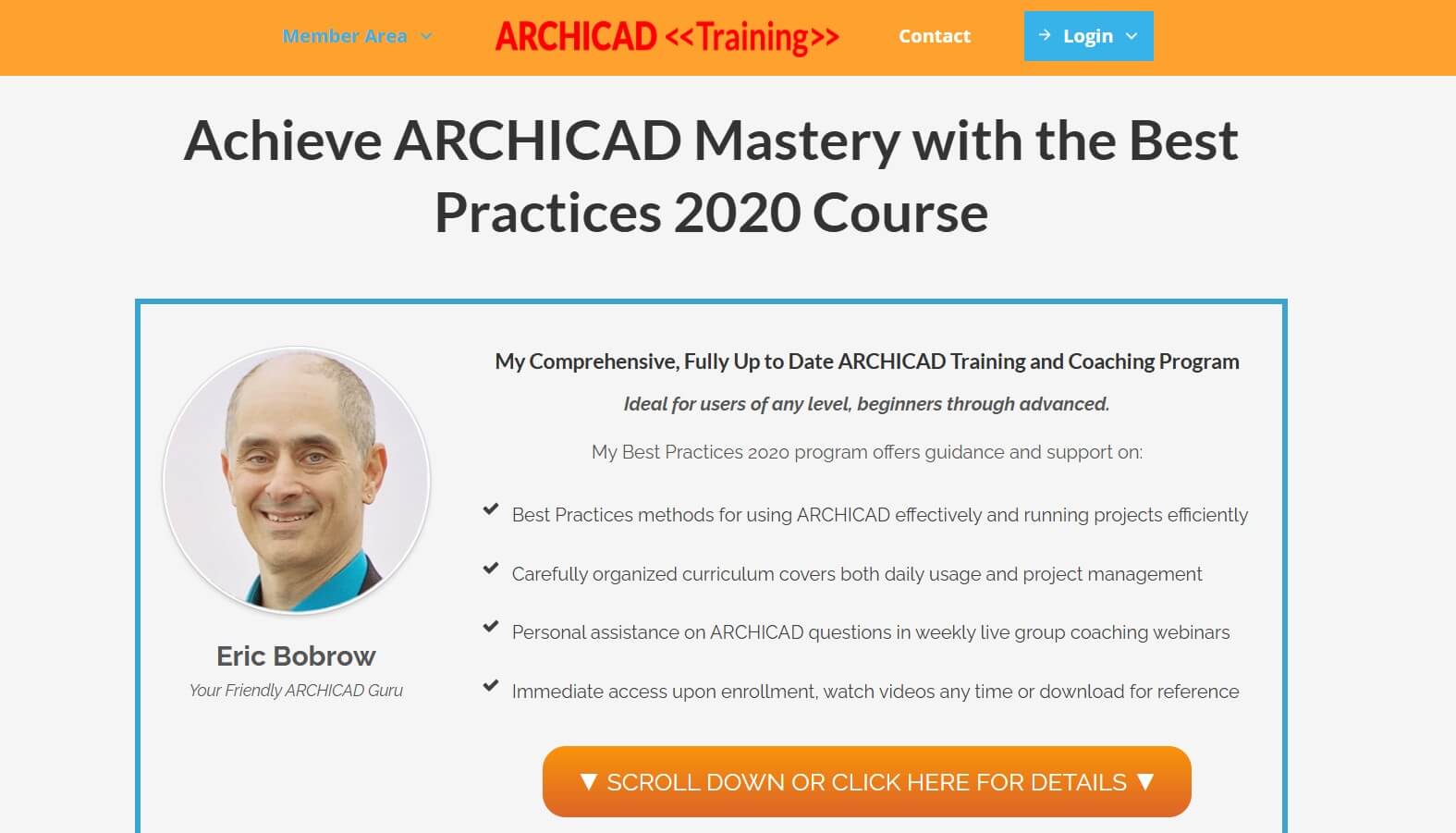
Eric Bobrow has been working with Archicad for over 30 years and is widely considered the most experienced independent Archicad trainer in the world. His Best Practices Course teaches the fundamental principles and professional workflows used in top architecture firms.
The course covers core modeling, documentation, customization, and includes access to the ArchiCAD Coaching Program with live weekly group webinars. You can send in project files and get personalized feedback on your actual work.
If you're serious about mastering Archicad and want mentorship from an industry expert, this might be your best option. The comprehensive curriculum, combined with ongoing coaching support, makes it particularly suited for firms training multiple team members.
Cost: $197
Level: Beginner
Duration & format: 13 hours across 29 lessons
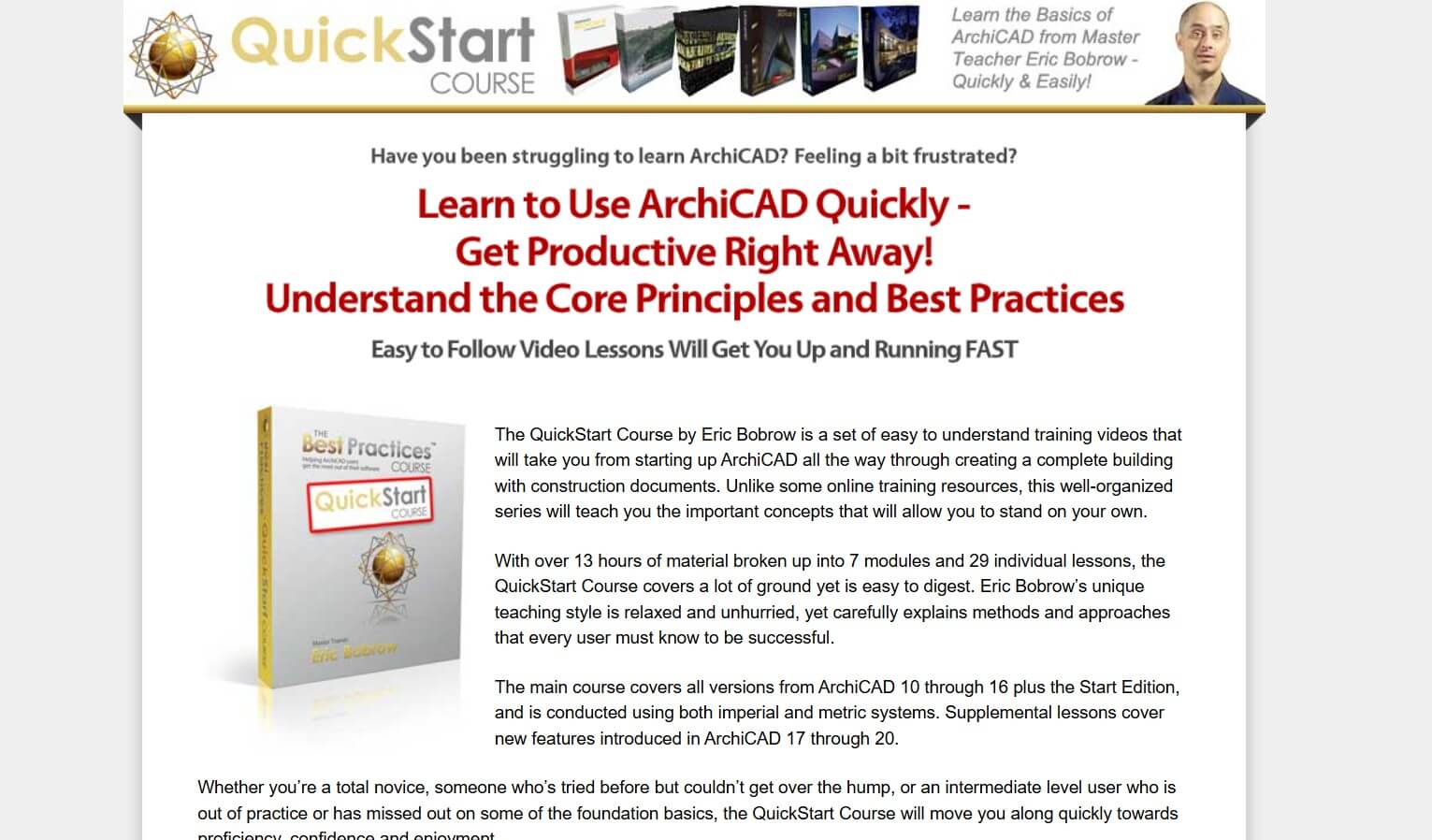
Also from Eric Bobrow, the QuickStart Course is designed specifically for Archicad tutorials for beginners who need to get productive fast. Many users report going through the entire program in a weekend and being able to contribute on projects the following week.
The Archicad lessons cover the essentials: interface navigation, basic modeling, clean documentation practices, and the foundational Best Practices methods. It's structured so you can learn at your own pace while building solid habits from day one.
Among Archicad courses at this price point, this one offers excellent value and a focused curriculum that eliminates unnecessary content. It is also ideal if you're transitioning to Archicad from another platform or starting a new job at an Archicad firm.
If you already have an Archicad subscription and prefer learning directly from the source, start with Graphisoft Learn. Their Archicad courses are free at the foundation level and lead directly to official certification.
For structured, comprehensive training with ongoing support, Eric Bobrow's Archicad courses offer the most depth. The Best Practices Course is a significant investment but includes coaching that pays dividends over time.
Consider stacking courses strategically. Start with foundational training to build proper BIM habits, then add specialized courses for rendering, GDL scripting, or advanced documentation workflows.
Once you're comfortable with the basics, pairing Archicad with dedicated Archicad rendering software is the next step.
The most effective path combines structured courses with hands-on practice. Start with official foundation courses or a comprehensive learning program. Supplement them with YouTube tutorials for specific techniques and join the Archicad-Talk forum community for ongoing support.
You can learn Archicad basics in 1-2 weeks of focused study. Professional proficiency typically takes 2-3 months of regular practice, while mastery of advanced features like GDL scripting or BIM coordination requires 6-12 months of dedicated work.
Yes, Archicad is absolutely learnable through self-study. However, structured Archicad courses save time by teaching proper workflows from the start.
Archicad is generally considered easier to learn than Revit. Its interface is more intuitive, particularly for architects, and the learning curve is less steep for basic modeling tasks. That said, Revit has a larger market share in the US for multi-disciplinary projects, so your choice may depend on what firms in your area use. Here's our full Revit vs Archicad comparison.

