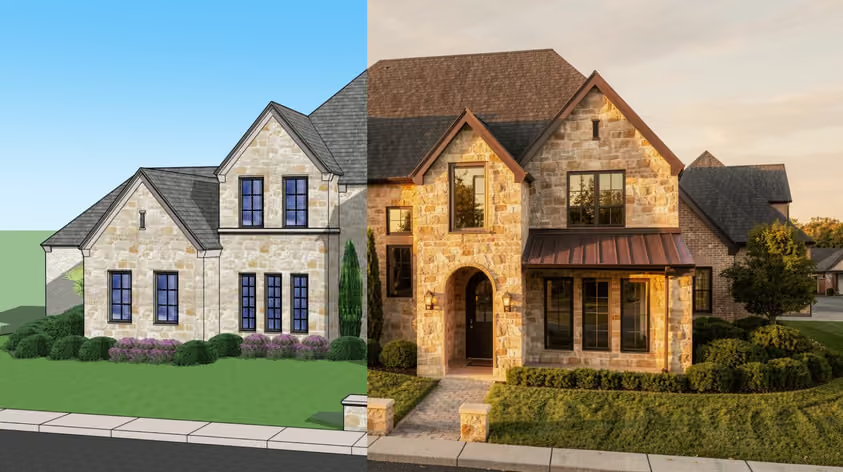
Archicad handles most of your modeling and documentation on its own. What Archicad add-ons do is save you time on specific tasks and sharpen the parts of your workflow that feel slow. And taking into account that the core program is now subscription-only, squeezing more value from every tool is not something to just overlook.
The only question is what you need; some plugins for Archicad focus on rendering, others help you catch clashes early or build custom objects that match your office standards. So we pulled together a variety of Archicad add-ons that earn their place in 2026. Several are free, but even the paid ones can pay for themselves fast.
Now let’s break down each of them.
Best for: Anyone who needs client-ready visuals fast.
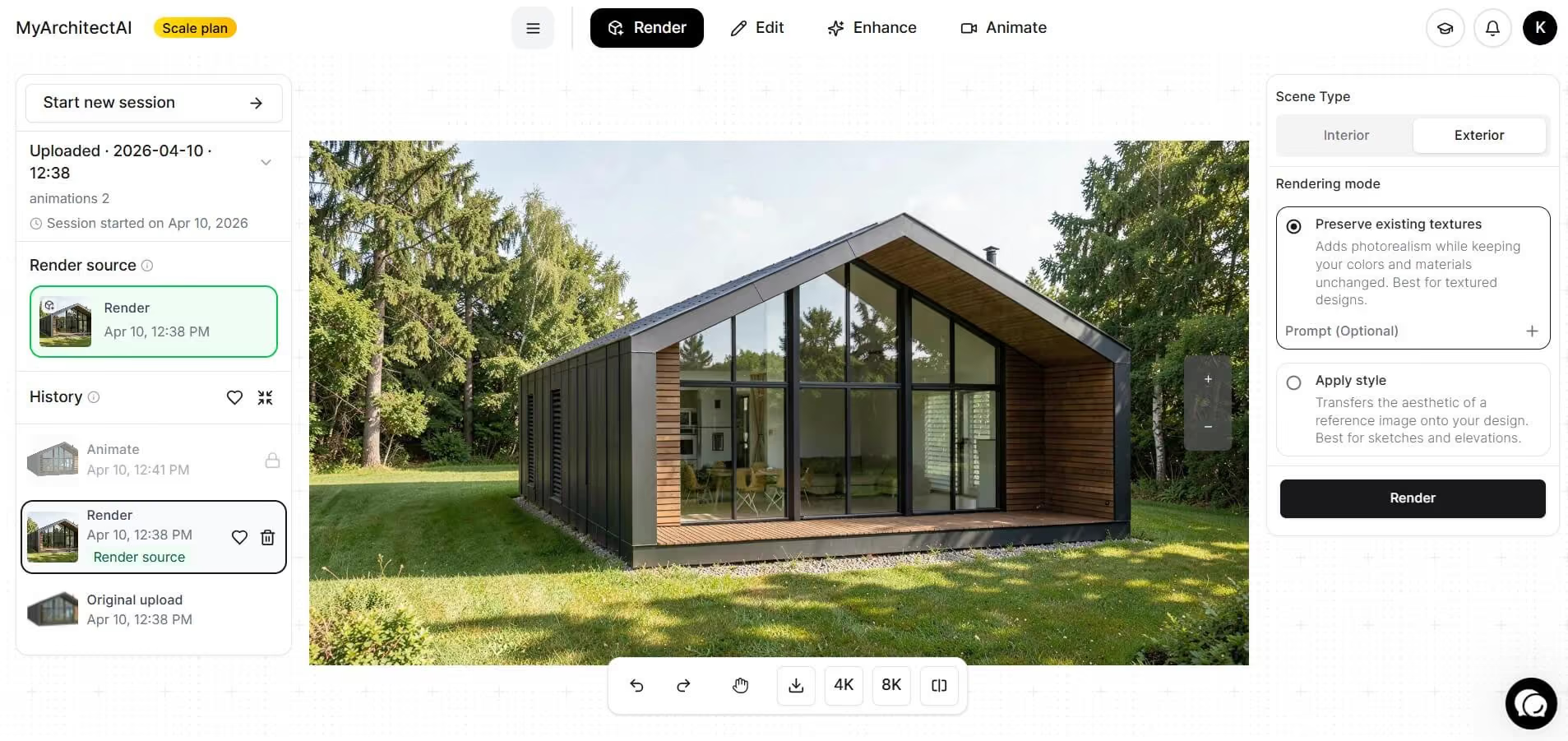
MyArchitectAI is browser-based AI rendering that turns an Archicad view into a photorealistic image. You export your scene, upload it, type a short prompt, and hit generate. The render is there in about 10 seconds.
If you want to experiment with the outcome, just describe the change in plain words. The editor will swap a material or drop in landscaping straight from your text. You can also upload a reference image and let its style carry over to your design.
Because MyArchitectAI runs in the browser, there's no install and nothing to load inside Archicad, so this is not a plugin in the usual sense (the native Archicad plugin is on the way, though!). But the workflow runs on any machine, even a tablet.
Pros:
Cons:
Pricing: Free plan available. Paid plans start at $29/month for unlimited renders.
For more tools in this category, see our roundup of Archicad AI tools.
Best for: Designers who want to render live while they model.
.avif)
Enscape plugs straight into Archicad and gives you a real-time view that updates as you work. It's one of the most popular Archicad rendering plugins around, and the appeal is easy to see: setup is quick, while the extensive asset library helps turn working models into polished walkthroughs for client presentations.
You or your client can also step into a VR walkthrough during design reviews. Plus, since Chaos owns Enscape, it slots into the same ecosystem as V-Ray.
Pros:
Cons:
Pricing: Paid, from roughly $48/month when billed annually. Free trial available.
To learn more about visualizing your models, read our full guide on how to render in Archicad.
Best for: Parametric and facade-heavy projects.
.avif)
This free connection links Rhino's Grasshopper to Archicad so geometry flows both ways in real time. You script a form in Grasshopper, and it arrives in Archicad as real BIM elements you can keep editing.
That makes the jump from an exploratory concept to a workable model much easier, especially for intricate facades or roofs that would be tedious to build by hand. It works on both Mac and Windows and, like several Graphisoft addons on this list, costs nothing to try.
Pros:
Cons:
Pricing: Free.
Best for: Reusable custom objects that follow your standards.
.avif)
PARAM-O already comes with Archicad, though it’s ironically easy to miss. Its visual node canvas lets you build parametric library objects while the tool handles the GDL behind them.
Finished components can travel from one project to the next; you can reuse it and adjust its parameters whenever you like. The objects open in any Archicad copy, so colleagues can work with them with PARAM-O switched off. That is one of the reasons bigger practices rely on it to keep custom libraries lined up with their documentation standards.
Pros:
Cons:
Pricing: Included with Archicad SSA and Forward subscriptions.
Best for: Modeling ductwork and pipework inside your project.
.avif)
Archicad’s MEP tools let you model and edit ductwork, pipework, cable carriers, and related equipment alongside the architectural model. MEP Modeler became a built-in part of Archicad with version 24. Archicad 29 develops those tools further through MEP Designer, available either within Archicad or as a standalone application for MEP engineers.
For architects, much of the value lies in coordination. Collision checks expose intersections between building services and architectural elements. That early catch is where the tool saves the most rework and makes things considerably cheaper than finding mistakes on site. MEP Designer also supports system calculations and detailed MEP documentation.
Pros:
Cons:
Pricing: Included in select Archicad plans, confirm the details with your reseller.
Best for: Quality checks and code compliance before you issue drawings.
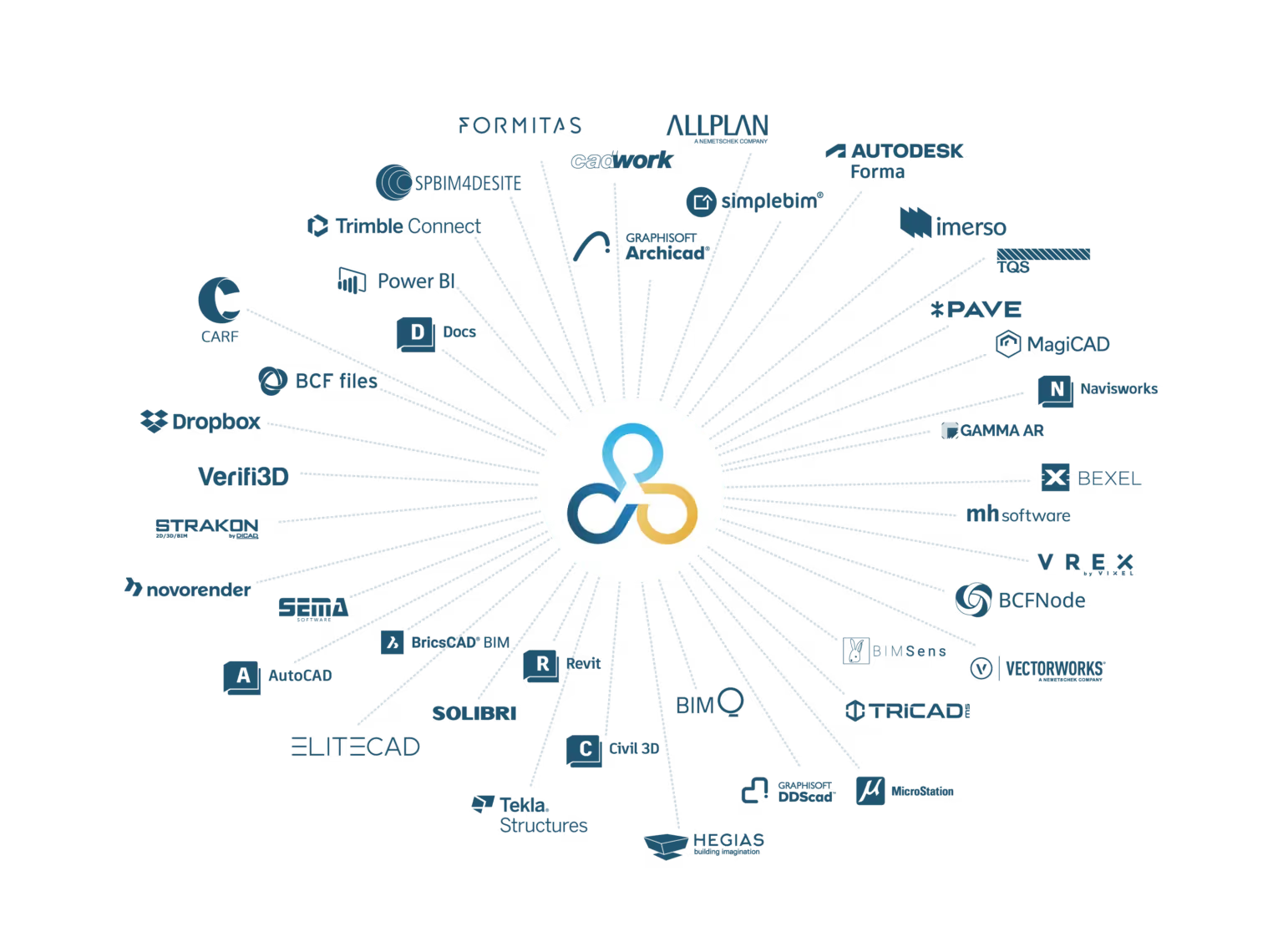
Another free add-on links Archicad to Solibri and runs automated, rule-based checks on your model. Only changed elements pass between the two programs, so each round of checking goes relatively quickly.
Solibri flags code and constructability issues, then returns them to Archicad as BCF items ready to assign and resolve. It works at any stage; it can examine an early massing study just as readily as a near-final model. Either way, problems reach the screen while they are still far easier to fix.
Pros:
Cons:
Pricing: The connector is free, Solibri itself is a separate paid license.
Best for: Teams juggling issues across disciplines.
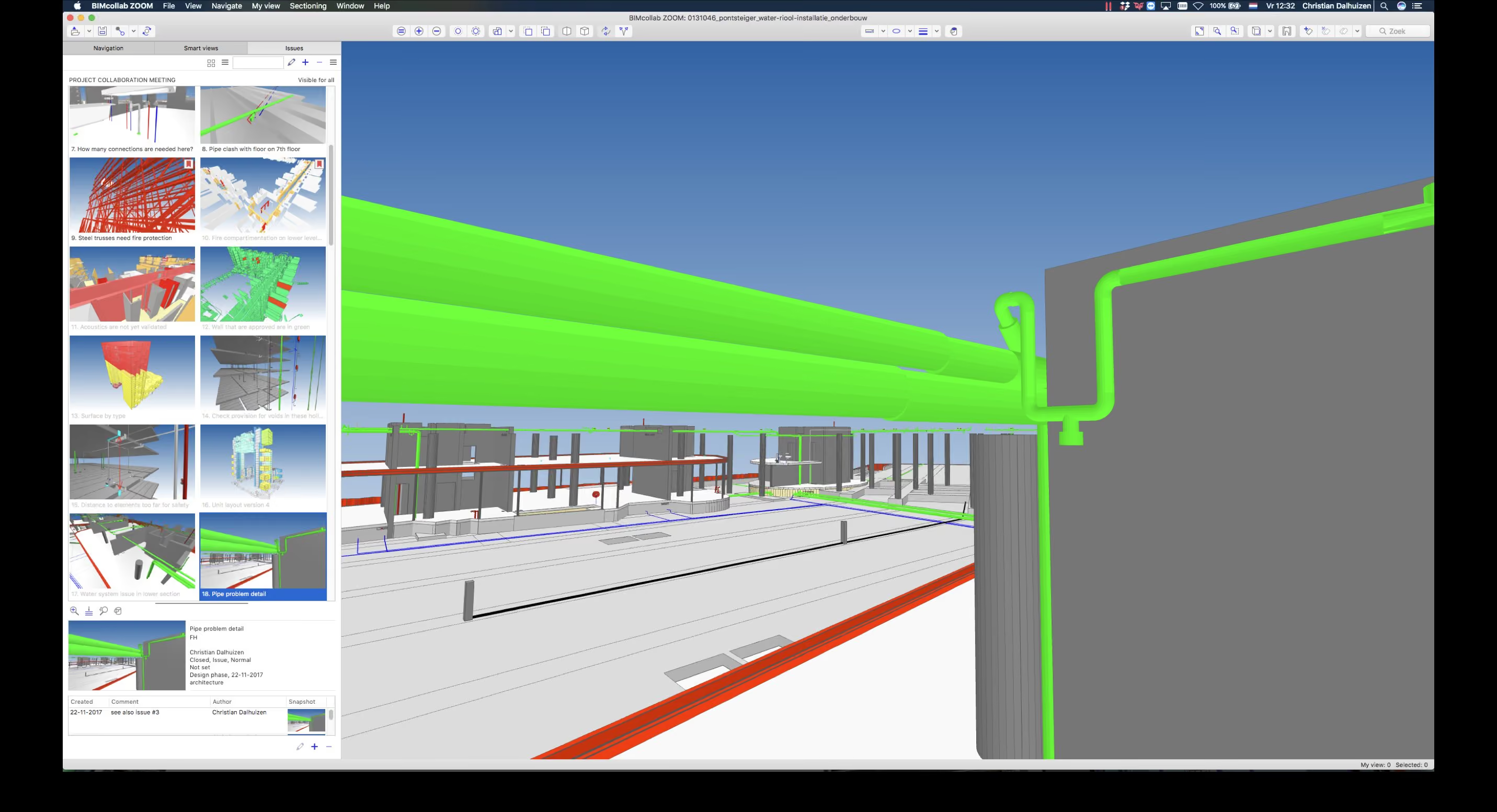
BCF Manager is a free add-on that keeps model issues inside Archicad, where they are easier to track. When something looks wrong in a 3D view, one click records it with a snapshot and its exact location.
Inside a shared BIMcollab project, everyone works from the same issue list, which is obviously way better than chasing comments through scattered email threads. And because the plugin uses the open BCF standard, issues move easily between Archicad, Revit, Solibri, and other compatible tools.
Pros:
Cons:
Pricing: The BCF Manager plugin is free, while paid BIMcollab plans add cloud coordination.
Start with whatever slows you down most, and only add each tool when there’s a clear reason for it. You don’t need all the Archicad plugins listed here, in fact, installing the lot will likely create more fuss than value. Too many active plugins can slow Archicad at startup.
If it’s rendering that keeps holding things up, try MyArchitectAI for quick presentation images or Enscape for a live view inside Archicad. Our guide on how to render in Archicad walks through the full workflow. For parametric forms and facades, go for Grasshopper connection and save time. PARAM-O makes more sense when you’re creating objects you’ll use again.
Solibri and BIMcollab’s BCF Manager come into their own during coordination, for catching problems while they’re still relatively painless to sort out.
Most Archicad add-ons follow the same steps. Download the version that matches your exact Archicad build, close the program, then run the installer. Reopen Archicad, head to Options, then Add-On Manager to confirm the tool is active. Some options, like the Grasshopper connection, come with their own setup wizard, and browser tools like MyArchitectAI skip installation entirely.
It comes down to what you value most. For speed and simplicity, MyArchitectAI renders in seconds from any device. For live rendering as you model, Enscape remains a popular choice. V-Ray gives you finer control over materials, lighting, and final-image rendering, while Twinmotion is better suited to animation and larger environmental presentations. Our full comparison of the best Archicad rendering tools covers all the options in detail.