BFCM OFFER Get 50% off annual plan with the code BF50. Ends today!

AI Rendering for AutoCAD

Lightweight rendering software for architects and interior designers powered by artificial intelligence.
User ratingUser ratingUser ratingUser ratingUser rating
5-star rating
4.9
Used by thousands of AutoCAD users worldwide
1,500,000+
Renders generated to date
9.3s
Average rendering time
0
Time to learn needed

A fundamentally different AutoCAD rendering experience

Traditional AutoCAD rendering requires expensive hardware, complex software, and hours of manual setup for lighting, materials, and cameras.

MyArchitectAI recreated the architectural visualization process from scratch, building its rendering engine based on the latest advancements in artificial intelligence.

That resulted in a drastic drop in rendering times and hardware requirements.

MyArchitectAI logo

Physically-based rendering software

Average time to render one image
9.3 seconds
Minutes/hours
Cost
From $29/month
$$$
Long-term contract
No
Yes
Expensive hardware needed
No
Yes
Time to learn
None
Days/weeks
Quick support from founders
Yes
No
Software update frequency
Weekly
Monthly +
Free testing plan
Yes
Yes

Basic plan

$96/year
Basic features for up to 10 users with everything you need.
Get started

Business plan

$192/year
Advanced features and reporting, better workflows and automation.
Get started

Enterprise plan

$384/year
Personalised service and enterprise security for large teams.
Get started
User access
Basic features
Saved reports
10
20
Unlimited
Individual data
20GB
40GB
Unlimited
Support
Automated workflows
200+ integrations
Reporting and analytics
Analytics
Basic
Advanced
Advanced
Export reports
Scheduled reports
API access
Advanced reports
Saved reports
Customer properties
Custom fields
User access
SSO/SAML authentication
Advanced permissions
Audit log
Data history

How to render your AutoCAD designs in MyArchitectAI

Revit model

1. Upload your design

Upload an exported AutoCAD 3D or elevation view. Currently, jpg/png formats are supported.
MyArchitectAI app interface

2. Click Render

Our AI rendering engine will turn your design into a photorealistic visual while keeping the geometry and textures unchanged. Prompt is optional.
AI rendered image

3. Download your image in 4K

MyArchitectAI will handle all modeling, lighting, and texturing, and generate a photorealistic render in about 10 seconds. Download it in 4K resolution and share with your client or edit further if needed.

"By far the best in terms of speed, accuracy-to-geometry, and customization"

I believe MyArchitectAI will offer amazing competition to Lumion, who I've heavily relied on in the past! Not only do you provide spot-on accuracy quickly, but there aren't a ton of hardware requirements which I think is a huge advantage compared to platforms like V-Ray and Lumion. It's uncanny the quality you deliver, I'm still blown away!
Luke Vercia
Visualization Artist
Lumion vs MyArchitectAI example rendering

Render your AutoCAD designs in under 10 seconds

Try MyArchitectAI with no commitment by signing up for a free account. It only takes a couple of seconds. No installs needed.

Your new favorite AutoCAD AI rendering software

Lightweight and efficient

Unlike physically-based AutoCAD rendering programs that require high-end hardware and heavy desktop installs to process your designs, MyArchitectAI runs fully in the cloud on our GPUs.

This means no installs or system requirements.

Simply log in using your browser and start creating right away, without overloading your computer.
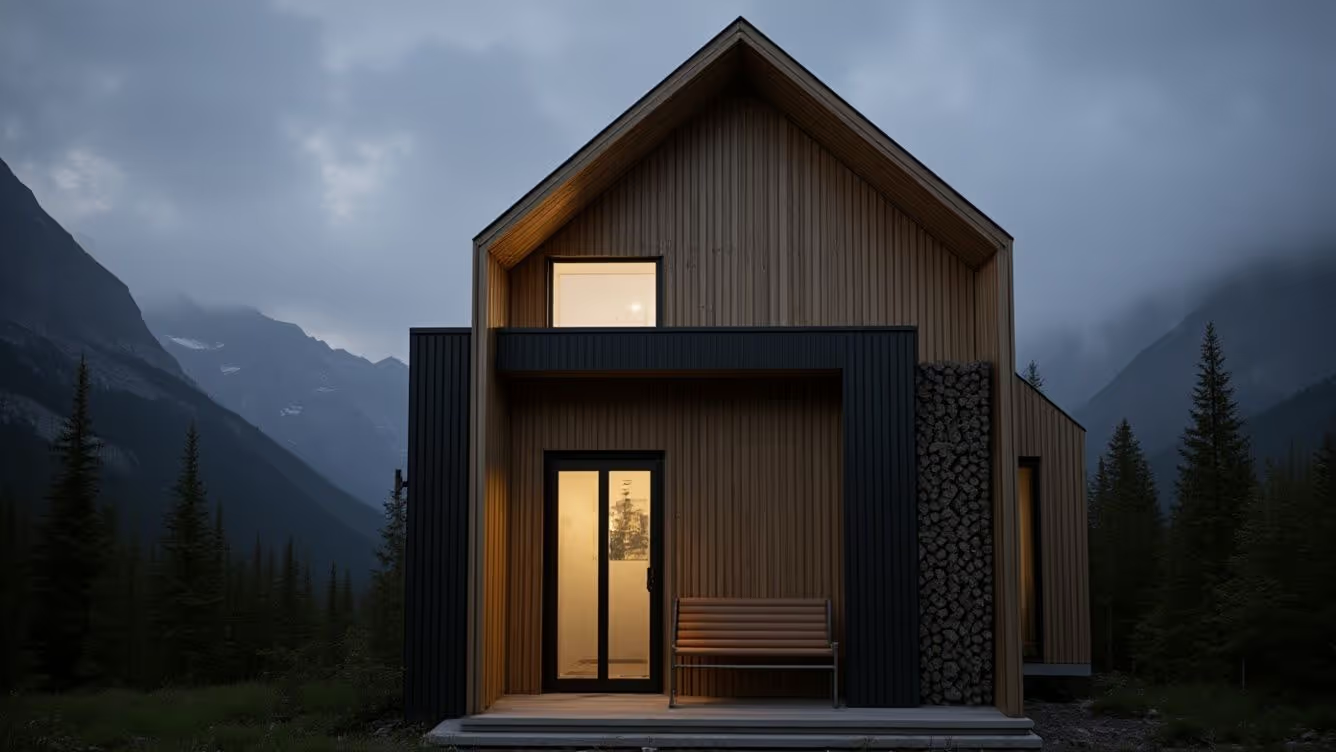
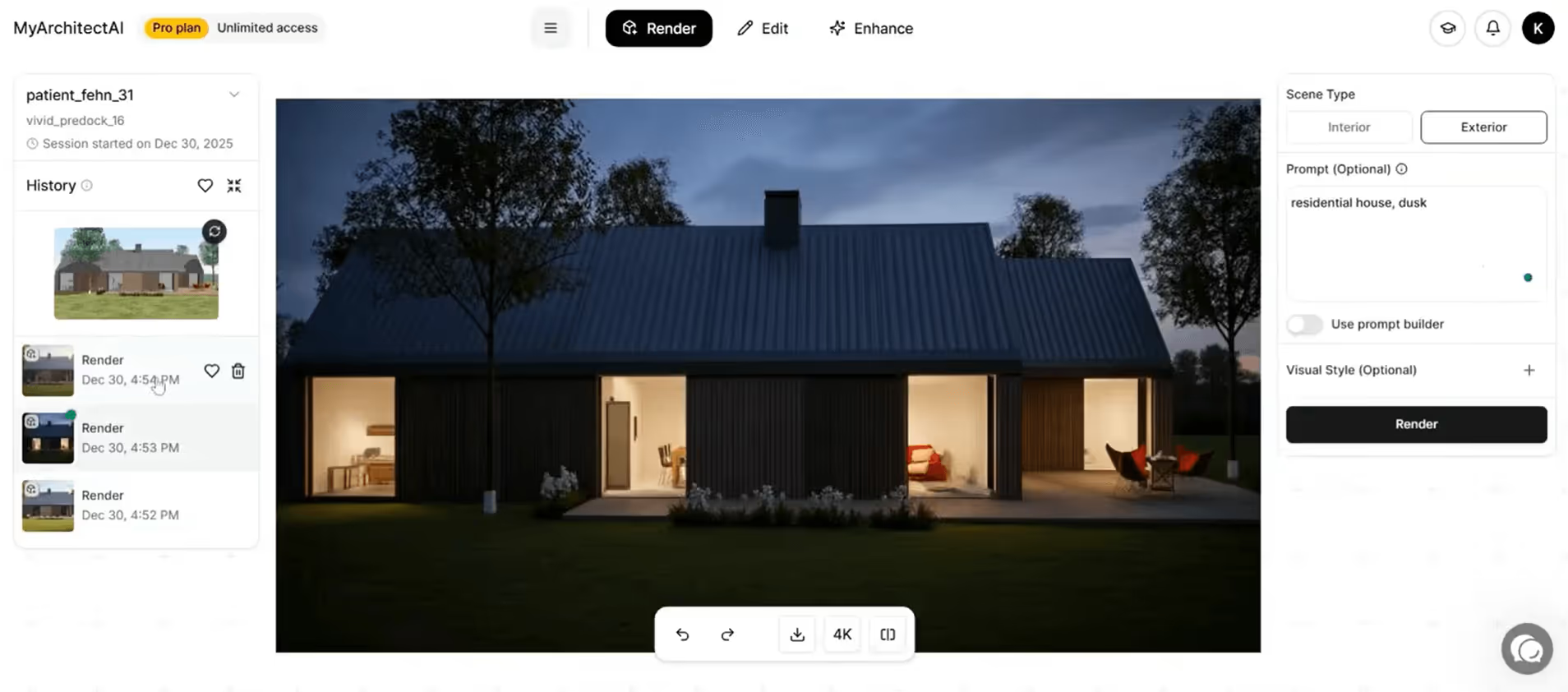
architectural rendering of a modern house

Automatic realism

Preparing drawings for rendering in AutoCAD is extremely time-consuming. Adjusting camera positions, lighting, and materials often takes more time than building the model.

Not anymore.

MyArchitectAI’s state-of-the-art AI rendering engine handles all this for you, optimizing all settings automatically.

The result: hours saved on every render.

Insanely quick

Using the latest artificial intelligence technology and offloading the rendering process to the cloud lets MyArchitectAI visualize your AutoCAD designs in under 10 seconds without compromising on quality.

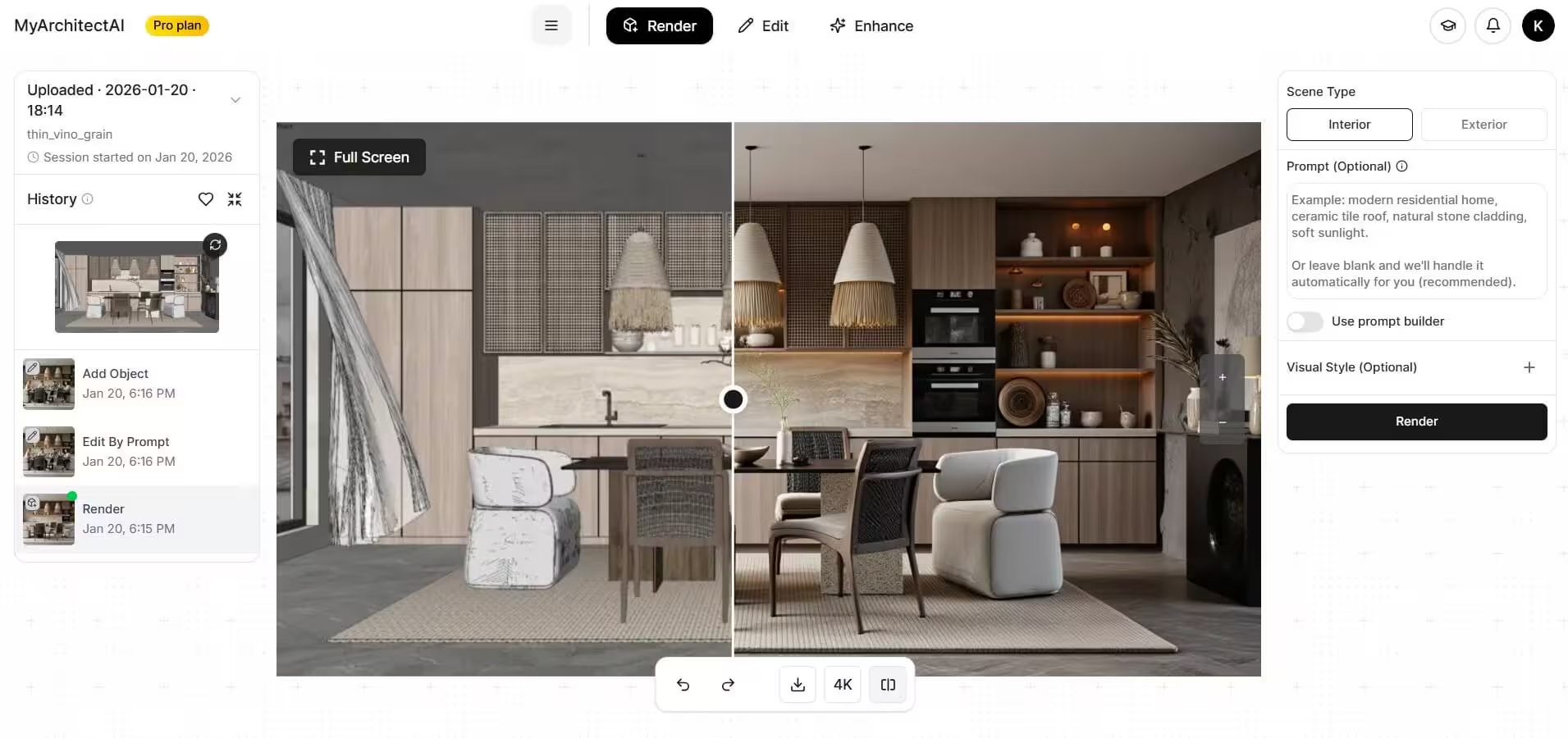
interior design rendering

Compatible with any device

Thanks to running in the cloud, you can use MyArchitectAI on any device (Macs, tablets, and mobile phones included).

Direct line to the founders

While MyArchitectAI’s rendering engine is powered by AI, the support is powered by the founders. We'll make sure you get the most out of our renderer and answer any of your questions via live chat and email.

CAD programs compatibility

"Incredibly realistic renderings in seconds"

I have tried most of the other rendering programs on the market and they don't even come close to the speed and quality. It is also very helpful to have a team of professionals at your fingertips, that can answer any questions within seconds.
Eric Carlson
Owner, Carlson Design Group

"Best AI rendering software"

I'm so glad we found MyArchitectAI. It's been the best AI tool I've found for our architectural renderings. In addition to being easy to use, it gets us the best result of any product we've tried and is an incredible value!
Travis Billingham
Real Estate Advisor, Compass

"Stands out for its simplicity and efficiency"

My main goal when I started using MyArchitectAI was to find an alternative to V-Ray and Twinmotion, as rendering with both is extremely time-consuming. MyArchitectAI stood out to me thanks to its low learning curve and the ability to produce rapid results—something that has made a big difference in my workflow.
Herwig Hostens
Interior Designer & Decorator

Your IP is safe with us

AI style transfer feature

IP ownership

Every rendering you create with MyArchitectAI is fully owned by you and always stays private.
SketchUp model

Data protection

Your data is secured with industry-leading encryption, ensuring its safety every step of the way.
AI render

Service reliability

Our powerful cloud infrastructure guarantees consistent performance and high system availability.

Works with designs from other CAD software too

Render your first AutoCAD project free

Join thousands of users worldwide who chose MyArchitectAI as the lightweight AutoCAD AI rendering engine.
kitchen rendering example

Frequently asked questions

Can AutoCAD render with AI?
Yes, AutoCAD drawings can be rendered with AI — but not by AutoCAD itself. You do it with a separate tool. AutoCAD's own AI features handle drafting (Smart Blocks, Markup Import, command suggestions), not rendering. For a photorealistic visual, export your drawing as an image and run it through an AI rendering tool like MyArchitectAI.
Autodesk AI vs. AI rendering for AutoCAD: what's the difference?
Autodesk AI is the umbrella term for the AI features built into Autodesk products (AutoCAD's Smart Blocks, Markup Import, command suggestions; Revit's analytical models; Fusion's generative design). None of those are photorealistic rendering. To turn an AutoCAD drawing into a photorealistic visual, you need an AI rendering tool like MyArchitectAI sitting on top of your existing Autodesk workflow.
How do I export AutoCAD drawings for AI rendering?
Use the PLOT command in AutoCAD to save your view as a high-resolution PNG or JPG. EXPORTLAYOUT also works if you want a clean image of the current layout. Go for at least 2000px on the longest side so the AI has enough detail. Elevations, sections, and 3D model views all work the same way.
Does MyArchitectAI work with AutoCAD LT?
Yes. The workflow is image-based, so you export your drawing as a PNG or JPG and upload it. AutoCAD or AutoCAD LT, doesn't matter, as there's no plugin and no DWG import.
How long does an AutoCAD AI render take?
About 9.3 seconds on average in MyArchitectAI. A traditional V-Ray or 3ds Max render takes anywhere from several minutes to several hours, depending on scene complexity and your hardware.
Is AI rendering accurate to my AutoCAD dimensions?
AI rendering keeps the layout and proportions of your AutoCAD drawing intact. Walls and openings stay where you drew them. The AI adds materials, lighting, and atmosphere on top of your linework, so what you get is your design with realistic surfaces, not redrawn geometry.
Can I use AI renders from AutoCAD commercially?
Yes. You own the renders you generate from your AutoCAD drawings, and you can use them in client presentations, proposals, and commercial work. Your uploaded AutoCAD files aren't used to train any models.