
If you're looking for an Archicad alternative, you've already decided Archicad isn't fitting your workflow. The usual triggers are pricing (especially since Graphisoft phased out perpetual licenses in 2026), collaboration friction with Revit-centric consultants, or a built-in rendering pipeline that adds too many steps before client-ready visuals.
The good news: there are plenty of solid Archicad alternatives worth considering: full BIM suites, lightweight modeling tools, and free open-source picks. Each one trades off something different. Below, what each is good at and where it falls short.
Once you know your trigger reason, four criteria sort the rest:
*BricsCAD Mac performance may vary compared to Windows.
Best for: large multidisciplinary teams
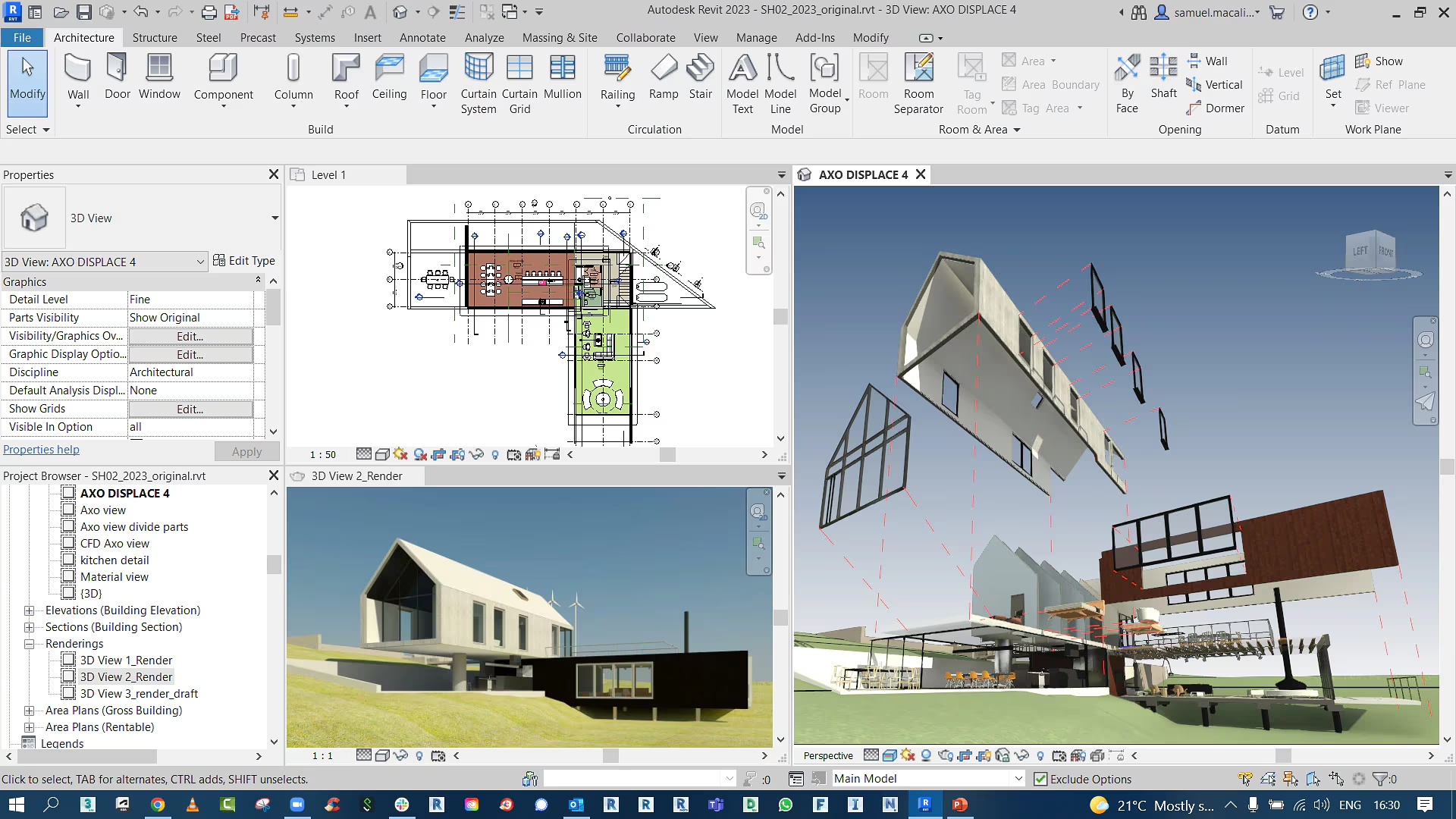
Revit is the most obvious Archicad alternative, and for good reason. It's the BIM standard in North America and on most government projects that require specific deliverables. Archicad focuses on architectural design. Revit covers architecture, structural, and MEP disciplines in one platform, which is one of the biggest reasons firms with consultants in-house pick Revit over Archicad.
That coordination between disciplines is Revit's biggest advantage. If your firm handles full multidisciplinary projects in-house, Revit's integration is hard to beat.
Considerations: Revit is Windows-only and has a steep learning curve. Its interface also feels dated compared to Archicad, and performance on larger models can be rough unless you invest in serious hardware.
For a detailed comparison, check our Archicad vs Revit guide.
Pricing: $365/month or $3,005/year. Free trial available.
Best for: design-focused firms wanting Mac compatibility

Vectorworks Architect is the best Archicad alternative for architects who care about both graphical quality and creative flexibility. It produces some of the best-looking plans and elevations of any BIM tool, with excellent fonts, hatches, gradients, and line weight control.
It also runs natively on both Mac and Windows, which is a big plus if your office isn't Windows-only. The BIM capabilities are solid and cover the full workflow from schematic design through construction documentation.
Considerations: Interoperability is the catch. If your consultants use Revit and expect IFC or RVT exchanges, you may run into friction. The community is smaller, too, so finding third-party resources takes more effort.
Pricing: $1,530/yr on annual billing (about $128/mo), or $170/mo billed month-to-month.
Best for: quick conceptual modeling and smaller projects
.png)
SketchUp is the most intuitive 3D modeling tool on the market. For early-stage design and client presentations, nothing else is quite as fast or approachable. With LayOut, it can also produce decent construction documents for simpler projects.
The Extension Warehouse adds functionality through hundreds of plugins, and SketchUp's file format is widely supported across rendering and analysis tools.
Considerations: It's not a BIM tool, so you won't get the data-rich modeling capabilities of Archicad. But for firms that don't need full BIM workflows, like small studios and residential designers, SketchUp Pro handles the job at a fraction of the cost.
Pricing: $399/year (about $33/month on annual billing).
Best for: residential design firms
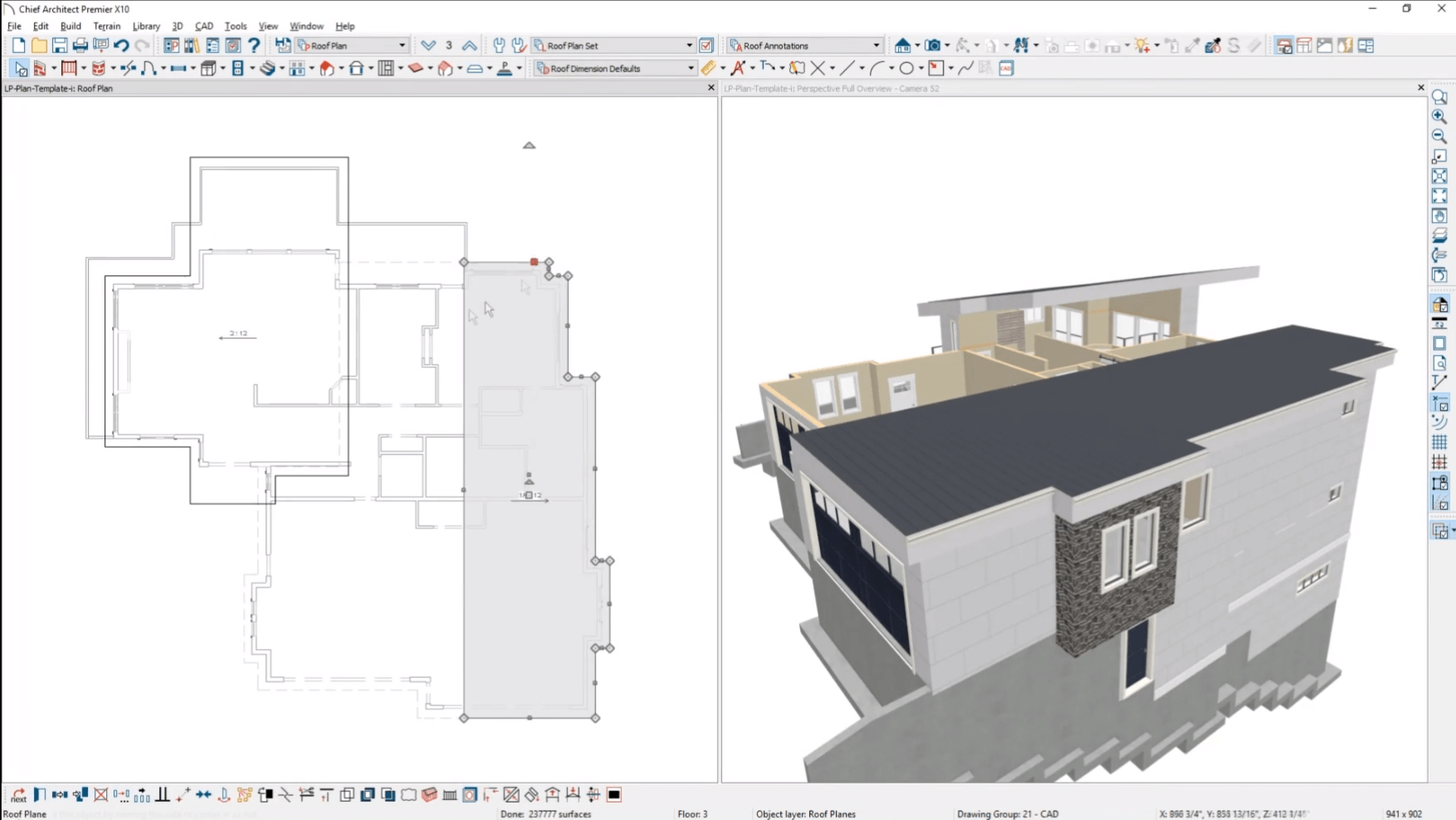
Chief Architect is built specifically for residential projects. If your firm focuses on homes and remodels, you'll move faster in Chief Architect than in Archicad on that type of work.
Its automatic roofing and framing layers are big time-savers. It can also generate print-ready drawings directly from the draft. As for the materials library, it is extensive and geared toward residential construction.
Considerations: Keep in mind that Chief Architect lacks the collaboration features you'd find in Archicad or Revit. For multi-disciplinary commercial projects, it won't be enough. Built-in rendering is also limited, so you'll need external tools for client-ready visuals.
Pricing: $229/month or $1,995/year.
Best for: firms transitioning from AutoCAD to BIM on a budget

If you're comfortable with a DWG-based workflow and want BIM capabilities without the Revit price tag, BricsCAD BIM is worth a serious look. It bundles 2D drafting with 3D modeling and BIM tools under one roof, and the interface will feel immediately familiar to AutoCAD users.
BricsCAD is one of the few Archicad alternatives that still offers perpetual licenses alongside subscriptions. That alone makes it attractive for firms tired of recurring software costs.
Considerations: The trade-off is a less polished experience overall. The object library is limited compared to Archicad, and performance on Mac and Linux can be inconsistent. But the price-to-feature ratio is among the best on this list.
Pricing: $1,166/year subscription. Perpetual licenses also available. Free 30-day trial.
Best for: complex geometry and freeform modeling

While Rhino isn't a BIM tool, it's still one of the most versatile modeling platforms available. If your work involves complex surfaces or computational design through Grasshopper, Rhino fills a gap that Archicad leaves behind.
Many firms use Rhino alongside their BIM software. The Rhino.Inside.Revit plugin, for example, lets you combine Rhino's modeling power with Revit's documentation features.
Considerations: Rhino's documentation and rendering capabilities are minimal. You'll need separate tools for construction drawings and photorealistic output.
Pricing: Rhino's biggest advantage is its pricing model. A $995 perpetual license with no recurring fees is rare in 2026. The 90-day free trial is generous too.
Best for: large infrastructure projects in Europe

Allplan is an interdisciplinary BIM platform built for managing complex infrastructure. It's popular in Germany and across Europe, with specialized modules for bridge design and precast elements.
Like Archicad, Allplan integrates design and construction processes across all project phases. It supports collaboration between disciplines and handles large-scale projects well.
Considerations: The user experience can feel dated, though, and many architects find it less intuitive than Archicad. The price is also steep, making it better suited for larger firms with dedicated IT support and training budgets.
Pricing: 315 €/month, or 2.520,00 €/year for the entry-level AllPlan Concept tier; Standard, Professional, and Ultimate tiers cost more.
Best for: enterprise-level infrastructure and multidisciplinary coordination

For very large infrastructure projects (airports, industrial plants, transit hubs) Bentley OpenBuildings is built for that scale. It's highly customizable and strong on documentation and collaboration for very large teams.
For projects at that scale, it has capabilities that simpler BIM platforms can't match.
Considerations: Bentley is significantly more expensive than most Archicad alternatives on this list, and harder to learn. As such, it's not the best choice of a tool for small or mid-sized architecture firms.
Pricing: Consumption-based pricing, contact Bentley directly.
Best for: technically proficient users who want a free Archicad alternative with full BIM capabilities

Bonsai (formerly BlenderBIM) brings real BIM functionality to Blender, the open-source 3D platform. It supports native IFC data, parametric modeling, and clash detection, all at no cost.
Among open-source Archicad alternatives, Bonsai is the most capable option. Its native IFC schema means every change you make directly modifies the IFC data, which makes interoperability with other BIM tools genuinely solid.
Considerations: The catch is the learning curve. If you're used to Archicad's architect-friendly interface, a tool built for 3D generalists takes adjustment. Community support is growing but hasn't reached commercial-platform levels yet.
Pricing: Free.
Best for: beginners exploring BIM on a budget
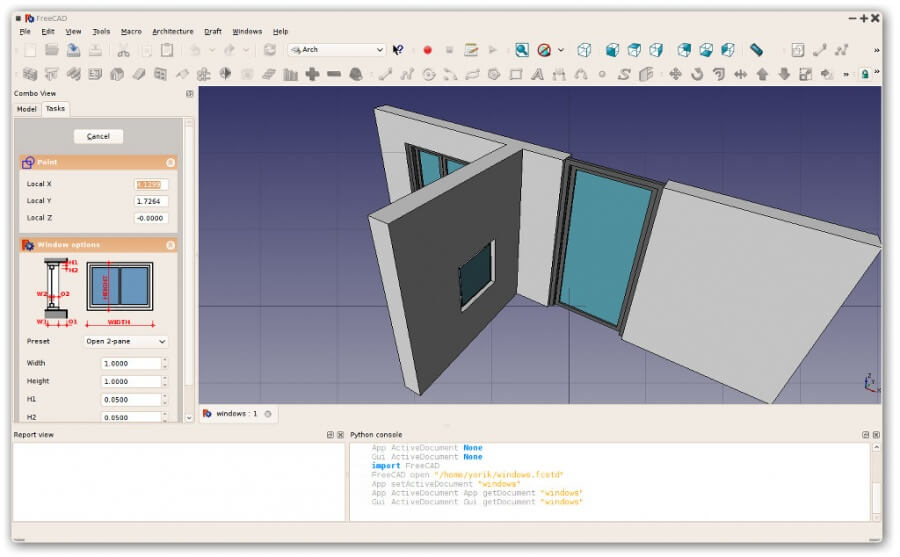
FreeCAD is a free and open-source parametric 3D modeling tool with dedicated BIM workbenches. The BIM Workbench (installed through the Addons manager) creates a Revit-like environment for architectural modeling.
It's a usable free option for learning BIM concepts, or for small projects where commercial software isn't worth the spend. The IFC support is functional, and the community is active.
Considerations: FreeCAD isn't comparable to commercial BIM in usability or feature depth. The interface takes getting used to, and on larger projects you'll hit limitations Archicad handles without trouble.
Pricing: Free.
The license fee is rarely the biggest line item when changing BIM platforms. Plan for the surrounding migration cost too:
For a typical 10-person firm, total first-year migration cost can exceed the new license fees. That doesn't mean don't switch, it means budget for it.
Quick filter for Mac-based firms: of the 10 picks above, Vectorworks, Chief Architect, Rhino, SketchUp Pro, Bonsai, and FreeCAD run natively on macOS. BricsCAD BIM has a Mac build but performance lags Windows. Revit, Allplan, and Bentley OpenBuildings are Windows-only.
For paid commercial: BricsCAD BIM at about $1,166/year, with a perpetual license option. For free: Bonsai (formerly BlenderBIM) is the most capable at zero cost, followed by FreeCAD for lighter projects. SketchUp Pro at $399/year isn't a full BIM tool but covers a lot of what small firms need.
Yes. Bonsai (formerly BlenderBIM) is the strongest free option. It's gotfull BIM features built on Blender with native IFC support. FreeCAD is a simpler alternative with dedicated BIM workbenches, better suited to learning or small projects. Both are open-source and trade polished commercial UI for community support.

