
Enscape has become the go-to real-time renderer for architecture and interior design firms that need quality visuals without the V-Ray learning curve. But scrolling through random Enscape tutorials on YouTube only gets you so far—you end up with scattered knowledge and gaps in your workflow.
The Enscape courses below walk you through complete professional workflows: lighting, materials, camera composition, and animation techniques.
Here are the ones actually worth your time.
Cost: Free
Level: Beginner to intermediate
Duration & format: 2-3 hours basic training, self-paced video tutorials
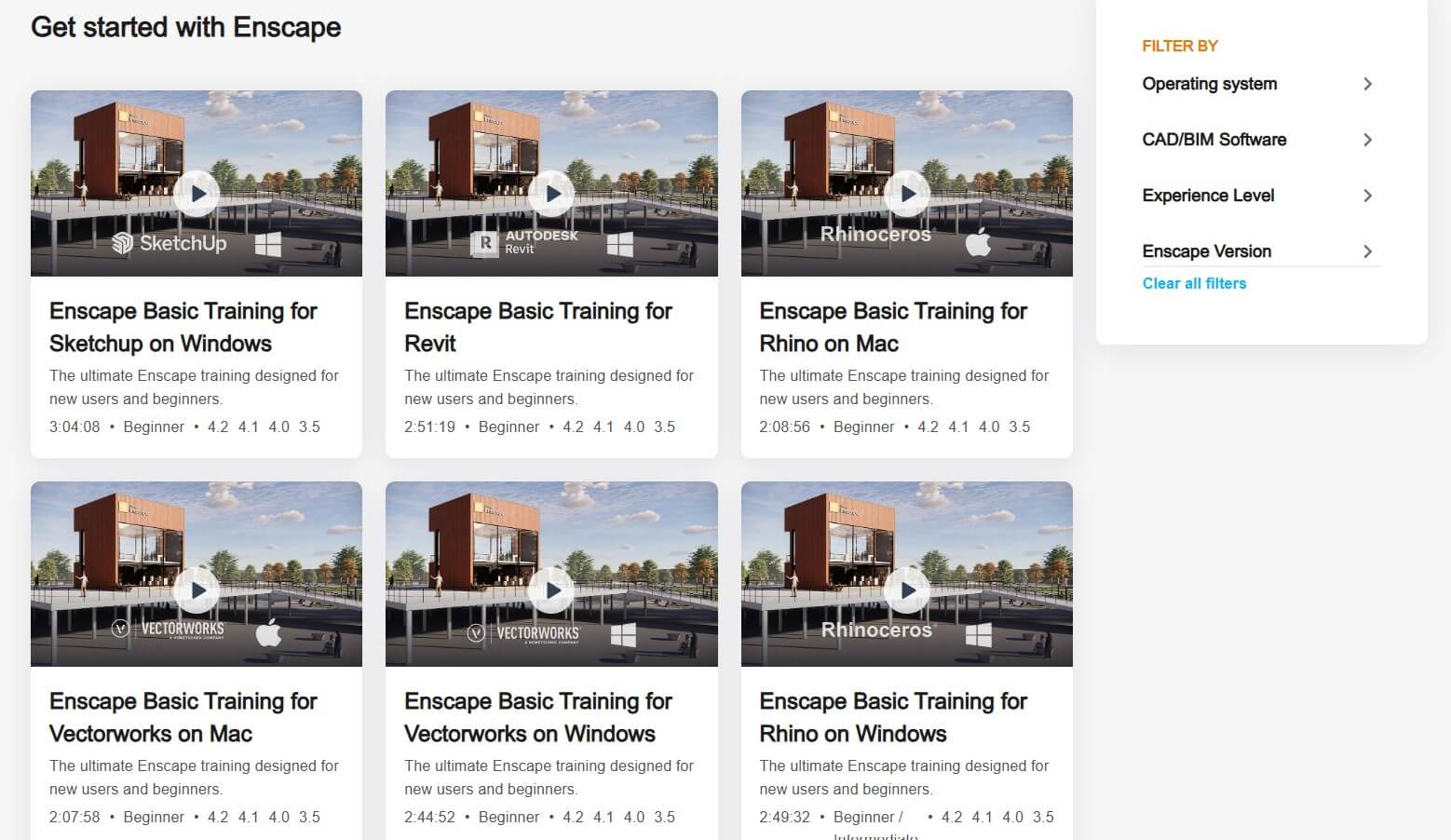
Chaos, the company behind Enscape, offers free Enscape training videos covering every core feature of the software. The basic training series—essentially a comprehensive Enscape render tutorial—takes you through the full interface, navigation tools, asset library, materials, lighting, and export options for your host application of choice.
The tutorials cover Enscape for SketchUp, Revit, Rhino, Archicad, and Vectorworks. You'll learn how to create scenes, adjust visual settings, work with the built-in asset library, and produce images, panoramas, and animations.
This is the logical starting point if you're completely new to Enscape or want to fill gaps in your knowledge. The content stays current with software updates, and you can supplement it with webinars and community tutorials on the Enscape blog.
Cost: $289/year for personal membership (includes all ThinkParametric courses)
Level: Beginner
Duration & format: Self-paced video lessons, Revit-focused
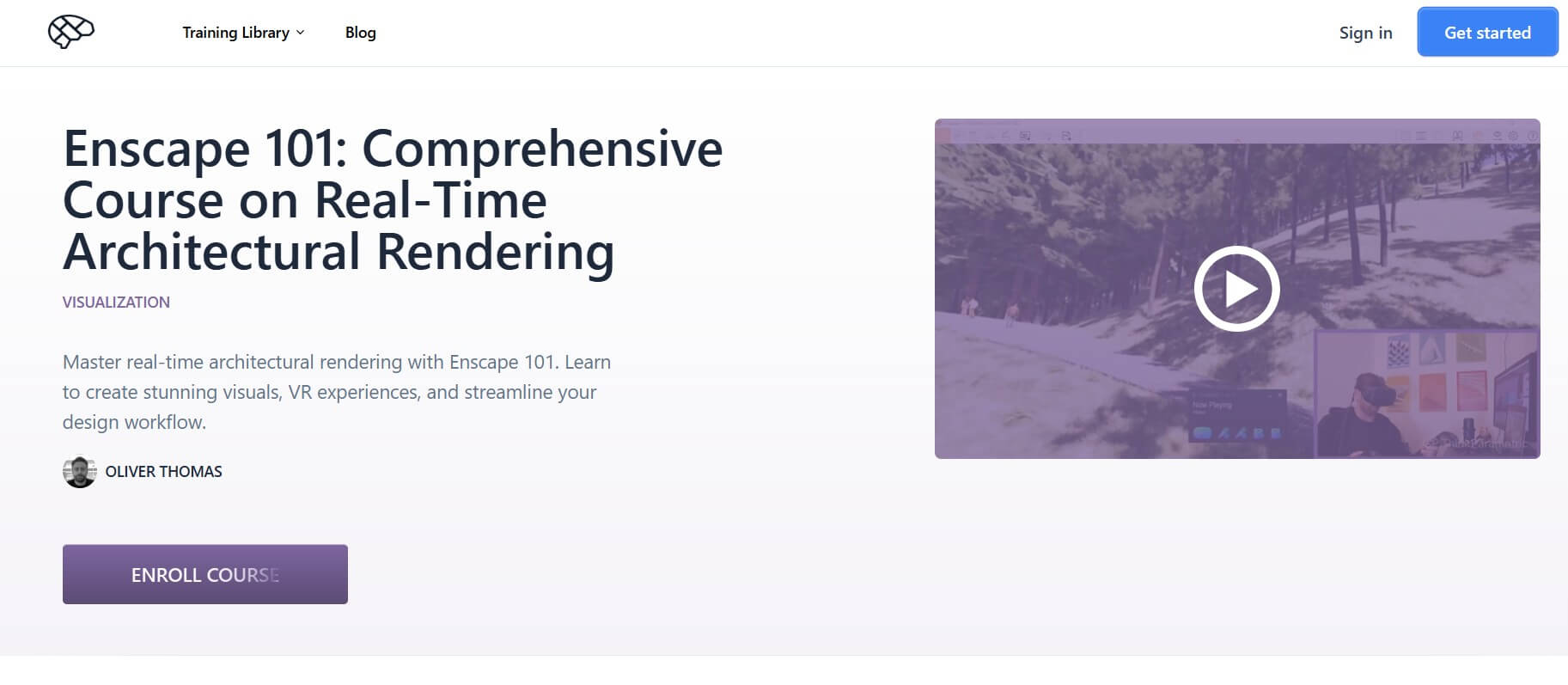
Oliver Thomas teaches the fundamentals of Enscape in Enscape 101 focused on Revit users. You'll learn how to produce stunning visuals with minimal setup, working from design iteration through to final client presentation.
The curriculum covers Enscape's real-time rendering capabilities, material setup, lighting workflows, animations, panoramas, and various export options. Since Enscape integrates with multiple CAD platforms, the concepts transfer even if you primarily use SketchUp or Rhino.
ThinkParametric's membership includes a large and growing library of 50+ courses taught by industry leaders from firms such as SOM, BIG, and Gensler. If you also want to learn Grasshopper or parametric design alongside advanced Revit workflows, this membership provides solid value.
Cost: Paid (individual and bundle pricing on site; interior + exterior bundle available)
Level: Beginner to advanced
Duration & format: ~6 hours across 38 video lessons available in 16 languages; self-paced, 1-year access
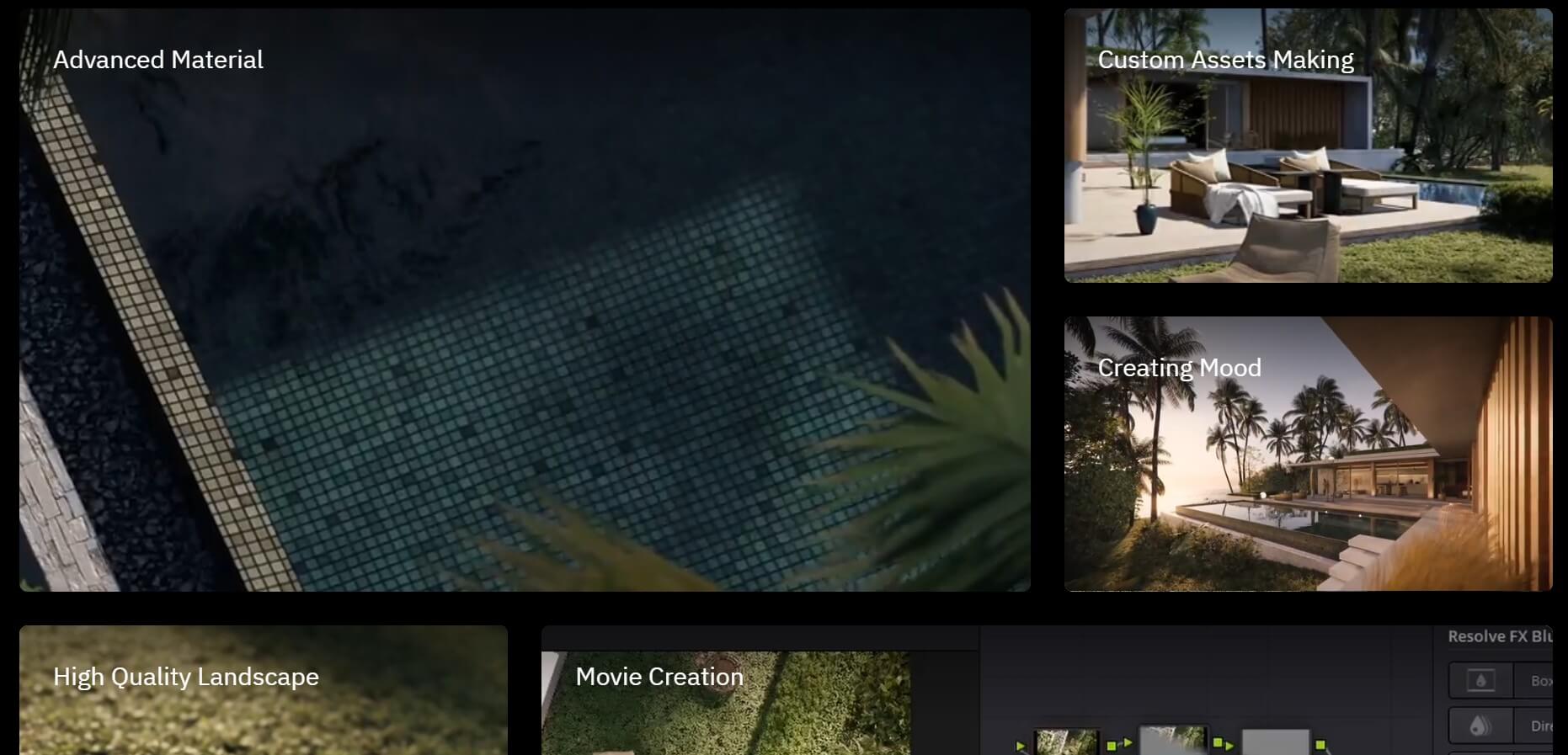
KunKun Visual is an award-winning architectural visualization studio based in Bandung, Indonesia. They won the Enscape 4 All: Architectural Real-Time Visualization Award in the exterior category and the CGarchitect 3D Awards 2025 for their short film "Silent Recall." This course teaches their actual production workflow using a real commissioned project—Cap Karoso, a luxury villa in Sumba designed by GFAB Architects and Bitte Design Studio.
The curriculum covers the full SketchUp-to-Enscape pipeline
It then goes further than most Enscape courses by including a complete movie editing module using DaVinci Resolve—color grading, compositing, keyframes, transitions, and final export.
What makes this one different is the source. You're learning directly from a working archviz studio that produces cinematic-quality architectural films. An interior-focused masterclass is also available separately or as a bundle.
Cost: $10.99-$69.99 (varies with Udemy's frequent sales)
Level: Beginner to advanced
Duration & format: 8 hours on-demand video; self-paced
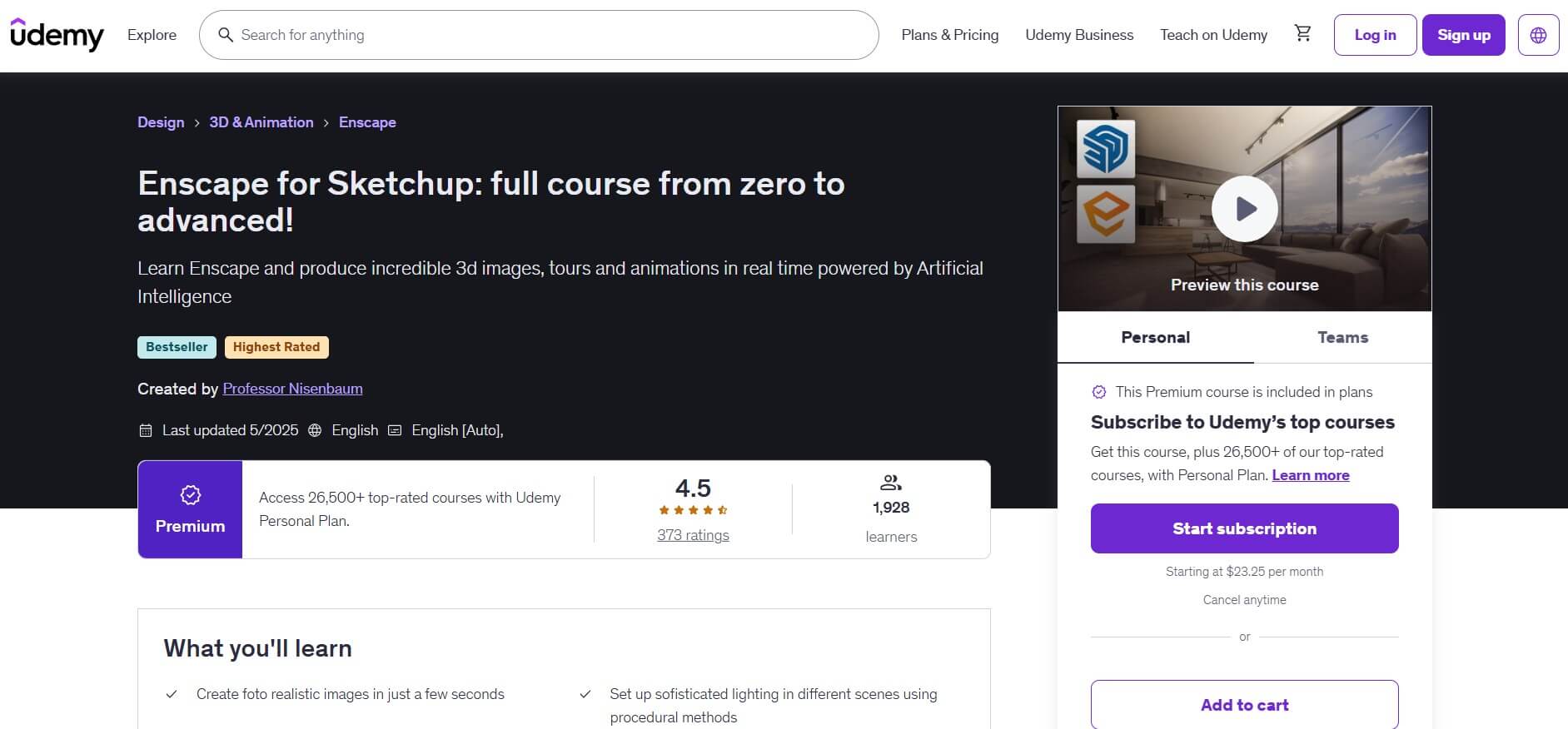
Created by Professor Marcio Nisenbaum, a university professor with over 20 years of experience in architectural visualization, this bestselling Enscape tutorial for SketchUp (4.6 stars, 1,900+ students) teaches you how to produce photorealistic renders, 360° tours, animations, and VR experiences.
The curriculum covers lighting with procedural methods and HDRI, artificial lights, material creation, the Enscape asset library, and even a workflow combining Enscape with V-Ray 6.0. You'll learn to configure final render settings for high-quality output and use AI to enhance your Enscape renders in post-production.
What makes this course stand out is Nisenbaum's focus on professional workflow. He shares usable Enscape tips and techniques from two decades of real archviz experience.
Cost: $29.99/month (includes all LinkedIn Learning courses; varies by region)
Level: Beginner to intermediate
Duration & format: 2h 53m, self-paced
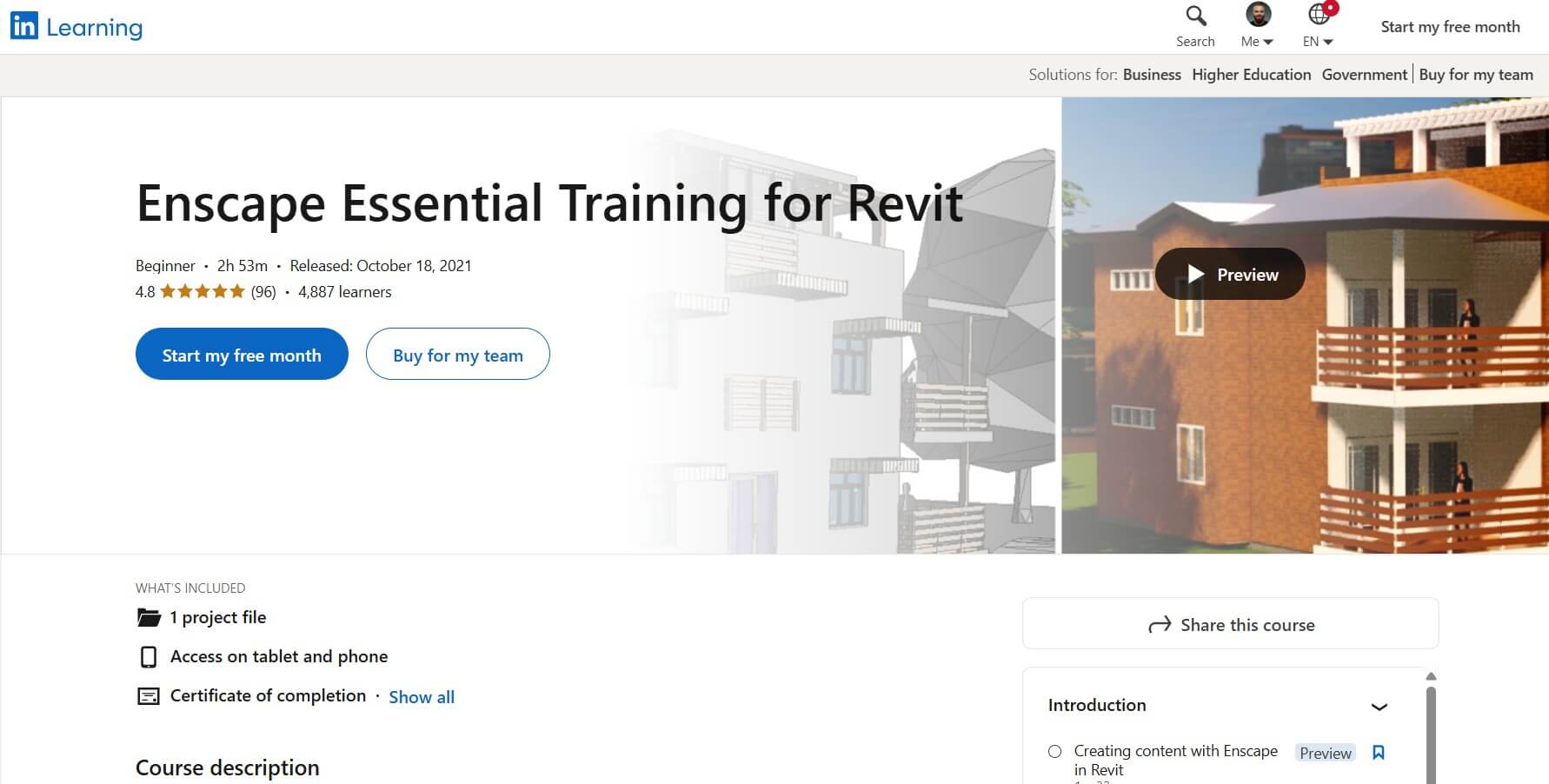
In Enscape Essential Training for Revit, AEC industry expert Brian Myers walks you through the fundamentals of using Enscape with Revit. The course covers different views, navigation tools, the asset library, and how to work with BIM data in your visualizations.
You'll learn to create scenes, adjust visual settings including projection, rendering quality, contrast, and effects. The curriculum also covers how to use collaborative annotation, import from other sources, and work with BIM object information.
LinkedIn Learning's advantage is its integration with professional networking. Completed courses show directly on your LinkedIn profile. This works well for corporate teams with existing LinkedIn Learning subscriptions or professionals who want verifiable credentials.
Cost: €497 (sometimes discounted); payment plan available
Level: Beginner to intermediate
Duration & format: 8+ hours across 58 lessons, self-paced, lifetime access
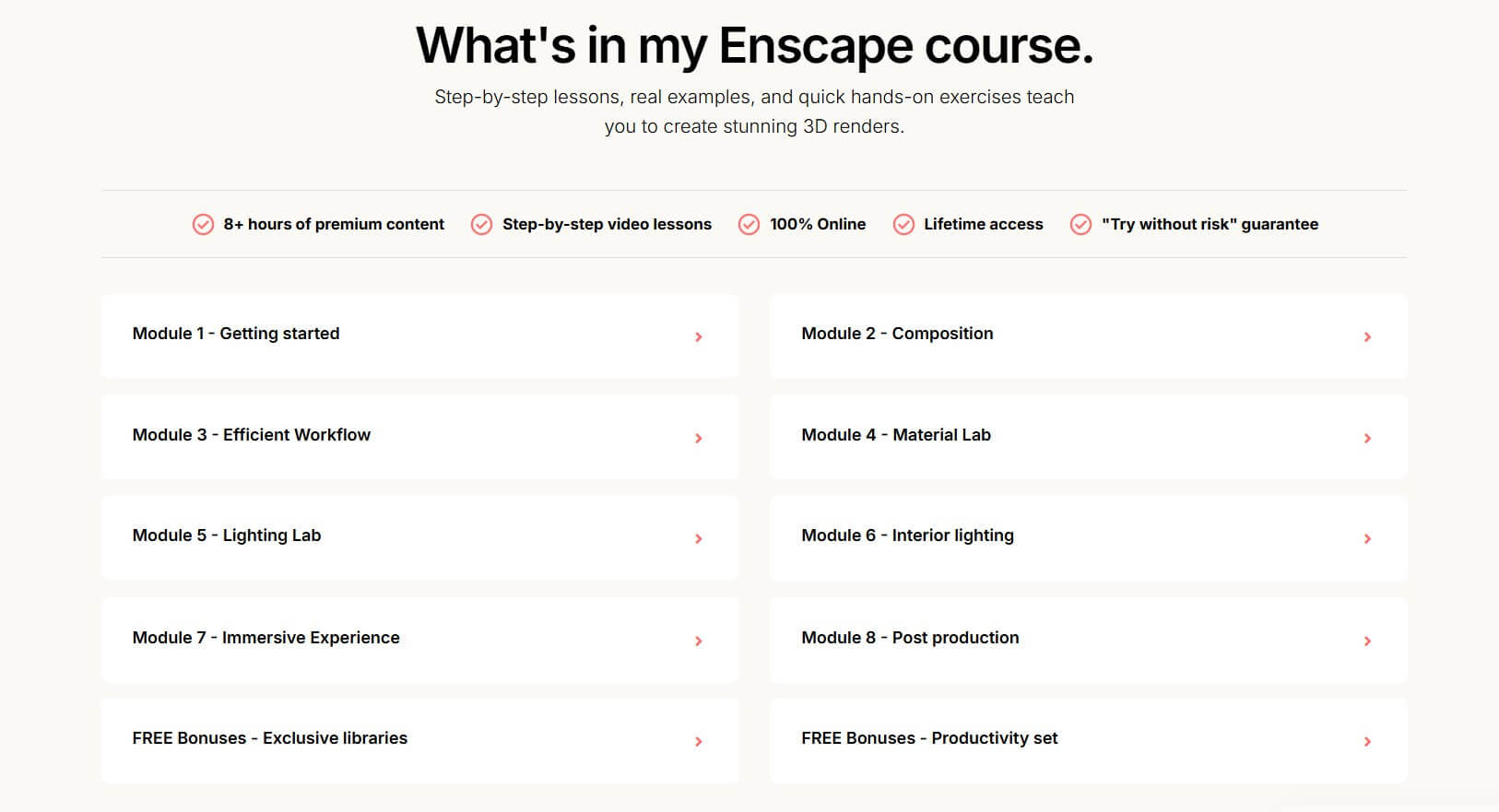
Kate Vera, a French interior designer with 20+ years of experience, created this course specifically for interior designers who want professional renders. Unlike courses made by "tech guys," this one speaks the industry language and follows real interior projects step by step.
The curriculum is thorough: composition and camera setup, an efficient workflow system, a complete material lab (PBR materials, textured plaster, wood flooring, metal, glass, fabric), lighting theory and practice, interior day and night scenes, animations, 360 panoramas, and post-production in Photoshop and Lightroom.
The course includes substantial bonuses: a texture library with 450+ textures, an HDRI library, the most complete IES light library available, pre-configured scene files, and exclusive SketchUp plugins. So, if you're an interior designer using SketchUp, this is designed exactly for your workflow.
Cost: $216/year membership (includes all courses)
Level: Beginner to intermediate
Duration & format: 6+ hours across 21 video lessons, plus bonus content
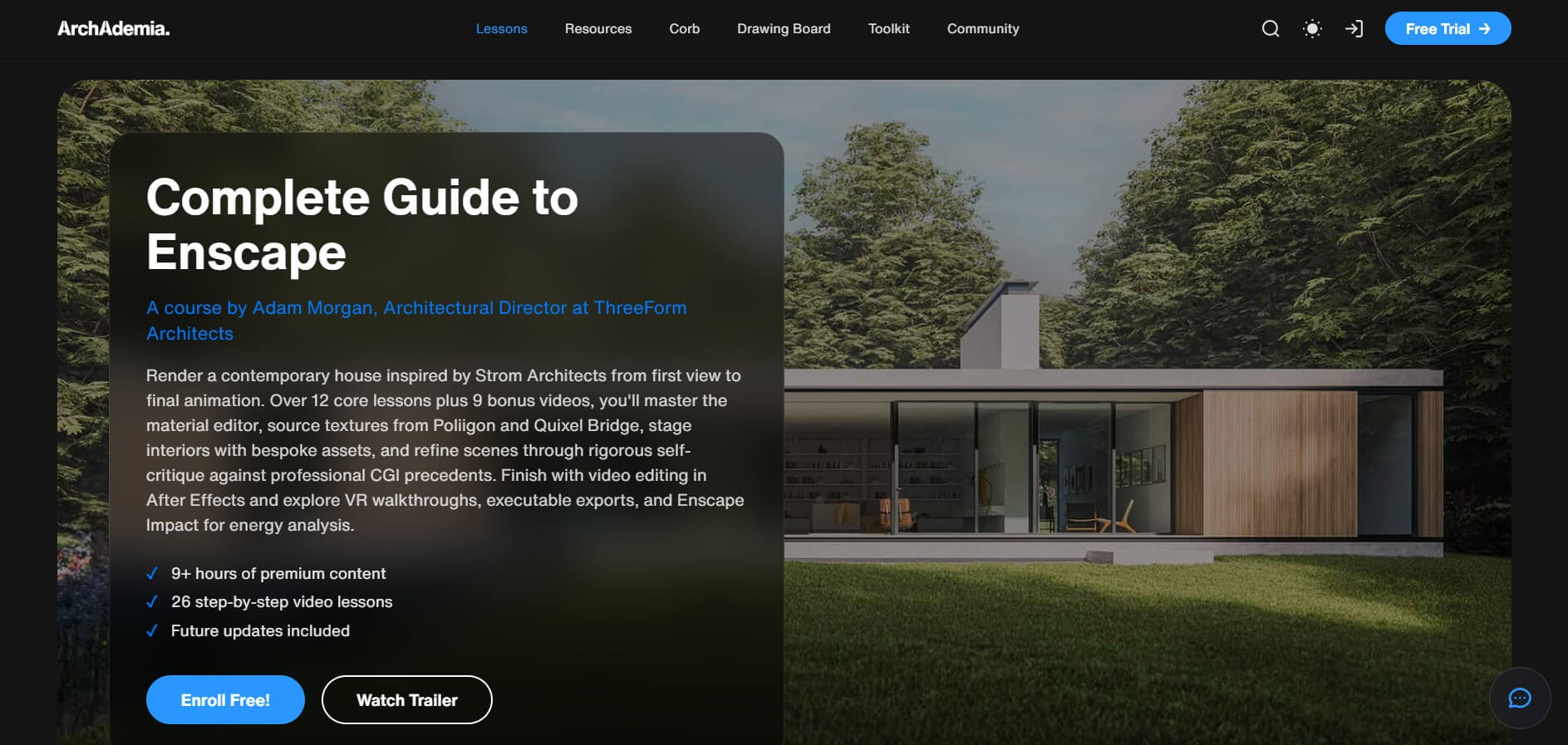
ArchAdemia's Complete Guide to Chaos Enscape is an all-around resource for mastering realistic imagery and video production. In 12 core lessons plus 9 bonus videos, you'll learn scene lighting, stunning materials, asset population, render settings, post-production techniques, AI enhancements, and video editing for short film production.
The course emphasizes practical application through contemporary residential architecture projects. You'll develop expertise in scene staging and atmospheric effects, plus VR integration for compelling client presentations.
Your ArchAdemia subscription includes not just the Enscape course but their entire library of 60+ courses covering Revit, SketchUp, AutoCAD, and more. Good value if you want to level up across multiple tools, making it one of the more flexible Enscape courses on this list.
Your choice depends on your host software and budget, as well as how much structure you need in your learning. Here's how to match Enscape courses to your situation.
If you're starting from scratch and want free resources: Begin with Chaos's official training videos. They cover the fundamentals well and cost nothing.
If you use SketchUp for interior design: Kate Vera's course or Professor Nisenbaum's Udemy course are tailored for this workflow. Kate's focuses specifically on interior designers; Nisenbaum's covers broader archviz applications. For more interior-specific courses, see our other guide.
If you're a Revit user: LinkedIn Learning's Brian Myers course or ThinkParametric's Enscape 101 focus on the Revit workflow specifically.
If you also want to learn rendering walkthrough videos and presentation reels: KunKun Masterclass covers that end-to-end process.
If you want access to multiple courses: ArchAdemia and ThinkParametric memberships provide the Enscape training plus dozens of other courses. Good deal if you're building skills across multiple software tools.
Budget tip: Watch for Udemy sales. Courses that normally cost $50-80 frequently drop to $10-15 during promotional periods.
For more resources, check our other guide on the most recommended architectural rendering courses, also those renderer-agnostic.
No. Enscape is widely considered one of the easiest real-time rendering tools to learn. The interface is straightforward, and because it integrates directly into your modeling software (SketchUp, Revit, Rhino, Archicad, Vectorworks), you don't need to export files or learn a completely separate application.
Enscape has an easy-to-moderate learning curve. Most users can navigate the basics within a week of focused practice. It’s also possible to produce decent renders within a few hours of starting.
Enscape is significantly easier. It's designed for quick results with minimal setup—you can literally click one button and start exploring a rendered view of your model. V-Ray offers more control and higher-end photorealism potential, but requires substantial learning investment for complex settings. If speed matters more than ultimate image quality, Enscape is the faster path. If you need maximum realism for competitions or high-end presentations and have time to learn, V-Ray rewards the effort. Read our full Enscape vs V-Ray comparison.

