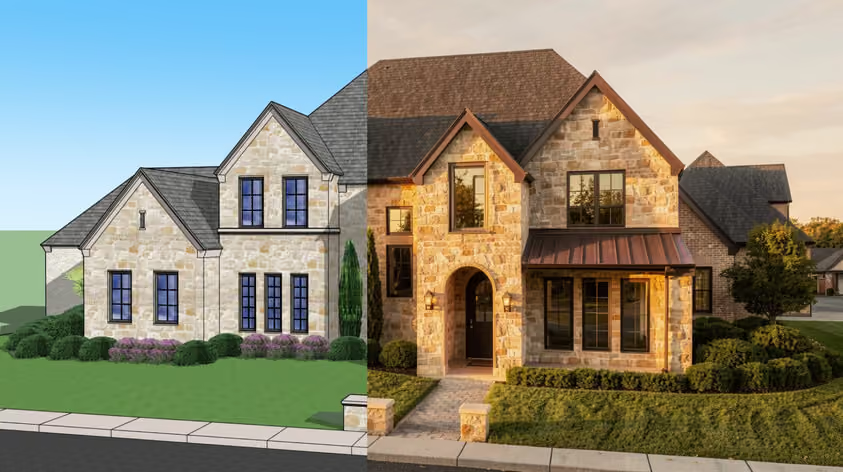
Lumion is built to be easy to pick up, but going from "render button works" to "this looks like a real photo" is a different journey. That's where Lumion tutorials come in.
Here are 8 of the best Lumion courses and Lumion training options for 2026, sorted by your modeling workflow: SketchUp, Revit, or Archicad. Several were recorded in older Lumion versions, so each entry notes the version it teaches.
Many Lumion tutorials use SketchUp as the host modeler, and the free LiveSync plugin keeps your SketchUp model and Lumion scene in sync. Still learning SketchUp itself? See our SketchUp courses for architects and interior designers.
Cost: Free (built-in tutorials need Lumion Pro, a trial, or a student license)
Level: Beginner
Duration & format: Self-paced, built into the software + online videos
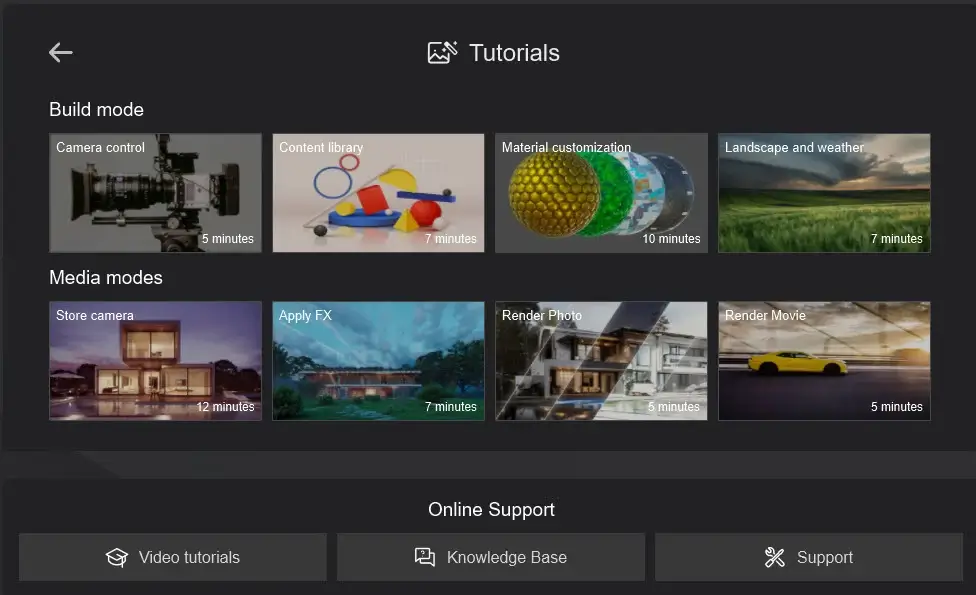
Lumion's own learning resources are the natural starting point, and they double as a Lumion tutorial for SketchUp users coming in fresh. The built-in tutorials cover the core modes, and nine example projects show how finished scenes are put together.
The official Lumion tutorial videos are organized by topic and version, starting with Lumion 2026. Because Lumion updates them with each release, this Lumion beginner tutorial is the easiest way to stay current.
Cost: $397 (one-time purchase)
Level: Beginner to advanced
Duration & format: 9+ hours of video, 2-year access, self-paced
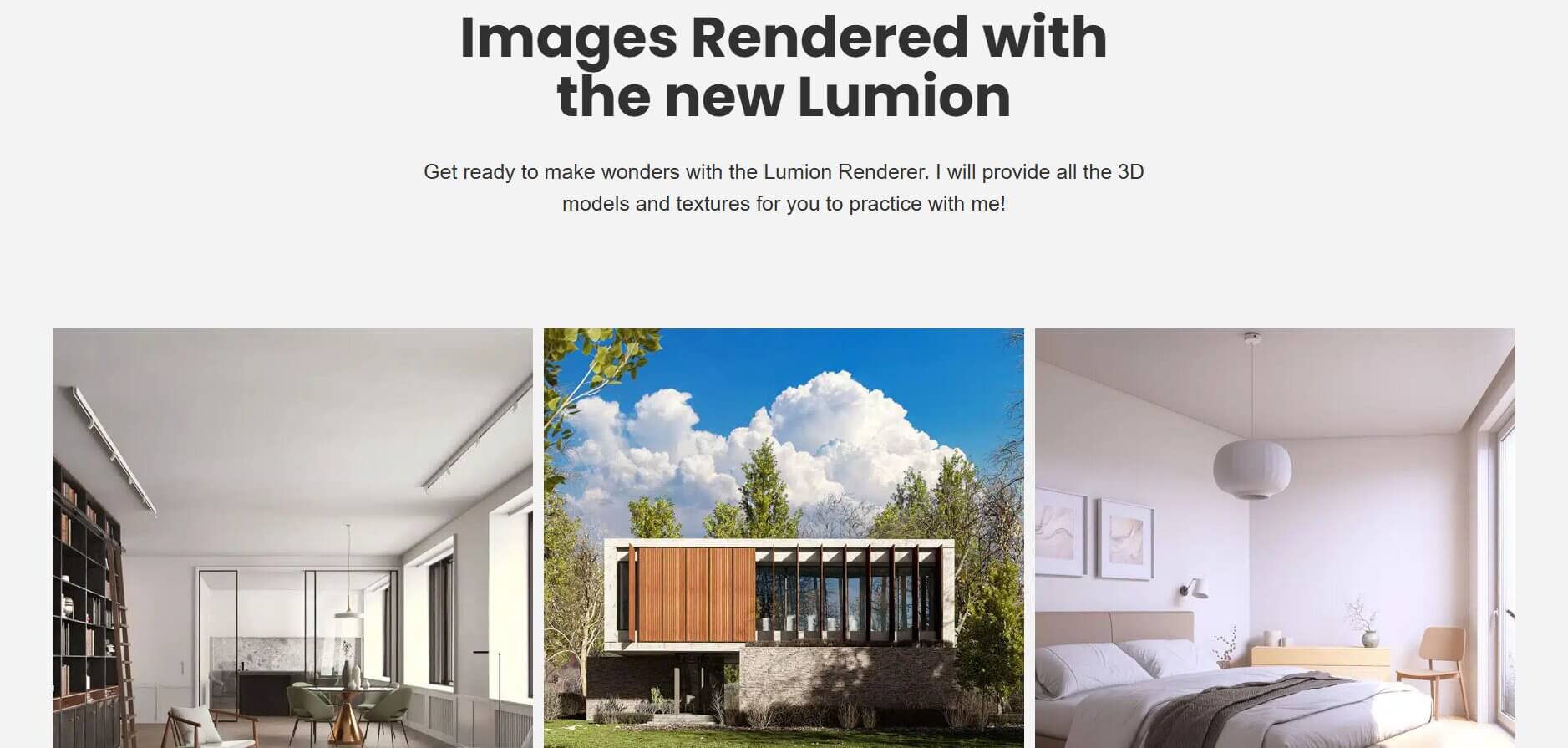
Nuno Silva is one of six external tutorial sources Lumion suggests in its learning guide. His Lumion course for versions 2023 through 2025 works through real archviz projects: a minimalist interior, an autumn exterior house, a small bedroom with ray tracing, plus animation modules.
The 3D models, textures, and assets are provided so you can follow along, and a Discord community gives you direct support. It's a strong Lumion online course if you want project-based depth. Some advanced modules are still listed as coming soon.
Cost: Skillshare membership ($167.88 USD, billed annually; pricing varies by region)
Level: All levels
Duration & format: About 4.5 hours, 22 lessons, self-paced video with a class project
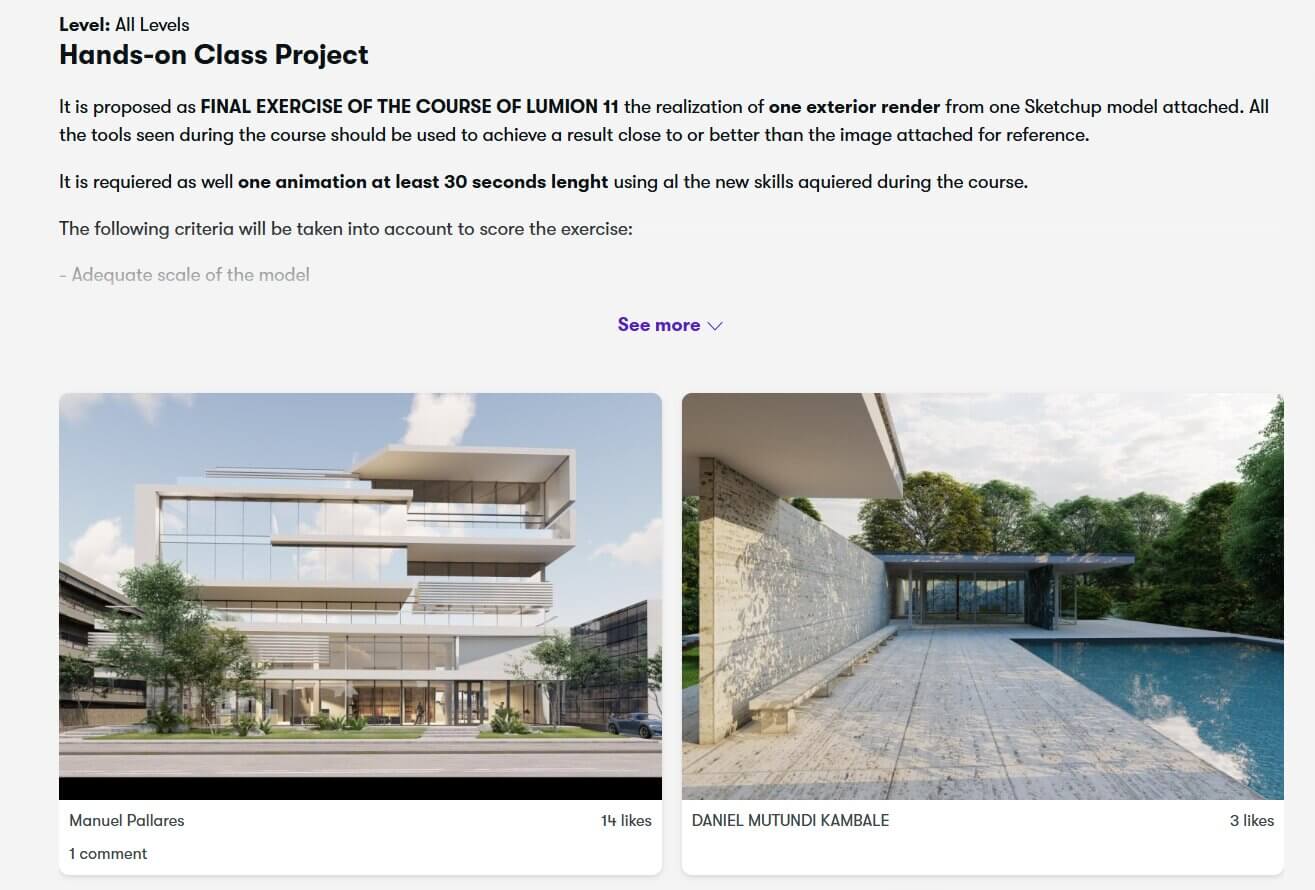
Manuel Pallares is a Madrid-based architect who teaches SketchUp and Lumion. His Skillshare class pairs each concept with a hands-on exercise. The final project has you render an exterior from a SketchUp model and produce an animation of at least 30 seconds, so it doubles as a Lumion animation tutorial. The class was recorded in Lumion 11, so expect interface differences in current releases.
Few Lumion courses are built entirely around Revit, but the free LiveSync plugin for Revit connects your model to Lumion, and from there the Lumion workflow is the same as for any modeler.
Cost: LinkedIn Learning subscription (1-month free trial for eligible new members)
Level: Beginner
Duration & format: About 6 hours, self-paced video with exercise files
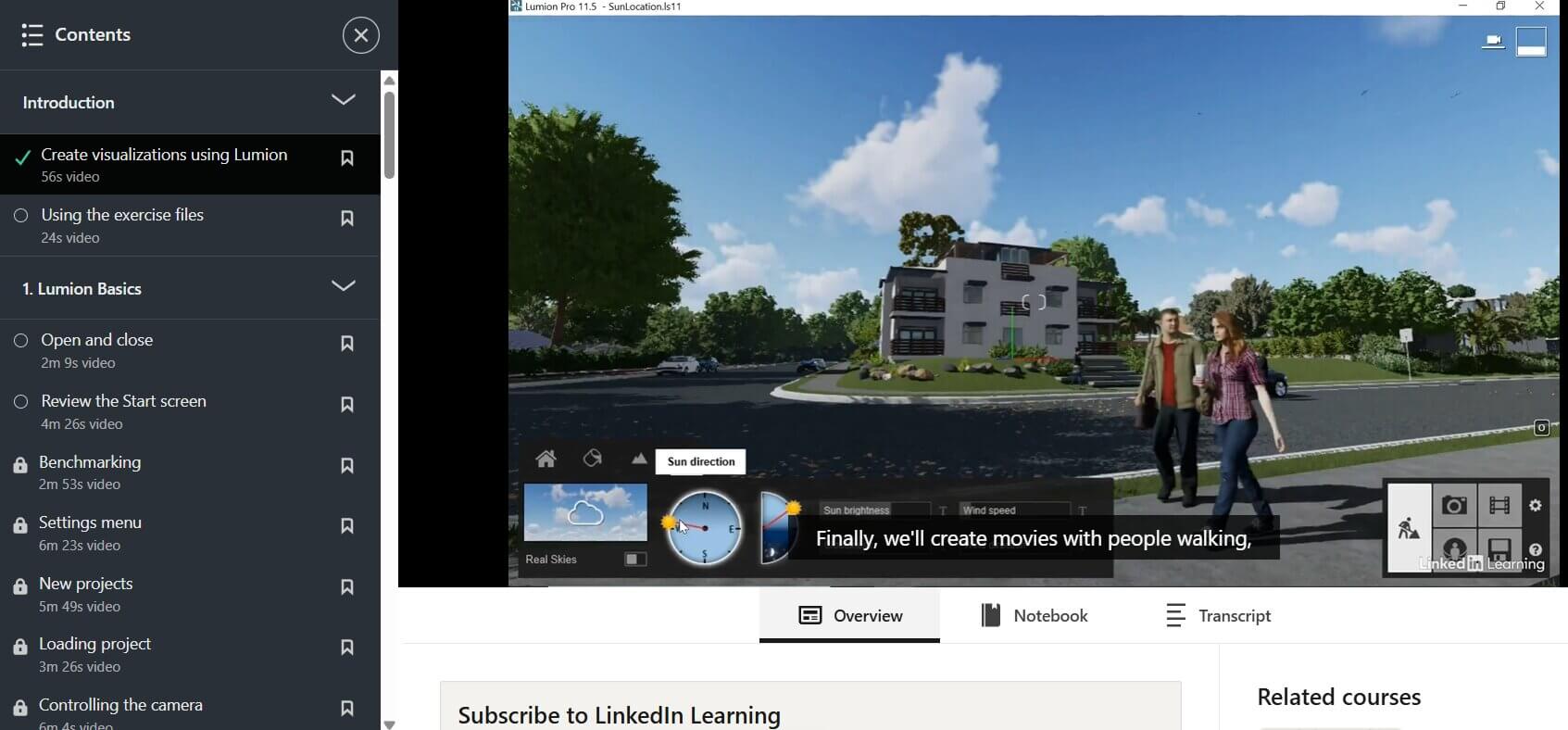
Brian Myers' Lumion Essential Training is a structured set of Lumion tutorials for beginners. The first chapter includes a lesson on exporting from Revit, and the short, focused Lumion tutorial videos then cover landscape, materials, lighting, and photo and movie effects.
The course was released in 2021, so the interface differs from current versions of Lumion. You earn a certificate of completion you can add to your LinkedIn profile, though it isn't an official Lumion certification.
Cost: One-time purchase; price varies with Udemy sales and region
Level: Beginner
Duration & format: About 5 hours, 31 lectures, self-paced, lifetime access
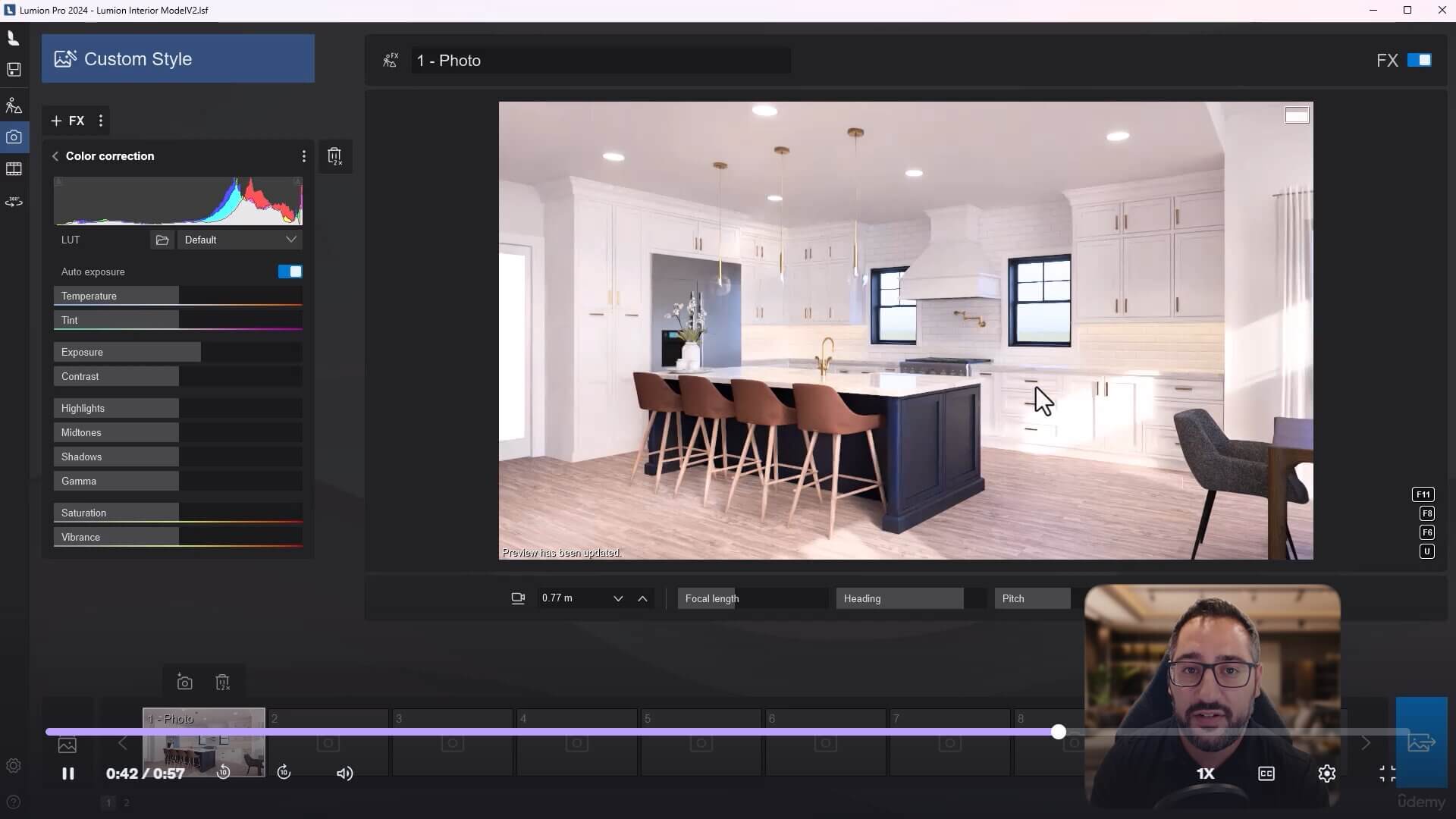
This Udemy course from Andy Christoforou and Learn Archviz is updated for Lumion 2024. Andy is a project manager and designer at a small architecture firm who works in Revit, SketchUp, and Lumion.
It covers importing, exterior and interior rendering, and animation. The project files import straight into Lumion, so this Lumion rendering tutorial works for Revit users who want to apply the steps to their own models.
Cost: Free
Level: Beginner to advanced
Duration & format: Blog tutorials, a downloadable PDF manual, an IES library, and a scene file
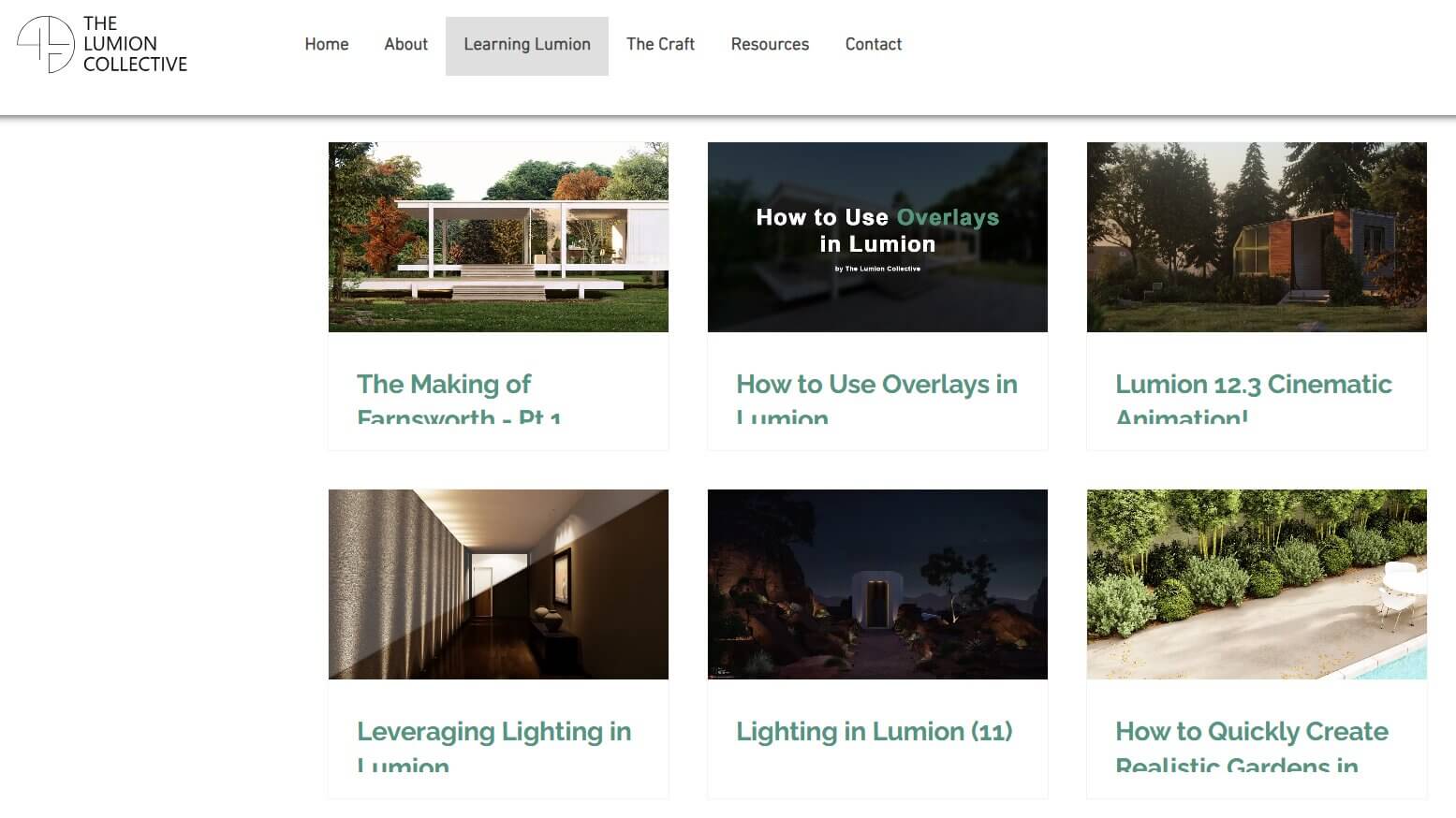
Adam Ingram, founder of Ark Visuals, runs The Lumion Collective, an independent site that Lumion also lists among its suggested tutorial sources. The highlight is a free three-part, 50+ page lighting manual, plus a free IES profile library and a lighting scene file.
Most of the material dates from the Lumion 11 and 12 era, so some settings differ in current versions. If your renders still feel flat after a beginner course, pair it with our guide to the best Lumion settings for realistic rendering.
Archicad users have fewer dedicated Lumion courses, but LiveSync is available for Archicad too. Most general Lumion tutorials apply once your model is in Lumion; mainly the export and setup steps change.
Cost: £159/year or £39/month (annual plan covers every course; students get 20% off)
Level: Beginner to intermediate
Duration & format: Two self-paced video courses of roughly 3 to 5 hours each, certificate on completion
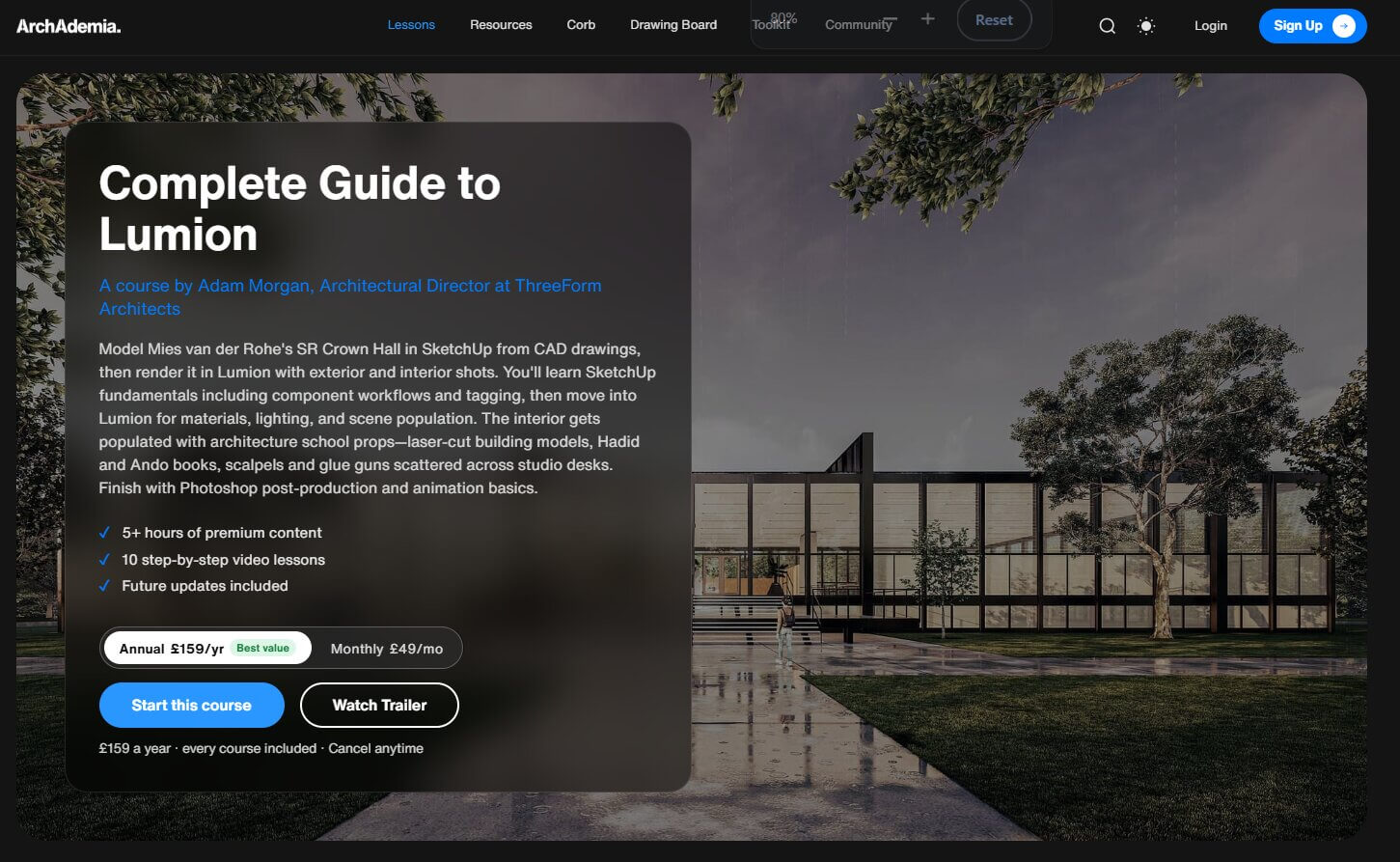
Both courses are taught by Adam Morgan, Architectural Director at ThreeForm Architects. The Complete Guide to Lumion takes Mies van der Rohe's S.R. Crown Hall from CAD drawings to renders and animations. The Lumion Raytracing & Advanced Techniques course uses Tadao Ando's Pulitzer Arts Foundation to teach ray tracing, 4K textures, and Photoshop post-production.
The projects use SketchUp, but the Lumion techniques apply to any host modeler, and the membership also includes Archicad and Revit courses.
Cost: 11,990 DA (Algerian dinars), discounted from 25,000 DA; in-person classes add 2,000 DA
Level: Beginner to intermediate
Duration & format: 28 hours, 35 lectures; available as course files, online via Google Meet, or in a classroom
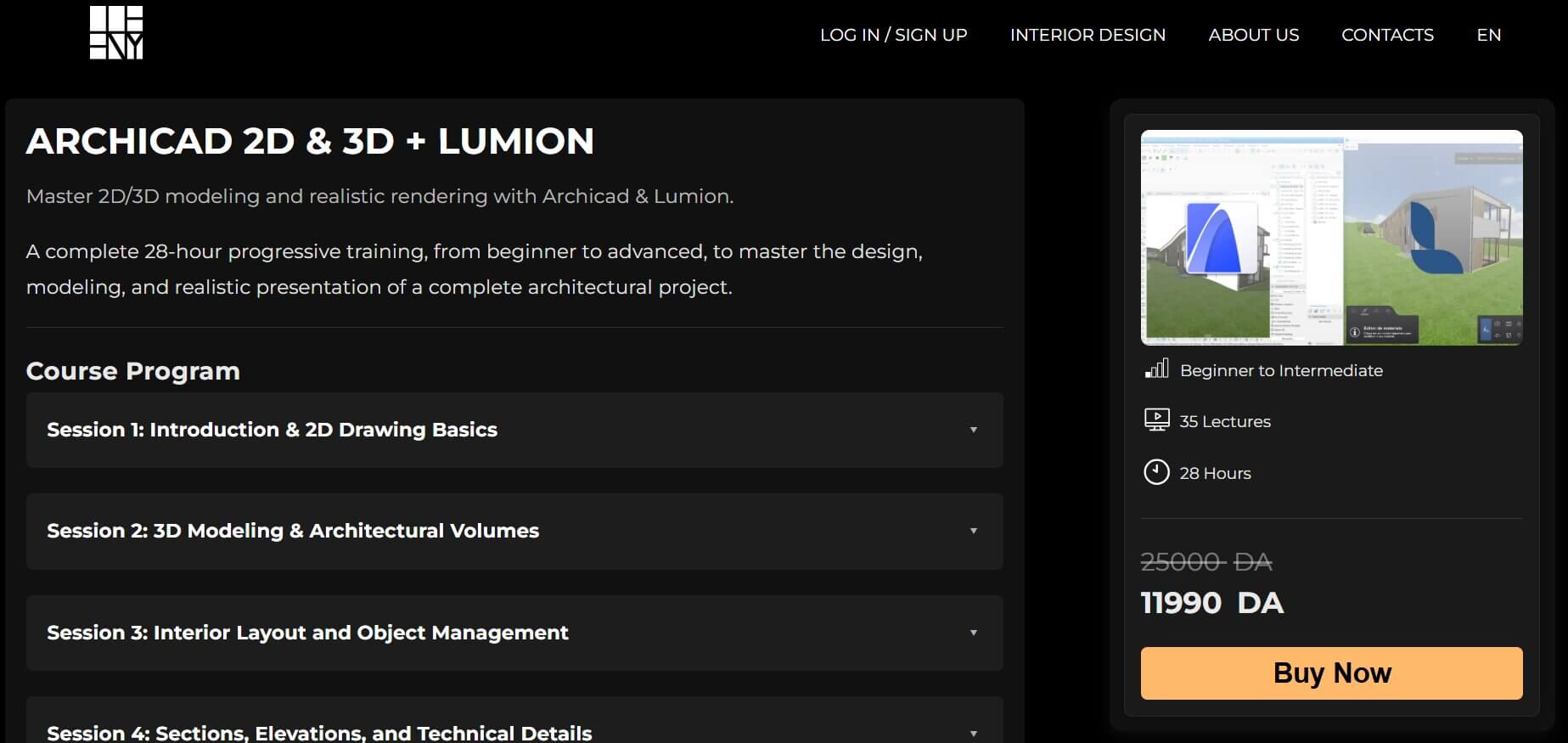
Dceeny Education's Archicad 2D & 3D + Lumion course is a regional option from a design studio in Batna, Algeria. Most sessions cover Archicad drawing, modeling, and documentation; Lumion comes in at the end, when you export the model and produce renders and a video. It suits students who want one Archicad-to-Lumion workflow, less so anyone who only wants Lumion. For more Archicad-first options, see our Archicad courses for architects.
Finish one course and render real projects before starting another. Later, our architectural rendering courses roundup covers other render engines.
For most designers, yes. Lumion describes Lumion Pro as having a simple interface and a gentle learning curve, and its presets and real-time preview help you get a first render quickly. Mastering lighting and materials takes longer.
The beginner courses here contain roughly 4.5 to 6 hours of video: about 4.5 on Skillshare, 5 on Udemy, and 6 on LinkedIn Learning. That's viewing time, not time to proficiency. How long it takes to render confidently depends on your starting point and how much you practice on real projects.
Enscape runs as a plugin inside Revit, SketchUp, Rhino, Archicad, or Vectorworks, so if you already know your modeler, you mostly learn a render window inside a familiar tool. Lumion Pro is a separate Windows application. LiveSync links it to your model in real time, but you also learn a second interface and build the scene there using Lumion's own library of 10,000+ models and materials. If you're weighing Enscape, see our roundup of Enscape courses.
The Lumion LiveSync plugin for SketchUp is free, but you need Lumion Pro to render. A one-year named-user plan is $1,149, billed upfront, on Lumion's current plans page, which also lists pound and euro pricing. Students get a free Lumion Student license for one year, renewable while enrolled; it's noncommercial and renders carry a small watermark. There's also a 14-day free trial of Lumion Pro.