
Krea AI is one of the most popular generative AI tools available today. Built for a broad creative audience, it produces images that feel natural rather than overly stylized. That makes it a strong option for early concepts and client-facing visuals, and a big reason why it’s been widely adopted by architects and designers.
But Krea’s strengths don’t fully translate to professional architectural workflows.
Once you move beyond loose concepts and start working with CAD designs, technical drawings, or iterative design changes, limitations become more obvious. Geometry fidelity, architectural control, and consistency across revisions are areas where general-purpose tools like Krea start to fall short.
That’s where architecture-focused Krea AI alternatives come in. These tools are built specifically for architectural visualization, concept generation, render enhancement, or image editing, and are better suited to real production workflows.
Here are our top picks.
Best for: complete architectural visualization software
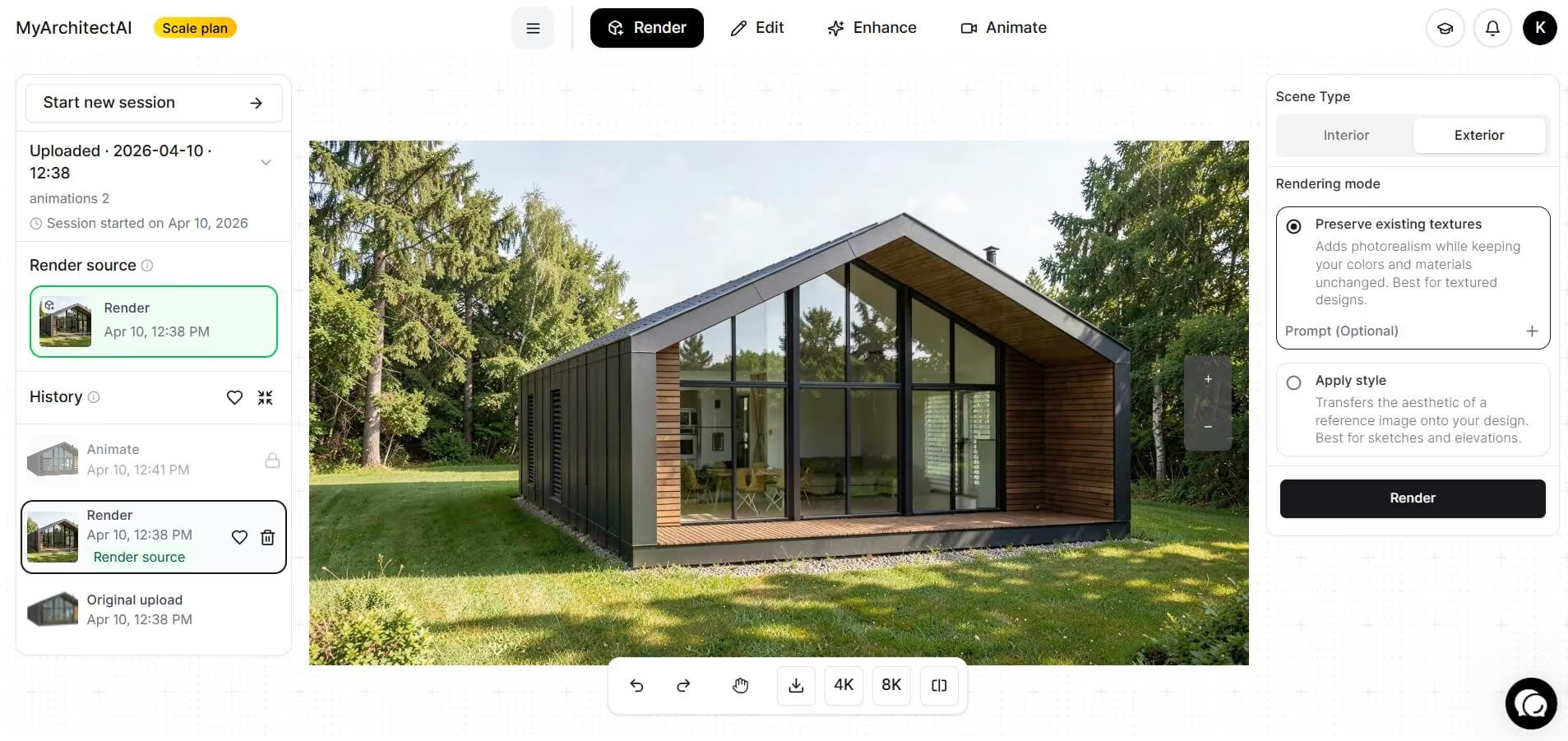
Think of MyArchitectAI as Krea AI built specifically for architectural workflows. It’s designed to take you from a CAD export to a photorealistic render in seconds (without writing prompts), and then lets you iterate and fine-tune everything in the same tool.
Unlike Krea AI, MyArchitectAI preserves the geometry and materials of your 3D model instead of approximating or creatively reinterpreting them. That makes it far more reliable for real architectural work. You also get much more control over the final output through built-in post-processing tools, which general-purpose AI tools typically lack.
Key features:
Pricing: Free 10 renders, then $29 per month for unlimited rendering.
Best for: fast architectural concept ideation and text-to-image visual exploration
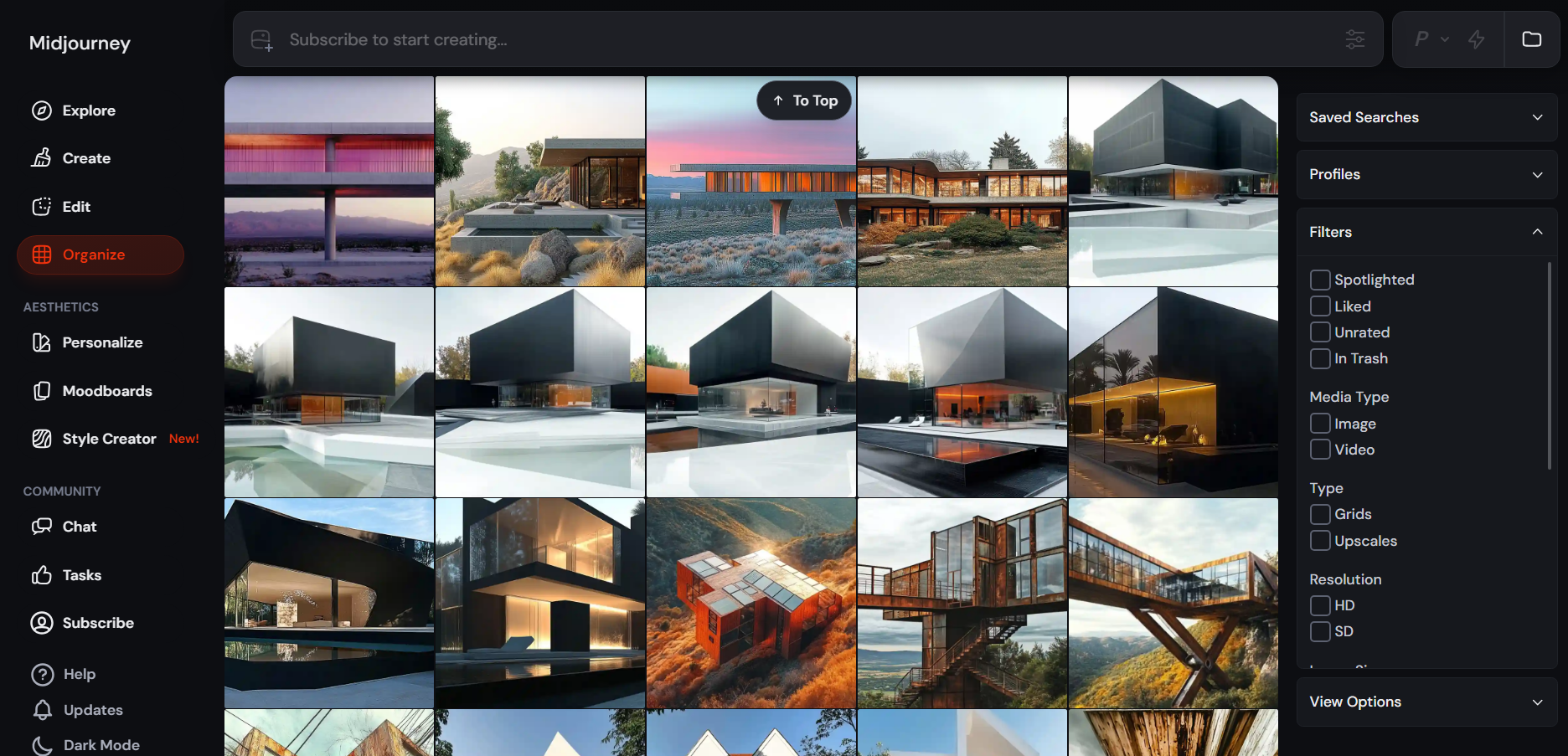
Since launching in 2022, Midjourney has become one of the strongest AI image generators on the market. Like Krea AI, it’s a general-purpose tool, but it’s especially valued for its creative range, speed, and visual consistency.
Architects and designers often use Midjourney for early concept exploration, mood studies, and storytelling visuals, where atmosphere and style matter more than strict geometric accuracy.
Compared to Krea AI, Midjourney tends to produce more distinctive and expressive results, particularly for conceptual imagery. It’s also known for maintaining consistent characters, styles, and visual language across multiple images, which makes it useful when developing a coherent design narrative or presentation set. Combined with a simple, beginner-friendly interface, this makes Midjourney a strong alternative to Krea AI for concept-driven architectural work.
Key features:
To learn how to get the most out of it, read our guide on prompting Midjourney.
Pricing: Starts at $10/month.
Best for: enhancing and upscaling renders
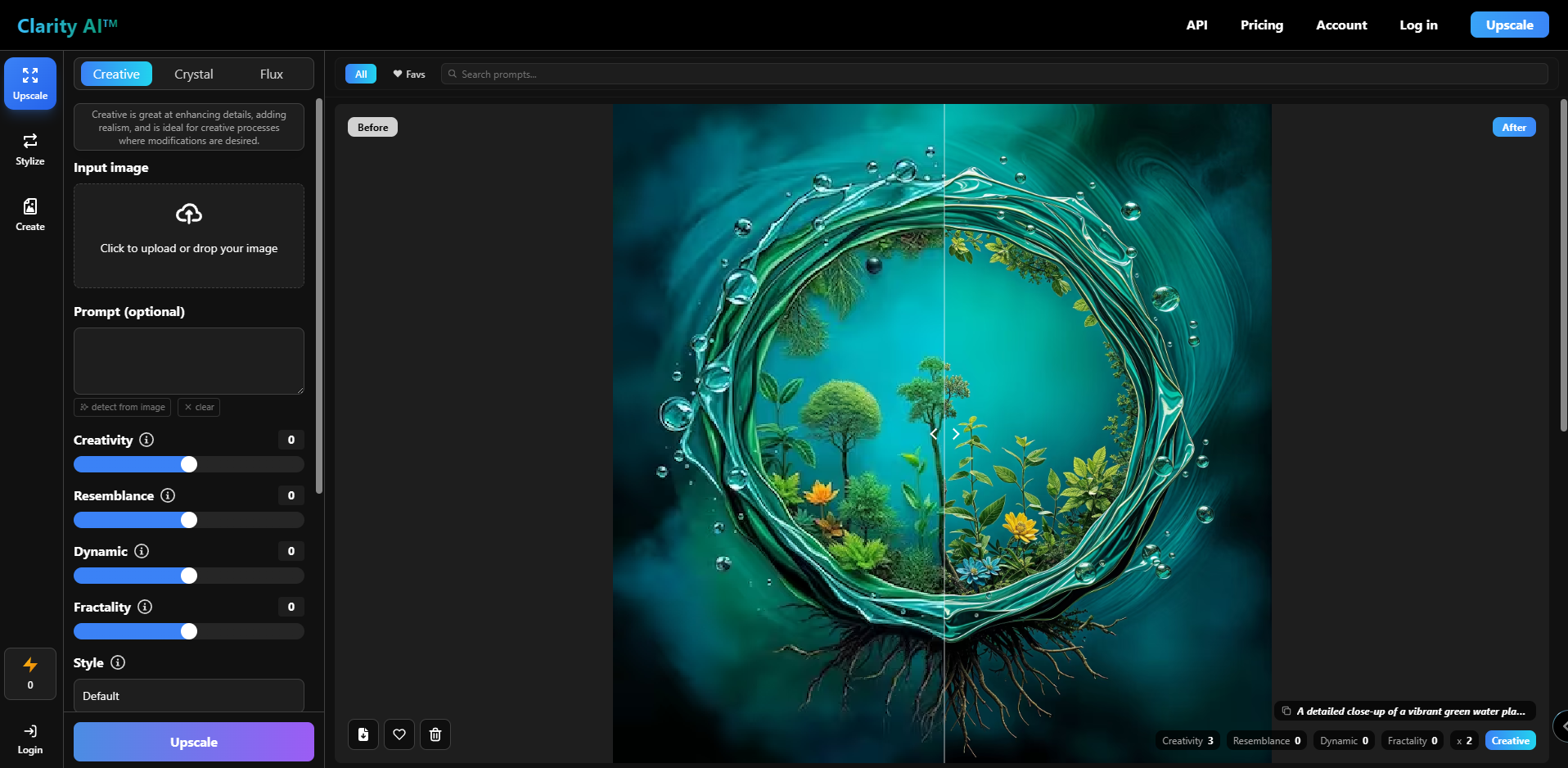
Clarity is a lightweight AI image enhancement tool developed by independent AI engineer philz1337x, known for building open-source AI applications. It’s commonly positioned as an alternative to Krea AI’s image enhancer, with a clear focus on post-processing rather than full image generation or rendering.
Clarity works best when you already have a finished render or concept image. Architects and designers mainly use it to improve fine details, boost realism, and experiment with visual styles for presentations or marketing materials. It’s a polishing tool, not a replacement for architectural rendering software, though.
Key features:
Pricing: Starts at $9 per month.
Best for: AI rendering directly inside CAD/BIM workflows via plugins
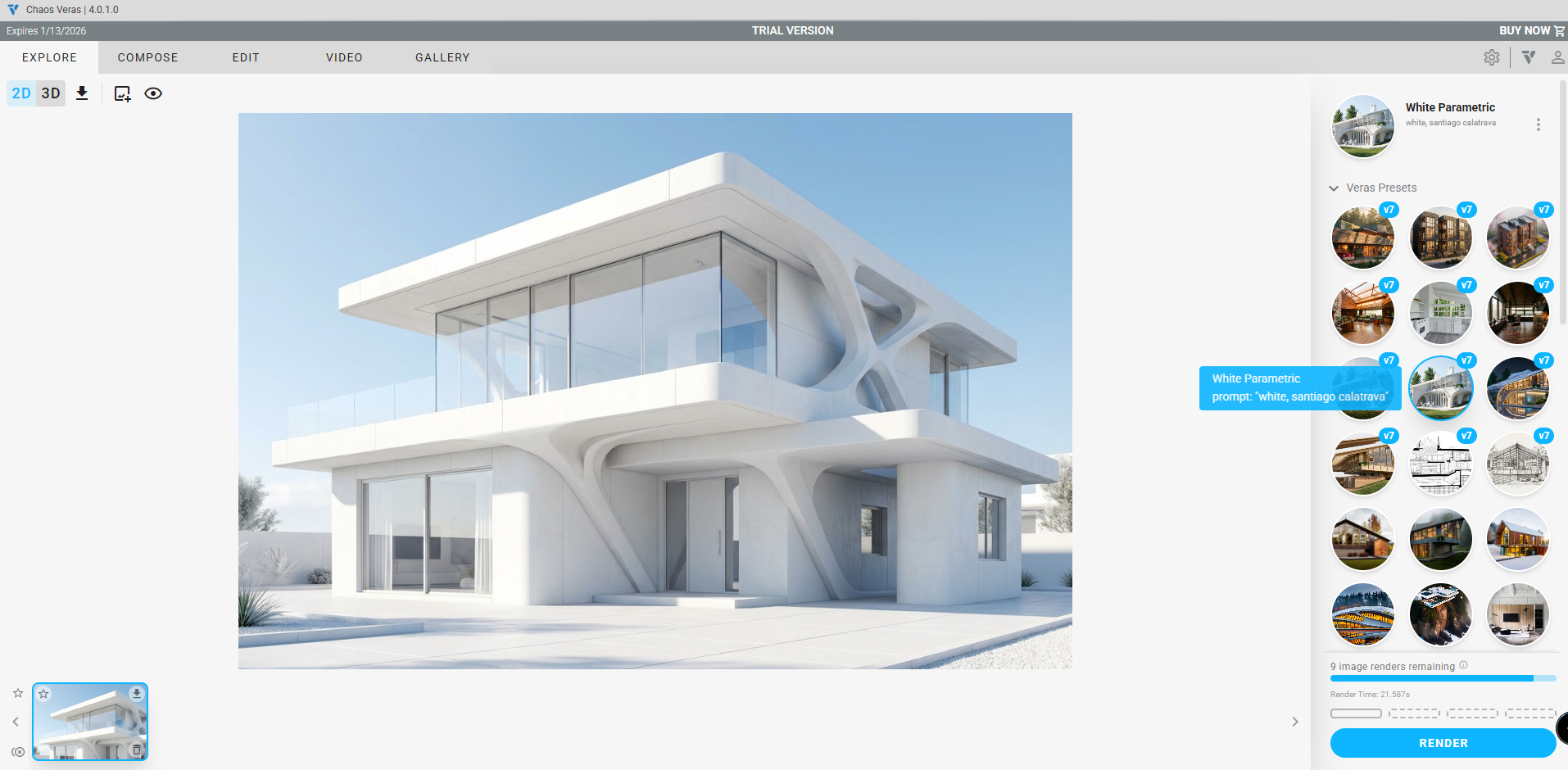
Veras is an architecture-focused AI renderer that, like MyArchitectAI, is built specifically for visualization rather than general image generation. It sits on the higher end of the pricing spectrum, but makes up for it with deep integration into existing CAD and BIM workflows.
Veras works through native plugins, allowing architects to render directly from tools like SketchUp, Revit, Rhinoceros, Vectorworks, Archicad, and Autodesk Forma. This makes it a strong option for teams that want AI rendering without exporting files or changing their core design workflow.
Where Veras stands out compared to Krea AI is control. Instead of treating the input as a flat image, it respects model structure and gives users explicit control over how much the AI is allowed to reinterpret the geometry. That makes it better suited for iterative design work and client revisions, not just early concept visuals.
Key features:
In 2025, Veras was acquired by Chaos, the company behind V-Ray, Enscape, and Corona. As a result, Veras is now bundled with other Chaos products, making it especially attractive for studios already invested in that ecosystem.
Pricing: 30 renders free and a 15-day trial, then plans start at $59 per month for a named license.
Best for: quick AI-powered image editing and cleanup
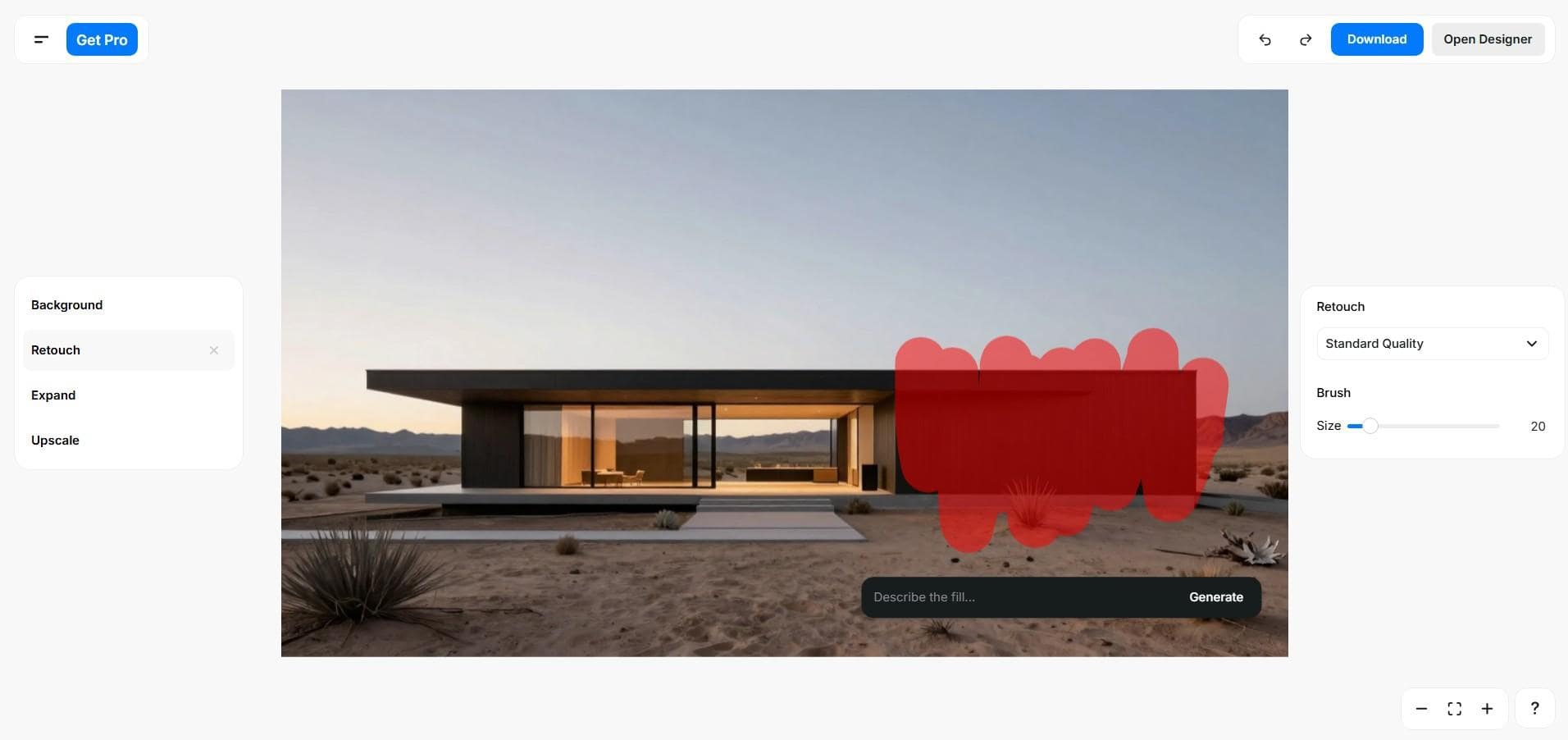
Unlike other Krea AI alternatives on this list, which are generally built for specific tasks like render enhancement, image upscaling, or concept generation, Pixelcut functions as a broad AI editing and image generation tool. It combines image and video generation with a large set of automated editing features, and its interface is incredibly easy to use.
While architects find it useful for polishing presentation images and creating promotional assets, Pixelcut isn’t meant to be a replacement for architecture-focused AI renderers or enhancers.
Pixelcut includes a wide range of editing tools (57 in total), including:
Pricing: Free version allows free background removal, upscaling, and exporting without a watermark; Pro features start at $10 per month.
If you need a complete architectural visualization solution, MyArchitectAI is the strongest Krea alternative thanks to geometry-aware rendering and architecture-specific controls. For pure text-to-image concept generation, Midjourney is a great choice. If your focus is on enhancing existing renders, Clarity is a powerful alternative to Krea’s enhancer. Veras is a good fit if you want AI rendering directly inside a CAD or BIM environment, while Pixelcut works best for general image editing.
In practice, many professionals combine tools. Using MyArchitectAI for rendering, Clarity for enhancement, and Pixelcut for final image cleanup often delivers better results than relying on a single general-purpose tool.
For more ways to improve your workflow, check our guide to the best AI tools for architects.

