
Gemini 3 Pro Image (commonly known as Nano Banana) made consistent edits the baseline, and it's no longer the only model that pulls it off.
Google's flagship AI image generation model is known for its realism, precision, and deep understanding of real-world knowledge. If you plan to keep using it for architecture, our guide to the best Nano Banana prompts for architects shows how to get the most out of it.
This guide compares the 10 best Nano Banana alternatives in 2026, free and paid: what they cost, how cleanly they handle precise edits, and which ones hold up for AEC, marketing, and design work. A few have free tiers. A couple are built specifically for rendering.
Here's how we picked them.
There are tens of thousands of generative AI tools available today, with hundreds being released every month. For this guide, we’ve selected 10 alternatives to Nano Banana that are most relevant to architectural and interior design use cases.
Here are the key factors we considered when evaluating each model:
Let's have a look at a high level overview of our picks.
Best for: Architects and interior design professionals looking to speed up their rendering workflows with a complete archviz software
Pricing: starts at $29 per month
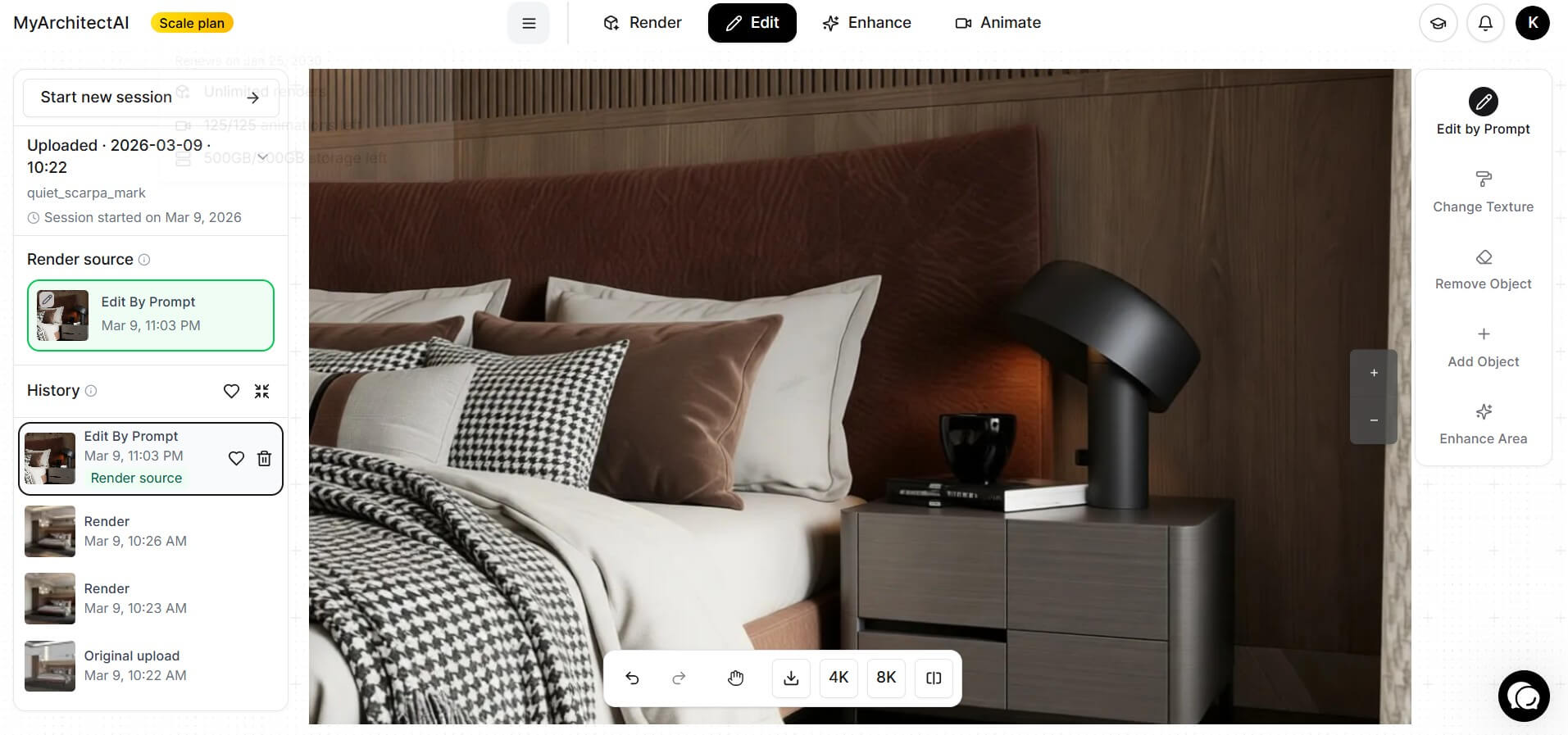
MyArchitectAI is a Nano Banana alternative built for architects and interior designers looking to create professional-looking stills and animations without hardware and time constraints usually present in traditional rendering workflows.
Unlike general-purpose image generation models, it produces outputs with more accurate materials, textures, lighting, camera composition, and spatial realism which are key elements in professional architectural visualization.
Since its launch, it has generated over 1.5 million+ renders for its users, saving an unimaginable amount of hours of rendering work.
Where it earns its place in an architecture workflow:
Developers and firms can also easily integrate it into their internal tools using its rendering API and MCP.
Best for: Creating concept renders, editing, and producing marketing visuals
Pricing: Starts at $0.014 per text-to-image generation or editing
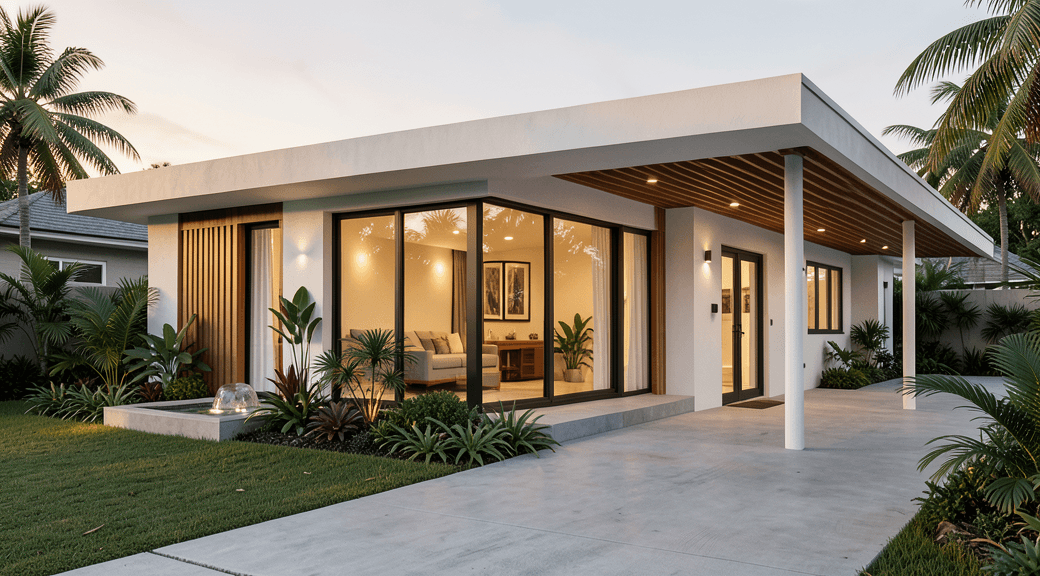
This AI-powered image generation model was created by Black Forest Labs. Their team consists of AI researchers and engineers who helped design powerful visual AI models namely, Latent Diffusion, Flux 1 and most notably, Stable Diffusion — the open-source deep learning model that is the foundation of some high-quality image generation models today.
Flux 2 is an AI image generation and editing model that is mostly used for marketing and product visualization projects. According to the Flux 2 team, its goal is to blur the line between AI-generated images and photographed images. Its generation quality makes it a practical tool for workflows that would normally involve traditional photography.
What Flux 2 is best at:
Best for: Creating conceptual design ideas and short animated walkthroughs
Pricing: starts at $10/month
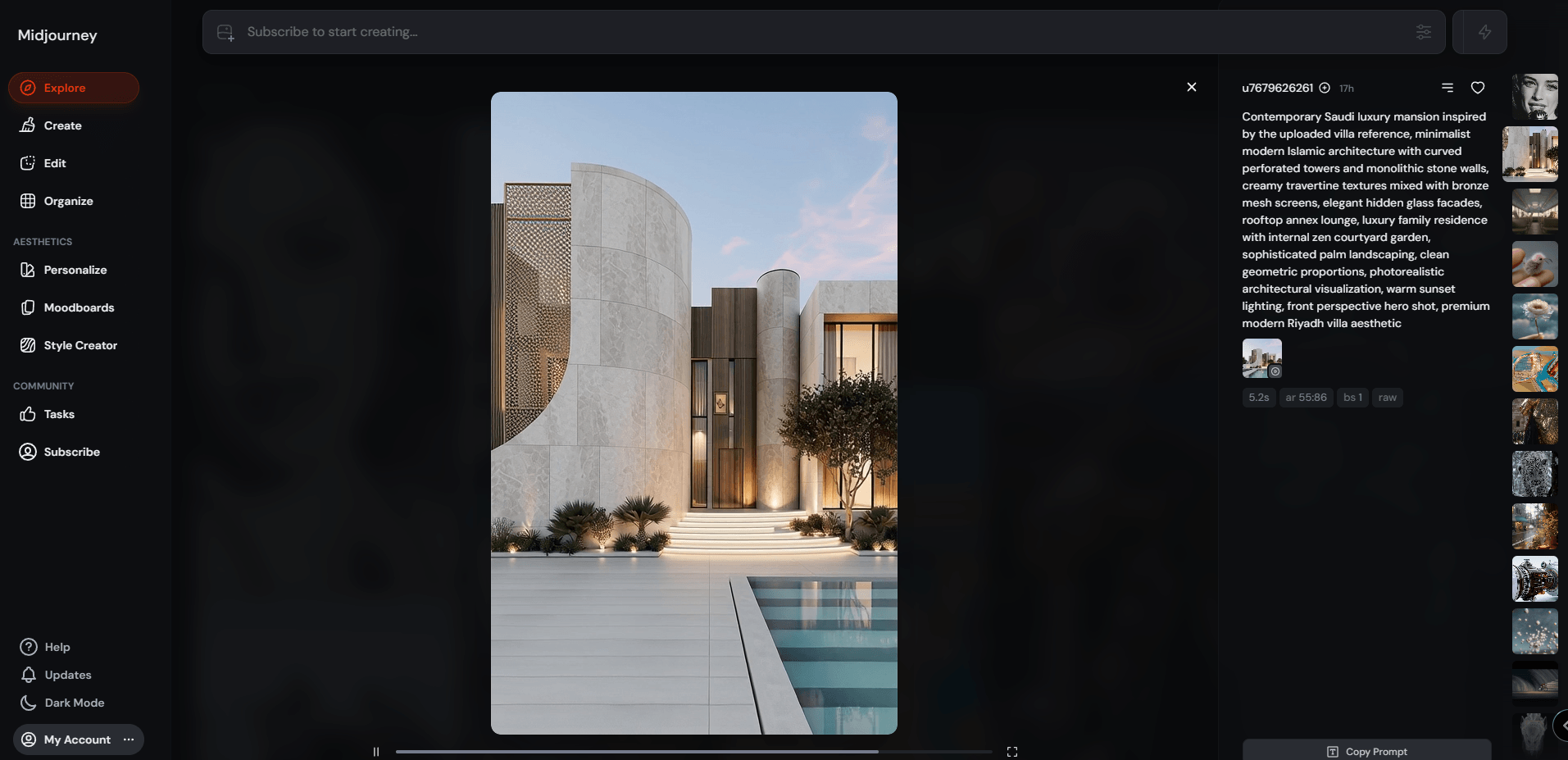
Midjourney is widely used for generating artistic visuals such as concept art, graphic design assets, illustrations, cinematic scenes, and short animations. Unlike AI models that prioritize technical precision and accuracy, Midjourney excels in idea exploration, pre-visualization, and creative experimentation where aesthetics matter more than exact realism or consistency.
It is less suitable for tasks that require high precision, such as multi-version consistency, text rendering, batch workflows, or technically accurate architectural outputs.
It can be used in early stage design. Top architectural firms like Zaha Hadid Architects use Midjourney and Stable Diffusion to generate ideas that may contribute to their design process. It is also an excellent tool for creating smooth walkthrough animations.
Midjourney's strong points:
Best for: batch generation, marketing creatives, and high-consistency visual outputs
Pricing: starts at $0.03 per image
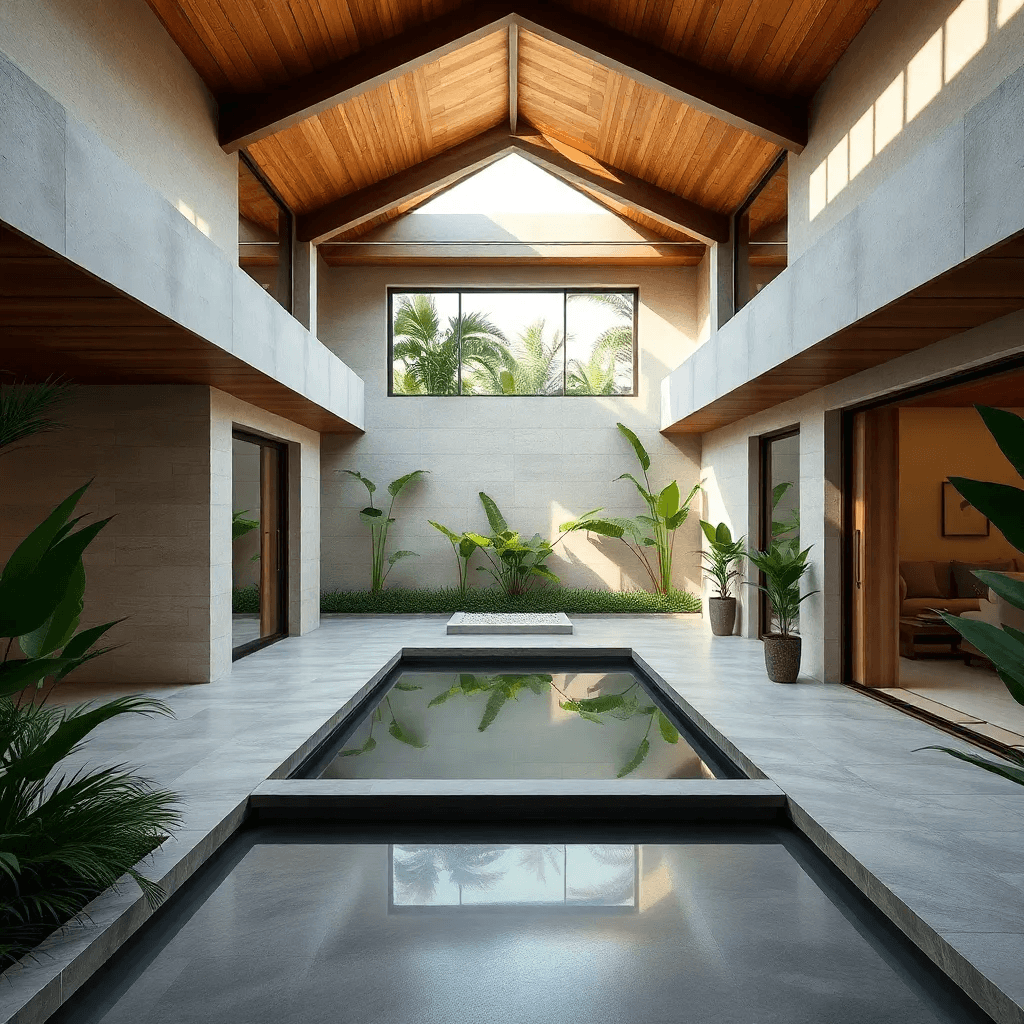
Seedream is widely used for creative marketing materials, posters, product visualization, branding, and just Nano Banana, it is also a reliable text rendering model. The latest version is Seedream 5.0 Lite released in February 2026 marketed as a “smarter and more professional creative buddy.”
One feature of Seedream that makes it a good architectural AI generation and editing tool is its reference accuracy. Compared to other general-purpose AI tools, it performs well at preserving geometries from reference images. This makes it a good tool for interior and exterior rendering. It can also be used for editing existing renders, as it has high edit fidelity and prompt adherence.
Where Seedream pulls ahead:
Best for: natural language image editing, realistic scene generation and creating document-style outputs
Pricing: average of $0.165 per image
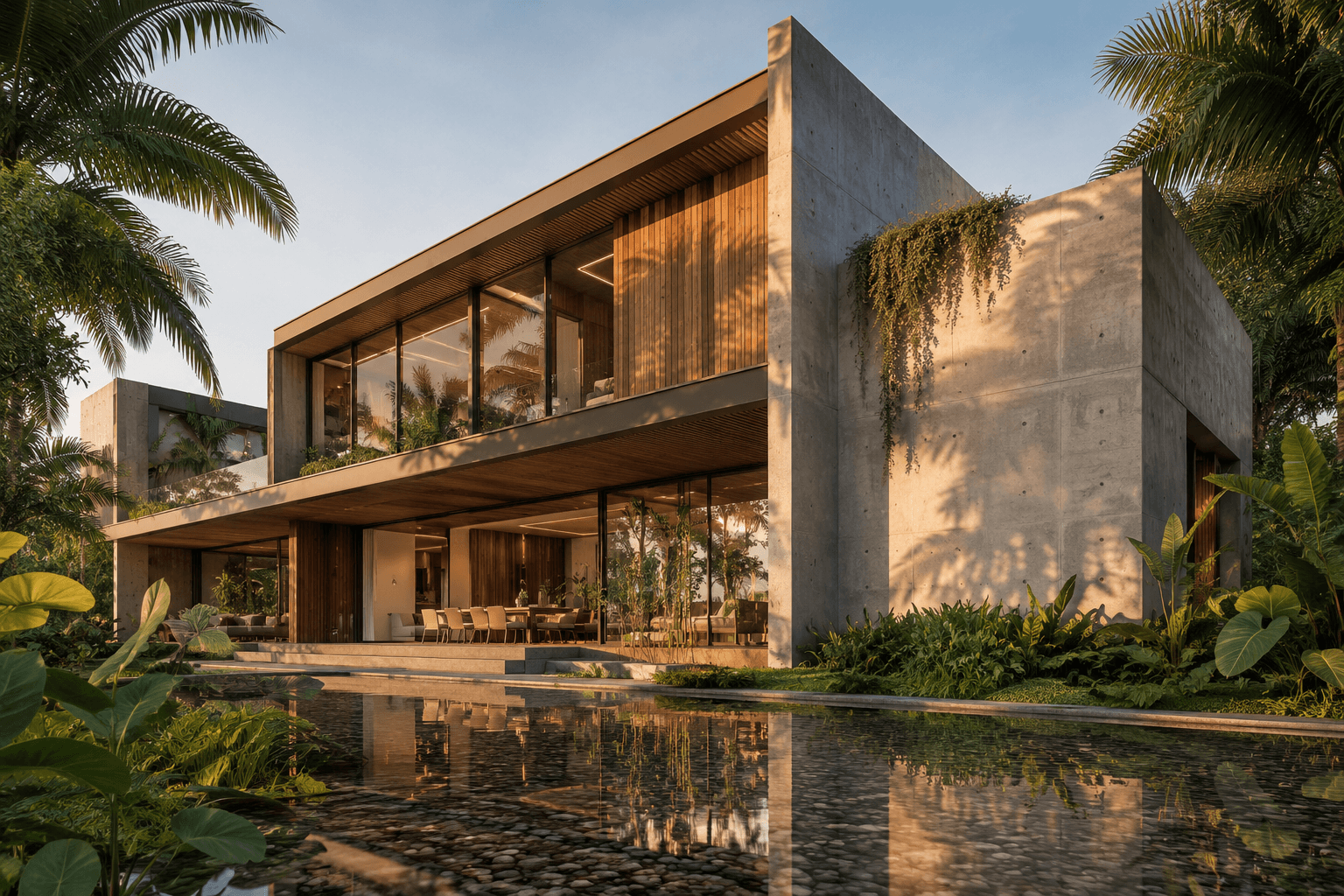
GPT Image 2 is OpenAI’s most advanced image generation and editing model and one of the main Nano Banana competitors. It is significantly faster than its previous version GPT Image 1.5 and more reliable when it comes to text rendering and editing.
It is also a reliable tool for generating scenes with realistic materials, background, and lighting consistency thanks to its high prompt adherence compared to its earlier versions (GPT Image 1.5). Besides visual outputs, it can also be a great tool for generating document-style outputs which can be great for presentations and informative design outputs where text accuracy and clarity are important.
What makes GPT Image 2 worth using:
Best for: Unified image and video generation, including still renders and AI-powered animations in a single workflow
Pricing: starts at $10/month
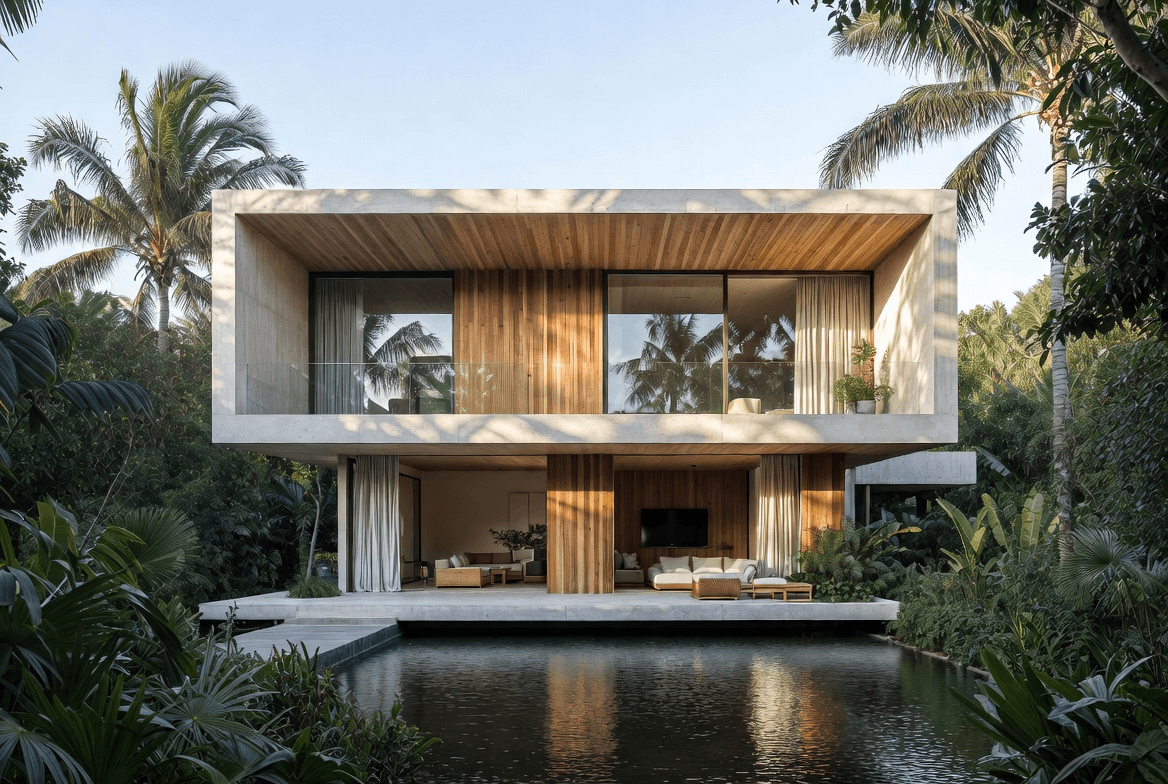
xAI launched Grok Imagine in July 2025 and shipped the Imagine 1.0 update in February 2026. It runs on Aurora, xAI’s own image model, which keeps the sharp text rendering from xAI’s earlier Flux integration and adds physics-based lighting and more expressive results.
This results in outputs that are both technically accurate and visually/emotionally expressive. It functions as a text-to-video, image-to-video, and video editing AI tool, enabling flexible multimodal content creation.
Grok Imagine's highlights:
Best for: creating branding visuals with typography-heavy designs
Pricing: starts at $29/month

Riverflow’s main goal is to help businesses with their brand creatives. It is a tool for creating marketing materials with “label-perfect” visualizations. One characteristic that makes it stand out is how deeply and accurately it understands technical instructions better than general-purpose models, creating fewer hallucinations. It also prioritizes accuracy when it comes to text rendering, even capable of micro-text improvements.
Riverflow is different from other tools in this list that primarily support architectural visualization and design workflows. Instead, Riverflow is focused on helping professionals and brands with producing consistent, high-quality visual assets such as branded renders, product showcases, and client-facing design materials where typography accuracy, layout consistency, and visual identity are very important.
How Riverflow compares to Nano Banana:
Best for: precise text editing, infographic creation and other text-heavy outputs:
Pricing: starts at $0.06 per image
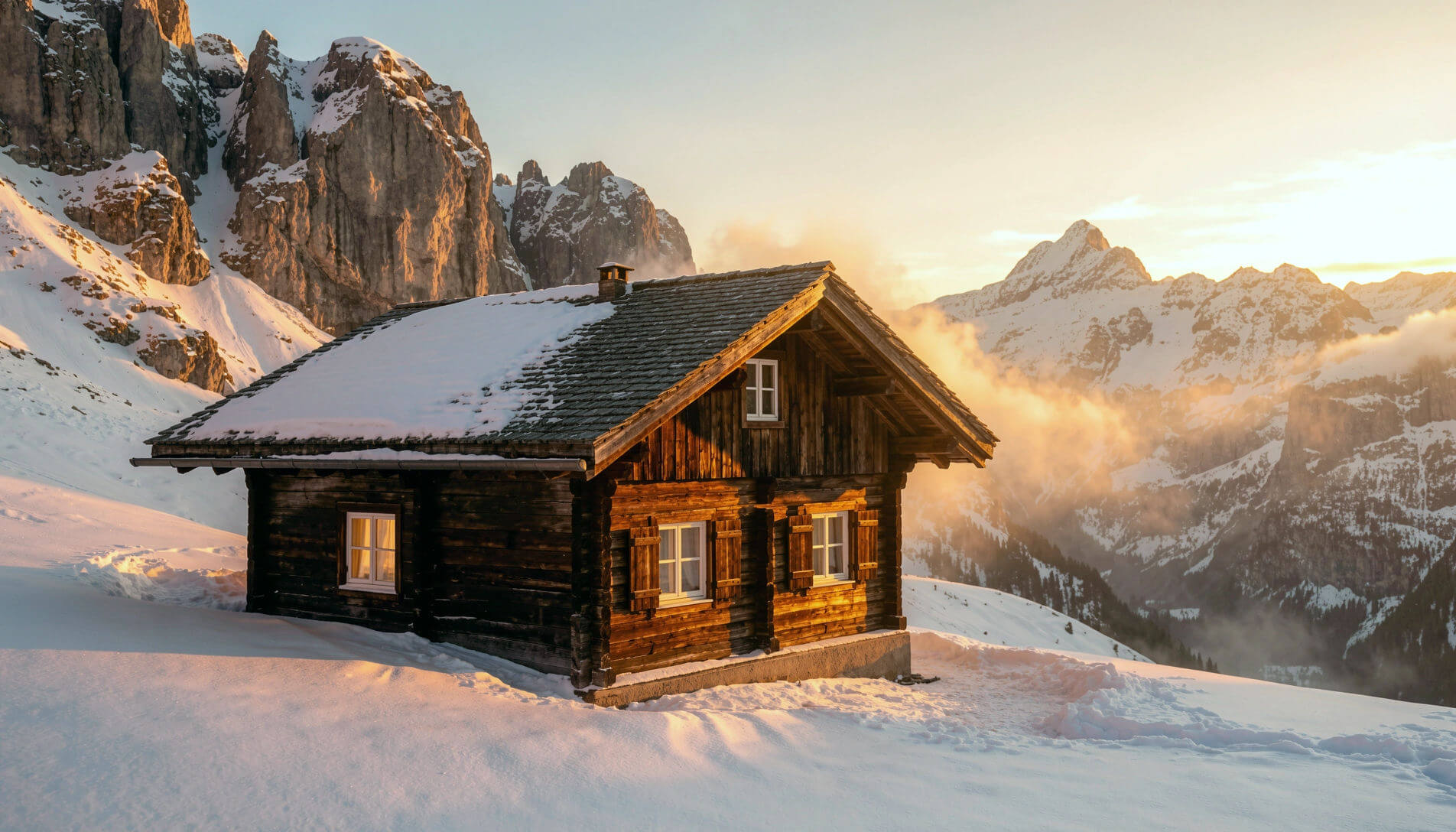
Qwen Image Edit, the Chinese Nano Banana alternative is part of Alibaba Cloud’s Qwen series of large language models (LLMs). It is their image editing model available in Qwen Chat. It is known for strong text rendering and precise text editing in both English and Chinese. Because of this, it is commonly used for creating presentations, posters, infographics, slideshows, and other text-heavy visual content.
Qwen's standout capabilities:
Best for: Fast, low-cost image generation on consumer-grade hardware
Pricing: starts at $7/month
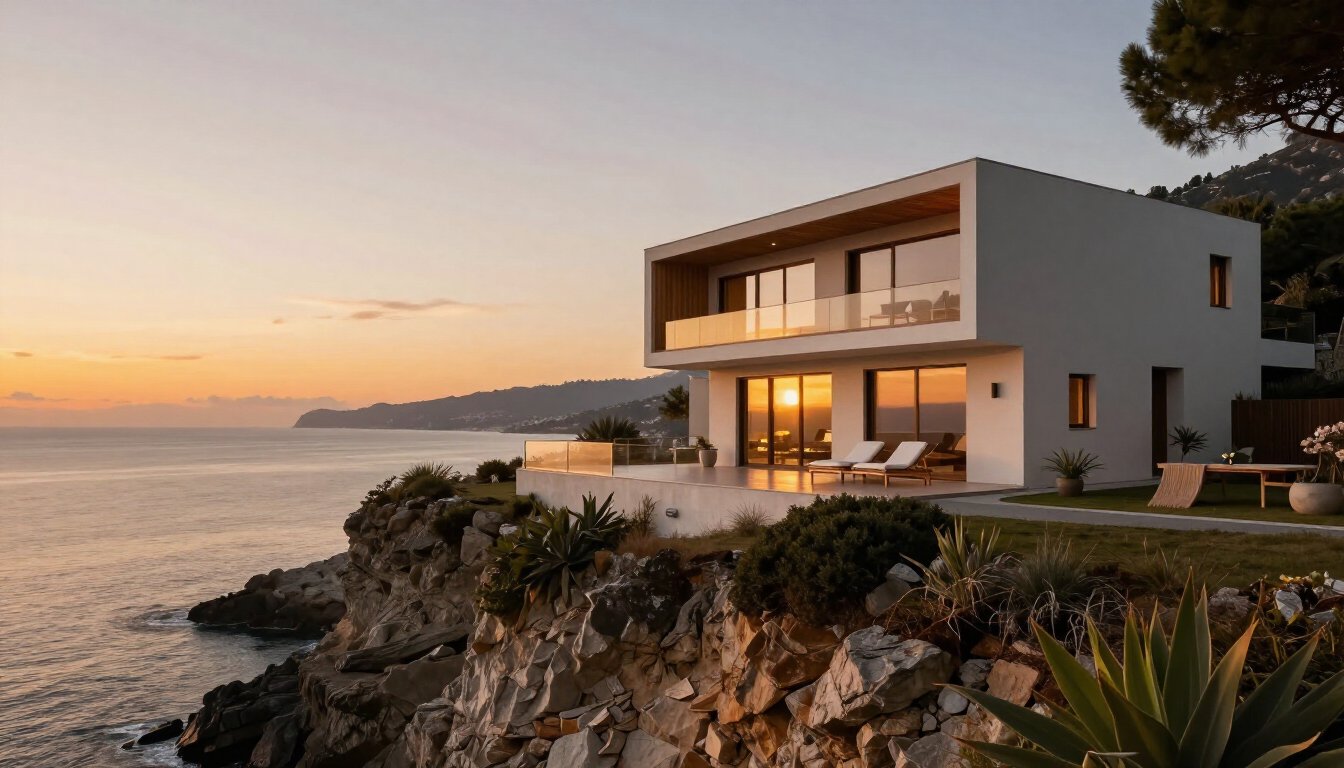
Z-Image Turbo is part of the Qwen family of AI models from Alibaba Cloud. Compared to Qwen Image, Z-Image Turbo prioritizes speed and hardware efficiency. While Qwen Image produces more realistic photos, the difference is minimal in most use cases.
The reason behind the model’s speed is how it unifies the processing of text and image data in a single stream. Most image generation and editing models do this in separate streams which basically equals more computations.
Best for: Image-to-video generation and lightweight architectural walkthrough animations
Pricing: starts at $5/month
.jpg)
Just like its sibling models from Alibaba Cloud, Wan 2.1 achieves realistic results with speed even on everyday GPUs. With an RTX 4090, a 5-second 480P video can be generated with Wan 2.1 in approximately 4 minutes.
With well-structured, detailed prompts, Wan 2.1 can be used to generate architectural walkthrough-style videos with convincing spatial continuity and camera movement. This makes it particularly useful for visualizing design concepts beyond static renders.
While tools like Qwen are strong for producing high-quality still architectural renders, Wan 2.1 adds value by extending those visuals into immersive walkthroughs. A common workflow is to first generate a still render using an image-generation tool, then feed it into Wan 2.1 to create a dynamic walkthrough or cinematic animation.
Where Wan 2.1 delivers:
While this list is curated to the best AI models you can use today for architectural work, each one still has its own strengths and weaknesses. This means they won’t perfectly fit every workflow, but perform best when used for the right one.
Yes, you can use Nano Banana Pro for free using the Gemini app. Free-tier users have access to limited free generations. After using up their credits, users are reverted back to the base Nano Banana model.
For most people, yes. If you want fast, consistent edits, photorealistic output, and a model that follows plain-language instructions, Nano Banana is one of the easiest and most capable options around. It's a weaker fit if you run high-volume commercial work where per-image costs stack up, or if you need a self-hosted open-source model you can fully control. In those cases, an open model like Qwen Image Edit, or a purpose-built tool like MyArchitectAI for architectural rendering, will probably serve you better.
The base Nano Banana model outputs around 1024px (roughly 1MP), which is fine for social posts but soft for print or large displays. Nano Banana Pro can generate natively at 1K, 2K, and 4K (up to 4096x4096), but 4K costs more per image ($0.24 via the API vs $0.134 for 1K/2K), takes noticeably longer to generate, and isn't available on the free tier at all. If you're stuck with 1K outputs, the cheaper route is to generate at standard resolution and run the result through a Nano Banana upscaler to get it print-ready.
The best AI better than Nano Banana depends on your use case, with options like MyArchitectAI for architectural rendering, Wan 2.1 for video generation, Z-Image Turbo for fast and low-cost outputs, and Midjourney for highly creative and artistic images.
Nano Banana Pro actually isn't that expensive next to its rivals: around $0.15 per image via the API, or about $10/month and up on subscription. What you're paying for is a genuinely large model with broad real-world knowledge and strong reasoning, plus the ability to hold a subject consistent across edits. Most cheaper image models can't do that. A model that big costs more to run, so the price only bites at high generation volumes. For lighter use, the free tier in the Gemini app or Google Flow (about 20 generations) is usually enough.
There are a lot of Chinese alternatives to Nano Banana, but two models with the most similar functionalities are Qwen Image Edit from Alibaba, and Seedream by ByteDance.

