
Enscape has become one of the most popular real-time rendering plugins for architects and designers. It integrates directly into Revit, SketchUp, Rhino, Archicad, and Vectorworks, letting you visualize your designs without switching between applications.
But Enscape's pricing structure has evolved significantly since Chaos acquired the company in 2022. With new subscription tiers, renamed plans (and discontinued license types), figuring out how much your firm should budget for Enscape requires some digging.
This guide breaks down every Enscape pricing plan, explains what each tier includes, and helps determine whether the investment makes sense – for your workflow, that is.
We'll also cover the hidden costs that catch many buyers off guard, and when you might be better off with more affordable alternatives.
Let's get into it.
Chaos restructured Enscape pricing in mid-2025, retiring the old "Fixed Seat" and "Floating" license terminology in favor of Solo and Premium tiers. Here's what each plan costs now (in 2026):
All plans are subscription-based. Chaos discontinued perpetual licenses entirely, so if you're hoping to make a one-time purchase, that's no longer an option.
Enscape Solo costs $574.80 per year for a named user license, or $87.30 per month if you prefer monthly billing. This is the entry point for most individual architects and designers.
Enscape Solo includes:
Enscape Solo doesn't include:
Now, would an Enscape Solo subscription be enough? For solo practitioners and small firms where each designer needs their own license, it provides everything you need for day-to-day visualization work.
Enscape Premium costs $634.80 per year for a named-user license or $994.80 per year for a floating license. The floating option means multiple members of your team can share the same license. It's particularly useful for firms where not everyone renders at the same time.
Premium includes everything in Solo, plus:
The $60 annual difference between Solo and Premium (named user) might seem minor. But for most architecture firms, the Basic tier of Veras won't justify the upgrade unless you're actively using AI-generated design concepts in your workflow.
The ArchDesign Collection bundles Enscape with additional Chaos tools. Named user licenses cost $694.80 per year; floating licenses cost $1,138.80 per year.
The ArchDesign Collection includes:
This collection targets firms that want an integrated design-to-delivery workflow with sustainability analysis built in. If you're pursuing LEED certification or need to present energy performance data to clients, Impact adds genuine value. Otherwise, it's overkill for standard visualization needs.
Chaos lists Enscape prices in USD on the global site, and in EUR or GBP on the European store. The EUR price on chaos.com/en-eu is usually close to a direct conversion of the USD figure. Local VAT gets added at checkout based on billing country. The US price is pre-tax. If you're paying in EUR or GBP from a USD-priced account, expect your bank to add 1-3% in conversion fees on top.
The Enscape price is consistent across all supported platforms. Whether you're using it with Revit, SketchUp, Rhino, Archicad, or Vectorworks, you'll pay the same subscription rate.
Enscape for Revit follows the standard pricing: $574.80/year for Solo, $634.80/year for Premium. Revit users often appreciate Enscape's tight BIM integration—you can display BIM data directly in rendered views and annotate collaboratively across teams.
Note that Enscape doesn't support Revit LT. Autodesk restricts third-party plugins to the full version of Revit only.
Same Enscape cost structure: $574.80/year for Solo. SketchUp users benefit from Enscape's lightweight workflow—no heavy file exports, just click "Start" and walk through your model. The plugin supports both Windows and Mac versions of SketchUp.
Rhino users pay identical rates. Enscape works with Rhino 7 and 8 on Windows, plus Rhino on Mac. The Grasshopper integration makes it useful for parametric design visualization, though you'll need to manage the learning curve for both tools.
The subscription fee is only part of the total Enscape cost. Your equipment and acquaintance with the software can also hit your budget.
Regardless of rendering settings, Enscape relies heavily on your GPU. These are the minimum requirements:
In other words, entry-level laptops and integrated graphics won't cut it. If your current workstation doesn't meet these specs, you're looking at $1,500–$3,000 for a GPU upgrade alone.
To make sure you can run it smoothly, check our detailed guide to Enscape's system requirements.
Enscape markets itself as "easy to use," and compared to V-Ray, for example – that's accurate. Stil, "easy" doesn't mean "instant." Expect:
Most firms find that Enscape's learning curve is manageable, but requires dedicated time that you won't be billing to clients. Here's a list of recommended Enscape courses and tutorials to get you up to speed.
Enscape doesn't replace your CAD/BIM software, it works alongside it. If you're new to the ecosystem, factor in also the cost of one of the modeling programs:
Your total visualization budget depends on which host application you're already using.
The Enscape price looks reasonable in isolation. Combined with hardware demands and training investment, however, the total cost climbs quickly. Multiplies when you’re running a team. So, let’s calculate what different users will actually spend:
Freelance architect (minimal setup):
Total: ~$575/year
Small firm (3 users):
Total: ~$4,850 first year, ~$1,725/year ongoing
Growing studio (5 users with floating licenses):
Total: ~$8,500 first year, ~$3,000/year ongoing
No. Enscape doesn't offer a free version. However, Chaos does provide:
14-day free trial: Full-featured access to test the software. You can render, export, and use VR. Know that your exports will include a watermark until you purchase a license.
Educational licenses: Students and educators can apply for free or heavily discounted licenses through Chaos Education. These cannot be used commercially.
If you're only evaluating whether Enscape fits your workflow, the trial period gives you enough time to test it on real projects.
How does the Enscape cost stack up against competing renderers?
Enscape delivers solid value in specific scenarios:
If these match your workflow, Enscape cost is competitive.
Enscape pricing becomes harder to justify in these situations:
While Enscape excels at real-time visualization during design, AI rendering tools like MyArchitectAI get you professional-quality renders fast, without technical overhead, and at a fraction of Enscape's cost:
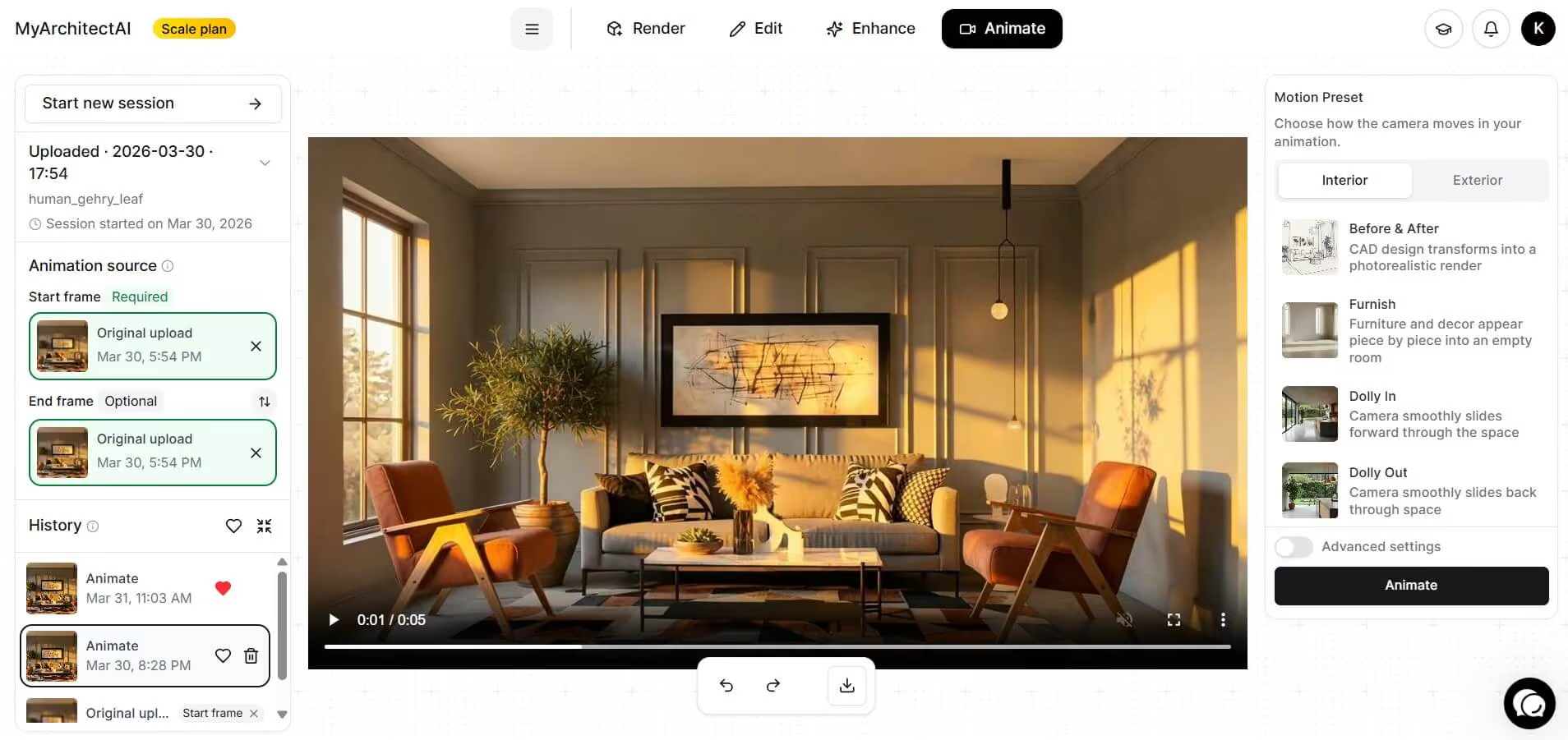
Not that MyArchitectAI doesn't entirely replace Enscape for every use case. If you need interactive walkthroughs, VR presentations, or real-time design iteration, Enscape does things AI can't. But for client presentations, marketing visuals, ideation and and quick concept renders, AI delivers professional results at a fraction of the time and cost.
Those hours you devote to tweaking Enscape scenes for such deliverables could be billable. AI rendering offers a faster path to the same outcome.
Many firms also use both: Enscape for real-time rendering during presentsations, and AI tools to enhance their Enscape renders for higher realism.
Enscape's $575/year price point is fair for what it delivers: integrated real-time visualization that stays inside your modeling environment. For firms with proper hardware and workflows built around CAD-to-render pipelines, the investment pays off quickly.
But the Enscape cost adds up when you factor in GPU requirements, training time, and the hard fact that many firms don't need the level of control Enscape provides. For teams where "good enough, delivered fast" beats "perfect, delivered eventually," lighter alternatives—especially AI-powered ones—offer better value.
The right choice depends on your actual workflow. If setting up renders takes time you could spend designing, that's a signal to explore simpler tools.
Enscape pricing starts at $574.80 per year for a Solo named user license. Premium licenses cost $634.80/year (named) or $994.80/year (floating). Monthly billing is available for Solo at $87.30/month.
No. Enscape switched to subscription-only pricing after the Chaos acquisition. Perpetual licenses are no longer available. All users must maintain an active subscription to use the software.
No. Solo licenses are tied to a single user and machine. Floating licenses (Premium tier only) allow msultiple team members to share access, but only one user can run the license at a time.
They serve different purposes. Enscape is faster and easier for real-time visualization during design. V-Ray produces higher-quality photorealistic images but requires more setup time, technical knowledge, and rendering hardware. Many firms use both.

