
V-Ray powers most of the photorealistic architecture renders you see online. According to Chaos, 95 of the top 100 architecture firms use it.
But it's not a tool you pick up on a weekend, and the wrong approach burns weeks on finding the right render settings. The right V-Ray tutorial cuts that down fast.
Below are the 9 best V-Ray courses for 2026, split by the software you model in: SketchUp, Rhino, or 3ds Max. Some are free, some are paid, and all are taught by people who actually use V-Ray in production.
SketchUp is where most architects and interior designers start with V-Ray; accordingly, it's the area where you'll find the most learning material.
Cost: Free
Level: Beginner
Duration & format: Self-paced video lessons
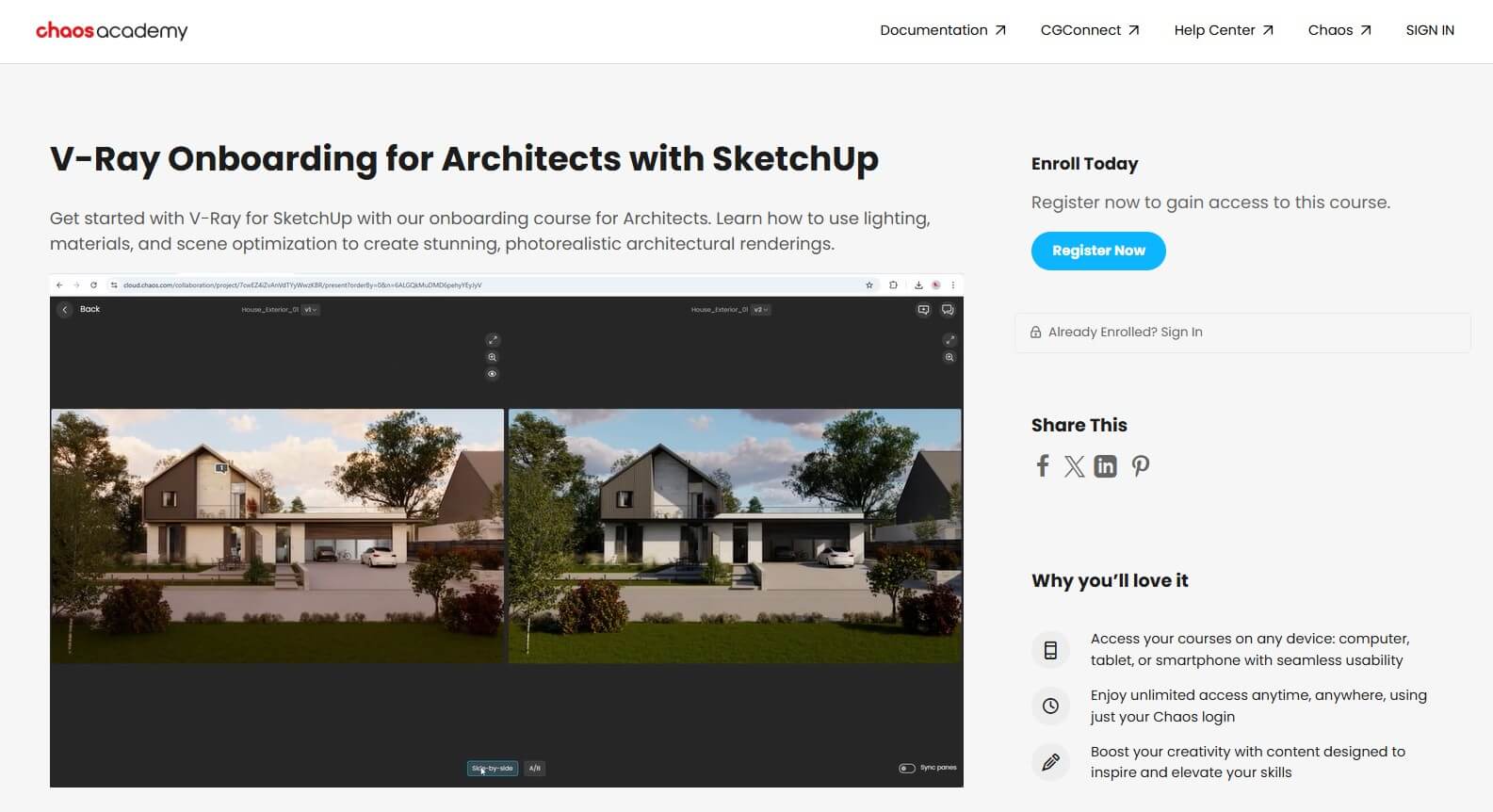
This is the official starting point. Chaos Academy is the company's own learning platform, and they have an onboarding course made specifically for architects working in SketchUp.
What you'll learn there is how to navigate the V-Ray interface, set up lighting and materials, and get to a finished render without getting lost in advanced settings. Lessons are short (most under 5–10 minutes), so you can fit them in between projects.
There's also a parallel onboarding course for interior designers using SketchUp, which covers the same basics but with examples geared toward interior scenes.
If you want a free V-Ray course straight from the people who make the software, this is it. You'll need a free Chaos account to access it, though. The Chaos site also hosts shorter V-Ray tutorials by Boyan Petrov that you can watch alongside the onboarding course.
Cost: Around $14.99 on Udemy (often discounted)
Level: Beginner to intermediate
Duration & format: 20.5 hours of video, self-paced
Created by Manish Paul Simon, an architect with over a decade of experience, this course has over 30,000 students and is one of the most popular V-Ray classes online for interior designers. You can check it out along with other courses coming from the same instructor directly on the SketchUp Guru website.
The program follows a real apartment project, meaning you'll model and render a contemporary bedroom, modular kitchen, and other interior spaces step by step. The big advantage here is that Manish teaches the MCLR Workflow (Modeling, Camera, Lighting, Rendering), which is a structured way to approach every scene. Much better than randomly clicking through V-Ray's menus.
You'll also pick up SketchUp plugin tips for adding fabric details and all the small touches that take renders from "decent" to "client-ready."
Cost: £39/month or £159/year (permanent discounts sometimes apply, membership includes all courses)
Level: Beginner to intermediate
Duration & format: 6+ hours across multiple lessons, self-paced
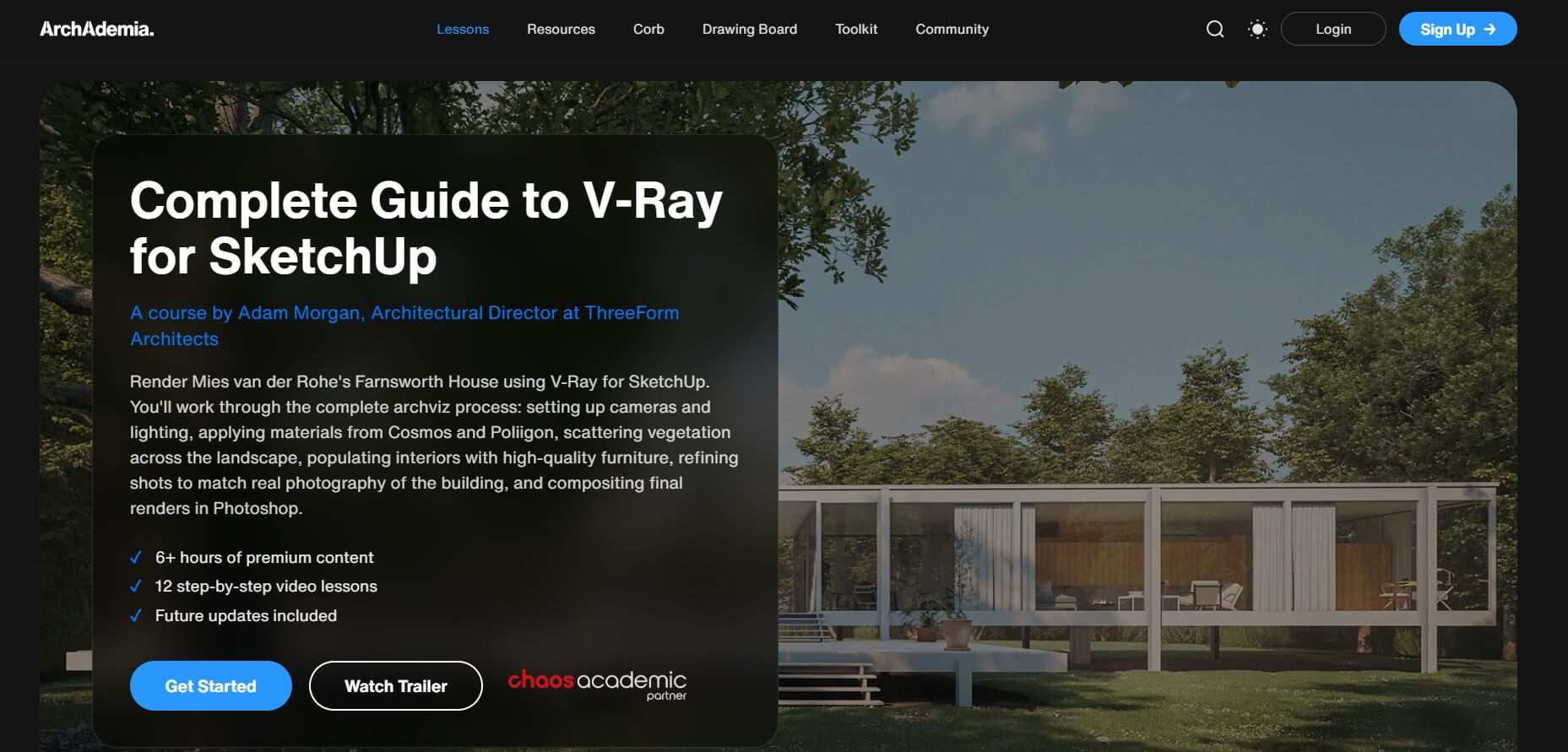
ArchAdemia is a UK-based archviz training platform. Their V-Ray for SketchUp course by Adam Morgan covers practical rendering for architects and visualization professionals.
Lessons walk through scene setup, camera and lighting configuration with V-Ray Light Gen and HDRI dome lights, materials via the Cosmos Browser, and external libraries like Poliigon, then exterior population with the Scatter and Fur tools, and interior population with high-quality Cosmos models.
The membership also unlocks ArchAdemia's other courses—including a separate V-Ray for 3ds Max program—so it's a good option if you want flexibility across tools. Useful when you don't want to commit to a single set of V-Ray tutorials tied to one platform.
Cost: $298–$600/year (frequently discounted)
Level: Beginner to advanced
Duration & format: 50+ progressive video lessons, self-paced, with certification
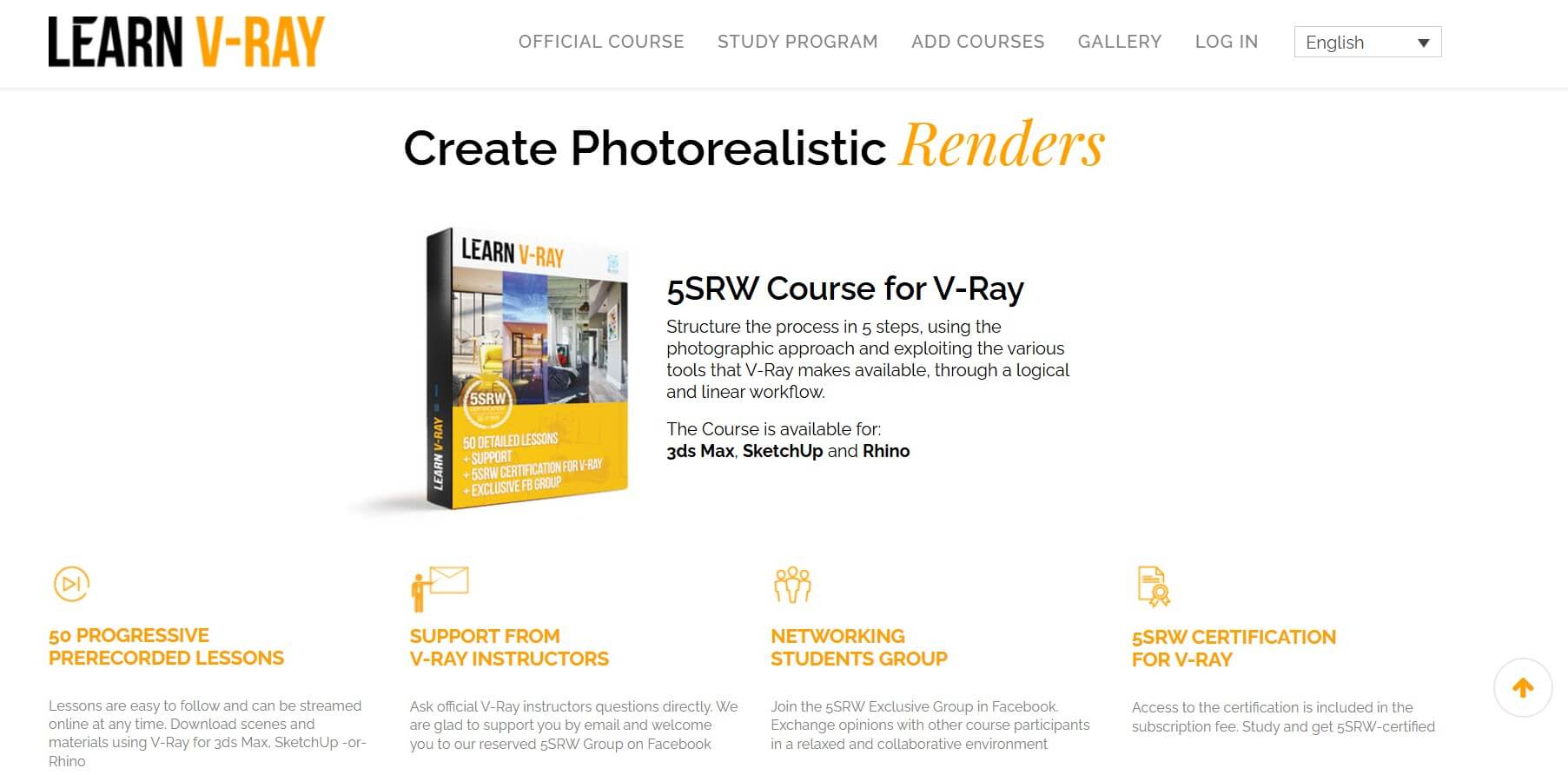
Learn V-Ray is run by Ciro Sannino, an official Chaos partner who's been teaching V-Ray since 1997 and wrote the books Photography & Rendering with V-Ray and Chiaroscuro with V-Ray.
The course is built around the 5-Step Render Workflow: framing, light balance, materials, final render, and post-production. The whole approach treats rendering as photography, which is why its lighting results stand out.
You also get access to certified V-Ray instructors via email and a private Facebook group, plus the option to take the official 5SRW certification exam. Annual subscriptions include downloadable scenes for V-Ray 5 and 6, and Chaos Academic Partner status means students can get an educational V-Ray license bundled in.
It's not cheap. But if you're serious about photorealism, this is the most respected V-Ray for SketchUp training program. The 5SRW method also works for Rhino and 3ds Max if you switch tools later, so the same V-Ray tutorials carry over without repurchasing.
If Rhino is your modeling tool of choice, your options narrow a bit. Here are the V-Ray tutorials worth checking for Rhino users.
Cost: £39/month or £159/year (permanent discounts sometimes apply, membership includes all courses)
Level: Beginner to intermediate
Duration & format: 9+ hours, 12 lessons across 3 chapters, self-paced
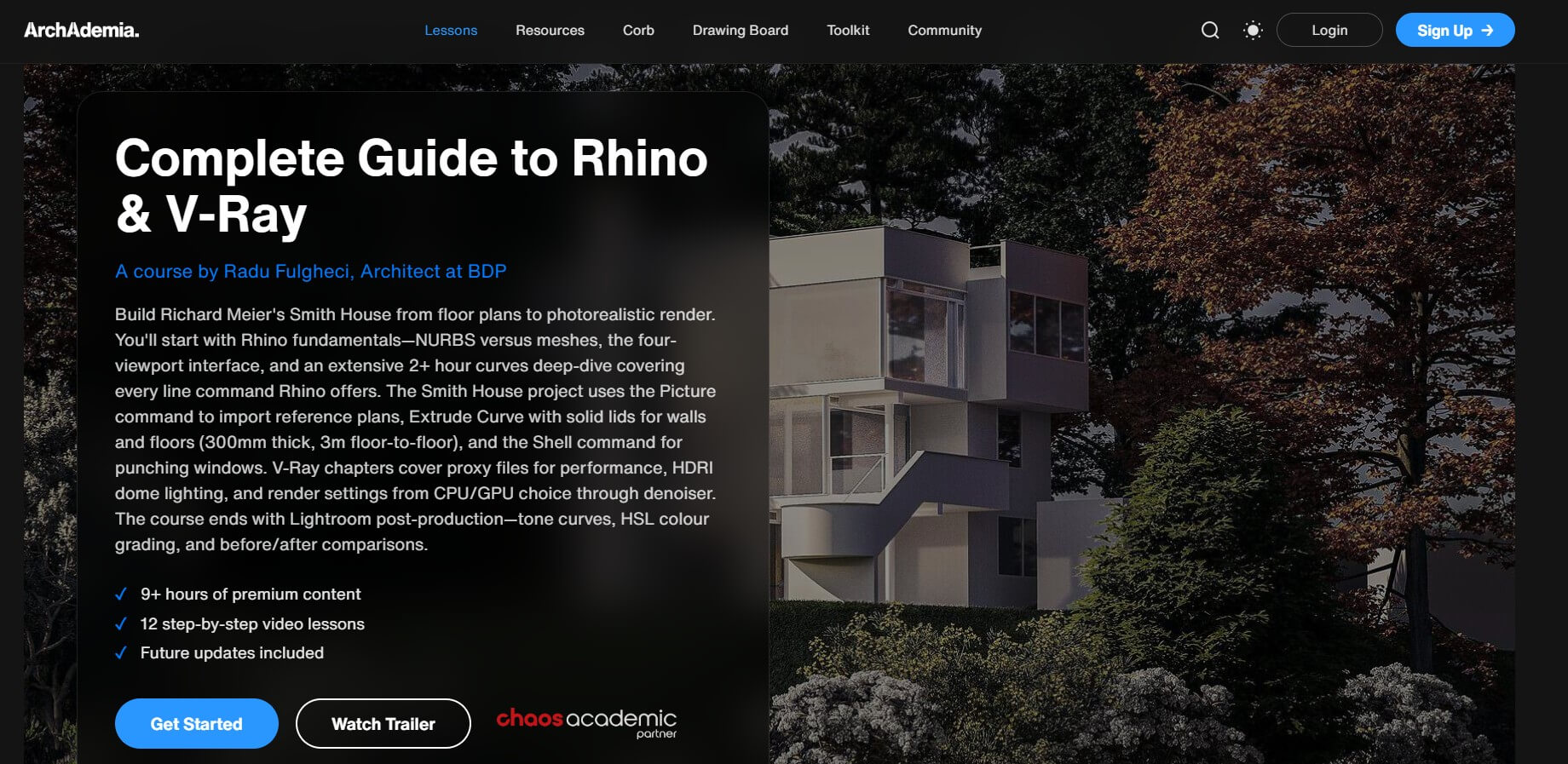
This is one of the more comprehensive V-Ray rendering tutorials for Rhino we've found. The course is structured around Richard Meier's Smith House, taking you from Rhino fundamentals all the way to a finished V-Ray render.
The fundamentals chapter covers NURBS vs. mesh geometry, along with line and surface commands and Rhino's rendering basics. The project itself walks through importing plans, building walls and floors, modeling site landforms, and using V-Ray proxy files to keep the scene fast.
V-Ray-specific lessons focus on HDRI dome lighting, sourcing 3D models from sites like Ever Motion and Flying Architecture, configuring CPU vs. GPU rendering, and post-production color grading in Lightroom Classic. The Smith House project is a good real-world test of the full workflow.
Cost: $289/year personal membership (includes all ThinkParametric courses)
Level: Beginner
Duration & format: Self-paced video lessons, ~75 min
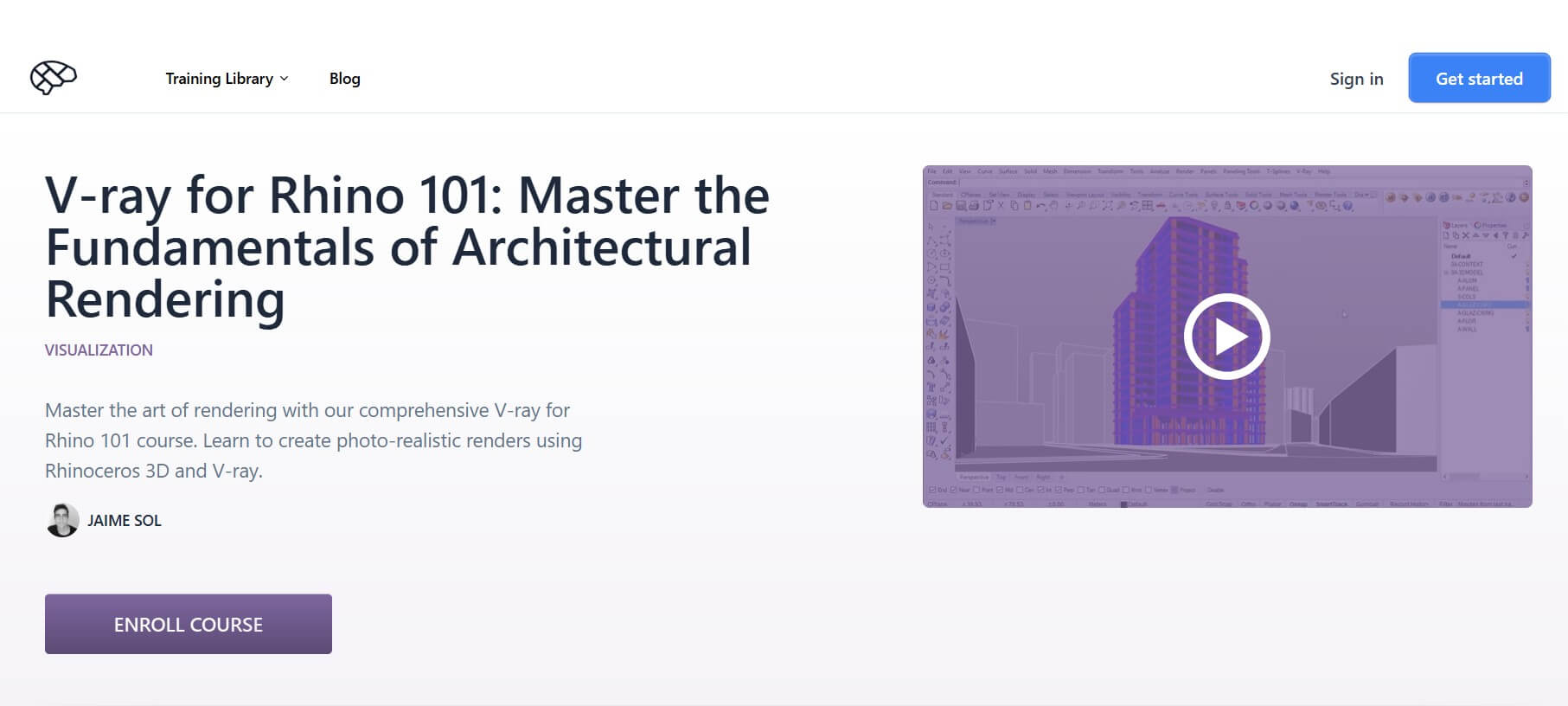
ThinkParametric specializes in architecture and computational design training. This particular V-Ray tutorial for Rhino is their entry-level option for absolute beginners.
The course starts by introducing you to the V-Ray interface and the most important settings you'll actually use, then moves on to materials. It teaches both how to use the default V-Ray library and how to build your own from scratch. The final lessons cover environment setup, sun system configuration, accurate lighting based on real-world location, and time-of-day adjustments.
While not as deep as ArchAdemia's Smith House course, if you want a quick V-Ray tutorial for beginners using Rhino, this one will get you up and running fast.
3ds Max is the industry standard for high-end archviz studios, and that's where V-Ray's deepest integration is. There are more advanced V-Ray tutorials and courses for 3ds Max than for any other host software.
Cost: Free to audit, certificate fees apply
Level: Intermediate
Duration & format: 3 modules, 9 hours, self-paced
This is part of EDUCBA's 3ds Max specialization on Coursera. The V-Ray module covers the foundations of V-Ray lighting and then moves into materials and rendering—Fresnel reflections, glossiness, max depth, and exit color.
The advanced module covers sampling methods, material libraries, light options, texture mapping, environment overrides, skylight customization, and the V-Ray Frame Buffer.
It's a solid V-Ray tutorial for 3ds Max if you're looking for a structured, certificate-track option without paying for an expensive standalone course. Plus, you can audit it for free if you don't need the certificate.
Cost: Around €599 (lifetime access for a full training bundle)
Level: Beginner to intermediate
Duration & format: 147 lessons
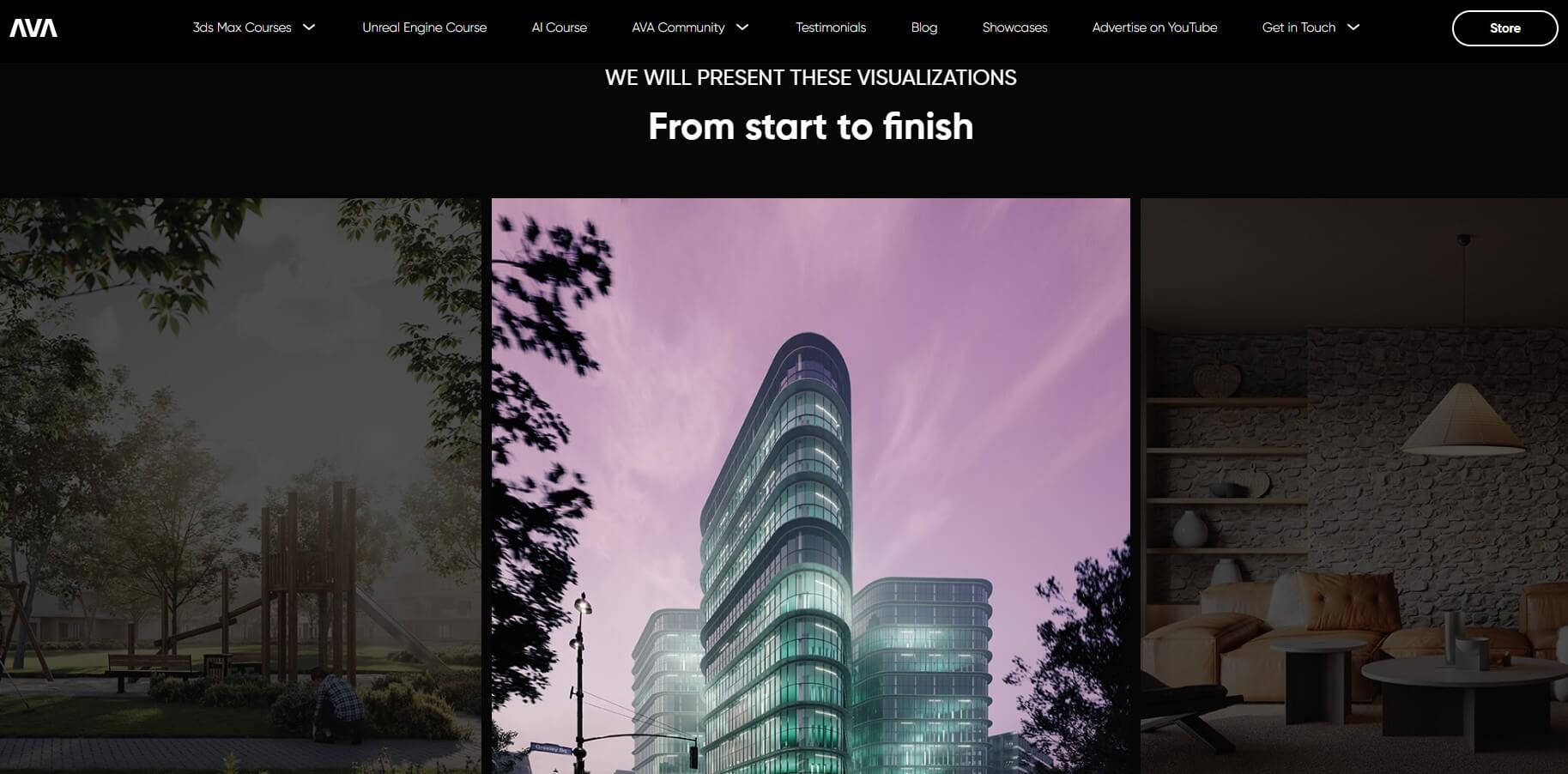
Arch Viz Artist is one of the most respected archviz channels online, and their flagship course teaches both exterior and interior visualizations in 3ds Max. Each lesson is recorded in two versions, V-Ray and Corona, so you can follow along regardless of your render engine.
The course covers everything from 3ds Max basics through modeling, camera setup, lighting scenarios (daylight, overcast, sunset, night), materials, and post-production. You also get bonus content of 4 interior visualizations in V-Ray valued separately at €299, AI dubbing and subtitles, and a final exam with a certificate.
It's principle-based, so the workflows transfer between 3ds Max versions and V-Ray versions.
Cost: $29.99/month (includes all LinkedIn Learning courses; varies by region)
Level: Beginner to intermediate
Duration & format: ~6 hours, self-paced
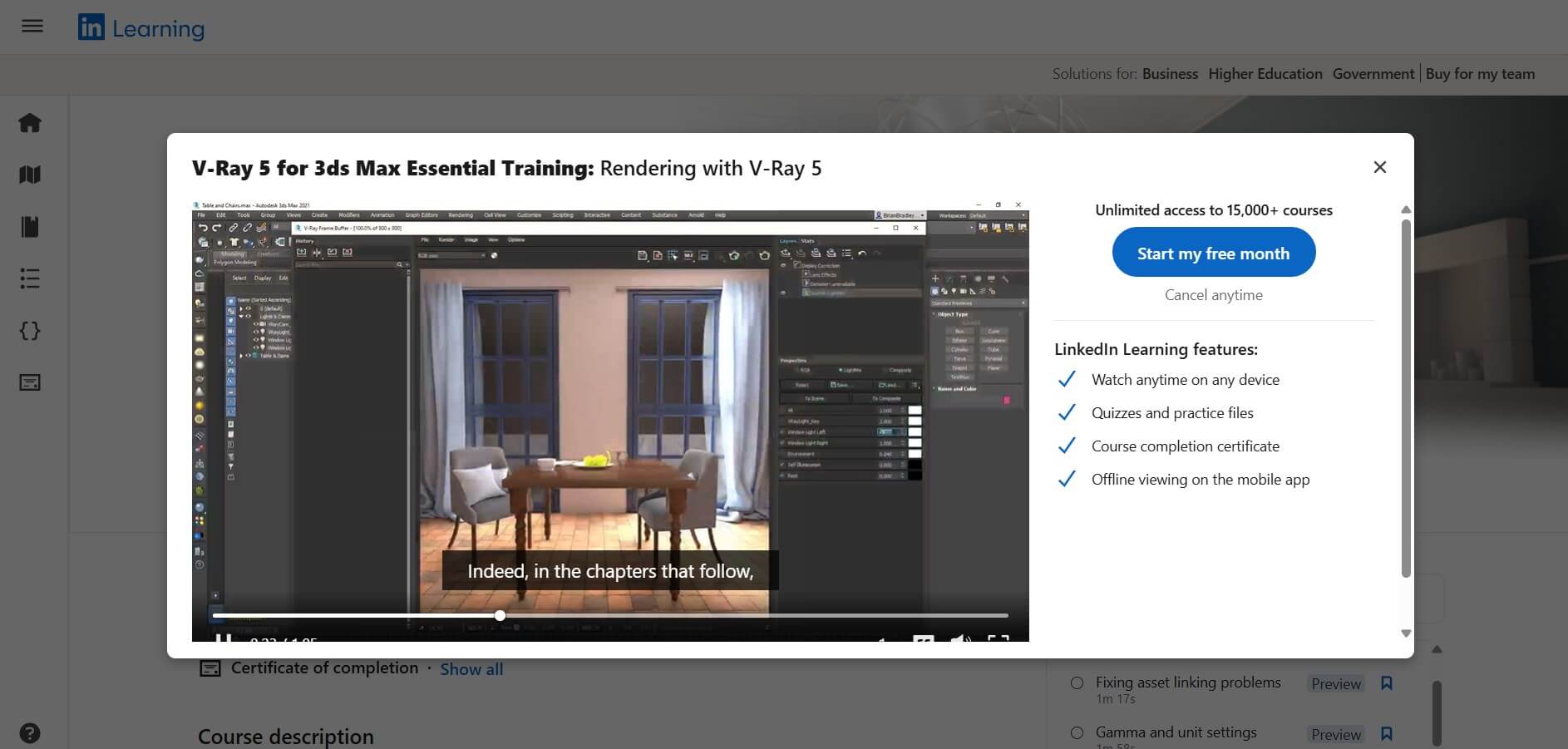
Taught by Brian Bradley, who's been producing V-Ray training content for over a decade, this course breaks down V-Ray 5's essentials inside 3ds Max. The curriculum covers V-Ray 5 highlights like the Chaos Cosmos asset library, VFB pixel-perfect masks, the V-Ray camera lister, multiple additive dome lights, and the Intel denoiser.
You'll also work through V-Ray maps, materials (including MDL), quality-control tools, and the V-Ray Physical Camera. It's a clean, structured V-Ray tutorial for 3ds Max with a recognizable instructor. The LinkedIn profile integration is a nice bonus if you care about credentials.
If you're starting from zero and want to test the water for free, begin with Chaos Academy. Supplement that with the official V-Ray for SketchUp tutorial videos by Boyan Petrov on the Chaos website; they're free and short.
If you're an interior designer using SketchUp and want practical, project-based learning fast, the SketchUp Guru course on Udemy is hard to beat for the price.
If you're aiming for photorealism at a professional level and want a recognized certification, go with 5SRW. It's the priciest option here, but it's also the most respected V-Ray training program for archviz.
For 3ds Max users serious about archviz careers, the Arch Viz Artist's course is the deepest single resource you'll find.
For a different approach altogether (especially if you'd rather skip V-Ray's learning curve entirely), explore AI-powered rendering that produces photorealistic results in 10 seconds with no training required.
V-Ray has a steeper learning curve than real-time renderers like Enscape or D5 Render. The interface is dense, and there are a lot of settings you can tweak for lighting, materials, render quality, and camera behavior. That said, once you understand the basic principles, it gets easier to navigate. Following a structured V-Ray course instead of watching random YouTube videos shortens the learning time considerably.
You can learn the basics and produce a decent render in 1–2 weeks of consistent practice. Reaching a professional, portfolio-ready level usually takes 3–6 months of regular work. Programs like 5SRW are designed as year-long subscriptions because mastering the photographic side of V-Ray takes time (and not because the software itself takes a year to figure out).
Enscape is significantly easier. It's a real-time renderer with minimal settings and intelligent automatic lighting, and you can produce a usable render within a few hours of installing it. V-Ray gives you more control and higher photorealism, but you'll need weeks of practice to reach the same comfort level. Many studios use both: Enscape for design iteration and V-Ray for final marketing images. Read our full Enscape vs V-Ray guide for a detailed comparison.
No, V-Ray is a paid plugin. Chaos offers a 30-day free trial that includes all V-Ray integrations and the Chaos Cosmos library. After that, V-Ray Solo starts at $540/year. Students with a valid academic email can get a free one-year educational license, renewable annually as long as you're enrolled. SketchUp Studio subscriptions also include V-Ray bundled in.

