
Revit is the most widely adopted BIM tool in architecture, and knowing it is quickly going from optional to expected. Whether you're entering the industry or looking to level up as a design professional, structured Revit training is the fastest way to get there.
In this guide, we’ll share the best online Revit courses in 2026 to help you learn the software, from beginner fundamentals to advanced workflows, while also building a solid understanding of Building Information Modeling (BIM).
Whether you're exploring Revit for beginners, more advanced workflows, visualization techniques, or even planning to learn Revit API for automation and customization, these courses cover a wide range of learning paths.
And if you're looking to learn only about visualizing your projects, check our other guide on how to render in Revit.
Cost: 43.99 USD for the individual course
Duration and format: 11+ hours, 7-course series with 52 lessons, exercises, and downloadable files
Level: Beginner
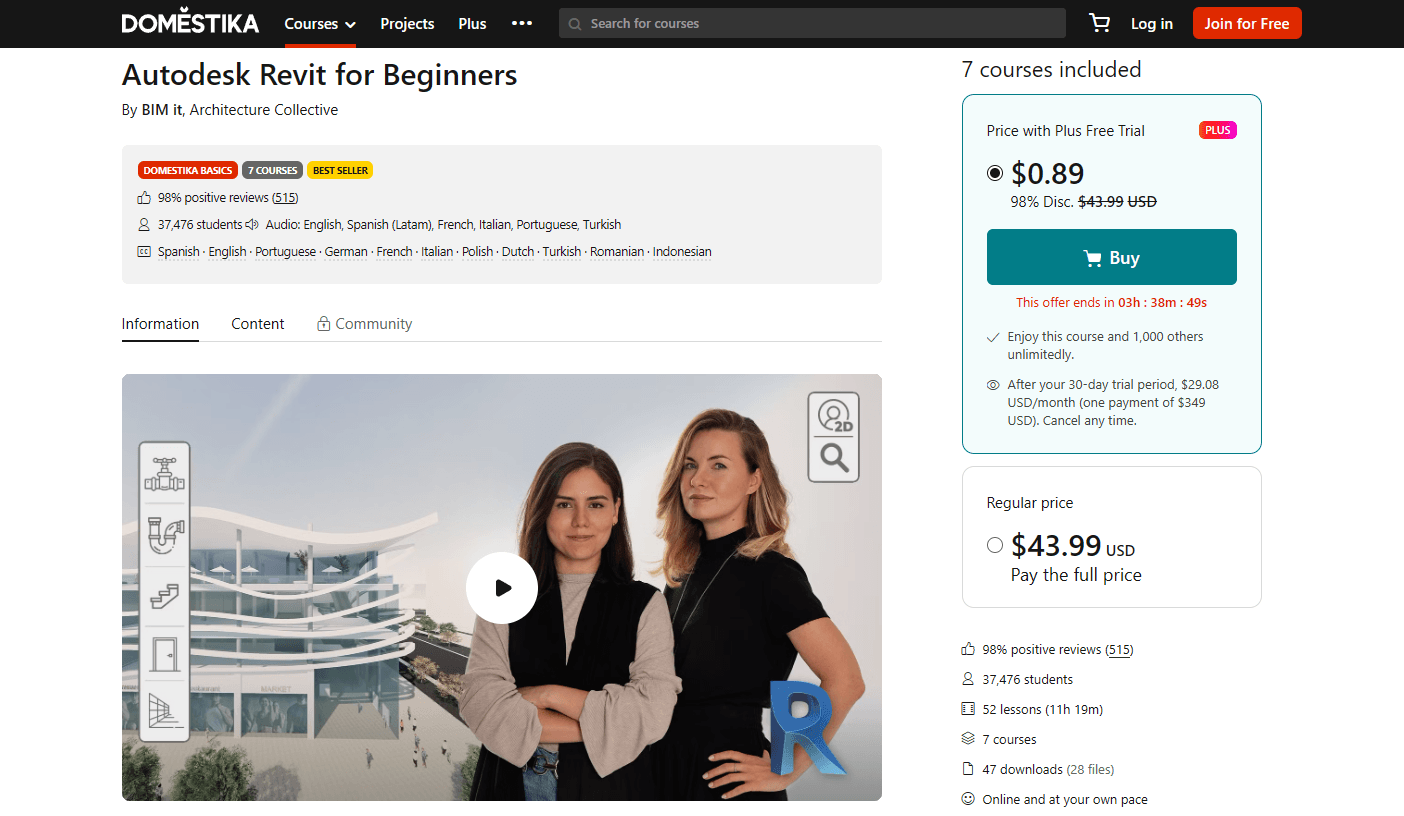
This is a 7-course series presented by two Barcelona-based architects Paula Cabral and Nataliya Tokmacheva who both use Revit for their daily professional work. They specialize in developing large-scale projects like shopping centers and mixed-use complexes. In the course, they not only teach Revit fundamentals, making it suitable for Revit for beginners, but also how they personally apply it in real-world architectural workflows.
In the series, you’ll find the following 7 courses:
The series includes a total of 52 lessons across 7 courses, along with 15 exercises and 47 downloadable files.
The real draw here is its perspective – it’s taught by two practicing architects, Paula and Nataliya, who share how they use Revit and BIM in their day-to-day professional work. This gives this Autodesk Revit course a more practical, real-world approach compared to more tool-focused training.
Cost: Free
Duration and format: ~9 hours, self-paced lessons with exercises and a practice test
Level: Intermediate
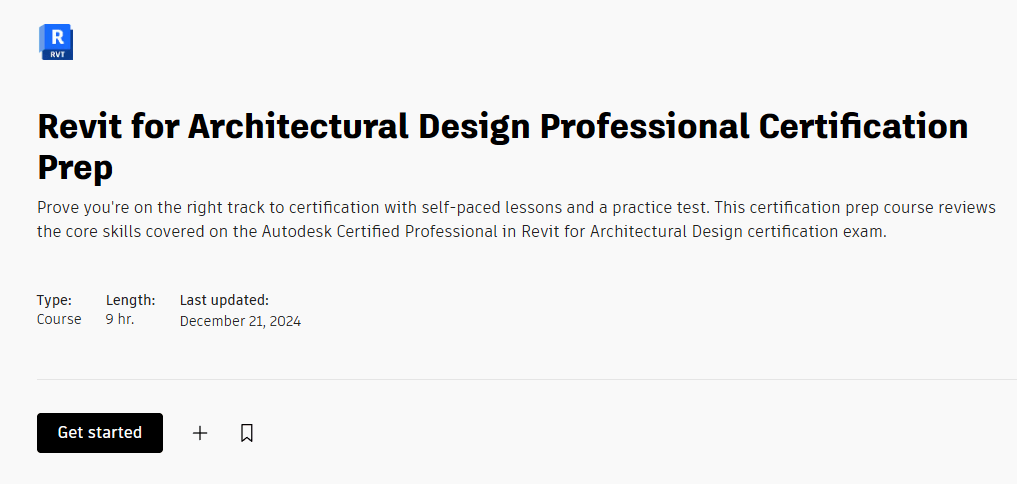
This AutoCAD Revit training is provided by Autodesk and is designed to help you prepare for the Autodesk Revit Certification exam, making it a direct path toward earning a Revit professional certification. It includes self-paced lessons and a practice test covering key exam topics such as modeling, documentation, collaboration and coordination, project setup, and information analysis, among others.
After completing the course, you’ll not only be ready for the exam, but also equipped with practical skills you can apply in your professional work, including:
The biggest draw is that it’s free and closely aligned with the certification exam content. It’s especially valuable if your goal is to get certified, while also improving your workflow through hands-on exercises included throughout the lessons.
Cost: $39/month, $299/year, or $980 lifetime access
Duration and format: 150+ hours of self-paced video training with project-based coursework
Level: Beginner to Advanced
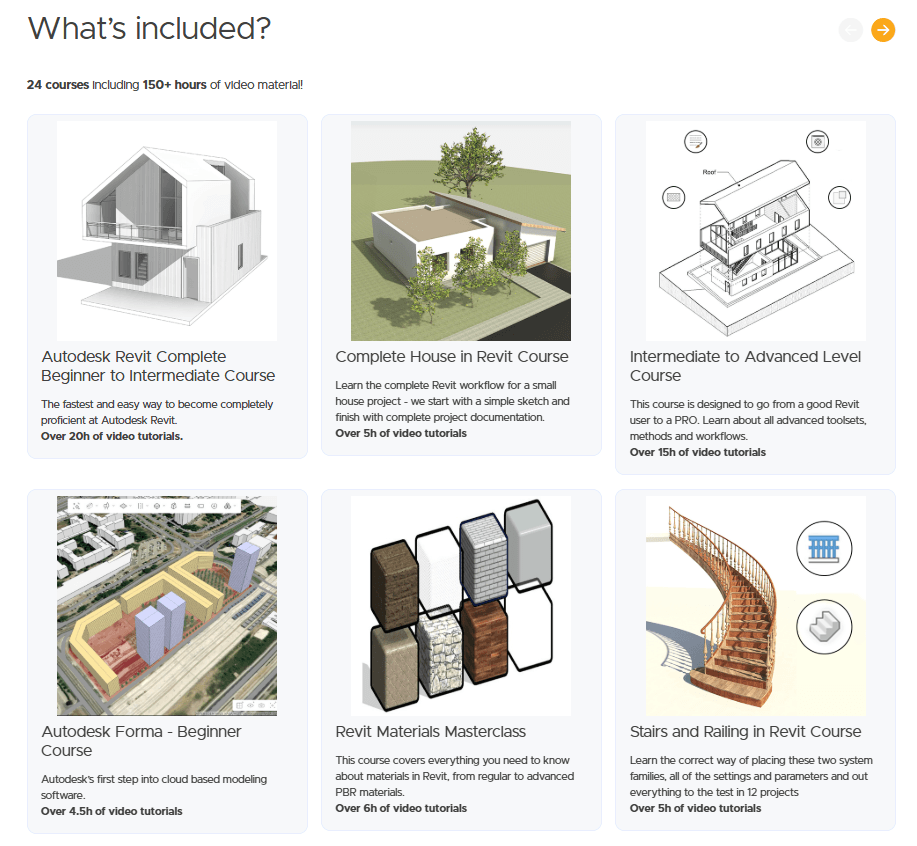
The Balkan Architect, Milos Temerinski, is an architect and Revit expert known for his Autocad Revit tutorial on YouTube, where he has over 750,000 subscribers. He offers in-depth paid Revit architecture training designed to take users from beginner to advanced levels.
On his website, you’ll find a 26-course bundle available through monthly, annual, or lifetime ($980) access. This includes all current and future courses, along with downloadable project files
With lifetime access, you get all existing and future courses on his website, plus downloadable project files.
The Balkan Architect’s courses include:
These Autodesk Revit courses go deeper than most, with real-world focus, with detailed walkthroughs of complete projects and workflows. This makes them a great fit for learners who prefer hands-on, practical training over structured academic programs. Plus, with a subscription or lifetime access, you also get continuous access to new courses as they are released, allowing you to keep learning as the content library grows.
Cost: ~$13 on sale (regular price varies)
Duration and format: 22 hours of on-demand video lectures, self-paced
Level: Beginner to Advanced
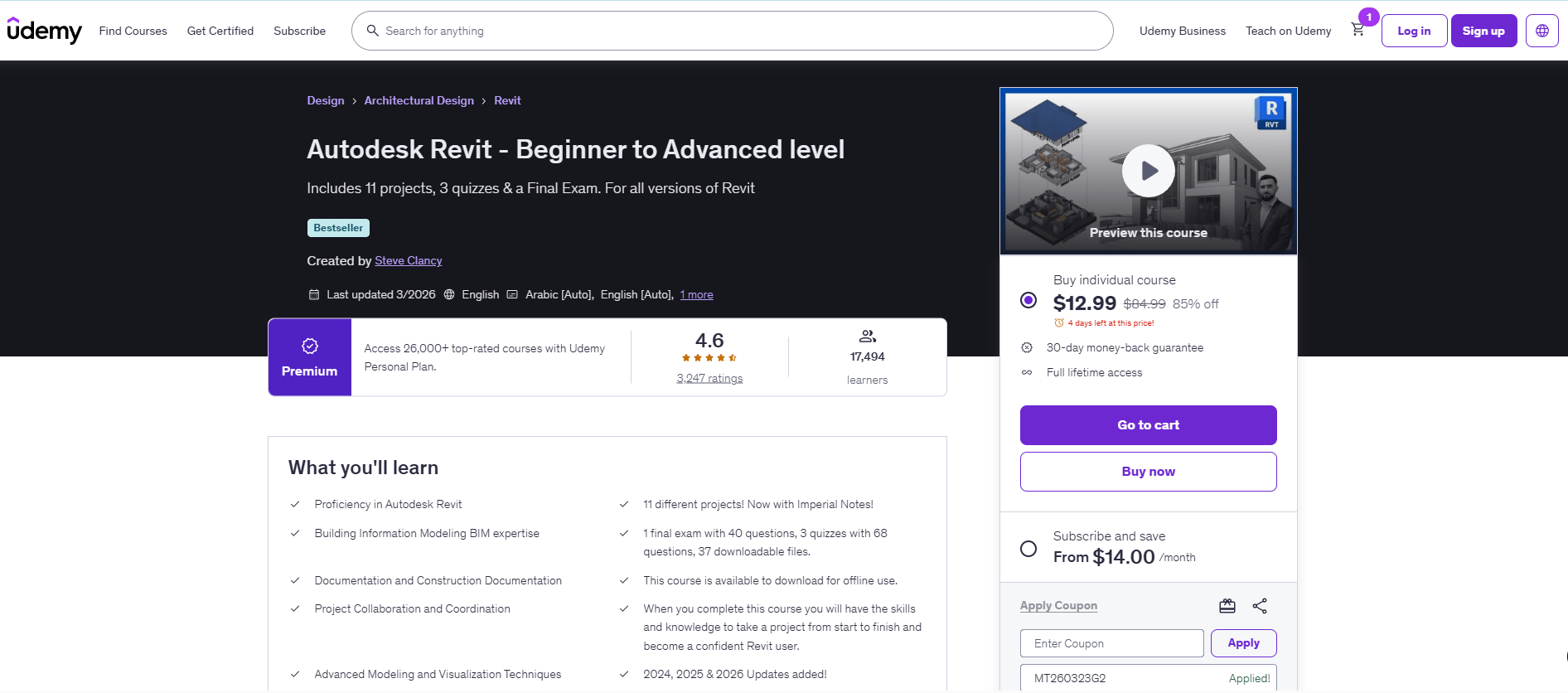
Created by Steve Clancy, a London design professional and CEO of the online educational platform S15 Studio, this Autodesk Revit course is a bestseller on Udemy with a 4.6-star rating.
It is suitable for those with zero Revit experience, but aims to become proficient with the software to an advanced level. This is what the course promises after sitting through 22 hours of on-demand videos, completing activities, 3 quizzes, and 1 final exam.
Upon completion, you can expect to be knowledgeable in the following:
This course stands out for how it integrates real-world use, particularly by walking you through different real-world applications and requiring you to complete projects, including a single-storey house, structural frame, conceptual mass, doors, walls, floor tags, topography, site layout, and more.
Additionally, if you are planning to become an Autodesk Certified User, this Revit BIM course prepares you for the certification Autodesk certification exam.
Cost: $20/month (7-day free trial)
Duration and format: ~4 weeks (10 hours/week), self-paced video lectures across 3 courses
Level: Intermediate
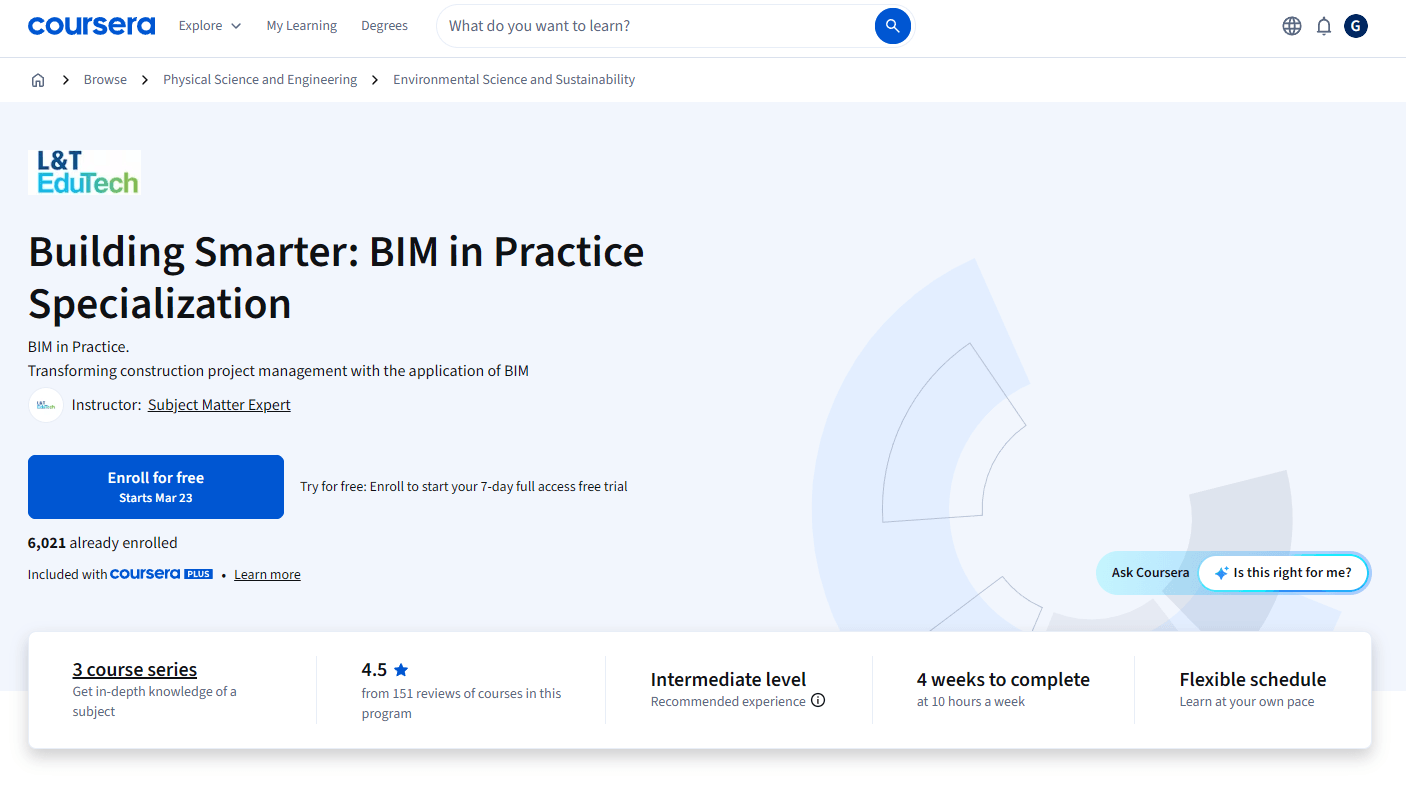
This is a 3-course series by L&T EduTech designed for existing Revit users, particularly those at an intermediate level, such as civil engineering and construction management students. Each course provides an individual Revit certificate, and upon completing the full series, you’ll earn an additional certificate, bringing the total to four.
The courses included are:
Similar to Clancy’s course in its use of real-world applications, this program is more specialized and covers a broader range of the AEC industry. Because of this, it’s better suited for learners with at least an intermediate understanding of BIM and construction processes.
It’s designed to develop you into a well-rounded BIM professional, equipping you with the knowledge and practical skills needed to support project coordination, collaboration, and delivery using BIM workflows. It also covers basic 3D modeling using Autodesk Revit, including its applications in MEP, HVAC, architecture, and structural disciplines, making it one of the best Revit courses for multidisciplinary BIM workflows.
Cost: Included with LinkedIn Premium subscription
Duration and Fformat: ~80 hours of short video lessons, self-paced, includes 400+ exercise files
Level: Intermediate to Advanced
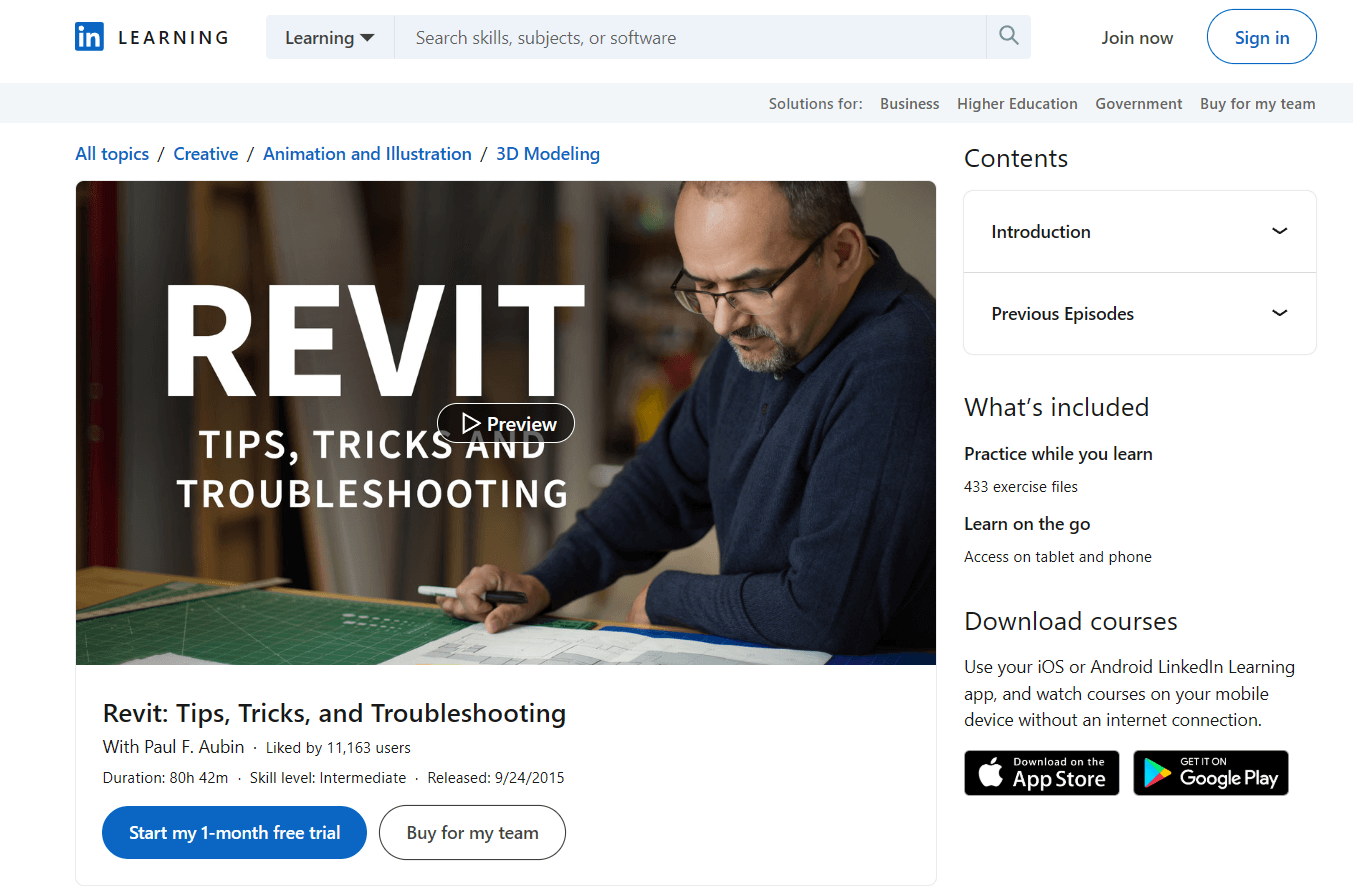
This course is suitable for Revit users at any skill level and focuses on practical tips, tricks, and troubleshooting techniques to improve workflow efficiency. If you’ve already learned the basics and want to work faster and more effectively, this course is a logical next step.
It emphasizes best practices, showing the “right” way to handle common tasks such as checking project settings, configuring crop regions, and organizing parameters within families. The goal is to help you streamline your workflow and avoid common mistakes, while adding useful techniques to your growing set of Revit skills.
Created by Paul F. Aubin, a seasoned Revit and architecture professional with over 30 years of experience, the course is grounded in real-world practice. He shares tips and procedures he personally uses and teaches to clients and students. Topics include customizing Revit settings, modeling techniques, file management, conditional formatting, and other workflow optimizations to improve day-to-day productivity.
Cost: $2,649–$2,679
Duration and format: 120 hours total, self-paced 3-course program with structured learning
Level: Beginner to Advanced
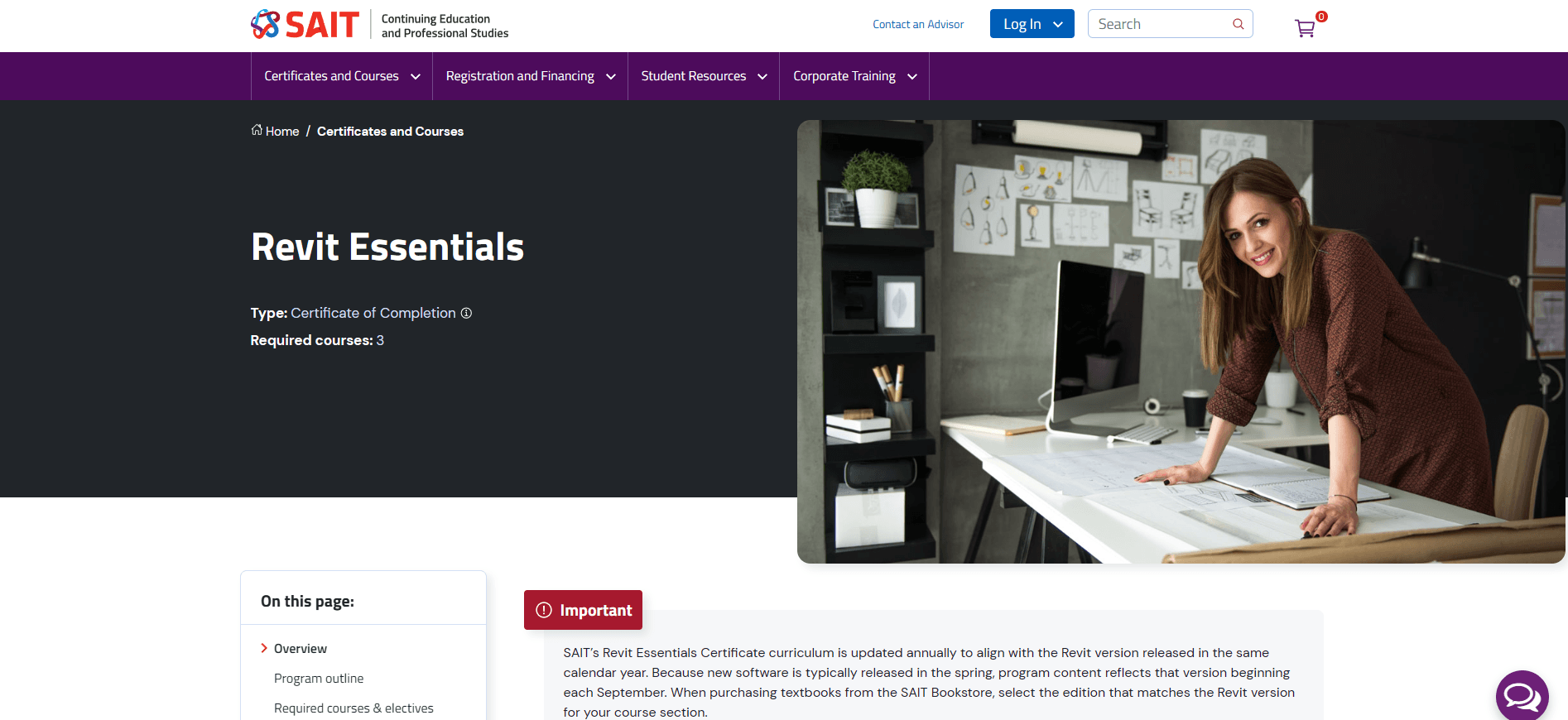
If you’re looking to earn a Revit certificate from an established institution, SAIT’s micro-credential online Revit courses with certificate are worth considering. Upon completion, you’ll receive a SAIT certificate of completion along with a digitally shareable badge.
The Revit Essentials program is a 3-course series that covers beginner, intermediate, and advanced Revit skills. Each course includes exercises and project-based work aligned with standard BIM workflows.
SAIT updates these courses yearly to stay aligned with Revit updates and changing industry standards. It also follows a structured learning approach delivered by an industry-experienced SAIT instructor. This structure works well for learners who prefer a guided, academic-style program with recognized certification and clear progression.
Cost: $895
Duration and format: 10-day course, self-paced with 360-day access to materials
Level: Beginner to Intermediate
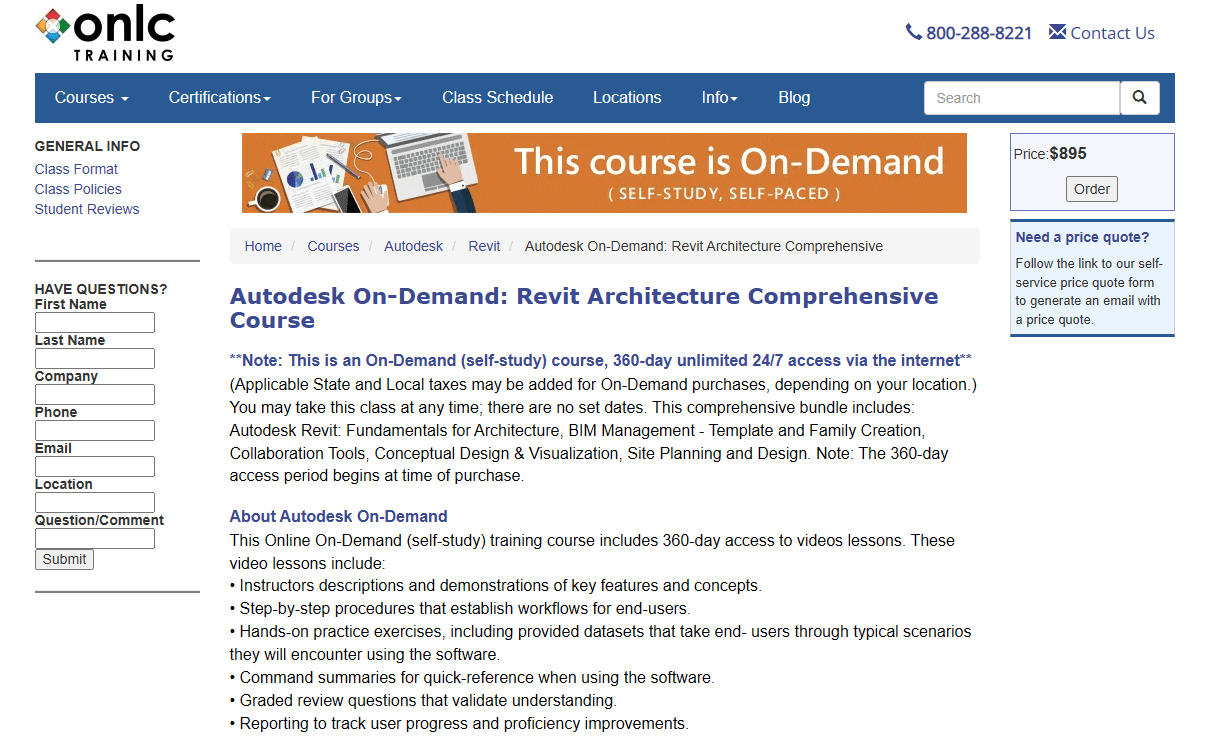
Since 1983, ONLC has provided IT training and certifications across areas such as Microsoft technologies, coding, and BIM software like Revit.
This Autodesk On-Demand course combines Revit fundamentals for architecture with BIM management, collaboration tools, conceptual design, visualization, and site planning. It’s one of the best Revit training for beginners and professionals, especially those who need flexibility. However, before taking this course, it is required that you have a basic understanding of architectural terminology and techniques.
The main advantage is its extended access period and comprehensive coverage of both technical skills and BIM workflows, making it ideal for learners who prefer a flexible, self-paced approach without a fixed schedule. In addition, with 360-day access, learners can study at their own pace, revisit lessons, and take the time to fully understand the material.
Cost: $799
Duration and format: 60 hours total (2 units), includes video training and 1-on-1 sessions
Level: Beginner to Advanced
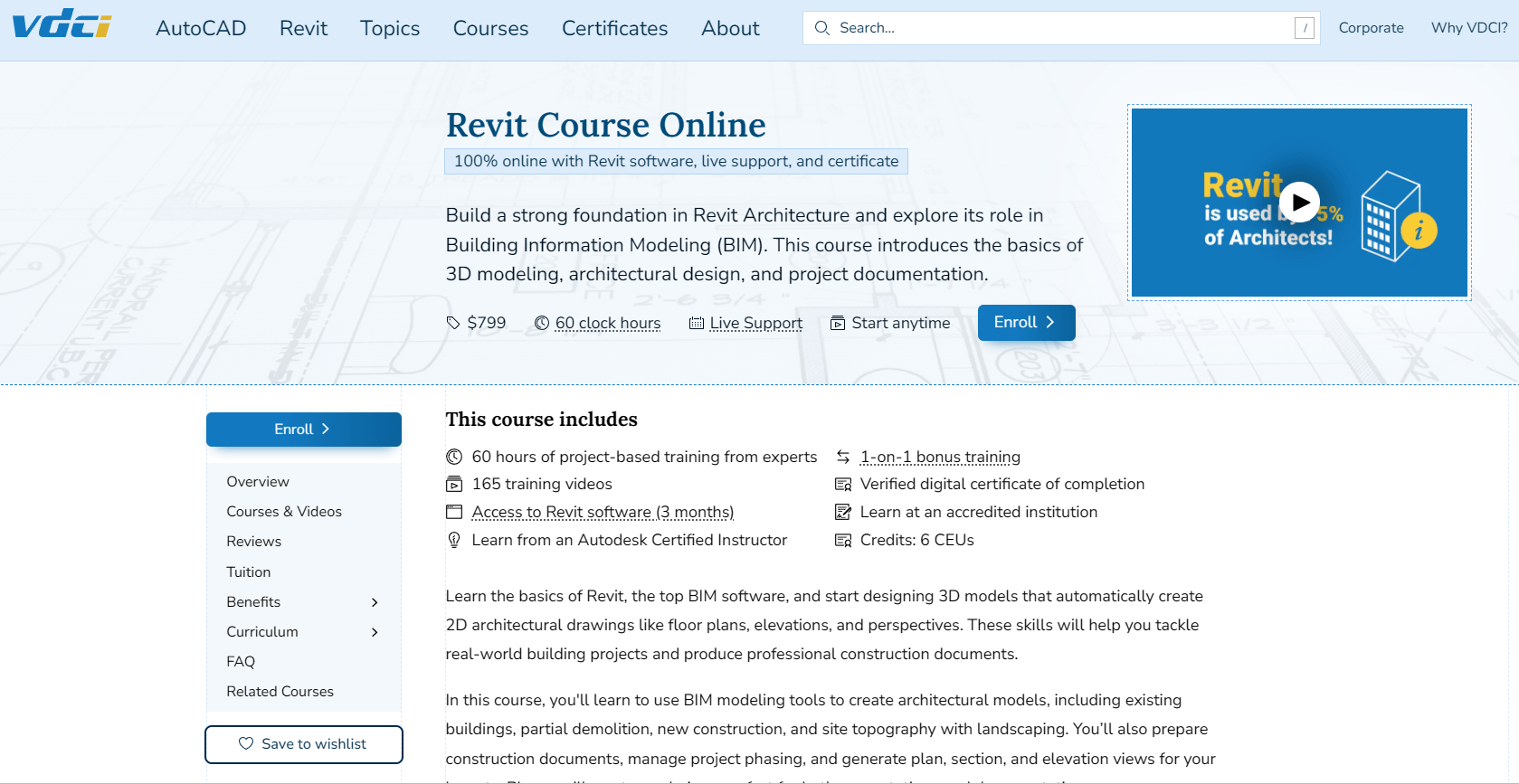
This course is offered by the Virtual Design and Construction Institute (VDCI), an Autodesk-accredited institution, and is taught by a certified Autodesk instructor, making it ideal if you want a Revit course with certificate and formal training.
It’s structured into two units: the first focuses on Revit fundamentals, while the second covers more advanced Revit training through project-based activities.
By the end of the course, you’ll learn how to:
This course also offers 6 CEU (Continuing Education Unit) credits in the United States (and other regions where applicable), a practical benefit for licensed professionals who need continuing education.
Another advantage is that learners in the US and Canada receive 3 months of Revit software access, which is a significant benefit compared to most Revit architecture courses that require you to have your own license.
Choosing a course isn’t as simple as picking the one with the highest ratings. While it is a big factor, your decision will depend on a lot more. Here’s a quick overview of other factors you should consider.
Start with your current experience level. For beginners, Revit courses on Udemy or Domestika, while intermediate or advanced users may prefer LinkedIn Learning or Balkan Architect.
If you prioritize hands-on learning, you can choose Revit architecture training with project-based exercises like VDCI, BIMIT, or Balkan Architect, so you can practice real-world workflows.
If your goal is certification, choose official or accredited programs. Autodesk’s certification prep course or SAIT’s micro-credential program is designed specifically for this path. These are more structured and aligned with industry standards.
If you’re looking for a balance of cost and value, it’s also important to consider Revit course fees, with budget-friendly options like Udemy or Coursera, while premium courses like VDCI, SAIT, or ONLC provide more comprehensive content and support.
Finally, if you’re about continuous learning, then you’d like long-term access. Balkan Architect offers continuous learning with new Revit courses added over time, while ONLC provides extended access that will allow you to revisit lessons at your own pace.
The short answer is yes. Revit has a steep learning curve. This isn’t because its features are inherently complicated, but because its workflow is very different from traditional architectural modeling software. With BIM tools like Revit, you’re not just modeling in 3D, you’re creating families (3D components), managing documentation and project data, collaborating with others, and integrating workflows with tools like CAD and other software. If the learning curve is too steep for you, consider easier alternatives to Revit.
If you’re a beginner with no prior experience in BIM tools, it may take around six months to become proficient in Revit. Even if you’re familiar with CAD, Revit is a fundamentally different type of software, and prior CAD habits can sometimes make learning its workflows more challenging. Some users even suggest that not knowing CAD can be an advantage when starting with Revit, as it allows you to adopt BIM workflows without unlearning old practices.
The best way to learn Revit is through structured courses offered by Autodesk or its authorized training partners.
While there’s no shortcut to mastering the software, a practical approach is to start with the fundamentals and then move on to project-based learning. Begin with a simple project, like a small house, and build it from start to finish to understand how modeling, views, sheets, and documentation all connect.
The best Revit courses are those that incorporate real-world projects and guided exercises, as they are especially effective at showing how Revit is used in professional workflows rather than just teaching isolated tools. It’s also important to avoid jumping between random tutorials, since a structured course helps you develop skills progressively without leaving gaps in your knowledge.
You don’t need to take a course to earn a Revit certification, but you must pass the official Autodesk certification exam, which leads to a recognized Revit professional certification. Enrolling in a course from Autodesk or its authorized training partners is the most effective way to prepare.

.webp)