Designing a piece on screen saves you money and time... and sometimes heads off a pile of headaches. This guide walks through 12 furniture design software options worth a look in 2026.
Each entry covers who it suits, what it does, the good and the bad, and what it costs. Along the way, you will learn what to look for and how general CAD differs from purpose-built furniture design software.
Some tools are free, and a few others cost as much as a decent table saw. Some also use AI for layout and visualization. You will find out where AI fits in, and by the end you will know the best program for furniture design in your particular corner of the craft.
The strongest pick shifts completely depending on whether you build one console table a month or run a cabinet shop with a CNC humming all day.
General CAD like Autodesk Fusion or Rhino can model almost anything, and you can reuse components and configured designs across projects. What it usually lacks out of the box is furniture logic: cut lists, edge banding and joinery rules you set up yourself or add through plugins. CAD software for furniture design gives you total freedom, and asks for patience in return.
Purpose-built furniture design software, on the other hand, already thinks in shop terms. Tools like SketchList 3D or Polyboard work with boards and cabinets, so cut lists come built in. Compared to general CAD, you trade a little flexibility for output that heads straight to the workshop.
Neither camp wins outright; it all depends on what you do and what you need.
Prices are vendor list prices checked in October 2026 and may vary by region and tax, so confirm before you buy.
Best for: Designers and hobbyists who want push-pull 3D modeling with a large model library.
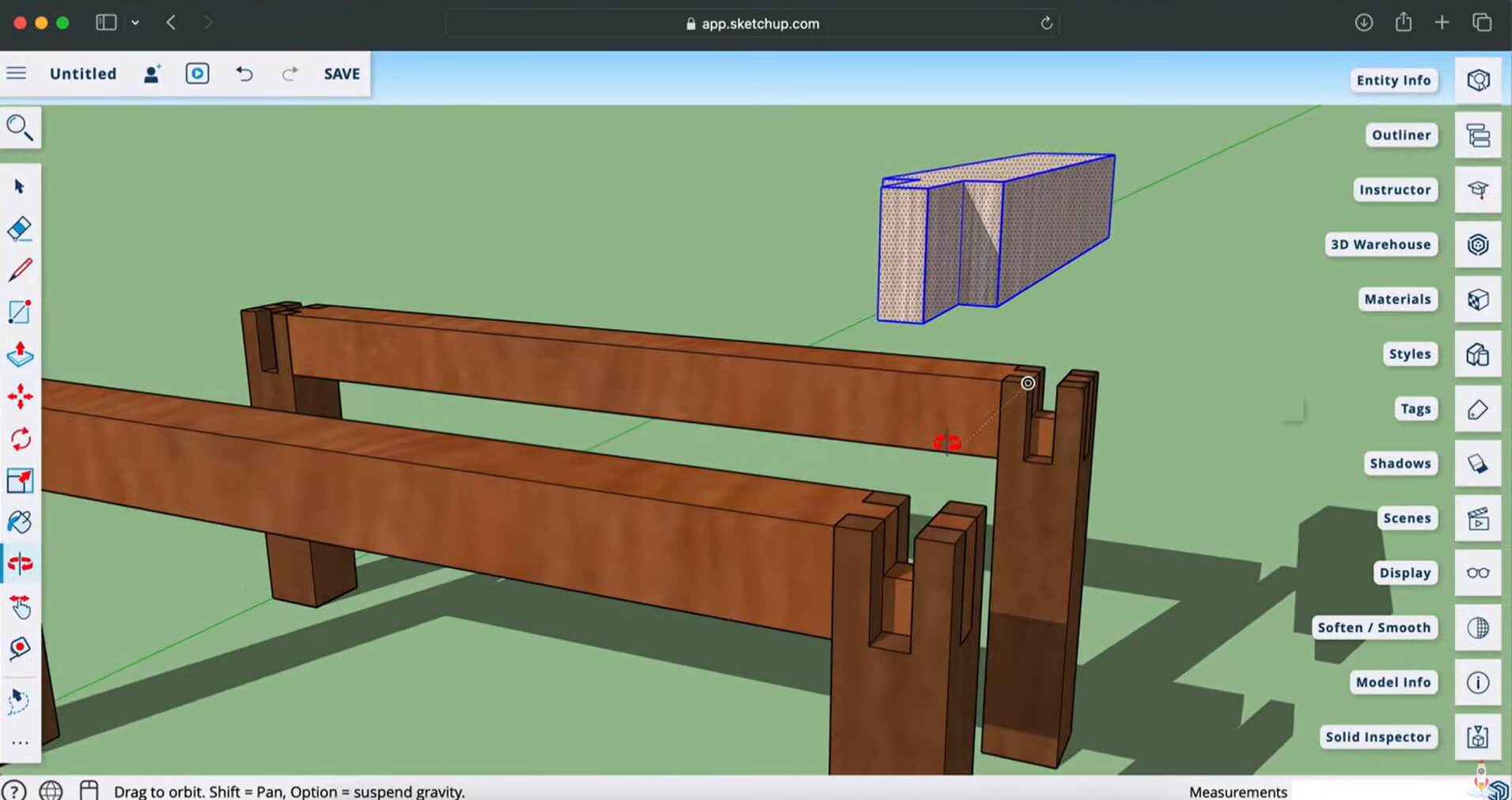
Using SketchUp for furniture feels close to the build itself, because you shape a chair leg or a table apron by pushing and pulling faces. A free web version lets you poke around before paying, though it is for non-commercial use and exports STL but not DXF or DWG.
The 3D Warehouse is its big deal too: drop in a sofa or drawer pulls, then build your piece against it to check scale. For makers, the free OpenCutList extension adds cut lists and DXF part exports in desktop SketchUp (Pro or Studio). If SketchUp isn't the right fit, see our SketchUp alternatives.
Pros
Cons
Pricing: Free web plan (non-commercial); Go $129/year; Pro $399/year; Studio $71.58/month billed annually (about $859/year). Paid plans in USD, billed annually.
Best for: Makers who want one program that models furniture and preps it for both CNC and 3D printing.
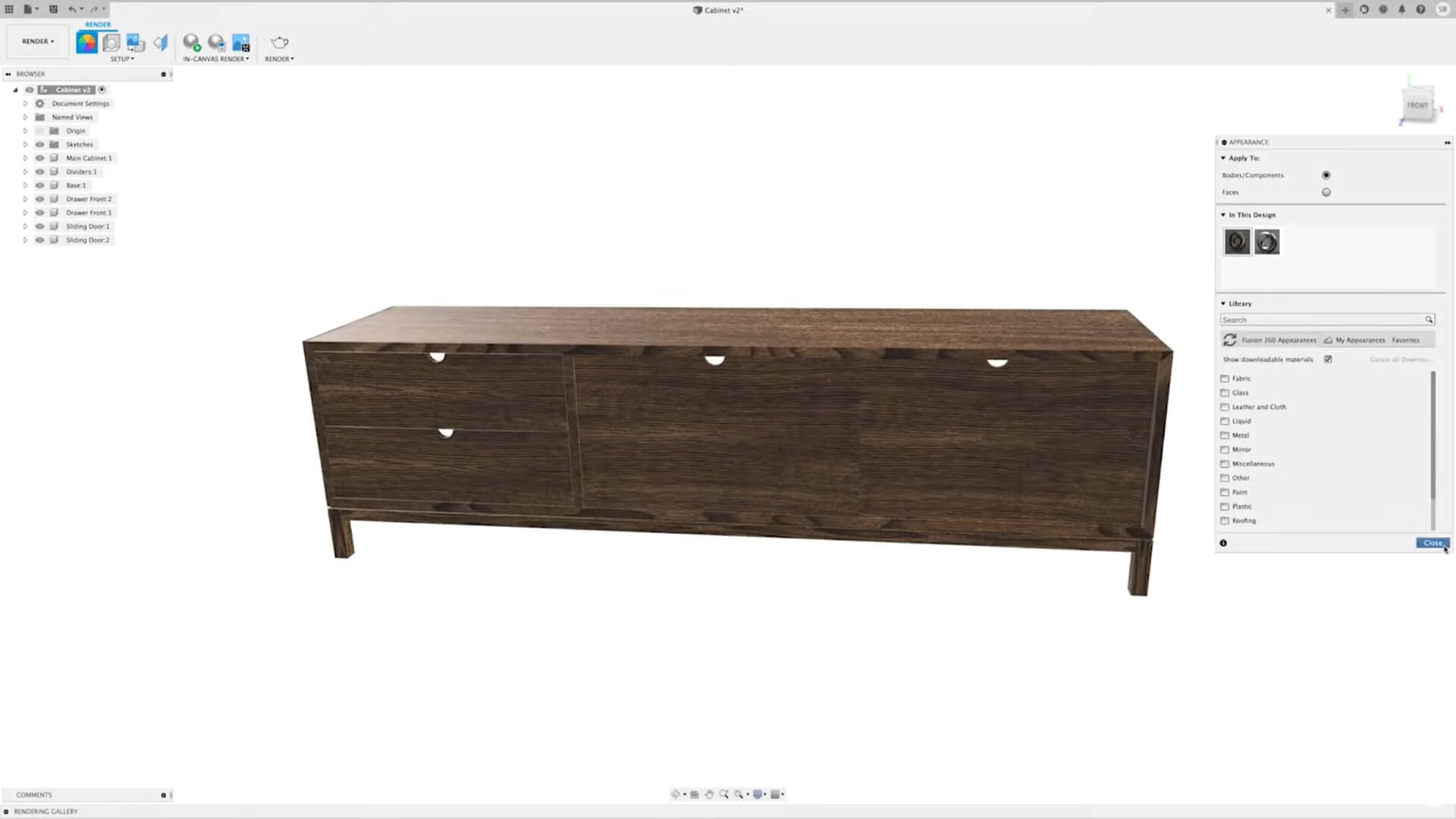
Autodesk Fusion suits pieces that have to be exact and repeatable. Its parametric core means you can set a chair seat at 450mm, and if the legs and stretchers are constrained to that height, they follow along when you later drop it to 430mm. It also includes rendering and integrated CAM that generates G-code.
The free personal-use license covers non-commercial projects for individuals earning under $1,000 a year, with limited CAM, file formats and cloud rendering.
Pros
Cons
Pricing: Free for personal, non-commercial use; commercial subscription about $680/year or $85/month (USD). 30-day free trial. Windows and Mac; browser access isn't included with personal use or trials.
Best for: Furniture makers and small cabinet shops who want cut lists generated straight from the model.
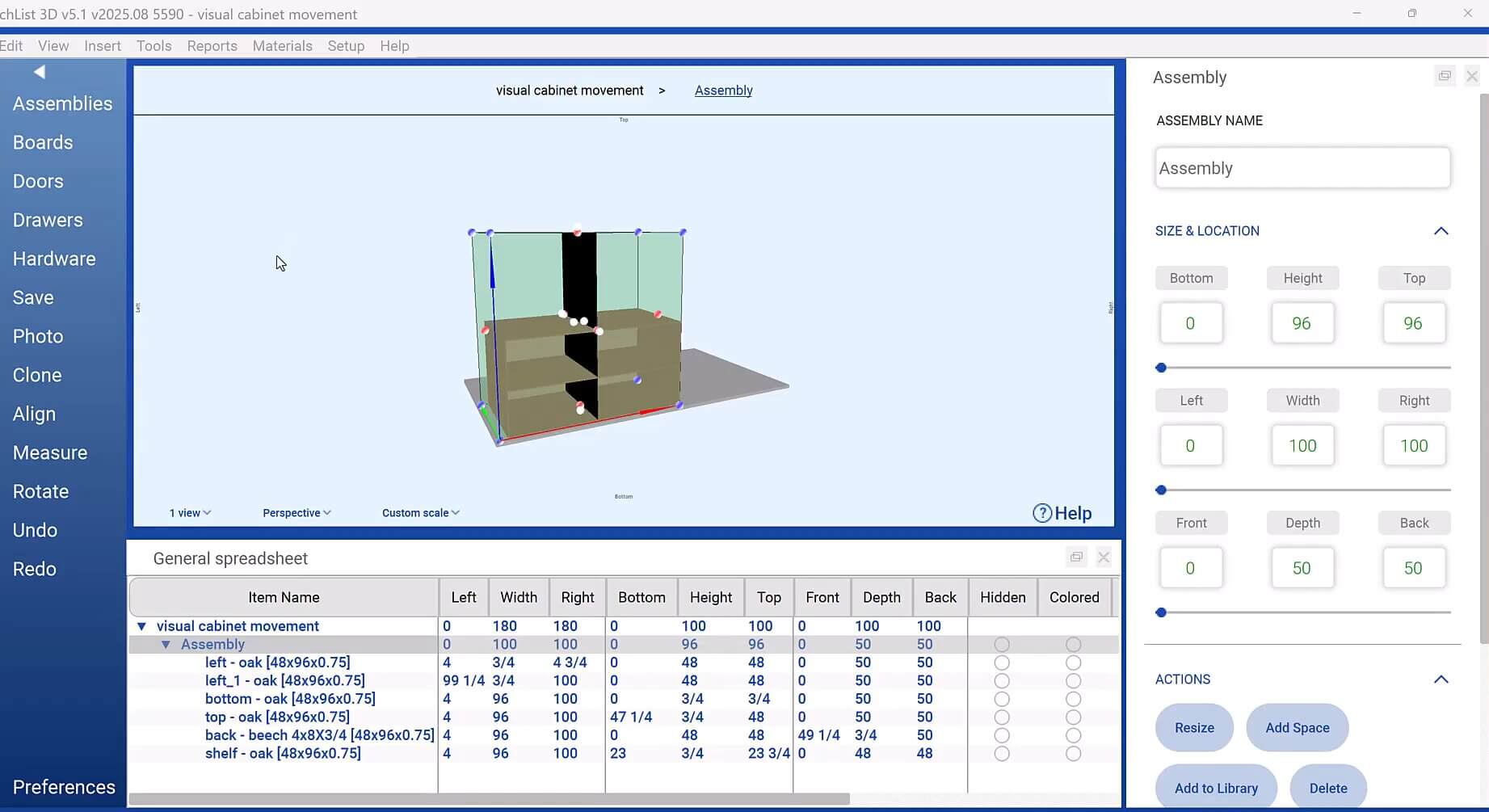
SketchList 3D skips the general-purpose approach and speaks furniture directly. You place actual boards, set their thickness and grain, and assemble a dresser the way you would in the shop.
The software knows every part and dimension, so it produces cut lists, shop drawings and material reports, and exports DXF for CNC work. It runs on Windows and Mac.
Pros
Cons
Pricing: $79.99 month-to-month; $599.99/year; $999.99 one-time license with one year of maintenance. 14-day free trial.
Best for: Designers who like to sketch on an iPad and want precise CAD that travels with them.
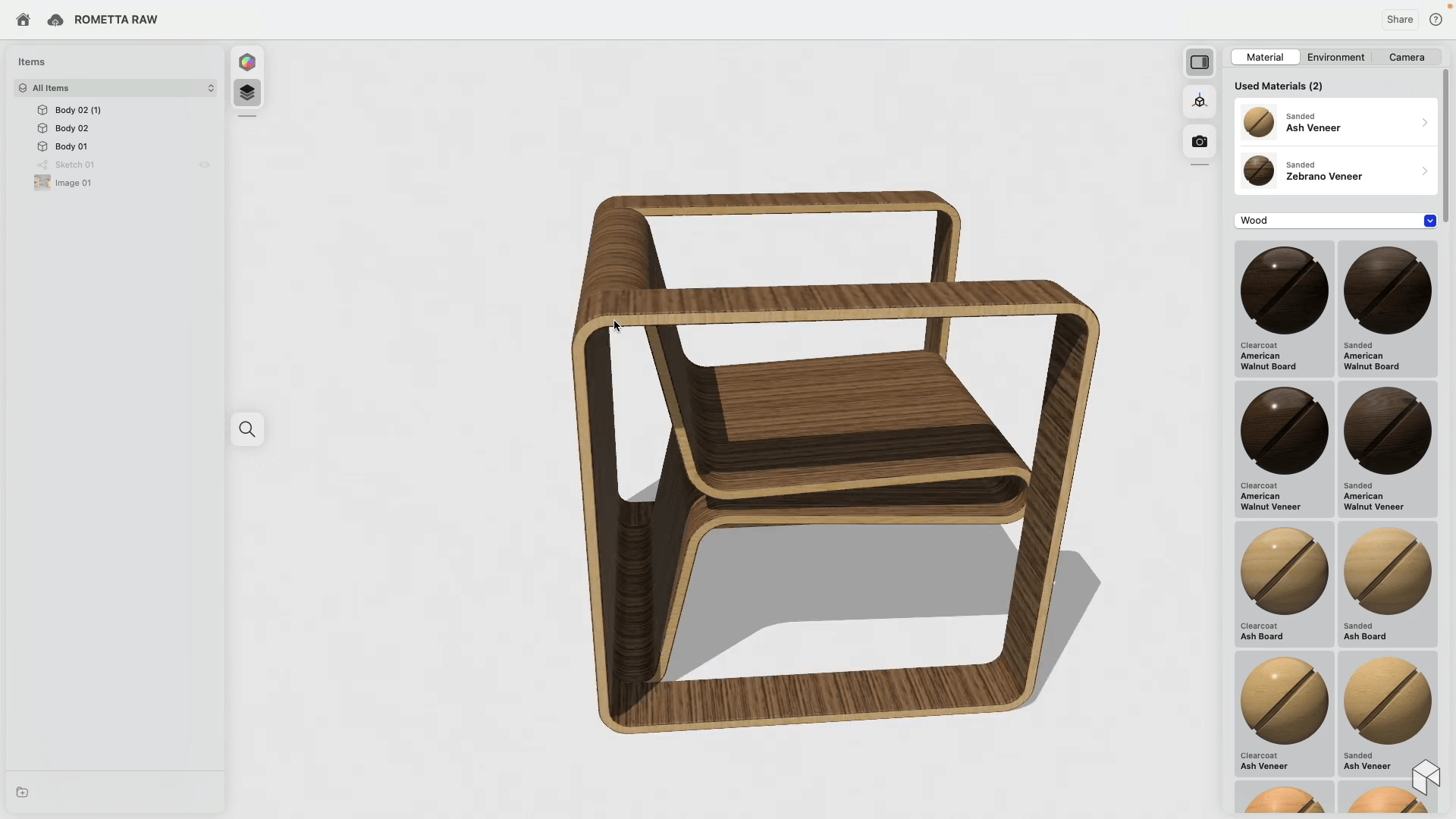
Shapr3D runs on iPad, Mac and Windows, built on the Siemens Parasolid kernel. You can push and pull faces directly or work history-based and parametric.
It suits you if you sketch with an Apple Pencil. Its Generative Render feature uses a text prompt to place your model in an AI-generated photorealistic scene for a quick client visual.
Pros
Cons
Pricing: Free Basic plan; Pro $299/year, billed annually, excluding VAT. Free for students and educators.
Best for: Designers shaping curved, sculptural furniture where organic form matters most.
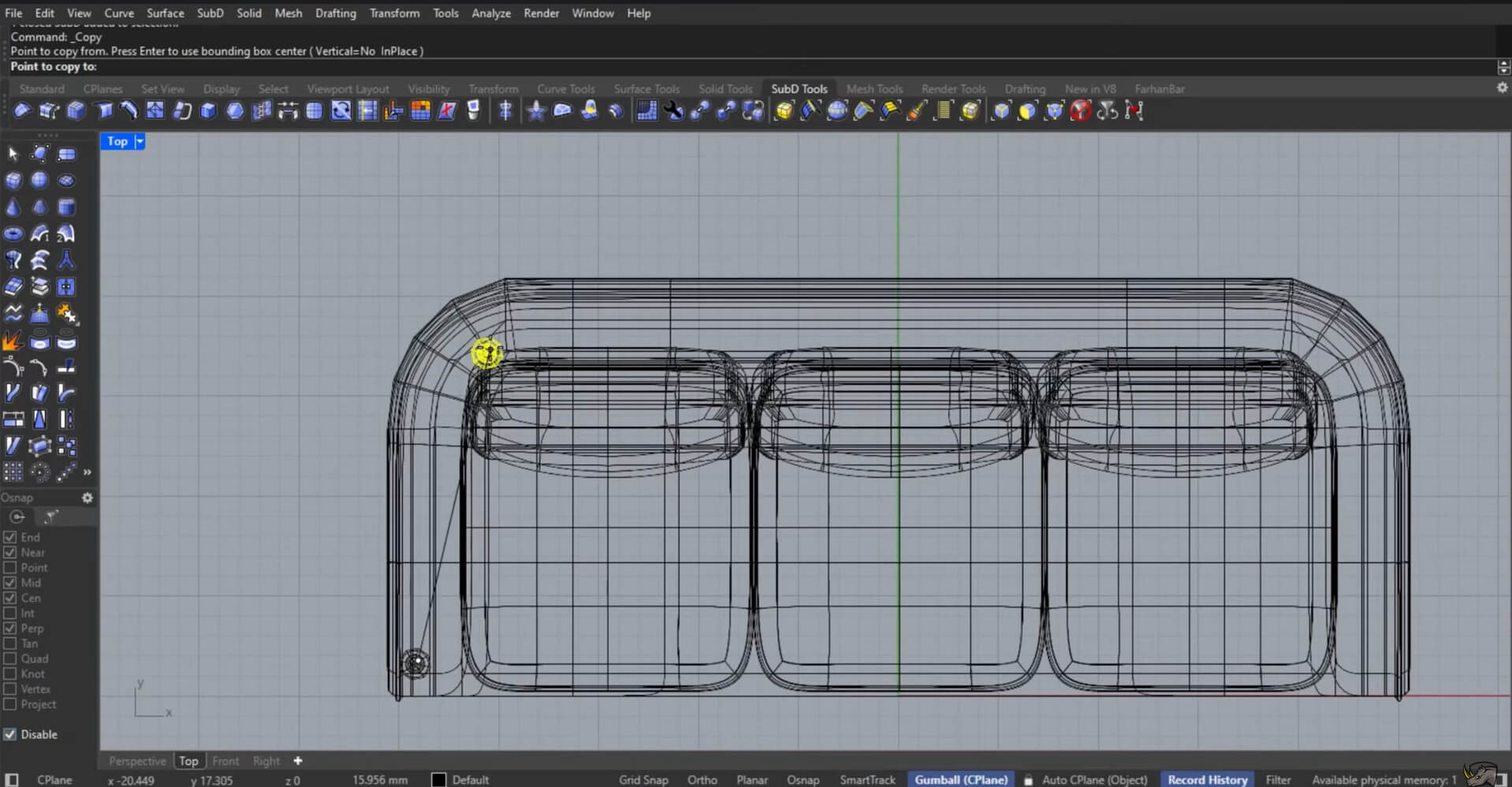
Rhino suits pieces with flowing curves that are awkward in boxier tools. Its NURBS modeling creates smooth, precise surfaces you can export as STEP, STL or DXF for CNC milling or a 3D print. Toolpaths come from compatible CAM software.
If you want to generate variations from a set of rules, Grasshopper, included with Rhino, adds parametric control too.
Pros
Cons
Pricing: Rhino 8: $995 one-time (USD); 90-day free evaluation. Windows and Mac.
Best for: Budget-minded designers who want powerful modeling and photoreal renders at no cost.
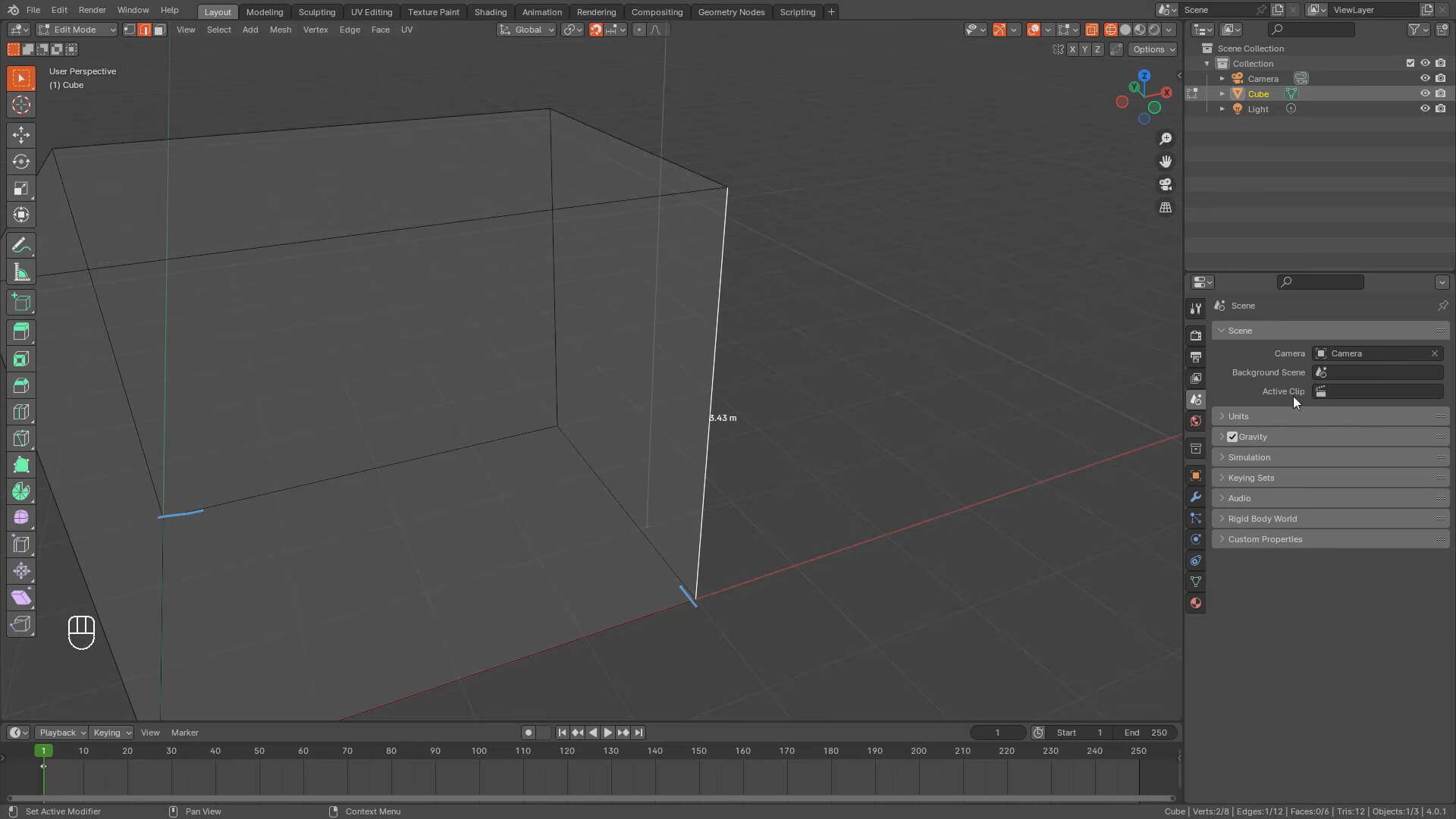
As 3D modeling software for furniture design, Blender punches far above its price (which is nothing at all!). It models detailed pieces, renders them photorealistically, then exports STL or OBJ meshes you can prepare in a slicer for 3D printing.
The catch is focus: Blender was built for a broad 3D audience, so many tools have nothing to do with furniture. On the bright side, what you create is yours to use commercially.
Pros
Cons
Pricing: Free and open source.
Best for: Makers who want parametric precision and full control at zero cost.
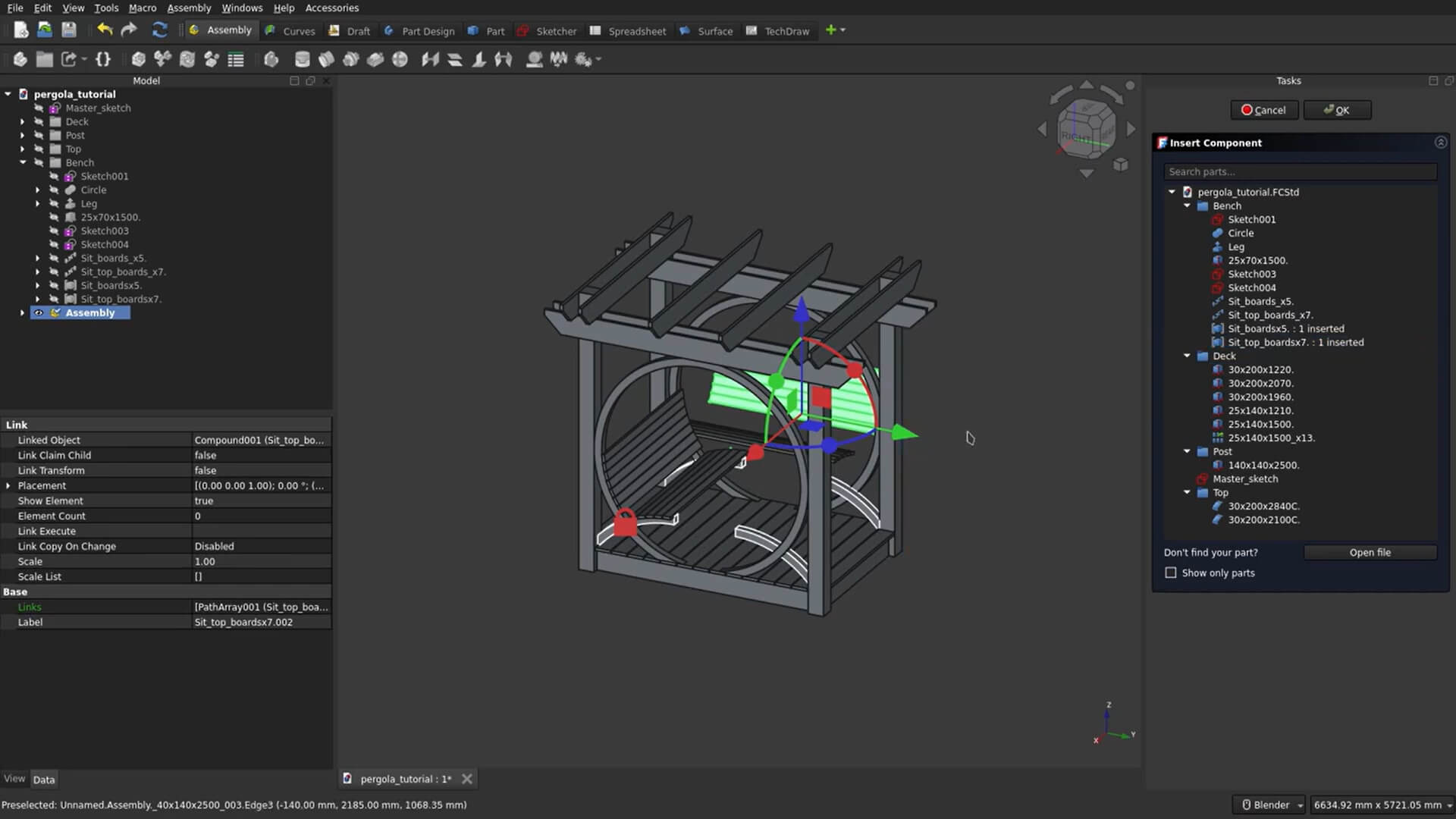
FreeCAD answers the call for parametric power on a budget of nothing. Its CAM workbench (called Path before version 1.0) generates G-code, so a maker can go from model to machine inside one free program.
The trade-off is that it is general-purpose CAD: you model the joinery yourself, with control over every parameter.
Pros
Cons
Pricing: Free and open source; Windows, macOS and Linux.
Best for: Cabinet and built-in furniture makers who want parametric carcasses with instant cut lists.
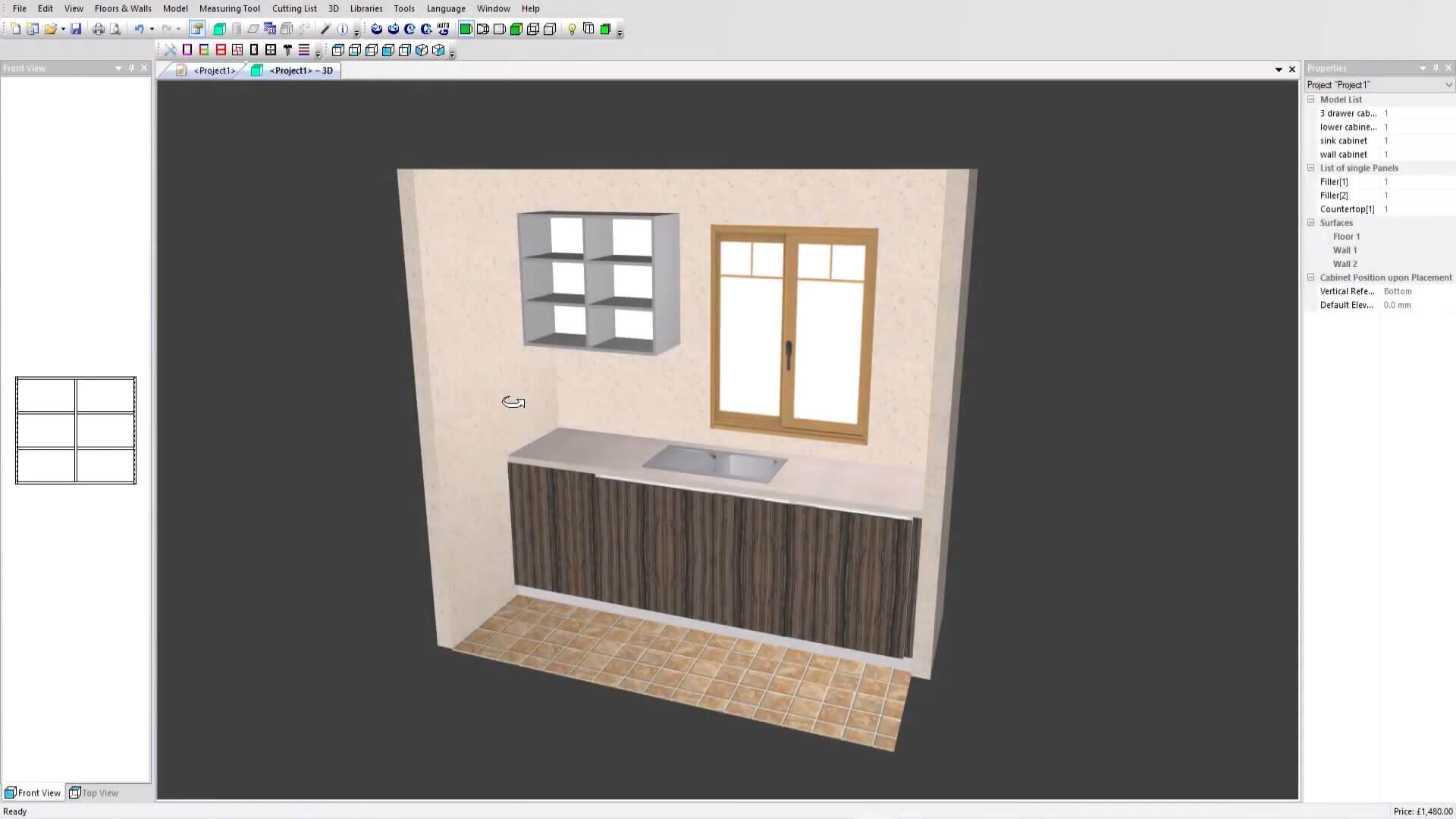
Polyboard is built for the kind of furniture that is really a system of boxes: wardrobes, media units, fitted storage, and kitchen runs. You describe a cabinet by its dimensions and components, and the software constructs it for you and recalculates the cutting list as you change it.
Developer Boole & Partners says cabinets can include slopes and cut-outs, which helps built-ins fit a specific room. The Post_Processor edition adds CNC export.
Pros
Cons
Pricing: Boole & Partners doesn't publish prices. Reseller Wood Designer lists PolyBoard 8 Pro at $2,795 and Pro PP at $5,295 (USD); other resellers may differ. Windows download.
Feel free to check our dedicated guide on cabinet design software for more options.
Best for: Kitchen and furniture designers who sell on a polished 3D client preview.
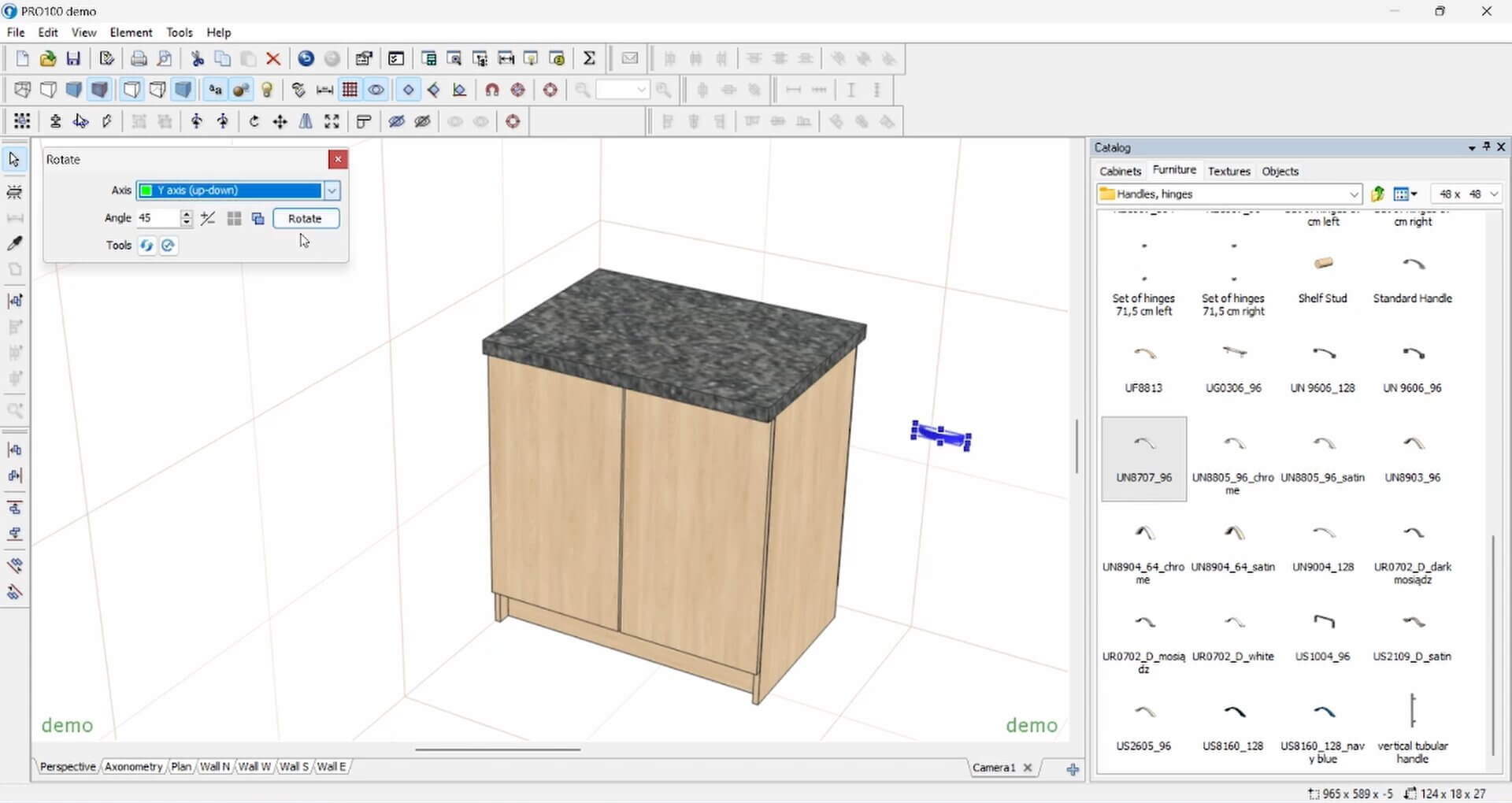
PRO100 is a presentation tool as much as a design tool. It shows a client a furnished room in 3D, with 4K images, panoramic views, and an optional Kray add-on for photorealistic rendering.
It also generates cut lists, price lists and job costing, so a design and a quote come out of the same session. A separately priced CNC package exports DXF and machine-specific formats, but it doesn't generate G-code or nest parts.
Pros
Cons
Pricing: $3,144.99 one-time for PRO100 v7 (USD), or $3,444.95 with Kray.
Best for: Precision-minded hobbyists who want pro-grade parametric CAD at a hobby price.
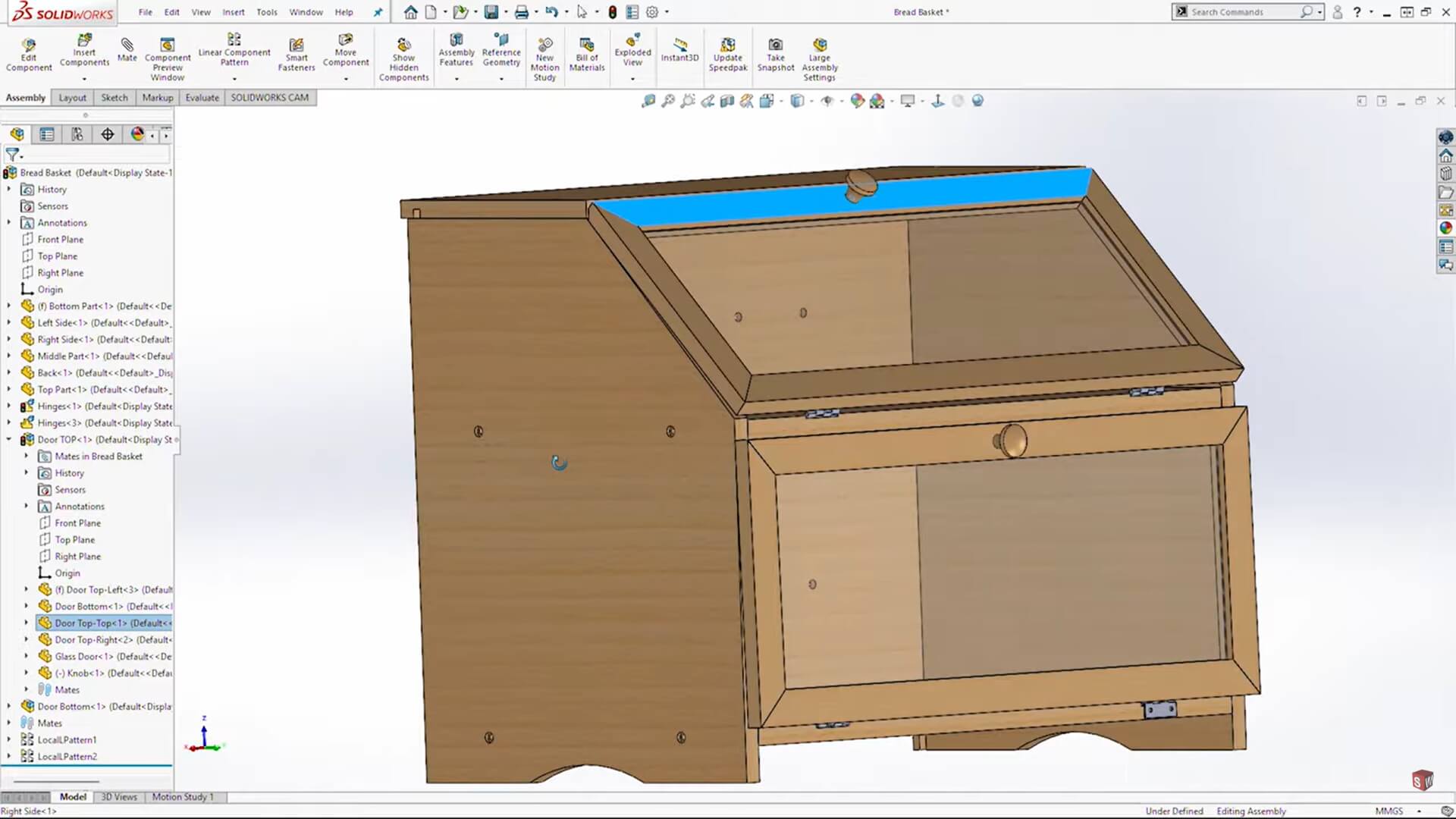
SOLIDWORKS for Makers puts professional parametric CAD in makers' hands. If you like designing furniture with mechanical precision (hardware that has to mesh, knock-down fittings, metal-and-wood hybrids), this is serious muscle at a friendly price.
You can design and sell physical parts you make, as long as revenue from them stays below $2,000 USD a year; professional or business work needs a commercial license. The desktop package (Windows, with 2.5- and 3-axis CAM) and the browser-based xDesign package are sold separately.
Pros
Cons
Pricing: $48/year or $15/month (USD) per package.
Best for: Homeowners and designers who want to lay out a room and place furniture with a hand from AI.
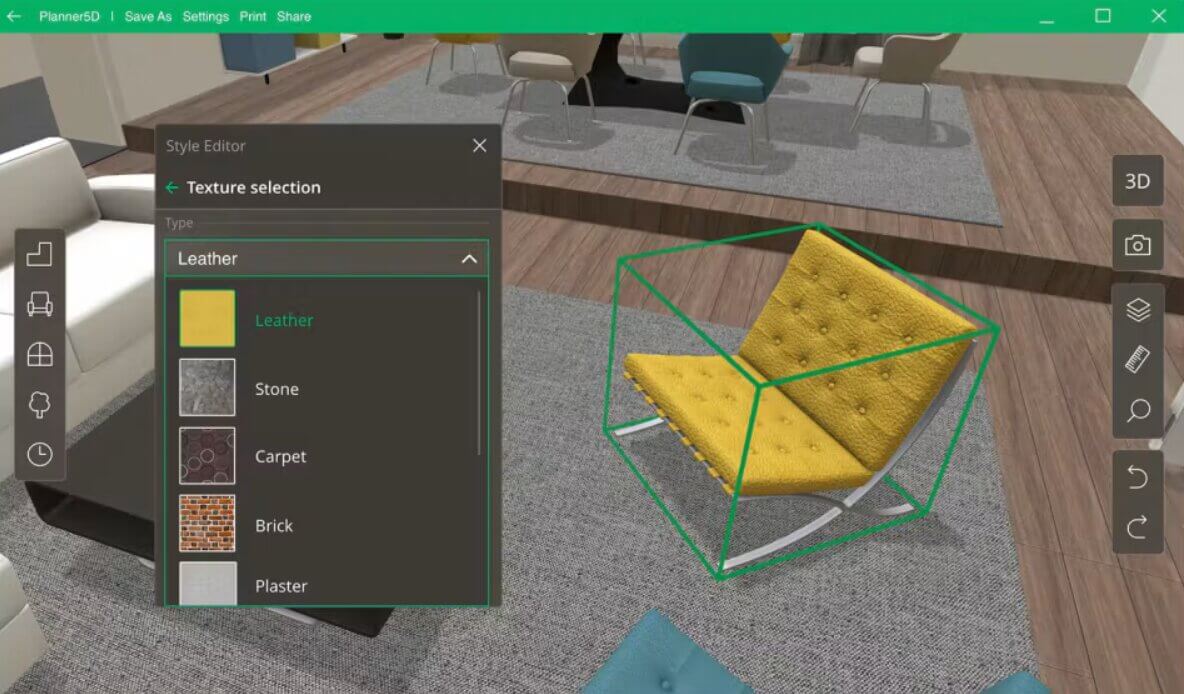
Planner 5D is furniture layout software with built-in AI tools. You draw a floor plan and flip it to 3D, then furnish the space from a catalog of thousands of items.
On Premium, AI floor plan recognition turns an uploaded plan into a 3D project, and automated furniture arrangement suggests layouts. It runs on the web, iOS, Android, Windows and macOS.
Pros
Cons
Pricing: Free; Premium $59.99/year or $19.99 month-to-month; Professional $399.99/year.
Best for: Anyone who wants a free, offline way to plan a room and arrange furniture in 2D and 3D.
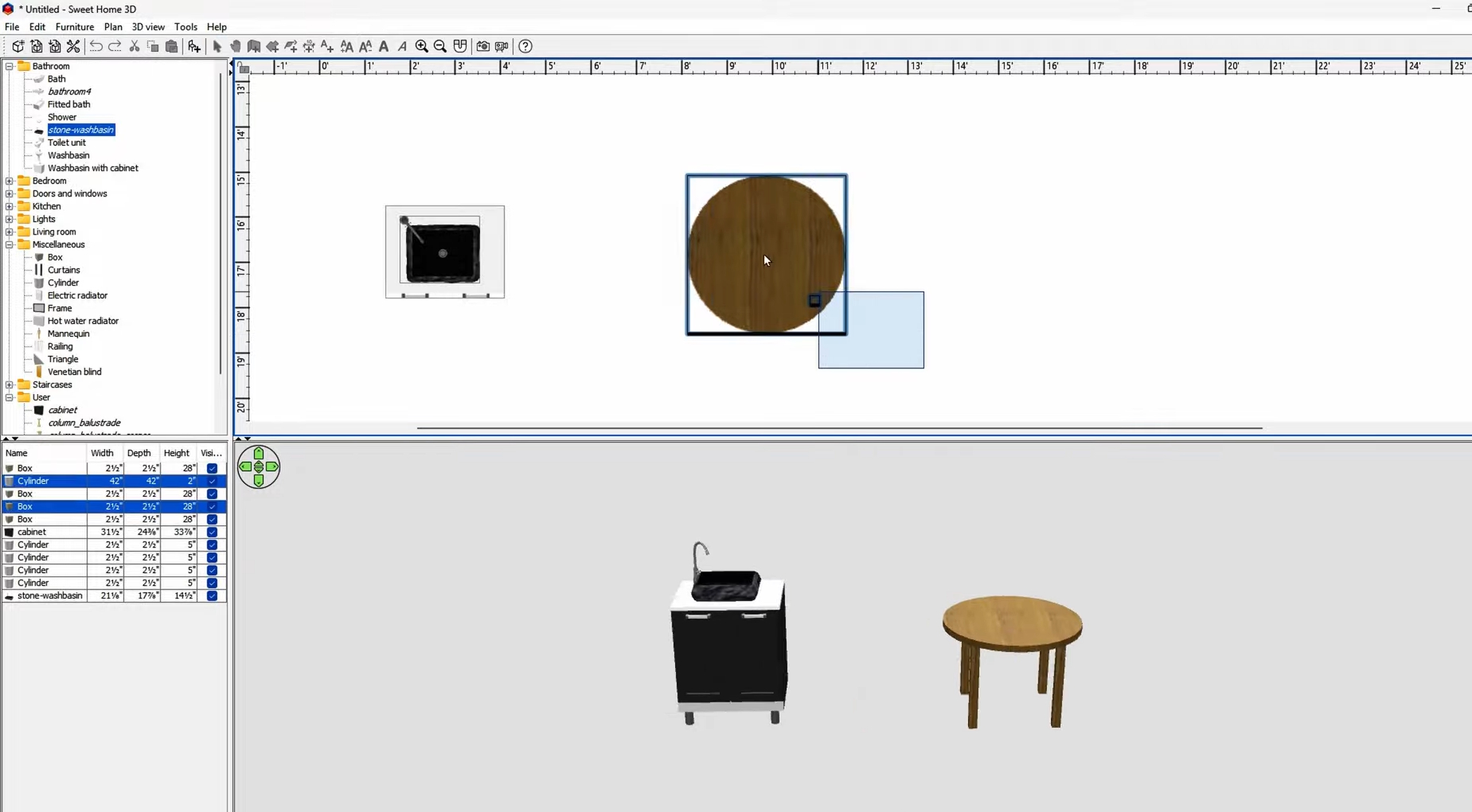
Sweet Home 3D is the old-guard free option, a lightweight furniture design application. It shows your 2D plan and a 3D view side by side as you arrange furniture.
The desktop version runs offline with no account, which suits anyone wanting no-fuss furniture layout software. You can also import OBJ models to grow the catalog past the built-in library.
Pros
Cons
Pricing: Free for desktop and online use.
The human still owns the joinery and the final build, so AI works best as a first draft that you refine into something you can actually make.
On the layout side, tools like Planner 5D turn an uploaded floor plan into a 3D project, then suggest where furniture fits.
On the visualization side, AI rendering turns a plain model into a photoreal image. Shapr3D's Generative Render places your model in an AI-generated scene, and standalone AI rendering tools work from an exported image of your design.
Generative tools can also sketch fresh shapes from a text prompt. Still, AI images are visualizations, not construction models: they won't give you dimensions, cut lists or CNC files.
Here is the short path to the best furniture design software for you.
Plenty. SketchUp's free web plan (non-commercial use) and Blender both handle real furniture modeling. For laying out a room, Sweet Home 3D is a free offline pick, and Planner 5D has a free tier. If you want parametric precision at no cost, FreeCAD is the one to grab.
Neither Joanna Gaines nor Magnolia has publicly confirmed it. A 2021 Distractify article reported that she uses SketchUp, likely SketchUp Pro, for Fixer Upper designs, without citing a source.
It depends on the machine. For 2D routing, a CNC workflow usually starts with DXF or DWG profiles; for 3D machining, CAM software works from STEP or other solid geometry and outputs G-code toolpaths. For 3D printing, you export a mesh, usually STL or 3MF, and load it into a slicer, which produces the printer's instructions, commonly G-code.
SketchUp is a practical first step: the free web plan costs nothing, and push-pull modeling mirrors how furniture is built. Sweet Home 3D and Planner 5D are narrower options if you mainly want to lay out a room. Once you want to make real cuts, SketchList 3D adds cut lists and lets you design with real boards.
Yes, with desktop SketchUp. The free OpenCutList extension generates cut lists and exports parts as DXF files for a CNC router. For full toolpaths and G-code, you pass that DXF to a CAM tool that handles the machining.
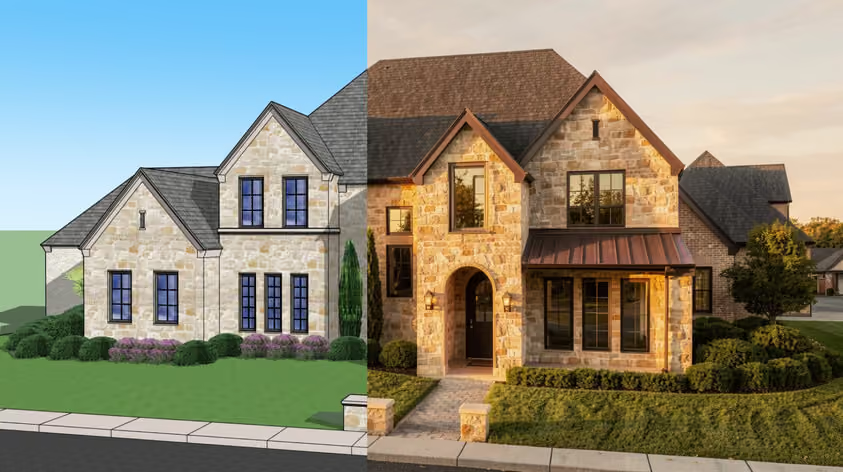
Your model is built and the dimensions are fine. Why not see it as a realistic image before you order materials?
Several tools above include rendering, and MyArchitectAI adds a quick, image-based route that works with any of them. Upload a JPG, PNG or WebP export or screenshot of your furniture model, or a hand sketch, and it turns that image into a photorealistic render in your browser, with nothing to install. MyArchitectAI says 99% of still renders are ready in under 10 seconds. With Edit by prompt, you can describe changes such as a new finish or different lighting.
For custom work, a realistic render gives clients a clearer picture of the finished piece. Get 10 free renders with MyArchitectAI's furniture rendering tool.