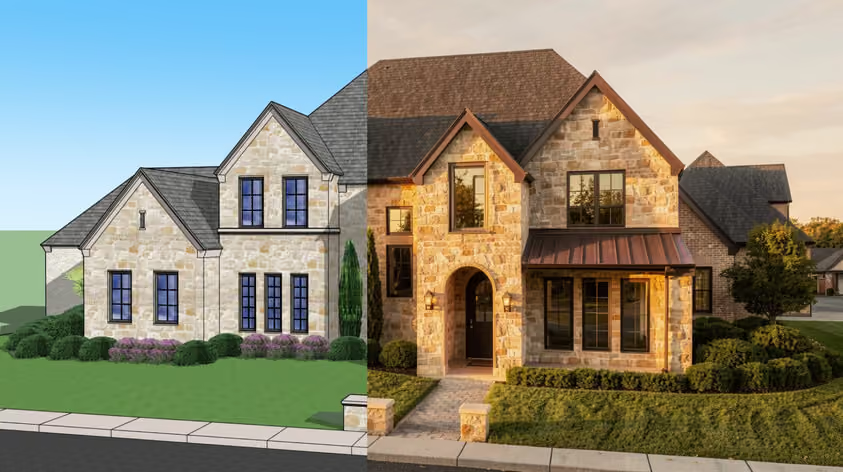
A good build starts on a screen, with good woodworking CAD software where you can test proportions and catch a joinery problem. The best programs also turn a rough idea into accurate parts and tell you how much stock to buy. If you run a CNC router, they should help produce the file it needs to cut.
Some of these tools are built for engineers who happen to make furniture. Others were written by woodworkers, with cut lists baked into the core. Below are the 12 best woodworking CAD software picks for 2026: what each is good at, what it costs, and how it gets a design to a CNC router.
Keep these six points in view as you read:
There are two families on this list, and most woodworking CAD software leans clearly toward one camp or the other.
General-purpose CAD (think AutoCAD, Fusion, FreeCAD, SOLIDWORKS) was built to design almost anything, from a bracket to a building. It is powerful and precise, yet woodworking features like automatic cut lists or cabinet libraries usually arrive through plugins or manual work.
Woodworking-specific tools (SketchList 3D, Polyboard, Mozaik, Cabinet Vision, Pro100) flip that around. They already know what a carcass is, so turning a model into a list of boards takes little extra work.
Neither family wins across the board: cabinet work favors woodworking-first tools, while unusual custom pieces may suit the open canvas of general CAD. For programs dedicated to cabinet design, check our other guide.
If you build by hand, CAD covers the job: a solid model, a clear cut list, and a printed drawing for the bench if you want one.
Once a CNC router enters your shop, you also need CAM to turn parts into toolpaths and G-code. Some tools do both jobs in one place, like Fusion and the CNC tiers of cabinet suites. Others split the work, so you design in one program and generate toolpaths in something like Vectric. If a CNC router is already in your plans, it makes sense to compare cad cam software for woodworking from the start.
Here is the whole field at a glance. "Native" means built in; "plugin" means a separate install.
Prices are from official vendor pages (US storefronts where prices vary), exclude tax, and were checked in October 2026.
Best for: Hobbyists and pros who want a friendly, flexible modeler and don't mind adding a plugin for shop output.
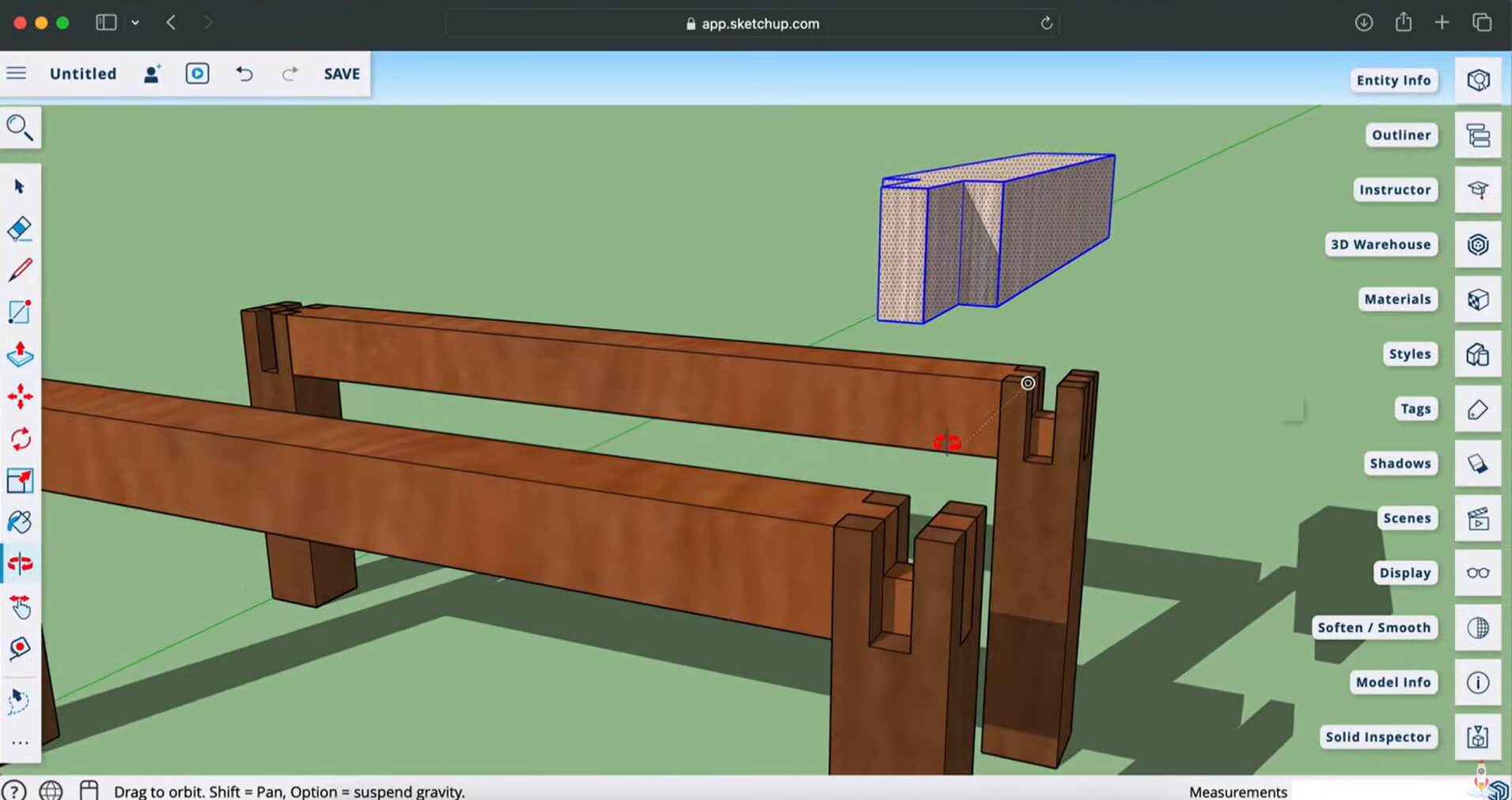
SketchUp is a popular starting point because modeling feels like sketching with real boards. The browser-based SketchUp Free is non-commercial and cannot run extensions, which matters because using SketchUp for woodworking really clicks with OpenCutList, a free, open-source extension that generates cut lists, cutting diagrams, labels, and cost estimates. OpenCutList needs a paid desktop plan (Pro or higher). The desktop app also exports 2D and 3D DXF and DWG files natively for your CAM software.
Pros
Cons
Pricing: SketchUp Free (web, non-commercial, no extensions); Go $129/year (web and iPad, no extensions); Pro $399/year; Studio about $859/year (Windows only). Paid plans are billed annually.
Best for: Furniture makers and small cabinet shops who want woodworking-native cut lists with a short learning curve.
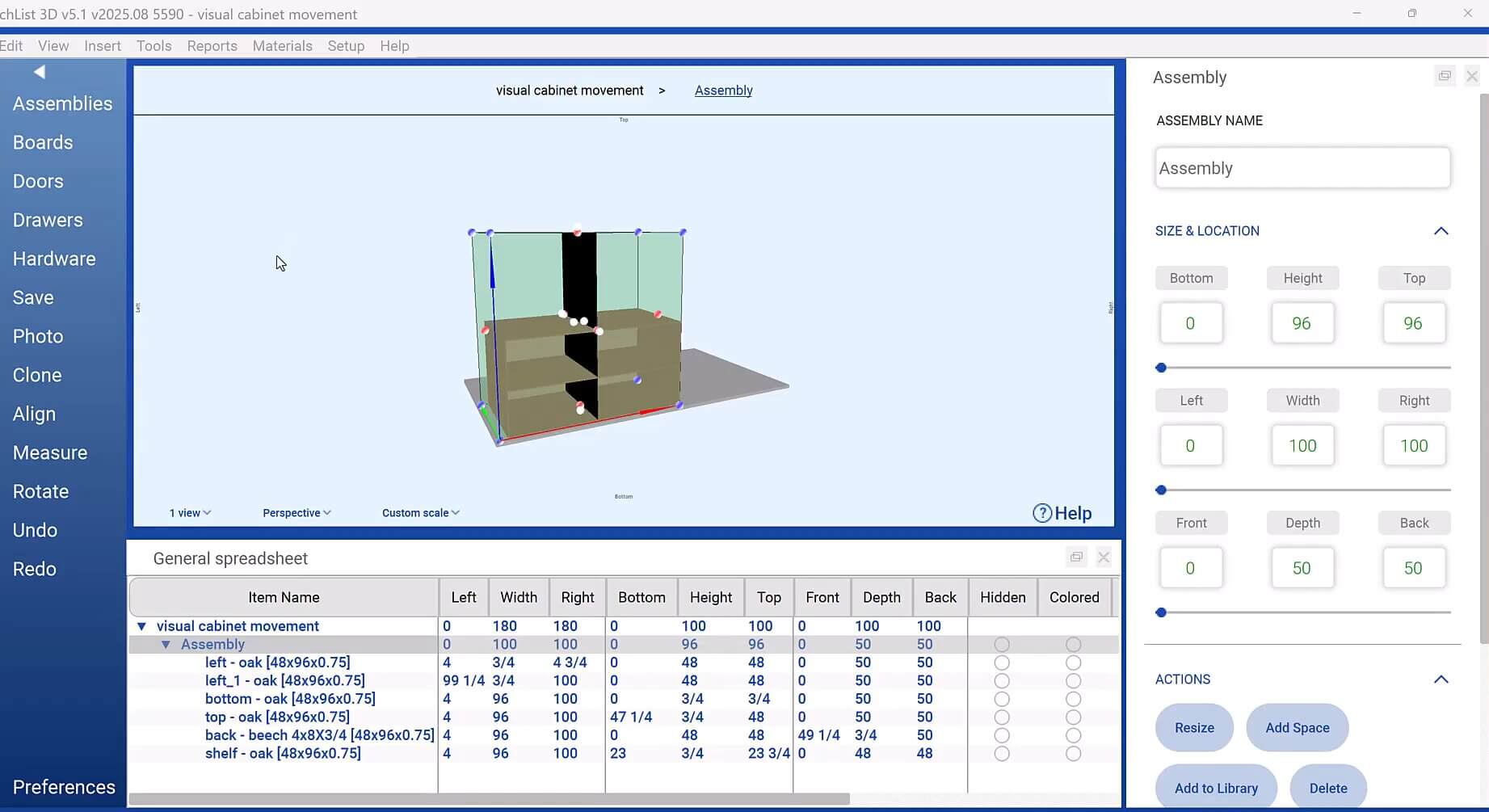
Built for woodworkers, SketchList 3D thinks in boards and joinery, and dependent parts update when you change one. The cut list generates straight from your design and tracks materials and edge banding, while the built-in Cut List Optimizer arranges parts on the sheet. Parts export to DXF for CAM software, and it runs on Windows and Mac.
Pros
Cons
Pricing: $79.99/month billed monthly, $599.99/year, or a $999.99 one-time license with a year of maintenance. 14-day free trial.
Best for: Woodworkers ready to grow into 3D parts and CNC under a single roof.
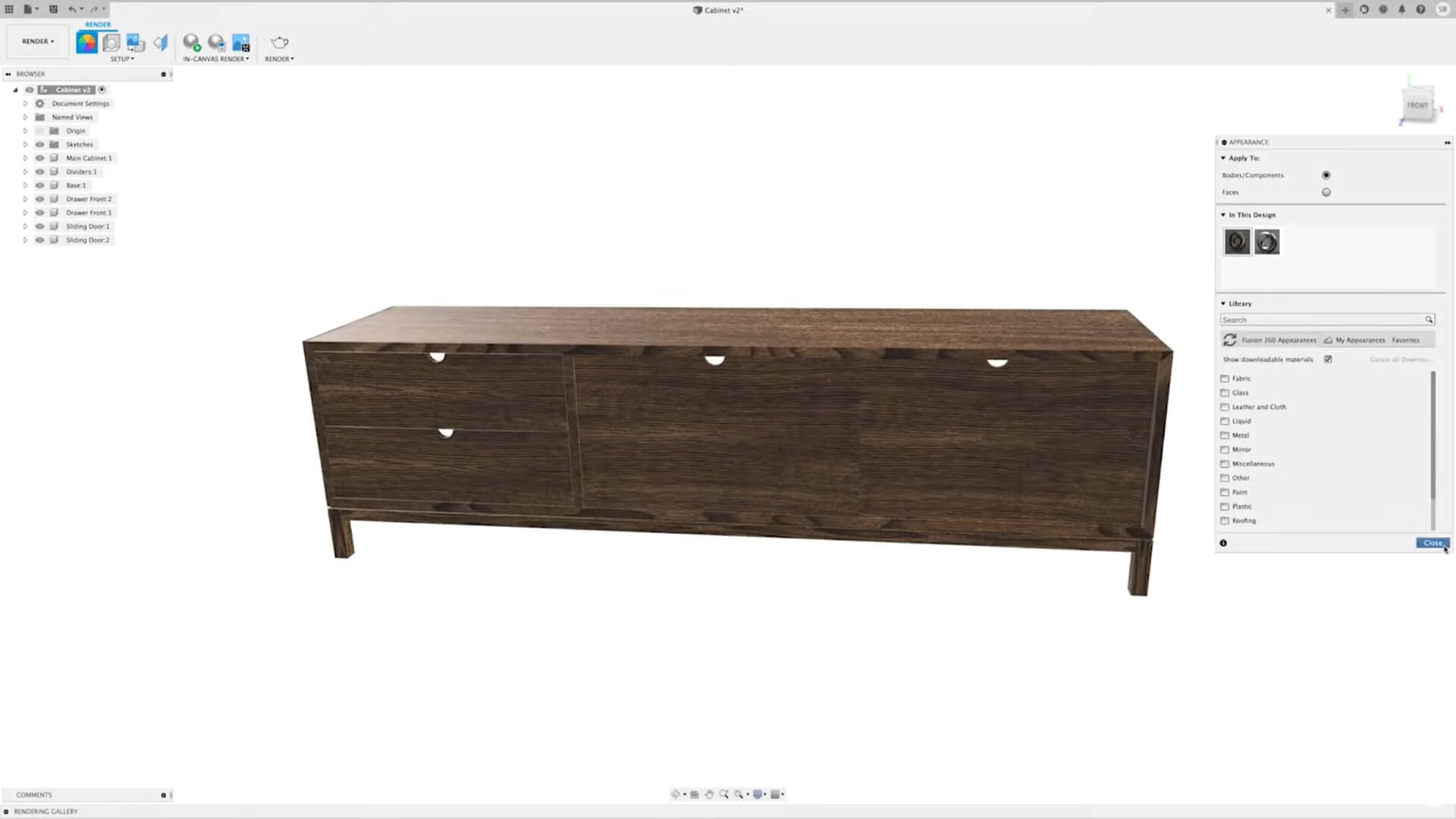
Autodesk Fusion is the obvious candidate for genuine cad cam software for woodworking, with parametric CAD and CAM in one environment on Windows and macOS. Revise a dimension and the part rebuilds, then generate toolpaths and post G-code for your CNC router. There is no native cut list, and sheet nesting comes through the paid Manufacturing Extension.
Pros
Cons
Pricing: Free for personal, non-commercial use under $1,000 a year in revenue. Commercial use $680/year or $85/month. 30-day trial.
Best for: Sign makers and anyone chasing decorative work from their CNC woodworking software.
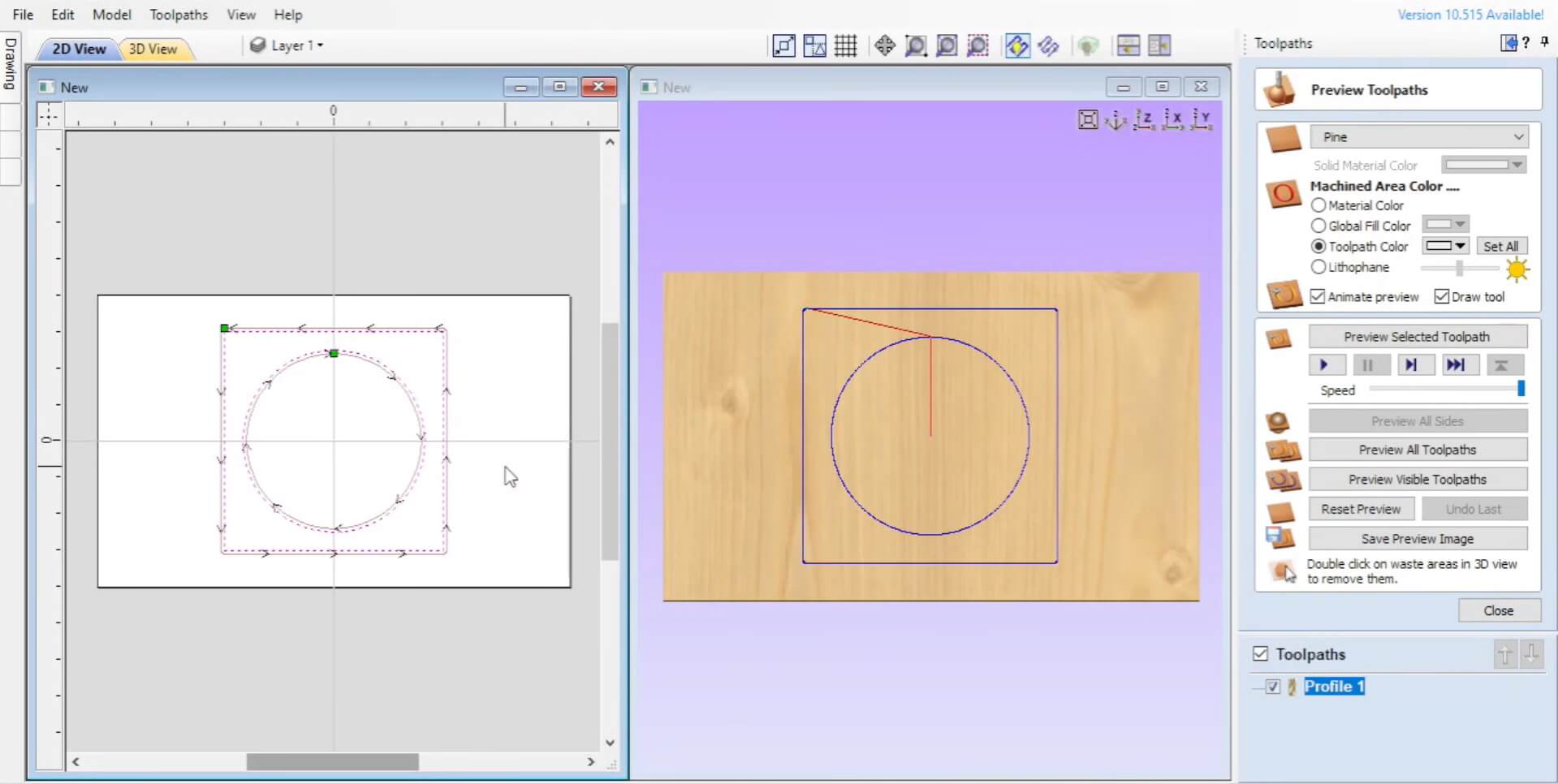
Vectric is a CAM-first family: it shines once you have a design and need toolpaths for a CNC router. VCarve Pro handles 2D and 2.5D jobs with unlimited job size and true-shape nesting, Aspire adds 3D relief modeling for carved panels, and VCarve Desktop caps the work area at 24" x 24". V-carving, fluting, inlays, and pocketing all live here.
Pros
Cons
Pricing: VCarve Desktop $349; VCarve Pro $699; Aspire $1,995 (one-time, US store). A new major version released within 12 months of purchase is free.
Best for: Shapeoko and Nomad owners who want a no-cost, offline entry into CNC.
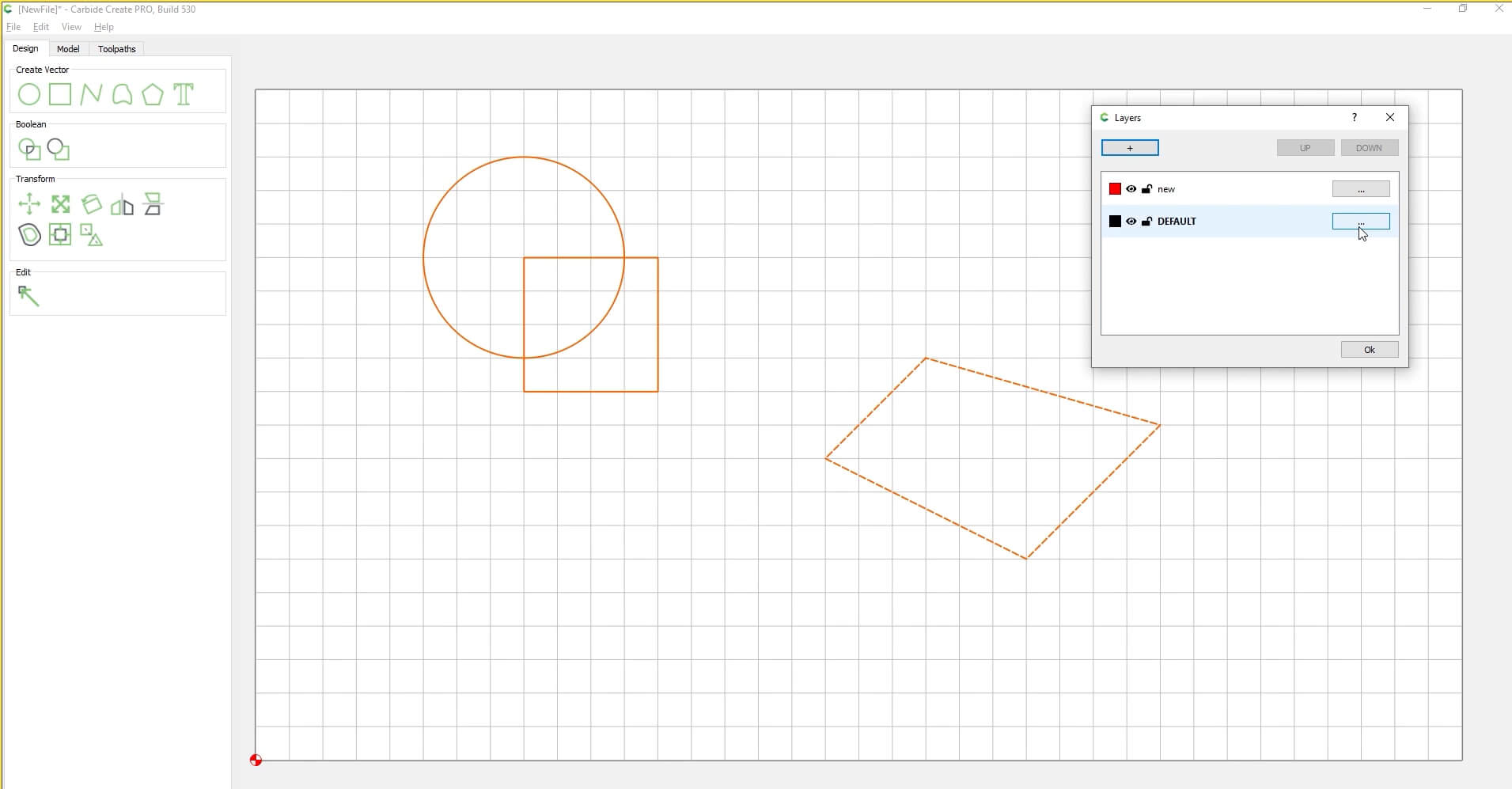
Carbide Create comes from the makers of the Shapeoko CNC router. The free Core version works only with Carbide 3D machines; other CNC routers need Carbide Create Pro. Core covers flat 2D and 2.5D work, including signs and V-carving, with design and toolpaths in one window.
Pros
Cons
Pricing: Core is free with Carbide 3D machines; Pro $120 USD/year (subscription) or $360 USD one-time with a year of updates.
Best for: Beginners, especially anyone with a compatible hobby machine ready to cut today.
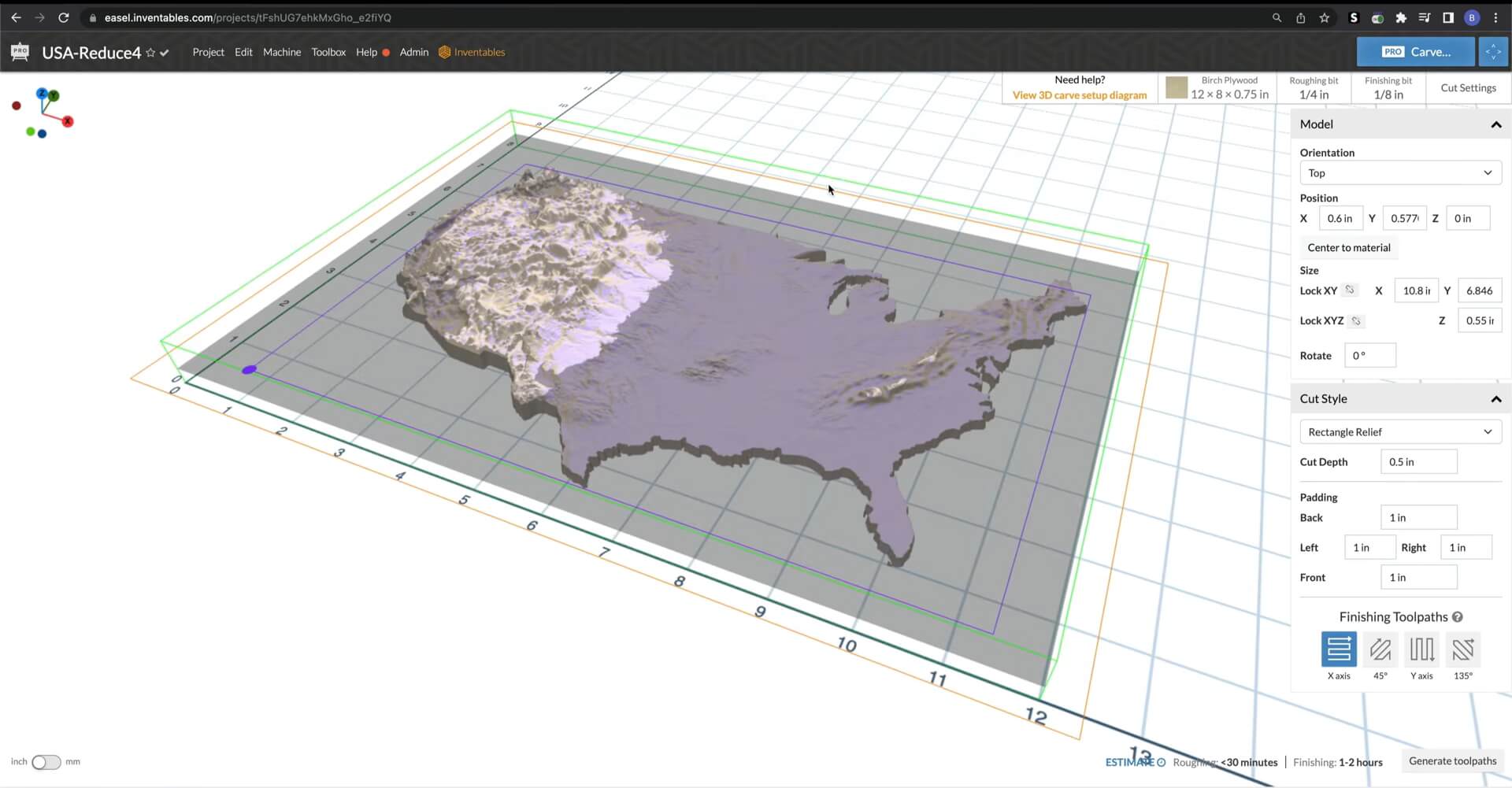
With Easel, design, toolpaths, and machine controls share one browser screen. It writes standard G-code that most GRBL-based hobby CNC routers can run, and in Chrome, Edge, or Opera it connects to compatible machines without extra software.
Pros
Cons
Pricing: Basic is free; Starter $8/month or $72/year; Pro $24/month or $216/year (USD).
Best for: Budget-minded makers comfortable with CAD who want free software with no commercial strings.
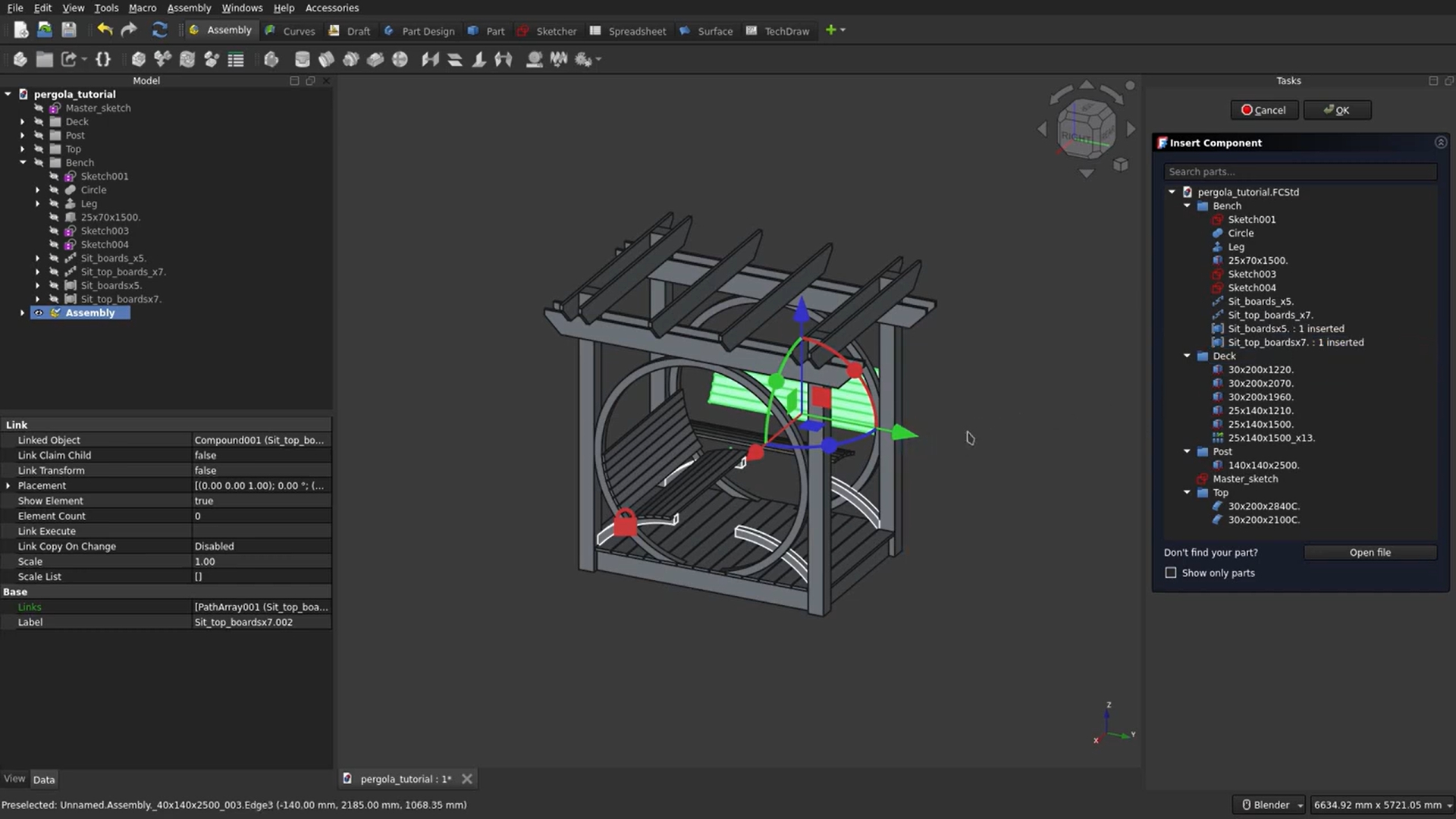
FreeCAD offers serious parametric power at zero cost. It is open source, free for private or commercial use, and runs on Windows, macOS, and Linux. Its CAM workbench (formerly Path) generates G-code for a CNC router through post processors. There is no native cut list or sheet nesting, although the community Woodworking add-on can generate a cut list. As free woodworking CAD software, it is tough to argue with the price.
Pros
Cons
Pricing: Free.
Best for: Small and mid-size cabinet shops that want fast parametric woodworking design software and CNC-ready output.
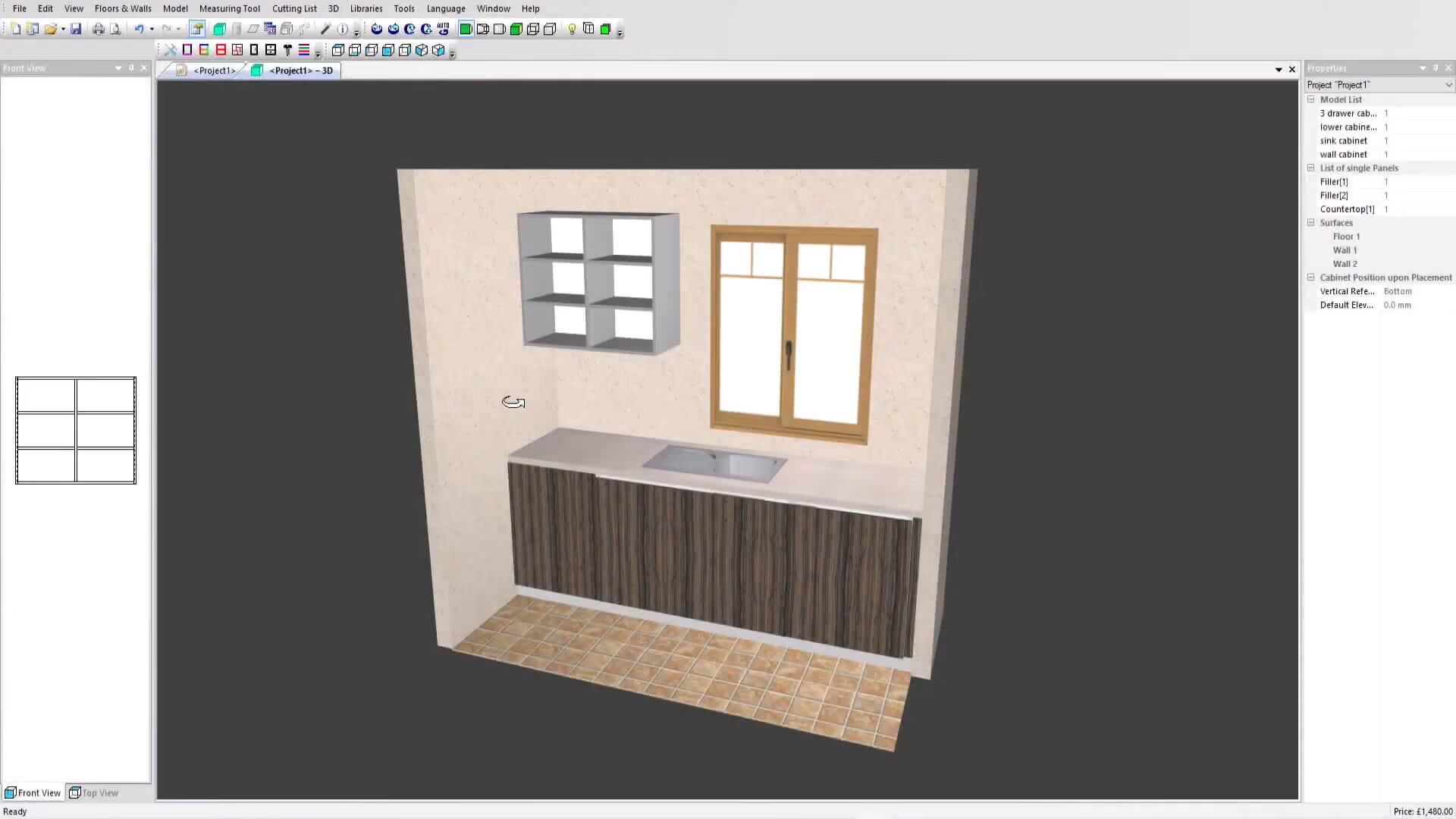
Polyboard is parametric to its core: type in sizes, add shelves, doors, and drawers, and resize the cabinet while every part follows. It outputs cut lists, part plans, costings, labels, and CNC files, even for sloping ceilings and angled walls. The free demo includes the design tools, but manufacturing outputs need a paid license or a Premium Support subscription with a monthly project allowance.
Pros
Cons
Pricing: Free demo version; lifetime licenses from $2,795 to $5,295 USD, depending on edition.
Best for: Growing cabinet shops that want dedicated cabinetmaking logic and G-code at a sane entry price.
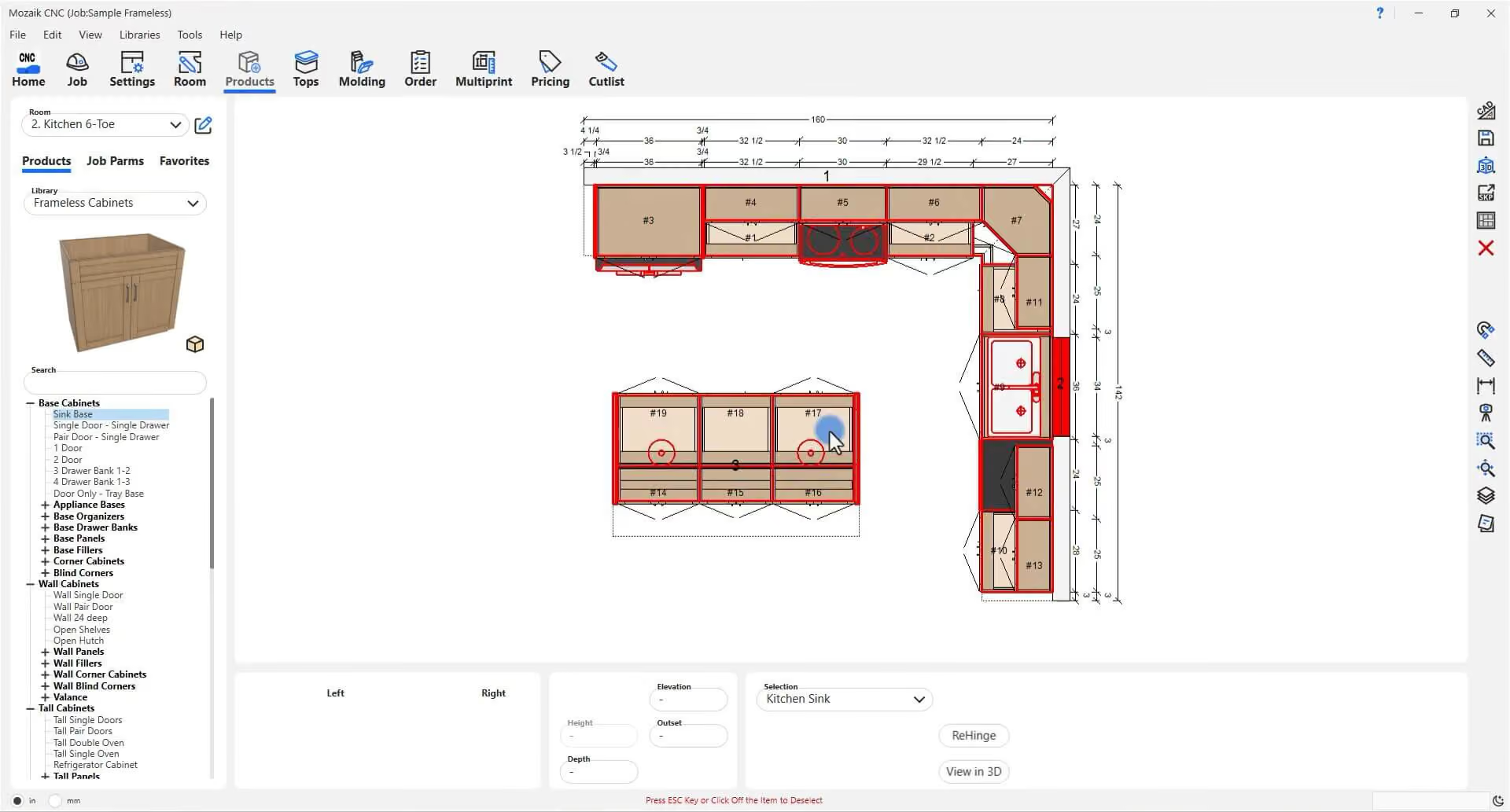
Mozaik was built for cabinet shops. The Manufacturing tier covers cabinet design, cut lists, a material optimizer, and pricing pulled from the design. The CNC tier adds true-shape nesting and machine-ready G-code for your CNC router, plus support for dovetail drawers and routed MDF doors.
Pros
Cons
Pricing: Manufacturing $125/month; CNC $225/month; Enterprise $325/month; extra seats $60/month each. The three-month paid trial automatically converts to a one-year subscription with monthly payments unless you cancel before the trial ends.
Best for: Large cabinet manufacturers with active CNC infrastructure and a dedicated operator.
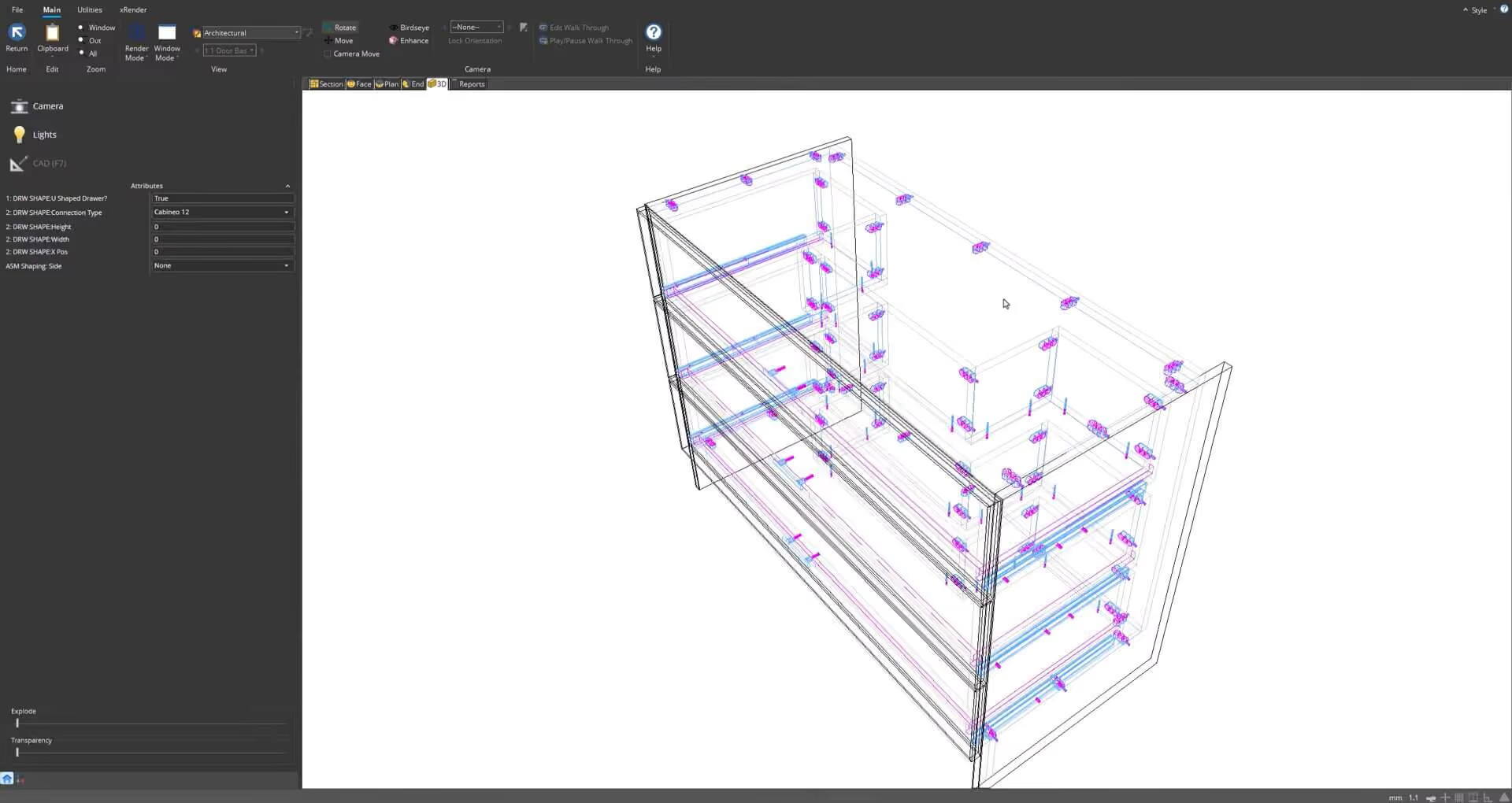
At the top of the food chain sits Cabinet Vision, from Hexagon. It covers the whole pipeline, from design and costing to CNC machining. Its machining module turns designs into machine-ready code, and add-on modules cover photorealistic rendering, bidding, and shop-floor labels and reports. For a solo woodworker, it is overkill.
Pros
Cons
Pricing: Quote-based through Hexagon and its resellers. See our Cabinet Vision pricing breakdown for reported costs.
Best for: Precision-focused furniture and joinery makers who already know parametric CAD.
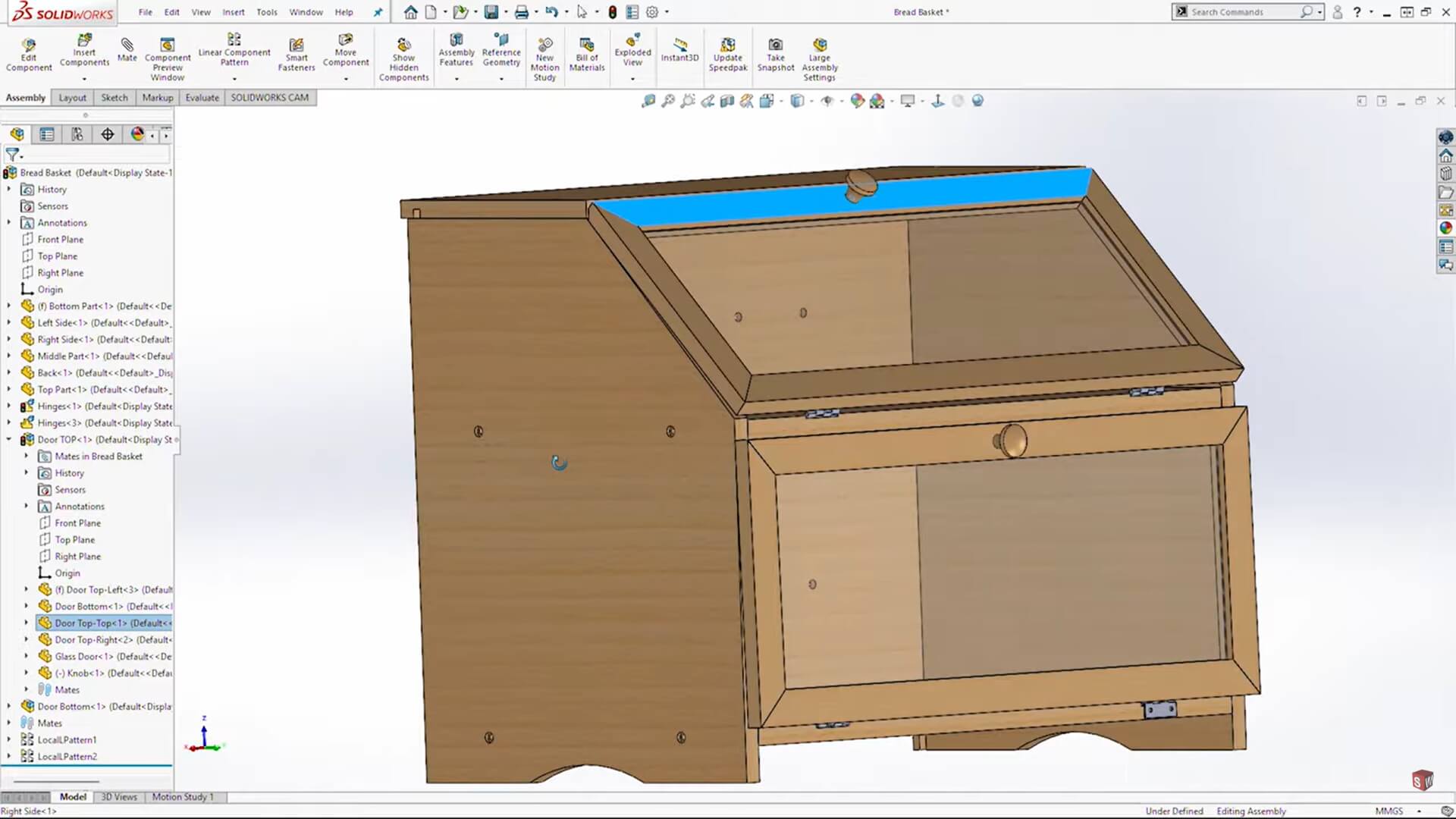
SOLIDWORKS comes from engineering, and some furniture makers use it for dimensional control on complex pieces. You will not find cabinetry shortcuts: bills of materials and weldment-style cut lists exist, but nothing tuned for sheet goods, and toolpaths come from the SOLIDWORKS CAM add-in.
Pros
Cons
Pricing: SOLIDWORKS Design plans from $2,820/year. SOLIDWORKS for Makers costs $48/year for personal projects and includes CAM in its desktop version. You can sell parts you make while revenue from them stays under $2,000 USD a year; business or professional use requires a commercial license.
Best for: Kitchen dealers, cabinetmakers, and interior designers who sell on presentation.
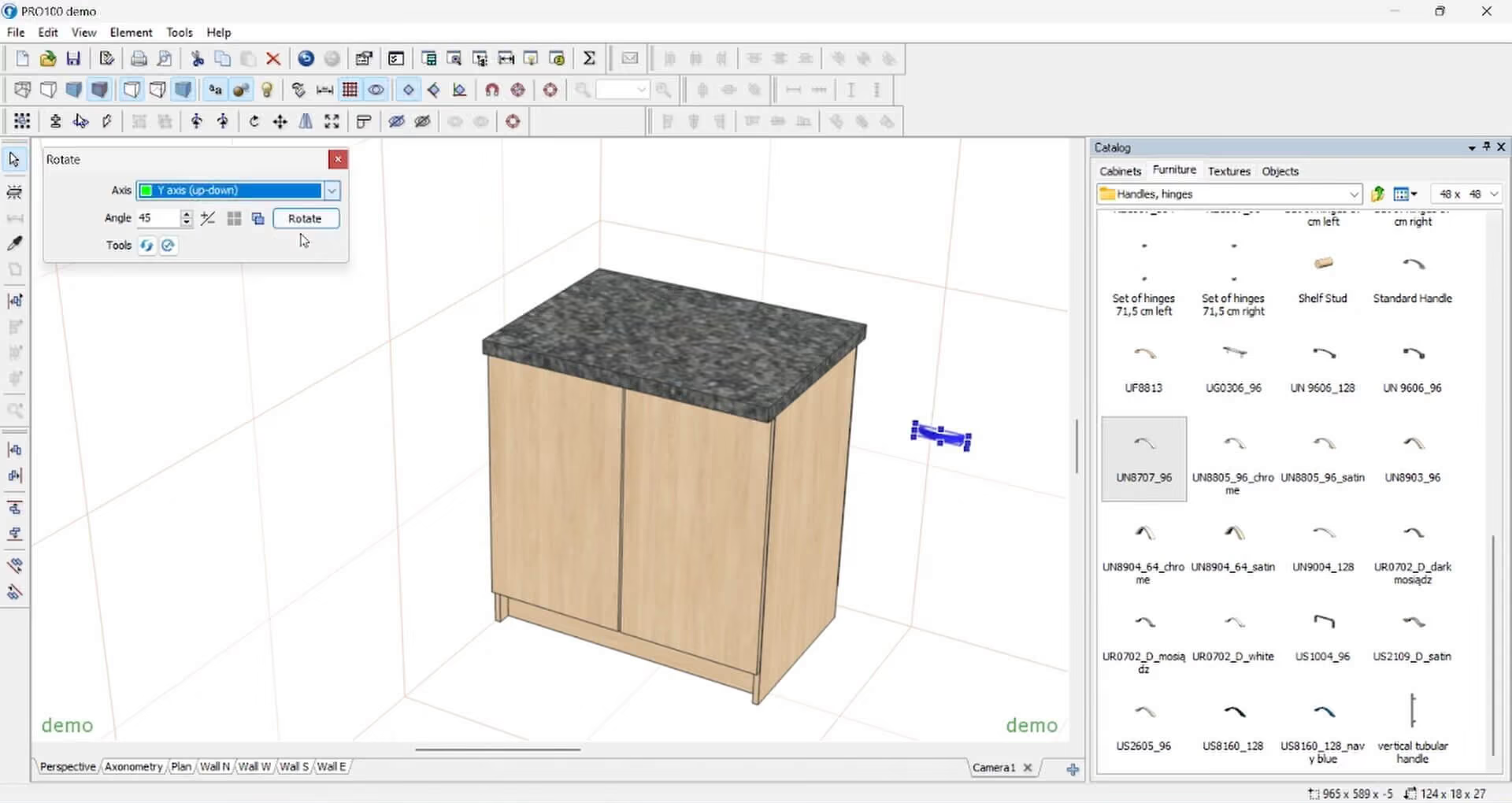
Pro100 leans into the showroom. It targets kitchen, closet, and cabinet designers who show clients a finished-looking room before cutting, with photorealistic output through the Kray add-on. Cut lists, pricing, and a panel optimizer come built in, while CNC output is a separately priced package.
Pros
Cons
Pricing: $3,144.99 one-time for Pro100 v7. CNC packages are priced separately.
AutoCAD is excellent at precise 2D drawings and DWG documentation, so it suits work that depends on detailed shop drawings. It has no built-in woodworking cut list or CAM, so a CNC router needs separate CAM software. For most furniture and cabinet makers, a purpose-built program saves more time.
For hand-tool woodworkers, SketchUp is an approachable modeler; add the free OpenCutList extension in paid desktop SketchUp for cut lists. If you are heading straight for a CNC router, Easel and Carbide Create (for Carbide 3D machines) are free places to start, and Vectric VCarve Desktop is a one-time-purchase step up. Fusion is more capable, yet it asks for more patience up front.
Among the tools here, SketchList 3D and Polyboard stand out, because cut lists are built into their core and update when a dimension changes (Polyboard's outputs need a paid license). Mozaik and Pro100 also generate cut lists automatically. SketchUp gets close with the free OpenCutList plugin in the paid desktop app.
Once your model is dialed in, show clients the finished piece in a real room. That's where MyArchitectAI comes in.
Export a view of your design and upload it, and the AI renderer turns it into a photorealistic image; MyArchitectAI says 99% of still renders are ready in under 10 seconds. You can then swap materials or restyle the scene by describing the change in words. SketchUp users can follow the same SketchUp rendering workflow with a JPG or PNG of any view.
MyArchitectAI runs in your browser, so there are no plugins to install and no dedicated local GPU is required. Get 10 renders free and see your next build before the first board is cut.