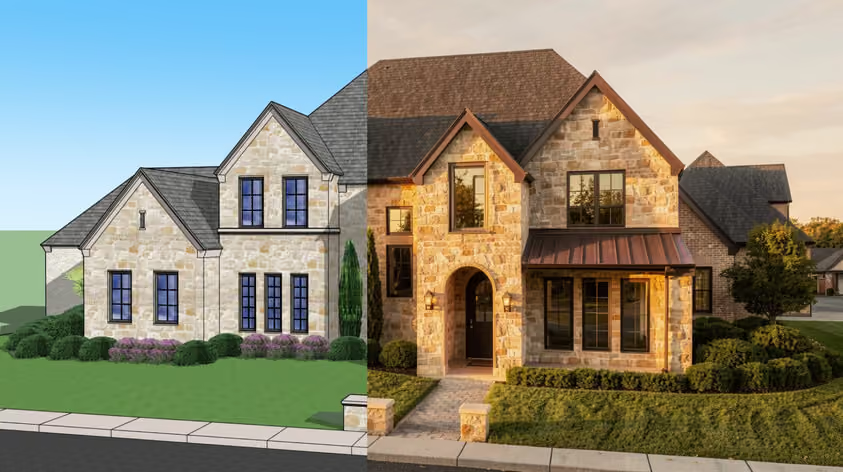
Is D5 Render vs. Enscape even a battle? These are two real-time renderers built for architects and designers, and both deliver fast, photorealistic visuals. They only take different paths to get there.
This guide will help you pick the right tool for your workflow. We'll cover features, AI tools, rendering quality, ease of use, system requirements, and pricing. We haven't benchmarked either tool, so this article doesn't establish which one renders faster or looks better.
D5 Render is a standalone Windows application powered by real-time ray tracing and path tracing. It comes with a large asset library, a free Community tier for non-commercial use, and an AI feature set D5 expanded in version 3.0.
Enscape works as a plugin inside your CAD software (Revit, SketchUp, Rhino, Archicad, Vectorworks), so you get a rendered view without exporting your model. Chaos has also wired it into a wider ecosystem with Veras AI, Cosmos assets, and the AI Enhancer.
Here's how D5 vs. Enscape stack up at a glance.
List prices as of September 2026, before taxes. D5 prices are in USD; Chaos sets Enscape's checkout currency by country.
Winner: Not established without comparative testing
When it comes to D5 Render vs. Enscape on raw speed, this article can't name a winner. Both are GPU-based renderers built for instant feedback. You see materials, geometry, lighting, and shadows update as you work.
Enscape's strength is the live link. When you move a wall in Revit, e.g., the rendered view updates in the Enscape window without exporting anything; there's no separate scene to manage.
D5 Render, meanwhile, runs as a separate application but stays synced in real time through LiveSync plugins. Both support NVIDIA DLSS, and D5 also supports Intel XeSS. Real-world speed depends on your GPU and scene, and we haven't run or found a like-for-like benchmark.
Worth noting: if pure speed and zero hassle matter most, MyArchitectAI takes a different route. It runs in your browser and turns an image of your model into a rendered scene, with most still renders ready in under 10 seconds. No LiveSync, no local GPU.
Winner: Not established without comparative testing
This is where the D5 vs. Enscape clash gets interesting. Both can produce photorealistic architectural images, but with different technology.
D5 Render uses its own real-time path tracing for global illumination (the default since version 2.11) alongside real-time ray tracing, aiming for more physically accurate indirect lighting, reflections, and soft shadows.
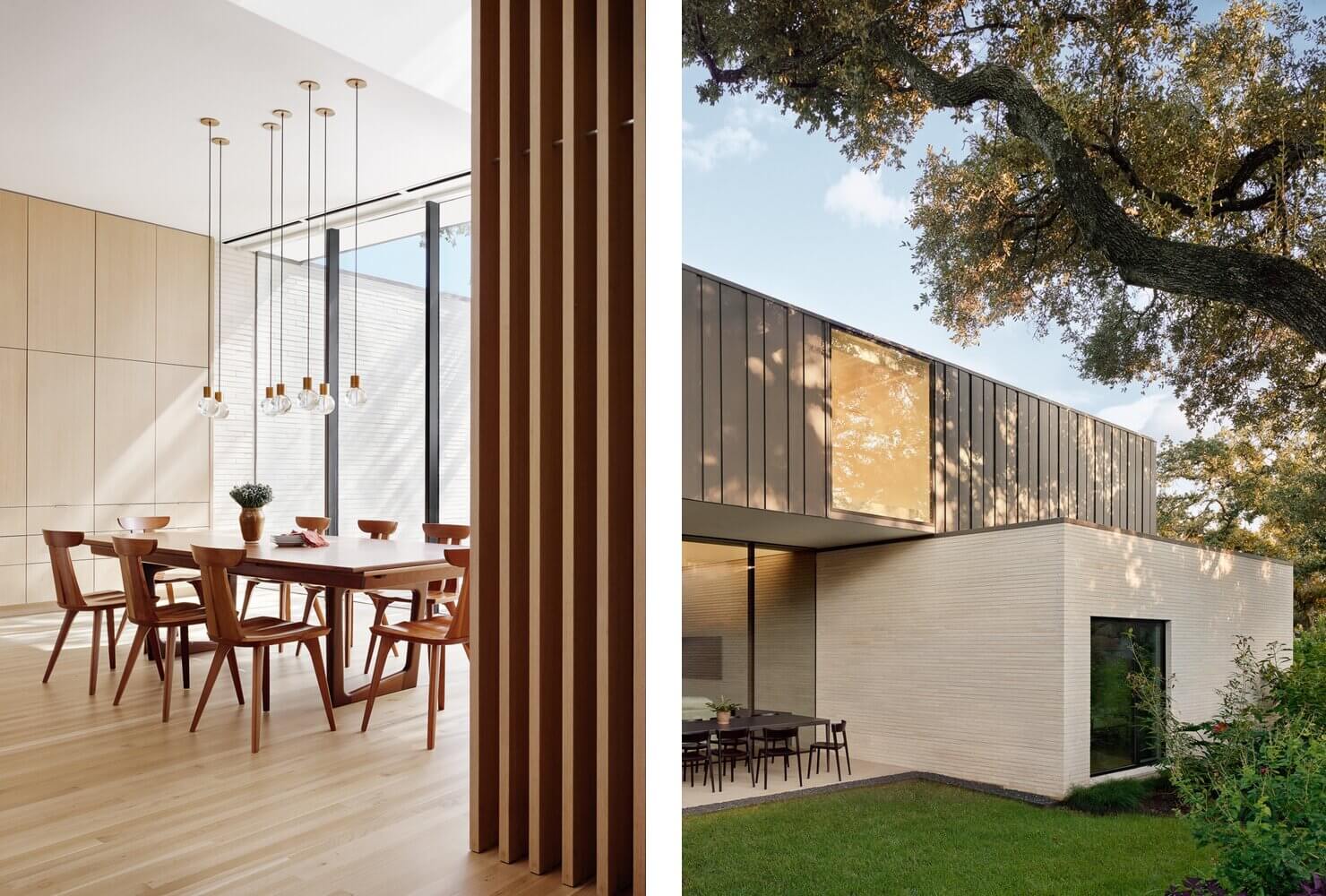
Enscape produces clean, sharp images with an honest architectural quality. On Windows, it can use hardware-accelerated ray tracing on NVIDIA RTX cards; the Mac version lacks those hardware ray-tracing features.

These are differences in method, not proof of better output, so render one of your own projects in both during their trials.
Winner: Enscape, for rendering inside your modeling app
On ease of use, D5 Render vs. Enscape mostly comes down to how each tool fits into your day.
Enscape runs inside your modeling app, such as SketchUp or Revit, so there's no separate scene file to manage. One click opens a rendered window of your model.
D5 Render adds a second application to the workflow. You bring the model into D5 through LiveSync or file import, then place assets and set materials, lighting, and environment in D5's own interface. That means switching between two programs. D5 Lite, a separate plugin included with Pro, renders inside SketchUp, Rhino, and Revit (the last two in beta). We haven't measured which is quicker to learn; the difference is where rendering happens.
For full context: with MyArchitectAI, there's very little to learn. You upload an image of your model and click generate, with no lighting or material settings to tune. It's worth considering when you don't have time to learn either D5 or Enscape, or when you want to test a concept fast.
Winner: Depends on your workflow
D5's AI tools work at two stages. Some change the scene itself, meaning its parameters, materials, or assets. Others process a finished render, and D5 runs its AI Enhancer in the cloud.
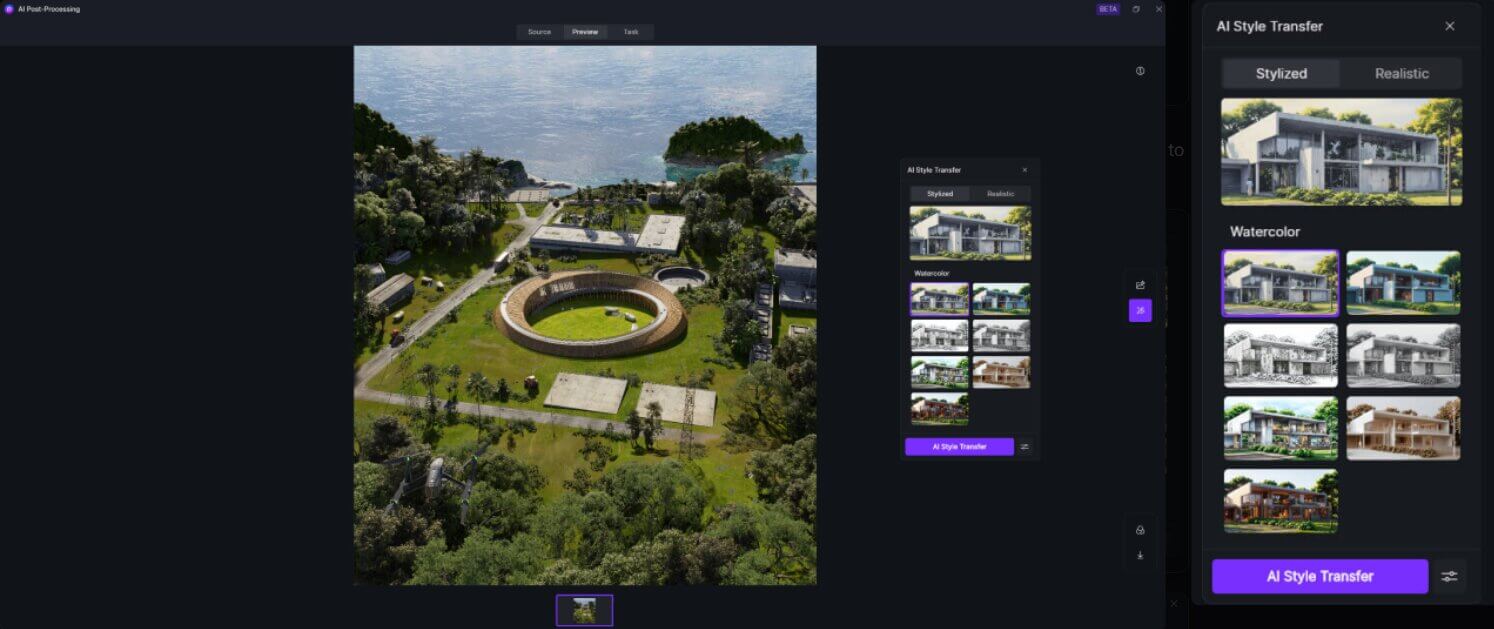
Pro and Teams include unlimited AI creations and AI Agent use, though AI Model Generation (text or image to 3D) starts with 10 credits per person on every plan; users can apply for additional credits.. Community accounts get 50 free AI creations, with AI Agent conversations counted separately.
Enscape's AI lives across the wider Chaos ecosystem, and every plan includes monthly Chaos AI credits.
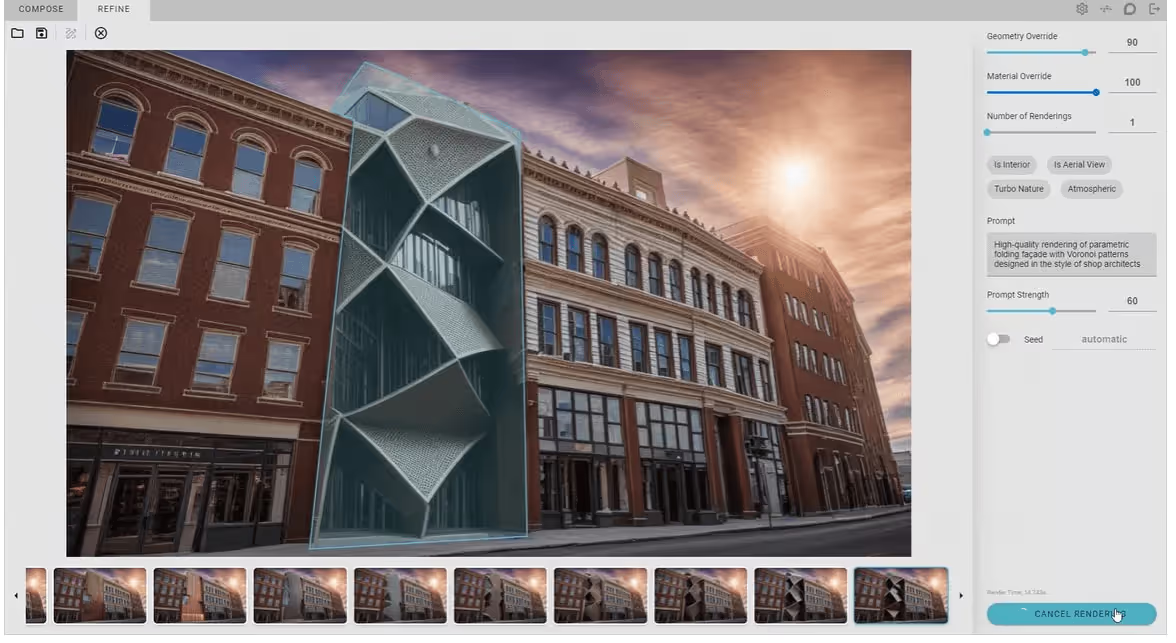
Veras is the one to know. It generates style variations from prompts or reference images based on your model geometry, and lets you select specific objects or materials to edit. Chaos says this keeps massing intact, though results can vary by prompt. It's positioned for early concept exploration, above all.
Winner: D5, at entry-level pricing
Asset library size is one of the bigger gaps in D5 Render vs. Enscape. D5 Pro subscribers get more than 16,000 official assets (Community users get 2,100+), including thousands of animated models. There's also D5 Works, a curated marketplace of third-party AEC models.

Enscape moved to Chaos Cosmos as its asset platform in version 4.11. The count depends on your plan: up to 6,700 assets on Solo, up to 10,000 on Premium, and more than 18,500 on the Enscape Collection. Cosmos is shared with Chaos tools such as V-Ray, Corona, and Vantage, so assets travel with you across Chaos software.
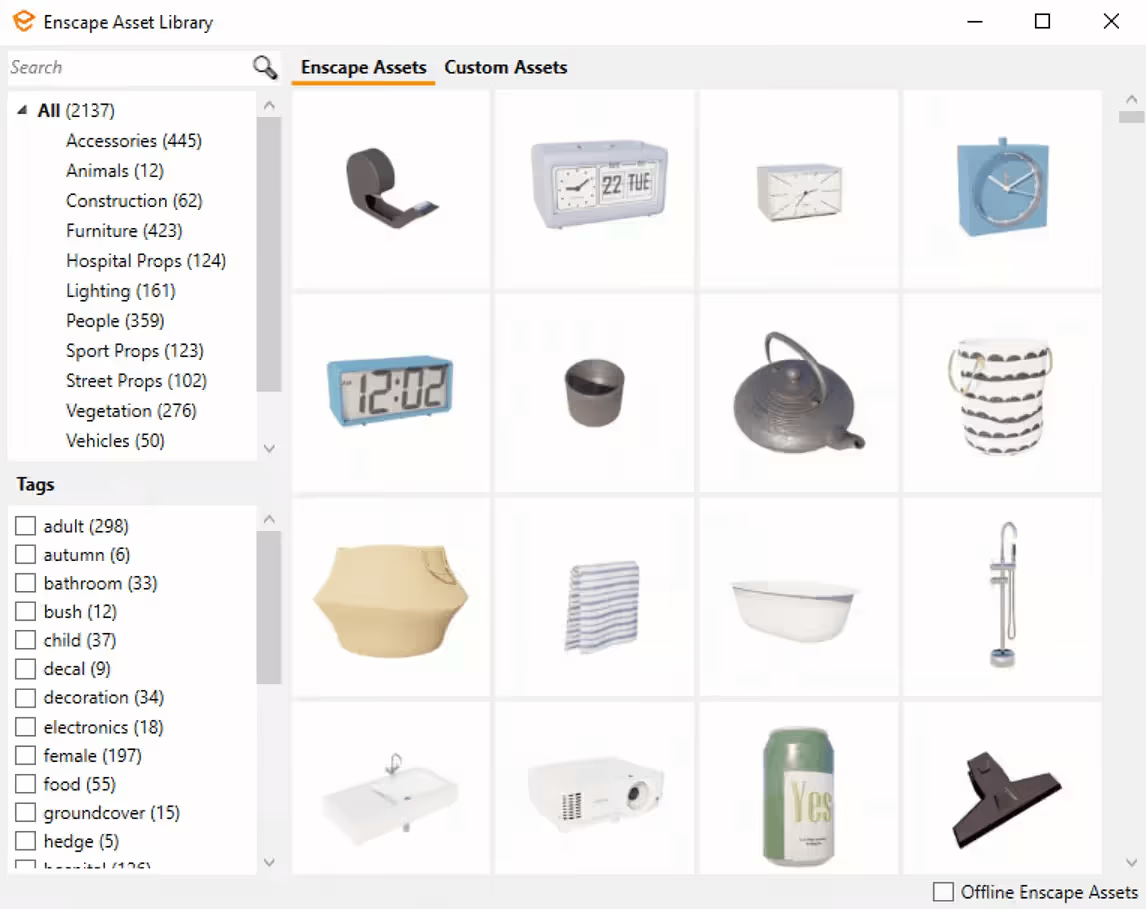
At entry-level prices, D5's library is larger; Enscape's top plan closes the gap.
Winner: D5, for breadth of modelers
Enscape vs. D5 looks very different here, and the answer really depends on your modeling software.
Enscape is a plugin, so it lives inside your modeler:
If you use one of these, Enscape feels native. There's no export step, and Chaos describes the link as a bidirectional geometry exchange.
D5 Render uses LiveSync plugins to keep your model synchronized:
Its list includes Blender, Cinema 4D, and 3ds Max, which Enscape doesn't support. So if your team uses anything beyond the standard architecture stack, it makes a more flexible solution.
Winner: Enscape, for Mac support
Both tools need a real GPU. Here's what each one expects.
D5 Render is Windows-only because it relies on DirectX 12 and DirectX Raytracing, and D5 says it has no estimated date for a Mac version.
Enscape runs natively on Apple silicon Macs, which is a real advantage if your team is on Mac. The Mac version lacks VR, standalone executable export, Enscape Impact, and hardware-accelerated ray tracing. Intel Macs aren't supported, and Boot Camp/Parallels won't work either. Check its full system requirements here.
If you'd rather skip the GPU question entirely, MyArchitectAI runs in your browser and renders on its own servers, so it works on desktops, tablets, and phones, including Macs.
Winner: D5, on list price
D5 also offers a 14-day free trial of Teams. Current prices are on D5's pricing page.
Enscape has no free version for commercial work. Check Enscape pricing for current terms.
On pricing, D5 Render vs. Enscape isn't really close. D5 Pro at $360/year billed annually is about $215 less than Enscape Solo at $574.80/year billed annually. Solo does include Veras and monthly AI credits, so compare inclusions too.
If you prefer a flexible monthly plan, MyArchitectAI's Starter plan is US$29/month billed monthly with no annual commitment (or US$290/year billed annually), with unlimited renders and no GPU required. Keep in mind it's an AI image renderer, not a real-time 3D engine.
Winner: Depends on the required presentation format
Both offer VR and link-based sharing, with different outputs and plan access.
D5 Render's Teams plan adds a shared project library on network or cloud drives such as Google Drive, OneDrive, and Dropbox, plus multi-editor worksets. Spatial Tours open in a browser from a link or QR code (Community users get one tour), while XR tours and VR (still in beta) require Pro or Teams.
Enscape supports VR walkthroughs on Windows, standalone executable exports on Windows, web standalones, and sharing via Chaos Cloud. Chaos Cloud streaming, currently in beta, lets clients explore an interactive walkthrough from a link without installing anything. Enscape Impact (Collection, Windows only) adds building performance reports.
Choose by output: Enscape offers VR from your modeling app (Windows only) and live browser streaming (beta); D5 offers VR (beta) and published tours clients open from a link.
The honest answer depends on what you model in, how much you want to spend, what your team produces day to day, and whether you need a Mac build.
Pick D5 Render if:
Pick Enscape if:
Pick MyArchitectAI if:
D5 Render edges ahead on entry price, asset count at that price, AI tools that edit the scene, and supported modelers in 2026. Enscape fits better if you want to render inside Revit, SketchUp, Rhino, or Archicad without export and import steps, or need to render on a Mac.
For most architects asking which is better, D5 Render or Enscape, the workflow question leads to a more precise answer than the visual output question. Test both before committing: D5 has a free Community tier and a 14-day Teams trial; Enscape has a 14-day trial.
And if you want to skip the GPU and learning curve entirely, give MyArchitectAI a try. You get 10 free renders, and it all happens in your browser.