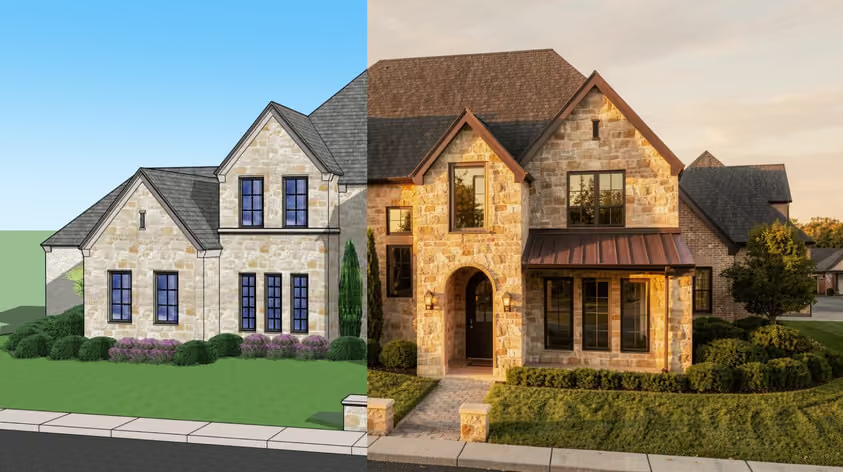
D5 Render is a real-time renderer for architects and interior designers. The Community edition is free for non-commercial learning and personal projects, but commercial work needs a Pro license, listed at USD $360 per year billed annually on D5's pricing page. D5 runs on Windows 10 (v1809 or later), and its official minimum GPUs include the NVIDIA GTX 1060 6GB; our D5 Render system requirements guide covers the details. Each major release adds tools, so the best D5 Render courses help you skip the trial-and-error phase with structured, project-based workflows.
Whether you're starting from zero or sharpening pro skills, these D5 Render courses are worth your time in 2026. You'll pick up scene setup, PBR materials, GeoSky vs HDRI lighting, the scatter tool, and post-production: the things that move a render from “okay” to “client-ready.” Course details reflect providers' pages as of September 2026, with the D5 version noted where stated.
Cost: Free
Level: Beginner to advanced
Duration & format: Self-paced video tutorials + written user manual
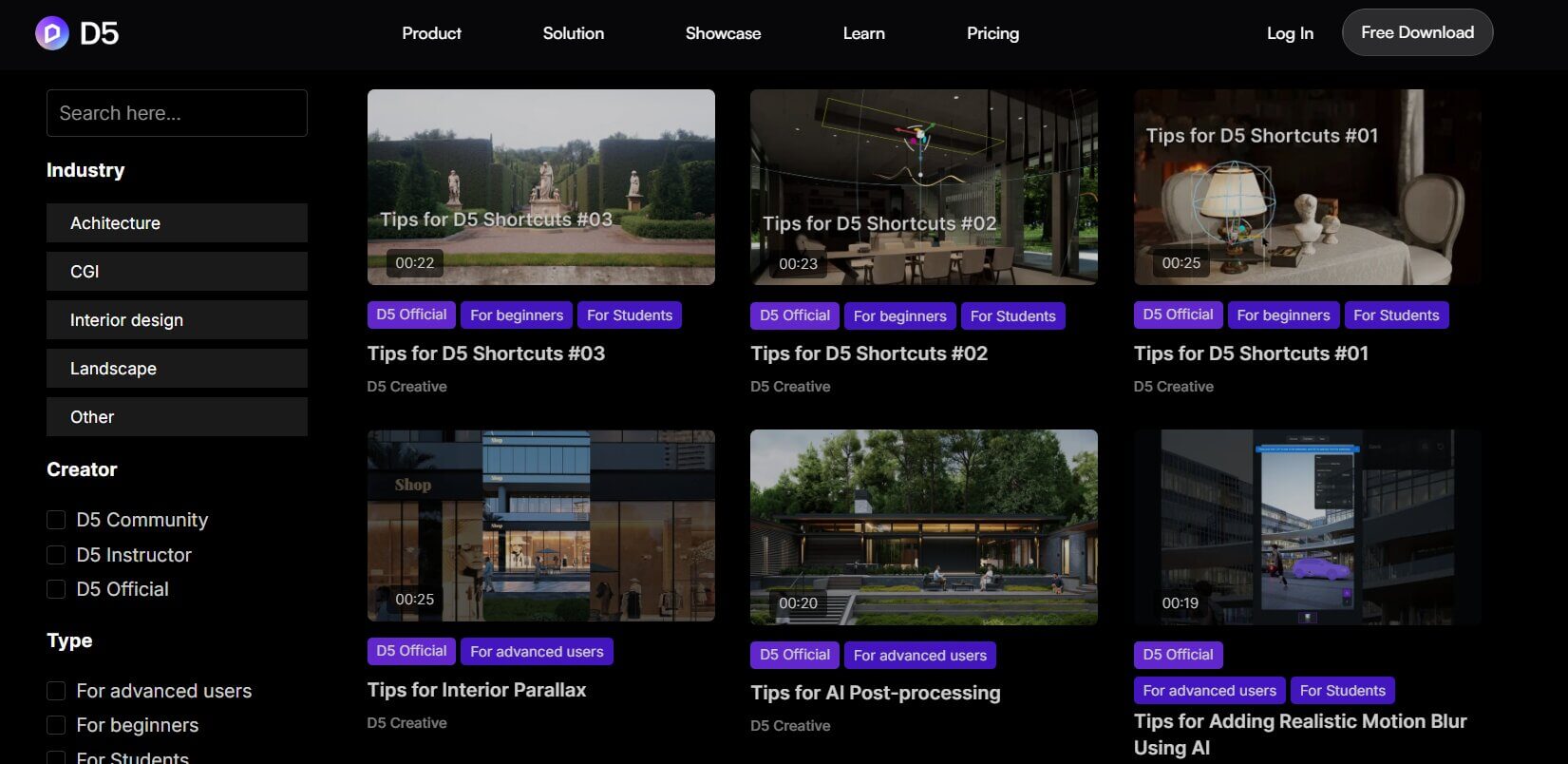
D5's official learning hub is a direct way to keep up with new features as D5 releases updates. You can filter D5 Render tutorials by modeling software, industry, skill level, and creator, including D5 Official and D5 Instructor videos.
Pair the hub with the official Help Center documentation, and you've got a solid free training stack.
Cost: $19.99 list price on Udemy (often discounted; prices vary by region)
Level: Beginner
Duration & format: 24 lectures, 2h 55m on-demand video, self-paced, certificate of completion
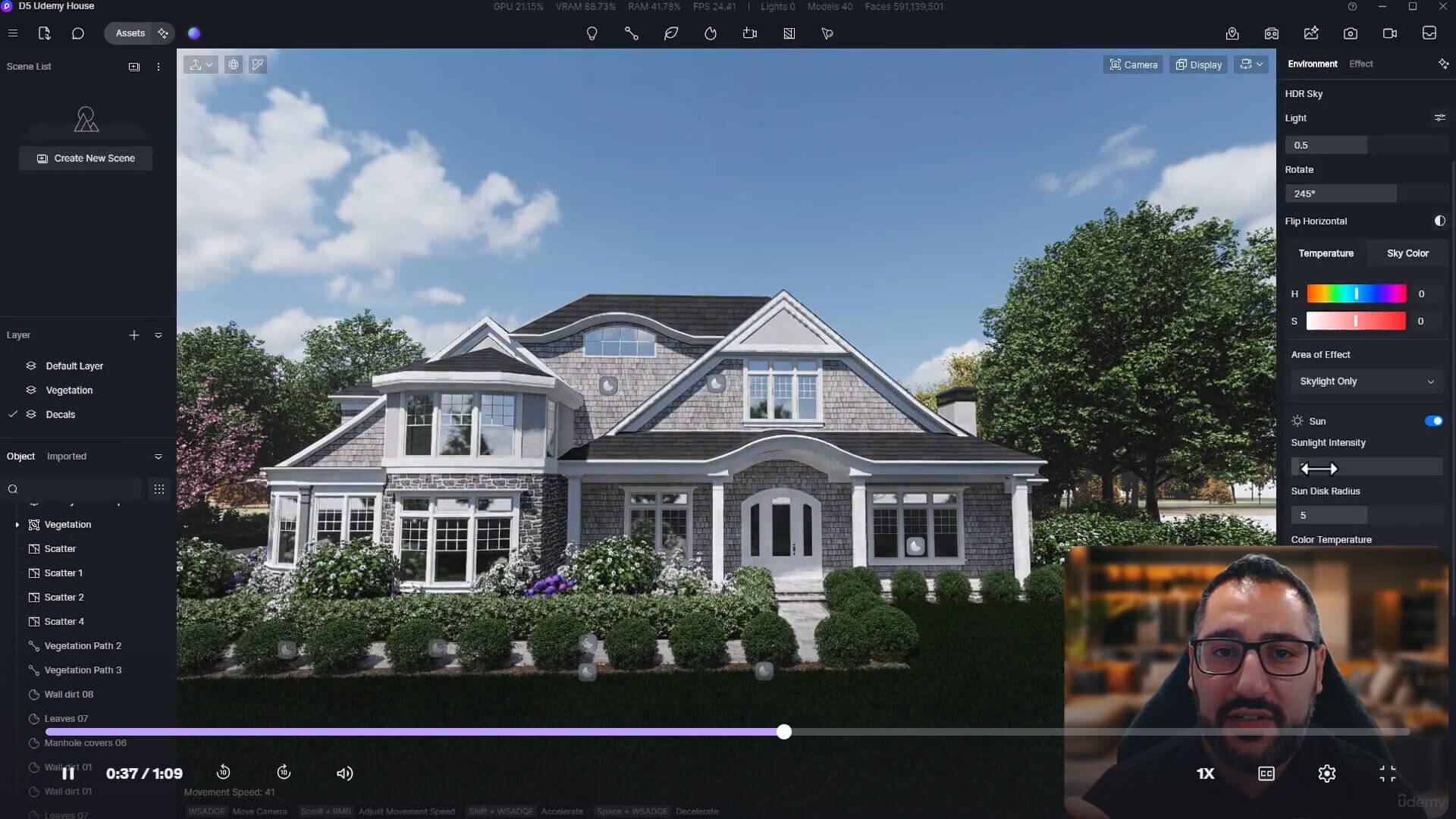
Master D5 Render in 3 Hrs is one of the most accessible paid D5 Render courses for beginners. It's co-created by Adam Zollinger of Learn Archviz and Andy Christoforou, who also runs ArchViz Academy (below).
The format is short and tight: interface, materials, lighting, entourage, animation, and post-processing, with downloadable practice files. It was last updated in June 2025, before D5 3.0, so some menus may look different today.
Cost: €299 one-time launch price (€243.09 excl. VAT)
Level: Beginner to advanced
Duration & format: 7+ hours, 50+ lessons, self-paced with lifetime access, certificate included
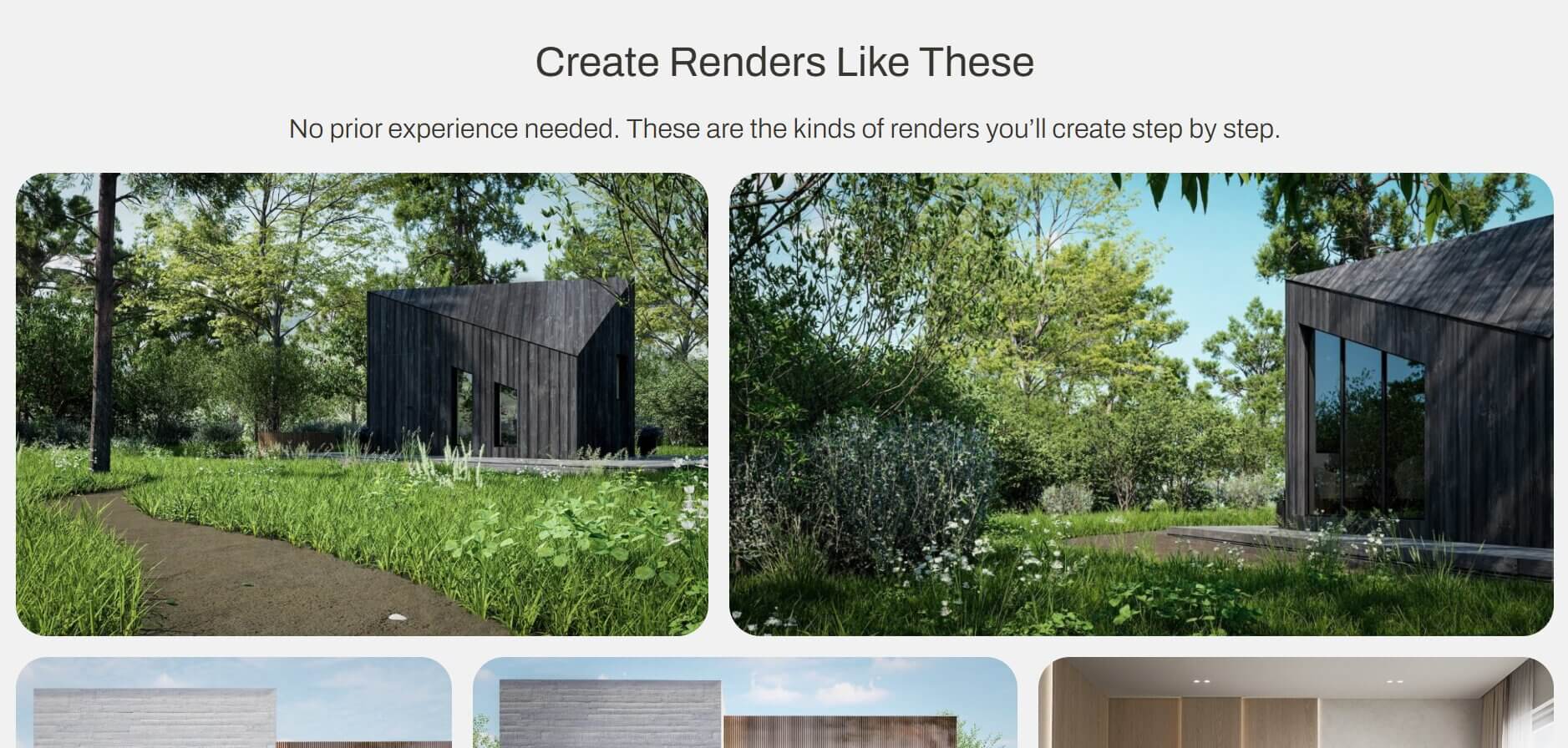
Educk's D5 Render Visualization Course is one of the more detailed, project-based D5 Render courses, with downloadable HDRIs, textures, and models. It's taught by Monika Wiecha-Tuziak, an architect, Educk founder, and D5 Certified Instructor with over 10 years of experience teaching visualization and interior design. Enrollment includes one month of D5 Render Pro.
The kitchen, bathroom, and living room projects make it a D5 Render tutorial interior designers can follow room by room, and a facade project covers exterior work. It was recorded in D5 Render 3, making it one of the most current courses here.
Cost: Free
Level: Beginner
Duration & format: YouTube video, about 9.5 hours
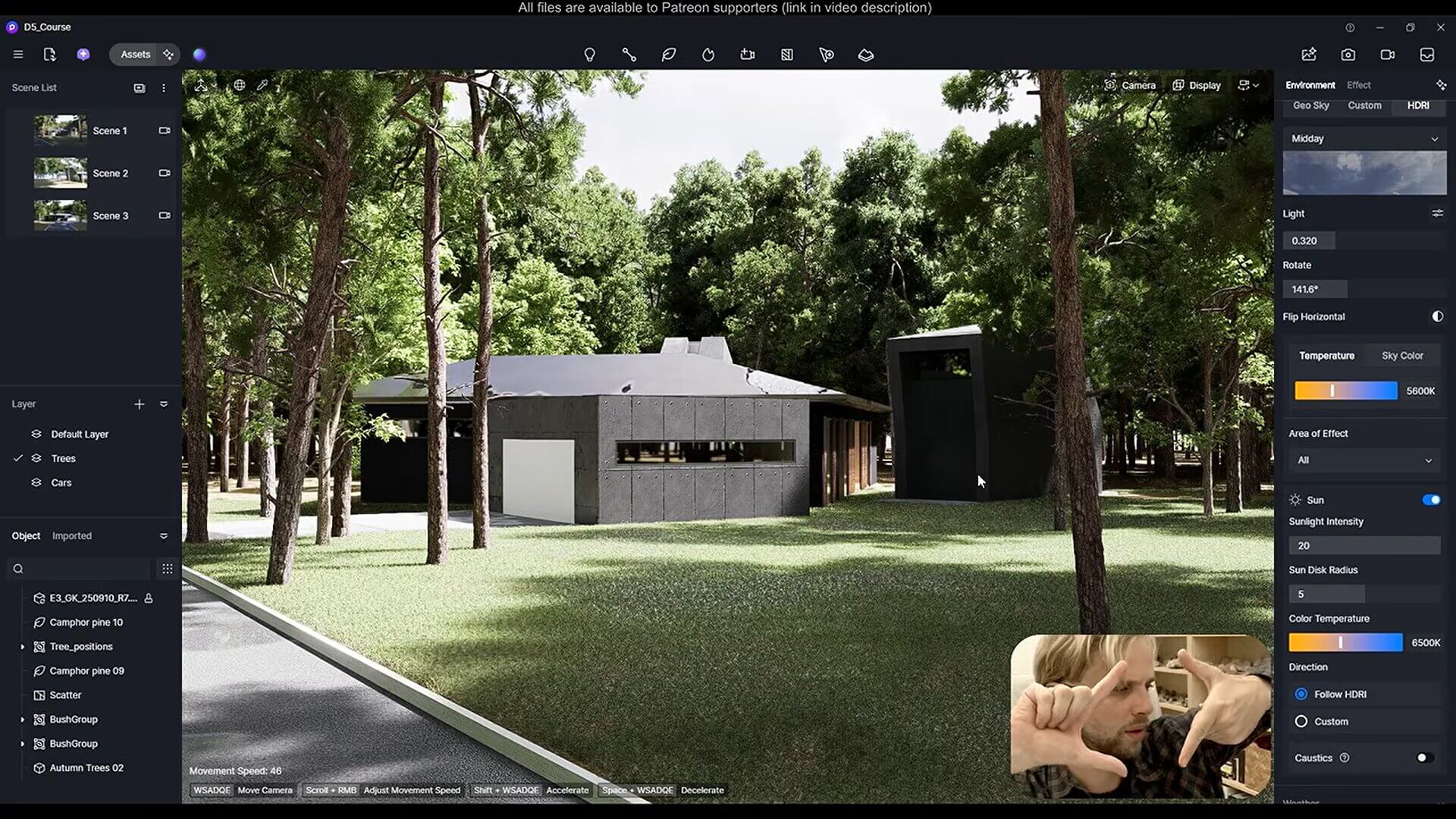
Gediminas Kirdeikis is a popular YouTube educator for design software. His D5 Render full beginner course was published in October 2025 and recorded in D5 Render 2.11.
It moves from model preparation and the interface into materials, assets, environment settings, and the Advanced Brush for scattering vegetation. The final stretch covers artificial lighting, rendering, post-production, and animation. Gediminas teaches at a measured pace with no fluff. If you want one solid free starting point, this is it, though it predates 3.0 features such as ocean and volumetric clouds.
These picks suit working professionals who want deeper projects, career training, or live instruction. Some are labeled beginner-friendly by their providers but go deeper into professional workflows.
Cost: £39/month, or £159/year billed annually (both include 60+ courses)
Level: Beginner (per ArchAdemia)
Duration & format: 11 video lessons, 6+ hours, self-paced, certificate; project downloads need the annual plan
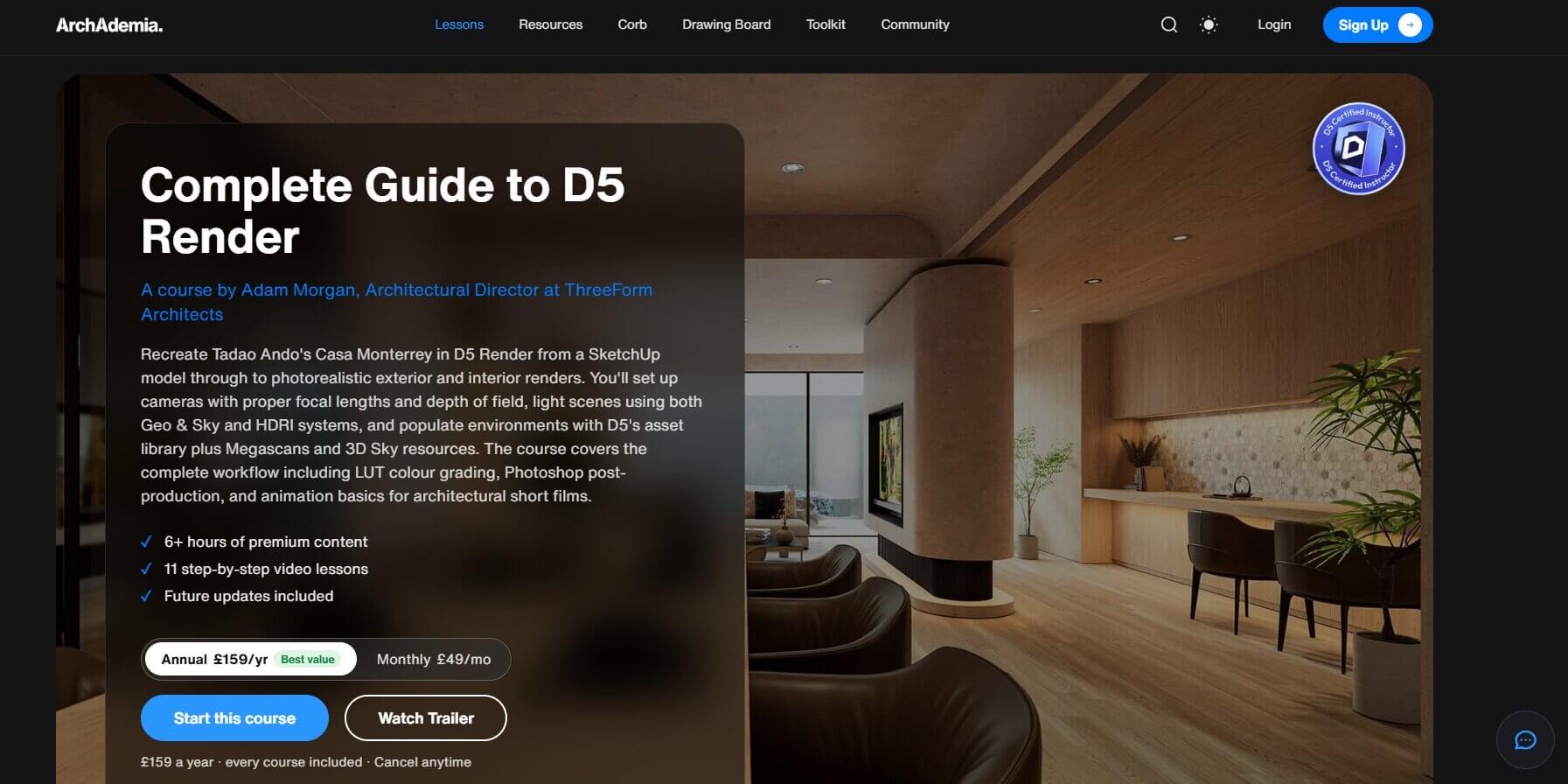
ArchAdemia's D5 course is led by Adam Morgan, Architectural Director at ThreeForm Architects, and the course page carries a D5 Certified Instructor badge. It's built around recreating Tadao Ando's Casa Monterrey in Mexico. The source model is a pre-grouped SketchUp file, making it a D5 Render tutorial SketchUp users can follow end to end.
You'll set up cameras at 24mm with two-point perspective, compare GeoSky against HDRI lighting, and add Megascans and 3D Sky assets. Final renders move through LUT color grading and Photoshop with Camera Raw, plus basic animation. A bonus Interior Masterclass uses D5's path tracer, and ArchAdemia says its certificates can count as CPD evidence on the ARB route.
Cost: $278 one-time as an early-access special deal (or 2 monthly payments of $139)
Level: All levels
Duration & format: Advertised as 80 video lessons and 14+ hours, lifetime access with future updates, certificate
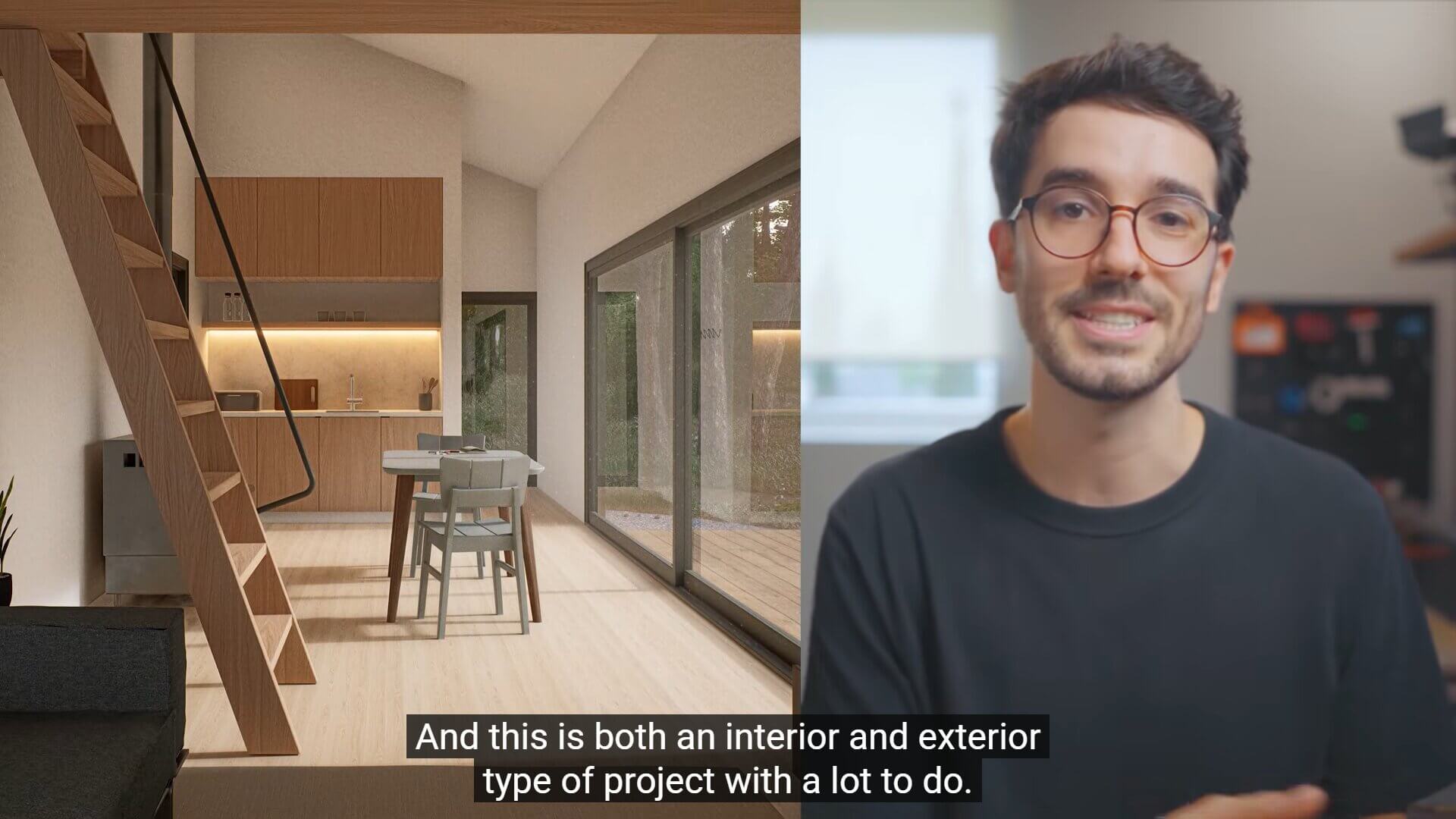
D5 Render: Visualizing Architecture was created by Oliver Uszkurat, an architect, Upstairs founder, and D5 Certified Instructor. You'll learn the basics on a Getaway Cabin, then work through case studies: a residential building, office, apartment living room, and conceptual project.
What sets Upstairs apart is the post-production module: 10 Photoshop lessons covering people, sky replacement, lens blur, color grading, and noise. You'll also get a free month of D5 Pro through the Upstairs and D5 partnership. Upstairs says the early-access price applies while it finalizes the last few extra lessons and will rise once all content is available. Five listed lessons (D5 Works and four AI-tool lessons) are still marked “coming soon.”
Cost: Lifetime and monthly plans; sale prices differ between the sales page and checkout, so check current pricing
Level: All levels, from students to freelancers
Duration & format: Advertised as 20+ hours and 100+ video lessons, self-paced, plus live office hours and a community
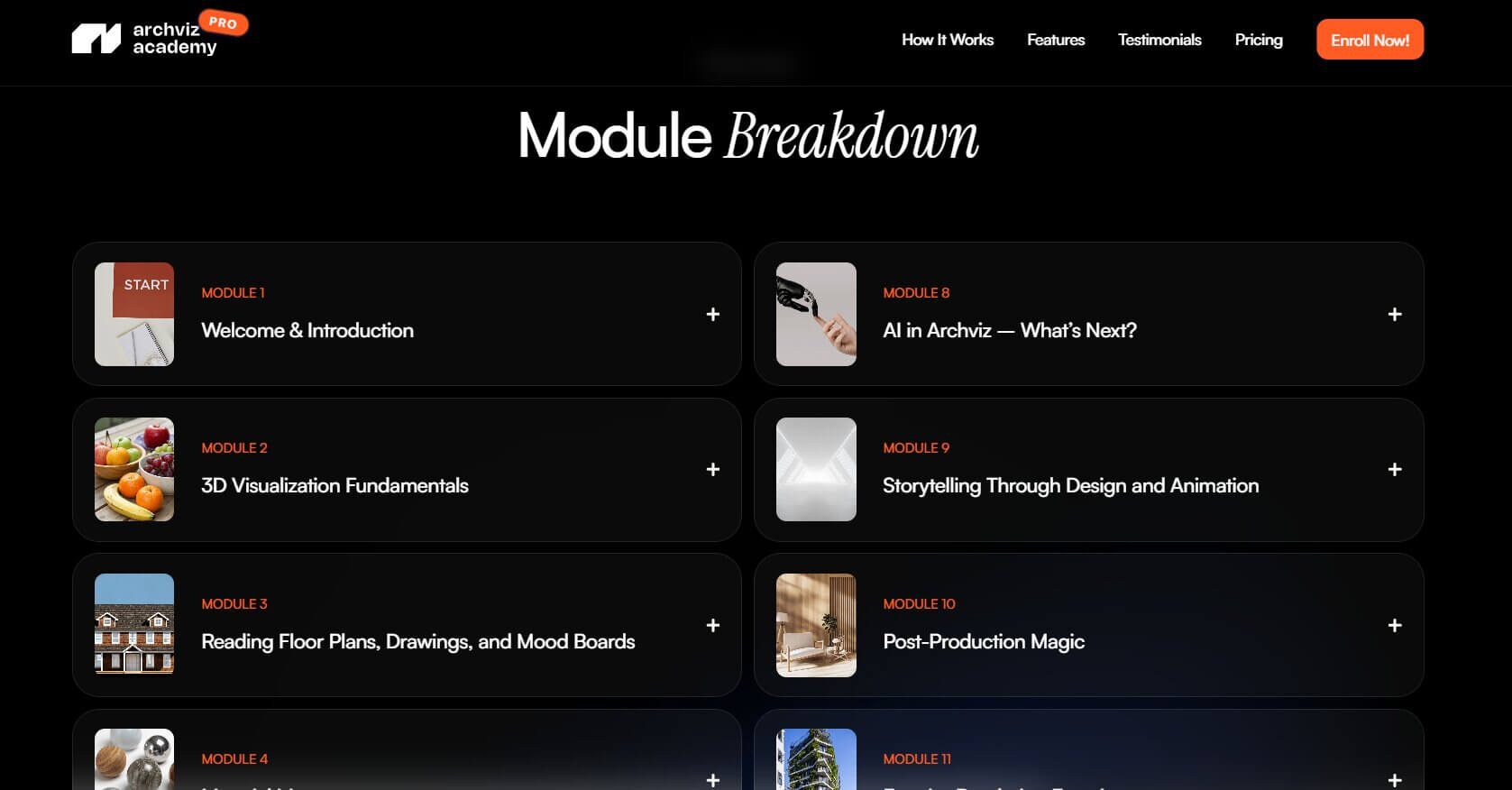
ArchViz Academy Pro is Andy Christoforou's own program. He presents himself as a D5 Render Certified Instructor, and his PAACADEMY bio says he leads visualization and AI efforts at Kohn Pedersen Fox (KPF).
Its 14 modules cover visualization fundamentals, materials, advanced D5 techniques, post-production, and interior and exterior exercises, then portfolio building and the business of archviz. The D5 module is built on D5 Render 2.11.
Cost: Contact for pricing
Level: Beginner to intermediate
Duration & format: 12 hours, live online, instructor-led, Edoxi completion certificate
Dubai-based Edoxi's 12-hour live online D5 Render course includes recorded sessions for review and a course completion certificate issued by Edoxi, not D5. It's the only course here taught entirely in live sessions.
The curriculum covers the interface, asset library, PBR materials, lighting, cameras with depth of field, animations, and 360° panoramas, plus workflows with SketchUp, Revit, Rhino, and 3ds Max. Edoxi doesn't list a D5 version or batch dates, so ask about both.
Your decision comes down to your starting level and budget, plus whether you need a certificate. Listed durations describe recorded video or, for Edoxi, scheduled live instruction. Neither tells you how long it takes to become proficient.
➤ If you're just starting out, the official D5 tutorials plus Gediminas Kirdeikis's free course cover the core workflow at zero cost. Add a low-cost Udemy course on sale for structure. If you need to learn modeling first, see our SketchUp courses roundup.
➤ For polished client-ready visuals, Upstairs offers a detailed single course with strong post-production, while ArchAdemia bundles D5 with 60+ other courses. ArchViz Academy Pro adds portfolio and business training, and Edoxi suits live learners.
➤ To fill specific gaps, search the official hub for topics like “D5 Render tutorial exterior” or night lighting.
The basics are approachable. The real-time viewport gives instant feedback, and drag-and-drop materials and a visual asset library make the core tools quick to grasp.
That said, “easy to use” isn't the same as “easy to master.” The gap between a basic render and a photorealistic one comes down to lighting, materials, and post-production, which take a course and focused practice.
It depends on your starting point and how often you practice. The courses here range from about 3 hours of recorded video to 20+ hours, and Edoxi schedules 12 hours of live teaching, but course time is only part of it. Rebuild each lesson in your own scenes, then repeat the workflow on a real project before relying on D5 for client work.
Neither is better for everyone. Suitability depends on your projects, budget, and existing workflow, so compare these practical differences.
Free access: D5 Community is free for non-commercial use, and commercial work needs D5 Pro. Lumion Pro offers a 14-day free trial, and eligible students and educators can get free Lumion educational licenses for non-commercial use. D5 also offers a free Education license for eligible students and educators.
Annual pricing: D5 Pro is listed at USD $360 per year, billed annually. Lumion Pro's one-year named-user plan is listed at $1,149, billed upfront.
Workflow: Both run on Windows. D5 offers LiveSync or sync plugins for SketchUp, Revit, Rhino, 3ds Max, Archicad, Vectorworks, Blender, and Cinema 4D. Lumion lists compatibility with SketchUp, Revit, Archicad, Rhino, AutoCAD, Vectorworks, 3ds Max, and others.
The free options make it practical to test both on one of your own projects before committing.