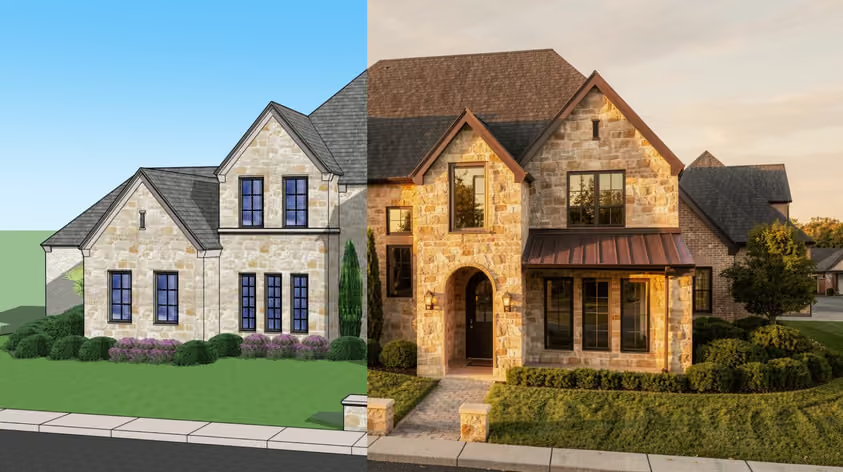
PixVerse is fast and easy for turning text or images into short videos, but its credit pricing, output ceiling, and limited shot control can push frequent users to look elsewhere. Below are 10 of the best alternatives to PixVerse in 2026, what each does better, where it falls short, and who it suits.
Here’s how these alternatives compare:
Note: Prices and plan features may vary by region, billing cycle, promotions, and other factors. Pricing is accurate as of September 2026 and may change over time.
Best for: Fast, AI-powered architectural animations, rendering and visualization for independent design professionals and full-sized teams
Pricing: Starts at $29/month for renders (Starter: unlimited renders, edits, and enhancements with 4K downloads and 10GB of cloud storage); animations start at $49/month (Studio: 50 animations per month)
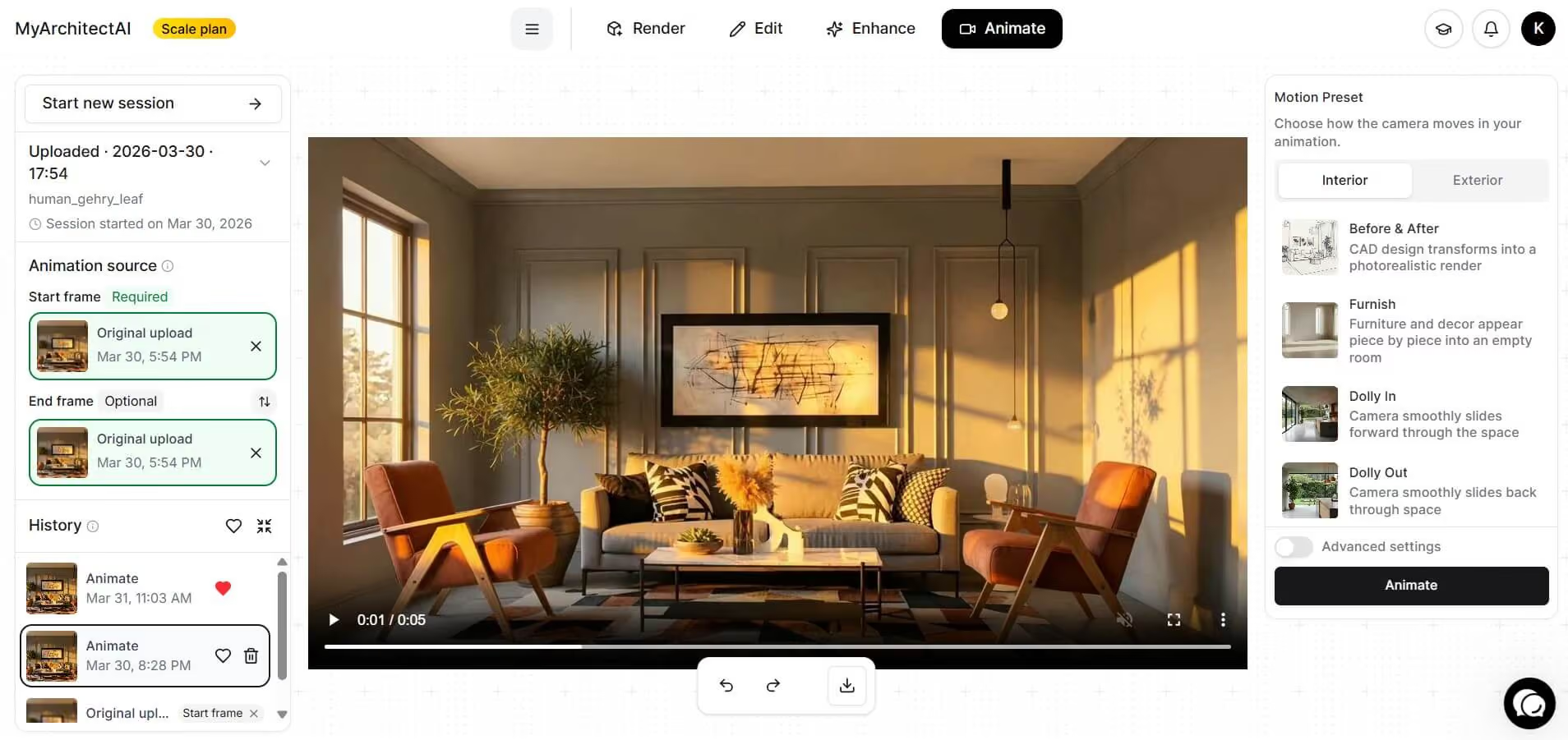
MyArchitectAI is a niche generative AI tool for design professionals and enthusiasts in the Architecture, Engineering and Construction (AEC) industry looking to cut down on costs and eliminate time constraints of manual or traditional rendering workflows.
Besides faster rendering, using this tool also eliminates the need for manually setting up scenes, adding textures, lighting, camera settings, and the many technical adjustments required with manual rendering. This not only saves time and reduces costs, but effectively lowers the barrier of entry for photorealistic rendering.
Features:
Compared to PixVerse:
MyArchitectAI is built specifically for architecture, interior design, and construction workflows, with tools for rendering, editing, enhancing, and creating architectural animations. Its architecture-focused workflow also reduces the need for extensive prompt engineering, as the rendering engine can produce results without prompts in many cases and is optimized to interpret architectural designs and visual requirements.
Best for: Creating realistic, cinematic AI videos with dynamic motion
Pricing: Standard plan listed at $10/month, with 660 credits per month (up to 660 images or 33 720p videos)
.jpg)
Kling AI, an AI image and video generation tool developed by Kuaishou Technology, has been one of the top choices in different creative industries when it comes to producing realistic videos and images. It is popular with independent film creators for AI short films, and it was one of several AI tools used in the making of House of David, an American TV series on Amazon Prime Video.
Features:
Compared to PixVerse:
Kling AI gives its users detailed control over individual shots through its multi-shot storyboard. It makes a strong option for filmmakers, content creators, and creatives who need and rely on realism and high production quality. Its 3.0 models are also built around realistic motion and physical detail, and its 1080p output at 30 FPS makes it well suited to scenes with dynamic action.
Best for: High-quality cinematic videos with realistic visuals, physics, and audio
Pricing: Starts at $4.99/month in the US with Google AI Plus; pricing varies by country. AI Plus adds 200 Google Flow credits per month, free users get 50 Flow credits per day, and Veo is also available pay-per-use via the Gemini API

Google Veo is Google DeepMind’s dedicated video generation model, and its Veo 3 generation, released in May 2025, brought native audio to consumer video generation. It is accessible via various Google tools, including Gemini, Google Flow, Google Vids, AI Studio, and Vertex AI, making it readily available to Google users leveraging Google’s workspace ecosystem. The model is primarily designed to generate cinematic video and audio, making it particularly well suited to filmmakers, marketers, and other professionals who need high-quality visual content. Google has since added its newer Gemini Omni video model to Gemini and Flow as well.
Features:
Compared to PixVerse:
Veo 3.1 is built for a high ceiling of visual quality, particularly when generating cinematic scenes with realistic physics, shadows, and lighting. This makes it a stronger choice for projects where visual fidelity and precise control are more important than PixVerse’s broader range of creative tools and workflows.
Best for: Generating consistent characters, storyboards, and creative visual effects
Pricing: Starts at $12/month billed annually ($15/month billed monthly), with 625 credits per month (52 seconds of Gen-4.5 or 104 seconds of Gen-4 Turbo video)
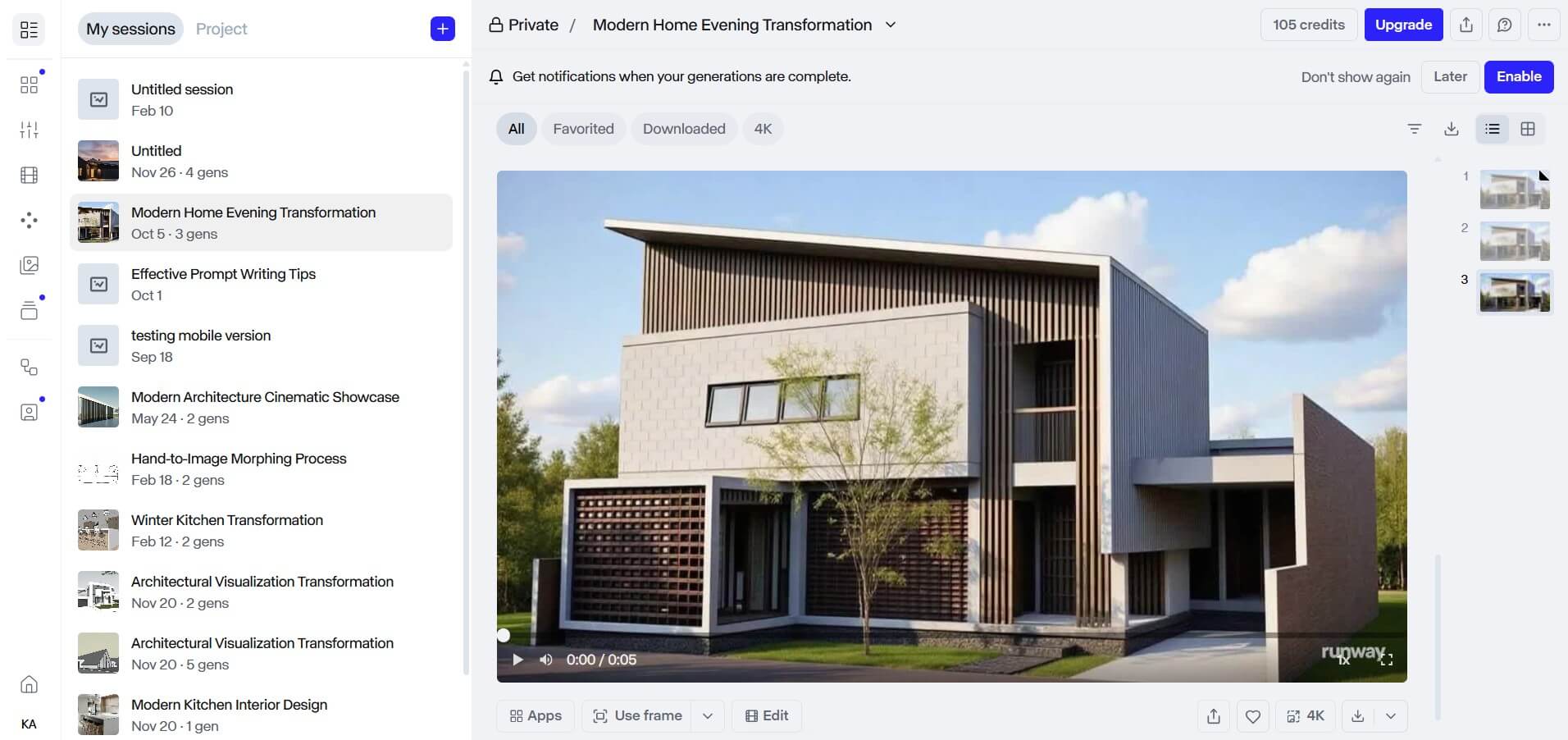
Runway is a creative suite for marketers and filmmakers, with a variety of specialized tools for creating films or shorts, marketing materials, social media posts, educational content, and even experimental art. Like PixVerse, it takes an all-in-one approach to AI content creation, bringing all the generation and editing tools you’ll need in one place so you don’t have to switch between separate platforms or use external tools.
Features:
Compared to PixVerse:
Runway and PixVerse share the basics: text- and image-to-video generation and preset workflows that reduce the need for prompt engineering. The difference is scope. Runway suits broader professional production and editing workflows, with dedicated tools for ads, multi-shot sequences, and editing existing footage, while PixVerse suits quicker, effects-led short clips, particularly for e-commerce and social media content.
Best for: Creating AI avatar and presenter-led videos
Pricing: Starts at $24/month billed annually ($29/month billed monthly), with 600 credits per month
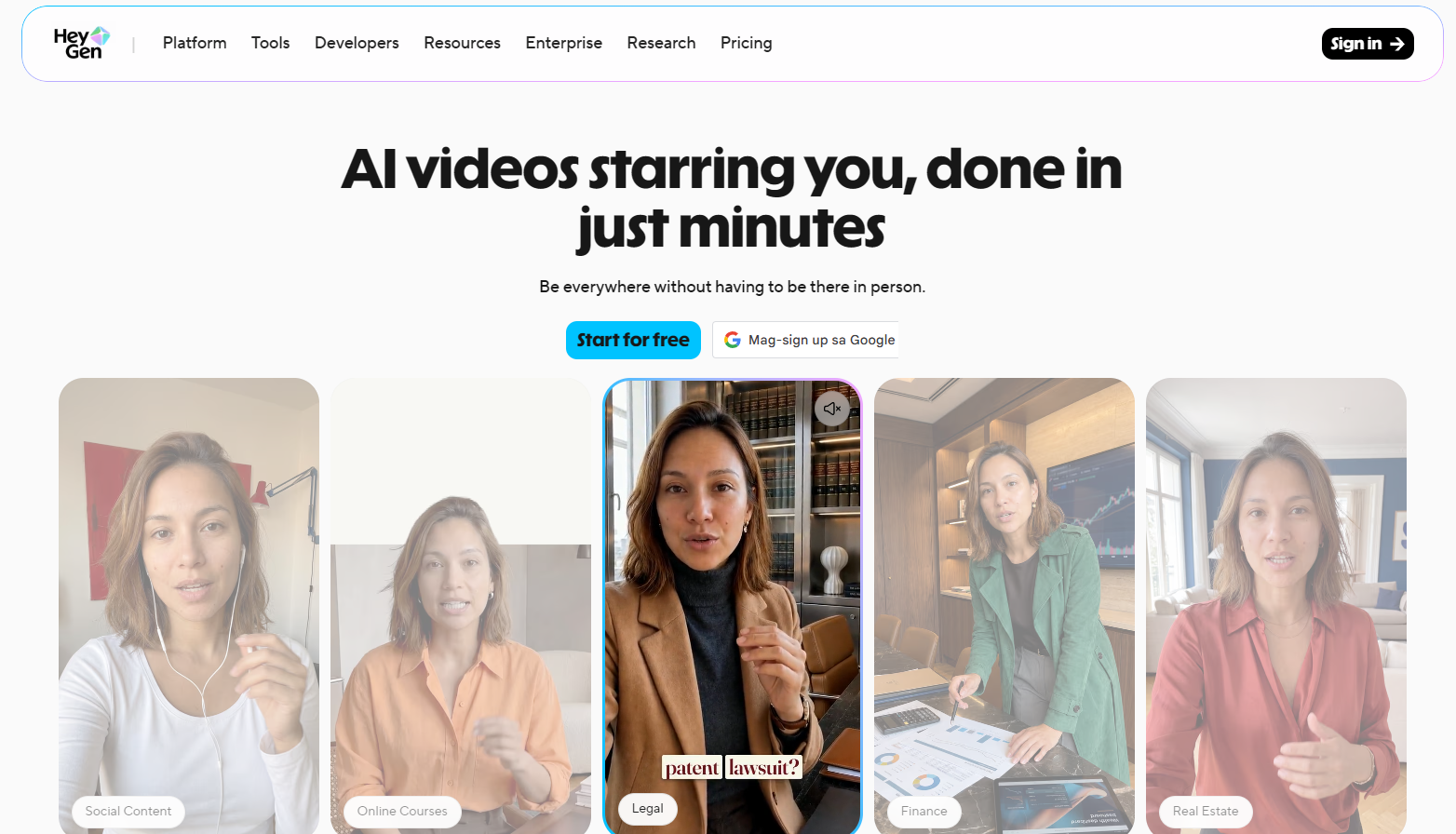
Founded as Surreal in 2020 (and later known as Movio), HeyGen is an AI video generator that is popularly known today for being able to create an avatar of yourself and bring it to life with voice and motion. Its features revolve around this key functionality. For example, it can also generate a whole podcast episode of you talking without you needing a physical studio; it can swap your face with someone else’s, or bring a photo of you to life. It also has other basic features like text-to-video, image-to-video, and PPT-to-video.
Features:
Compared to PixVerse:
HeyGen is focused on creating demo-style or explainer social media content. You’d use it if you want to constantly produce videos of yourself talking about different topics without actually facing a camera, setting up a studio, recording yourself, or repeatedly going through the production process. It’s particularly useful for creators, marketers, and businesses that need to produce presenter-led videos at scale.
Best for: Multimodal video generation with extensive reference control for higher generation accuracy and consistency
Pricing: Dreamina plans start at $5/month (promotional price) with Seedance 2.0 included; API access is available through BytePlus ModelArk

Created by the same company as TikTok, Seedance 2.0 is a Chinese AI video generation model released by ByteDance in February 2026. ByteDance has since announced Seedance 2.5, which is rolling out on its own platforms.
Key user groups of Seedance include filmmakers, animators, game and media studios, and UGC teams. It is known for allowing multimodal references, allowing users to upload 9 images, 3 videos, and 3 audio files as reference assets per generation (total of 15), making it quite reliable for complex scenes and character or scene consistency.
Features:
Compared to PixVerse:
Seedance is particularly useful for projects where maintaining specific characters, objects, visual styles, or other elements across a scene is important. It is also built for physically accurate motion and visual realism, which makes it a strong choice when results that look more real are the priority.
Best for: Artistic and stylized image and video generation
Pricing: Starts at $10/month ($8/month billed annually), with 3.3 hours of Fast GPU time per month shared between image and video jobs
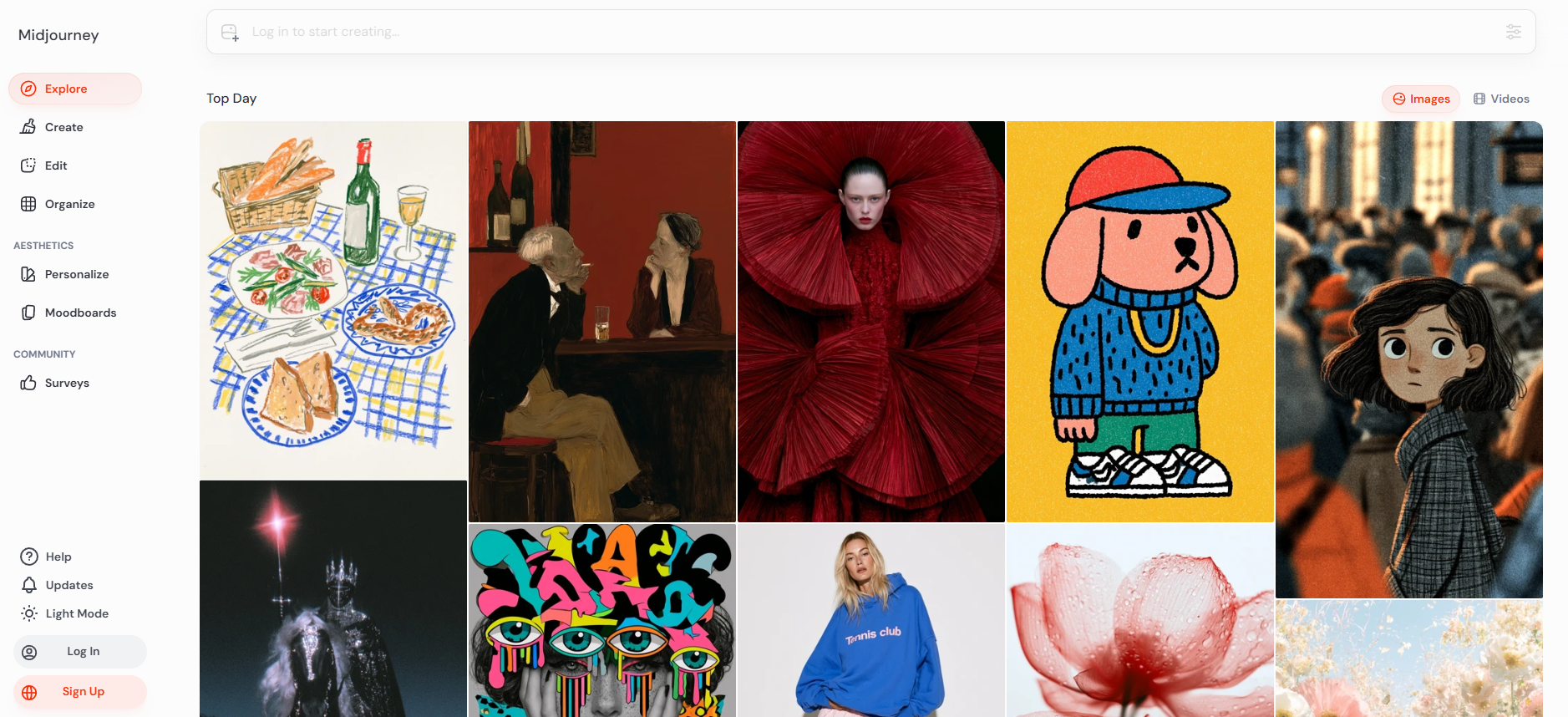
Midjourney started as an image-generation tool available exclusively through Discord and describes itself as a community-funded research lab. It has since expanded beyond its original image-generation focus, and into video generation, but its biggest strength is still artistic and stylized visuals. We’re talking about dreamlike concepts, surrealism, concept art, pop art, futuristic imagery, and other highly imaginative styles.
While Midjourney can produce lifelike portraits, landscapes, and realistic scenes, it excels at creating visuals with a strong artistic identity. If photorealism is your main priority, however, there are better-suited tools for achieving a more grounded and realistic look.
Features:
Compared to PixVerse:
Midjourney wins when the look of the image matters more than anything else. It is the stronger choice for concept art, illustrations, character designs, and highly stylized visuals, where style references, moodboards, and personalization profiles give you precise control over the aesthetic. Because its videos start from an image, it also works well when you want to turn one strong still into a short animated clip. The PixVerse AI video generator is the quicker option when you need finished short-form video with native audio for social media.
Best for: All-in-one creative workflows, from image generation to 3D
Pricing: Starts at $35/month ($21/month billed yearly), with 20,000 compute units per month (about 257 Nano Banana 2 images or 83 Seedance 2.0 videos)
.jpg)
Krea AI is a multipurpose design application that lets users generate images and videos, edit, upscale, animate images, and create 3D assets all in one place. It’s intended for all types of creatives as a general-purpose AI generation tool, a good choice for most design tasks, whether that’s 3D asset creation, animating, filmmaking, marketing content, and so on.
Its unique selling points include LoRA fine-tuning where users can train their own model to generate specific models or characters on demand, its real-time rendering feature where users can see live changes to their output as they make changes to their prompts, draw or move shapes on their real-time canvas and lastly, its text or image to 3D object feature.
Features:
Compared to PixVerse:
Krea AI gives users more freedom to experiment with real-time rendering, while its LoRA fine-tuning tools let them train the model for more consistent and personalized results. It also supports 3D generation and access to multiple AI models, making it a more versatile creative workspace especially for users who rely on 3D workflows, than the more video-focused PixVerse.
Best for: Creative short-form videos with easy-to-use, self-contained tools. Recommended for beginners
Pricing: Starts at $10/month ($8/month billed annually), with 900 credits per month

Pika is an AI video generation platform built around short-form, creative video generation. While it supports standard text-to-video and image-to-video workflows, its main strength lies in its simple, self-contained creative tools. Rather than competing directly with models focused on cinematic realism, Pika is better suited for social media content, visual experiments, memes, and imaginative short clips where creative effects matter more than photorealistic quality.
Features:
Compared to PixVerse:
Pika takes a more streamlined approach than PixVerse, bringing a smaller selection of specialized AI video tools into a simple, easy-to-use platform (Video Studio, Extend Video, Character Studio, etc.). This makes it less overwhelming for beginners who want to create videos without navigating a large and complex suite of features.
Best for: Open-source AI video generation
Pricing: Open-source models are free; the paid web plan starts at $5/month billed yearly ($10/month billed monthly) and includes 300 credits per month, enough for up to 60 videos
.jpg)
Wan AI is Alibaba’s family of generative AI models for creating and editing images and videos. Launched in 2025, the Wan series includes models for text-to-video, image-to-video, video editing, text-to-image, and image editing. The open-source availability of Wan 2.1 and 2.2 through platforms such as ModelScope and Hugging Face also allows developers and technical users to run and customize the models locally and take ownership of their AI workflows, costs, and data. Newer versions, such as Wan 3.0, are available through Wan’s web platform and API rather than as open-source downloads. If you’re looking for an app like PixVerse but free, you can try Wan AI.
Features:
Compared to PixVerse:
Wan AI takes an open-source and developer-focused approach. You can download, run, and customize its open-source models (Wan 2.1 and 2.2) locally. This makes Wan better suited to developers, technical creators, and studios that prioritize customization, privacy, and control, while PixVerse AI video generator is more accessible to users who want a ready-to-use AI video creation platform.
The right alternative ultimately depends on what you’re creating and what you need from an AI video tool. If you’re a creator working primarily with short clips (1–15 seconds) and short-form cinematics with dynamic movement, PixVerse is already a solid choice. If artistic image generation is your priority, Midjourney is a better fit. If you’re an AEC professional looking for fast, high-quality architectural visualization, MyArchitectAI is the more suitable choice, and you can try MyArchitectAI with 10 free renders.
Overall, PixVerse remains a solid general-purpose AI video generator for creators who want visually engaging short-form content with dynamic movement, native audio, and formats suited for social media. But, no matter what your goal is, you don’t necessarily have to rely on a single AI tool for every part of your workflow. In practice, you’ll often get better results by combining different tools based on their strengths, for example, using one tool for generating footage, another for editing and effects, and another for upscaling or post-processing.
If you’re still comparing options, our guides to Kling AI alternatives, Veo 3 alternatives, and Sora alternatives cover more AI video generators.
The best workflow is ultimately the one that gives you the right combination of quality, control, and efficiency for the type of content you’re creating.
Yes, there are PixVerse alternatives you can use for free, like Wan, whose Wan 2.1 and 2.2 models are open-source. Most apps similar to PixVerse also have free plans, credits, or generations. MyArchitectAI, for example, gives users 10 free renders.
Yes, there are open-source PixVerse alternatives. Wan AI (Wan 2.1 and 2.2) is an excellent option for local generation.
PixVerse has a free Basic plan with 30 daily credits. Paid plans start with Standard at $10/month, or $8/month billed annually ($96/year), which includes 60 daily credits that reset daily plus 1,200 credits that reset every 30 days.
PixVerse is developed by AIsphere, an Alibaba-backed startup founded in Beijing in 2023. The company is now headquartered in Singapore, with teams distributed in the US and Asia.