
Chief Architect X17 (the 2026 release) is polished, but it's also hardware-hungry. If your machine stutters in 3D camera view or ray tracing takes forever, the problem is almost always in the components.
This guide covers the official Chief Architect system requirements for 2026 and which computers are worth buying right now.
Short on time? Here's the snapshot. But the real buying decisions get made in the component-by-component breakdown below.
Minimum (will run, don't expect miracles):
Recommended (what you can actually use):
One thing to know upfront: ARM-based Windows laptops with Snapdragon chips are not supported. The same goes for Intel Macs and the A18 Pro/Neo. Stick to x86 PCs or Apple Silicon Macs when shopping.
What you can expect from Chief Architect minimum requirements is that they will let the program launch and let you draft floor plans without too much pain. It's rendering where cheap hardware falls apart.
| Component | Requirement |
|---|---|
| OS | Windows 10 or 11, 64-bit (no Snapdragon/ARM) |
| RAM | 16 GB |
| GPU | 4 GB VRAM with DirectX 12 (Shader Model 6.0+) |
| Storage | 5 GB free |
| Internet | Required for installation and activation |
Integrated graphics technically do work, but only on 11th-generation Intel processors or newer. You'll be able to open the program and draw plans. Anything beyond that (Physically Based rendering, Clay rendering, real-time ray tracing, advanced lighting, etc.) needs a dedicated GPU.
| Component | Requirement |
|---|---|
| OS | macOS Sonoma / Sequoia / Tahoe |
| RAM | 16 GB unified memory |
| Chip | Apple M1 or newer (no Intel, no A18 Pro/Neo) |
| Storage | 5 GB free |
| Internet | Required for installation and activation |
Note that Macs support Chief Architect's real-time ray tracing in current versions, introduced for Mac in X16, but even their official sources say the technology is newer on macOS and generally slower than on Windows PCs. DLSS Real-Time Denoising, however, is PC-only and requires an NVIDIA ray-tracing-compatible card.
The official Chief Architect hardware requirements for smooth performance bump things up considerably. This is what you should target if you're buying new.
The jump from minimum to recommended is bigger than it looks; going from 16 GB to 32 GB of RAM alone makes a serious difference on larger projects.
If the above specs look overwhelming, consider lighter Chief alternatives.
People tend to overspend on CPU, in many cases before they even look into the current Chief Architect computer requirements. What you need to know here is that this tool doesn't scale infinitely with core count; in fact, a fast 8-core chip beats a slower 16-core one for daily use. The sweet spot would therefore be an Intel Core i9 (13th or 14th gen) or an AMD Ryzen 9 7000/9000 series.
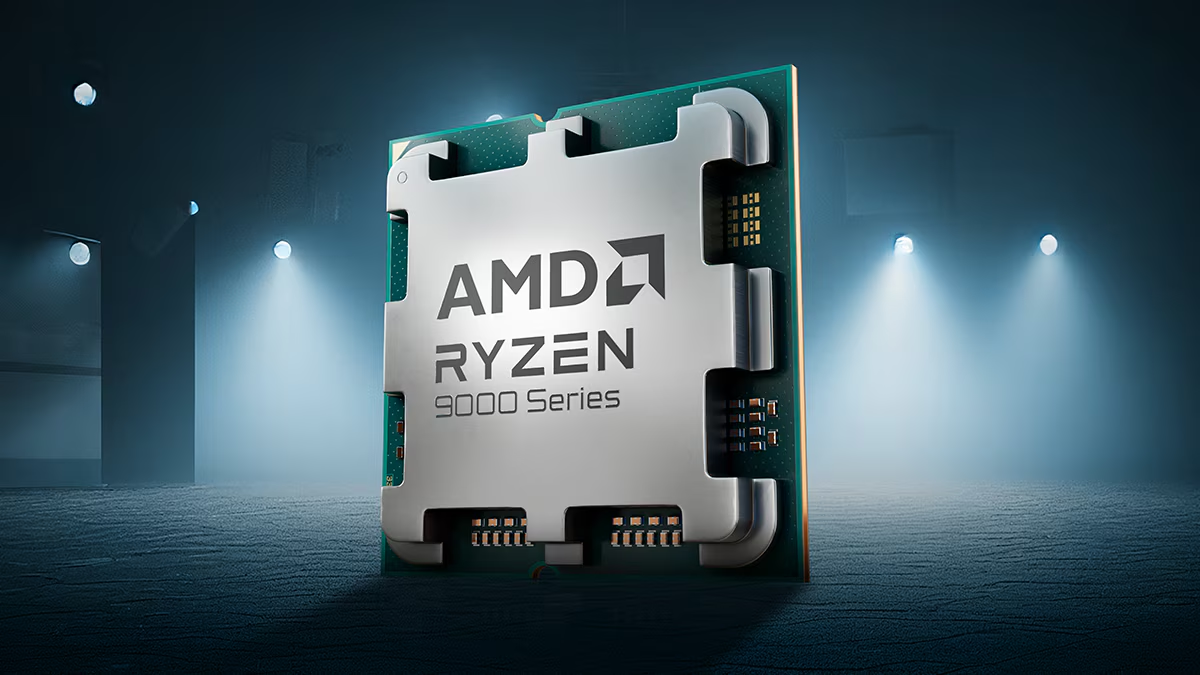
Another warning: Chief does not run on ARM-based Windows laptops like the Snapdragon X Elite chips in Surface Pros. If you see a great deal on an ARM Copilot+ PC, skip it. On Mac, go for any M3 or M4 chip and it will work beautifully. That said, an M2 still does the job.
Of all these requirements, the graphics card matters most if you use Chief Architect for rendering. Here's the rundown of what can get a job done, depending on your workflow, of course:
Chief Architect specifically recommends gaming cards over workstation cards, such as the NVIDIA RTX A-series. Tech support has been pretty clear on that: workstation cards don't give optimal performance in Chief. That's actually good news, as a GeForce RTX 5080 will outperform a much pricier RTX A5000 here.
With that in mind, these are some good picks in 2026:
.jpg)
Avoid integrated graphics if rendering is part of your workflow. They cause the dreaded black 3D camera view issue reported around Chief Architect's support forums.
For more options, check our separate guide on rendering GPUs.
The Chief Architect PC requirements list 16 GB as a minimum. Then again, Chief's own support team points to the same thing in reply after reply: 32 GB runs far better. DDR5 is standard on new PCs and noticeably snappier than DDR4.
On Mac, unified memory works differently; 32 GB on an M3 has plenty of headroom for Chief plus other apps.
Chief Architect weighs about 5 GB, but your project files and library catalogs balloon fast. So take a 1 TB NVMe SSD as the modern baseline. Skip spinning drives; they slow down every file save and catalog browse.
"What kind of computer do I need to run Chief Architect?" is a common question nowadays. The only real answer is that it depends on the budget and how much rendering you plan to do. Here are some examples across the range.
Budget pick: under $1,200
This meets Chief's minimum spec and gets you into entry-level ray tracing. We'd say, good enough for DIYers and students.
Mid-range pick: $1,800–$2,500
A setup like this one hits the recommended spec and is also able to handle most Premier workflows.
Pro pick: $3,000+
Overkill for most jobs, this one is perfect for heavy renderers or for anyone running Chief alongside Photoshop or Lumion.
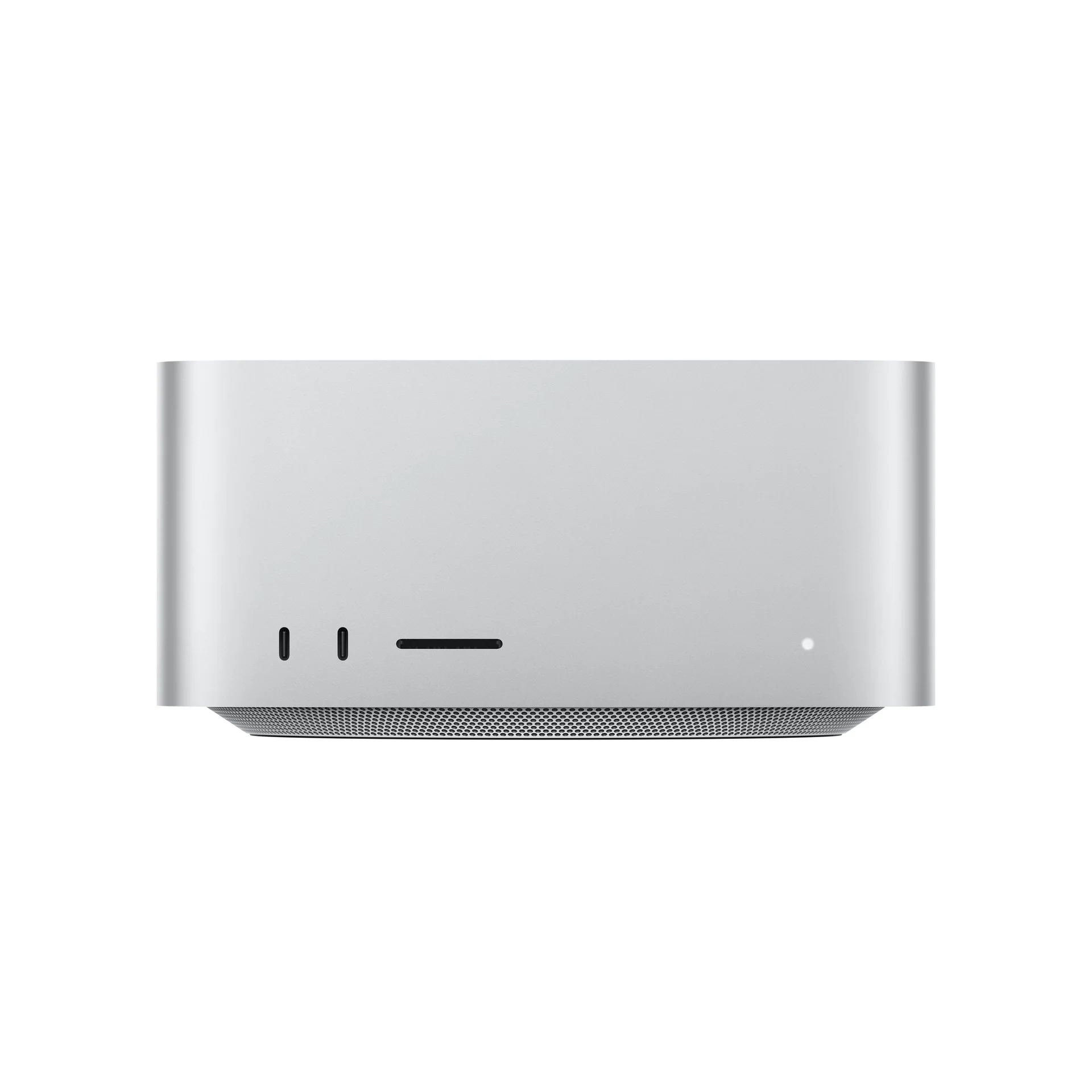
Here are three Mac workstations you shoud consider:
Here's something the official Chief Architect system requirements page won't tell you straight. Even a maxed-out machine running Chief's built-in Physically Based rendering will be slow for anything complex.
If you want a more concrete example, a single high-quality interior shot can take several minutes. Chief's native renderer is fine for quick reviews, not that great for client-facing finals. Its output often feels either flat or plasticky compared to modern AI-based renderers.
That's why more Chief Architect users are moving their final renders to MyArchitectAI. It runs in your browser. Feed it a screenshot or an export from Chief, and it spits out a photorealistic 4K render in under 10 seconds. Also, no hardware to worry about. You will still model in Chief Architect, only letting the cloud handle the heavy visual lifting.
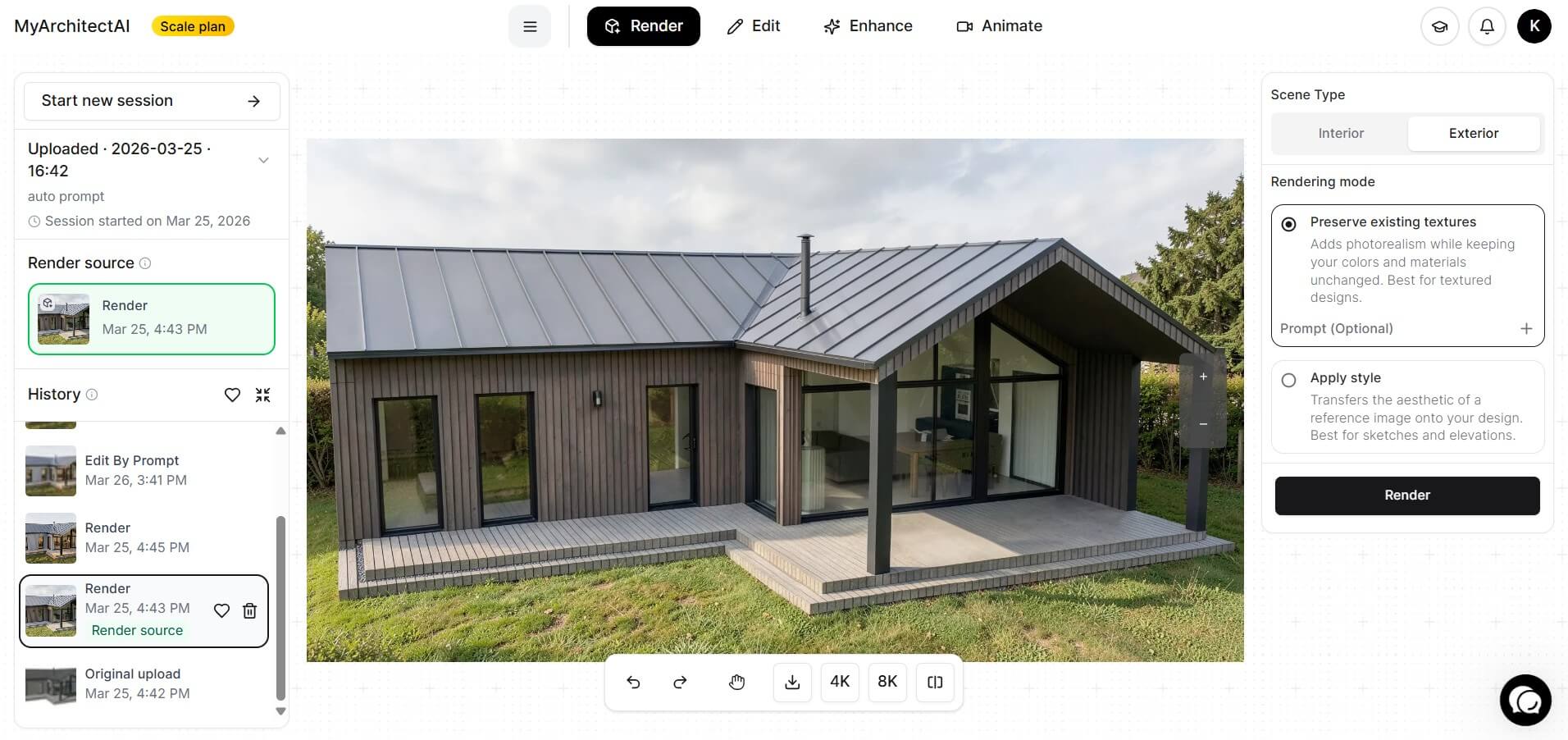
For most people buying a new machine for Chief, pairing a mid-range PC with MyArchitectAI is the most economical way that produces better-looking renders than a pro rig with the built-in engine.
Desktops give you more performance per dollar, plus better cooling for long ray trace sessions. Laptops, however, win big on portability.
If you go laptop, Chief's recommendation is 16 inches or larger (a 14" screen still works if you always dock to an external monitor). That said, 1440p (QHD) or higher makes CAD details far easier to read than 1080p.
For smooth daily use with rendering, aim for a Core i9 / Ryzen 9 PC with 32 GB RAM and an RTX 5070 or better. On Mac, a MacBook Pro 16" with M4 Pro and 32 GB unified memory hits all the Chief Architect system requirements comfortably.
Big yes, and actually better than on most "business" laptops, because gaming laptops ship with the dedicated NVIDIA or AMD GPUs that Chief recommends.
No. Chief Architect has confirmed workstation cards don't give optimal performance, so better stick with GeForce RTX or Radeon RX.
No. It's desktop/laptop only. There's a separate 3D Viewer app for viewing models on mobile.

