
Chief Architect is powerful, but it isn't the kind of program you pick up in an afternoon. The interface is dense and the defaults matter more than they seem. Plus, a lot of the real speed comes from habits you won't stumble into on your own. Luckily, there are plenty of solid Chief Architect courses that shortcut that process.
The ones we picked cover everything from your very first floor plan through advanced rendering and remodeling workflows. Some of them are free; others are worth the full investment if you're running a design business on Chief.
Cost: Free on-demand; from $497 for live virtual or classroom sessions
Level: Beginner (Intermediate also available)
Duration & format: On-demand videos (6–8 hours) or 4 half-day virtual sessions / 2 full classroom days
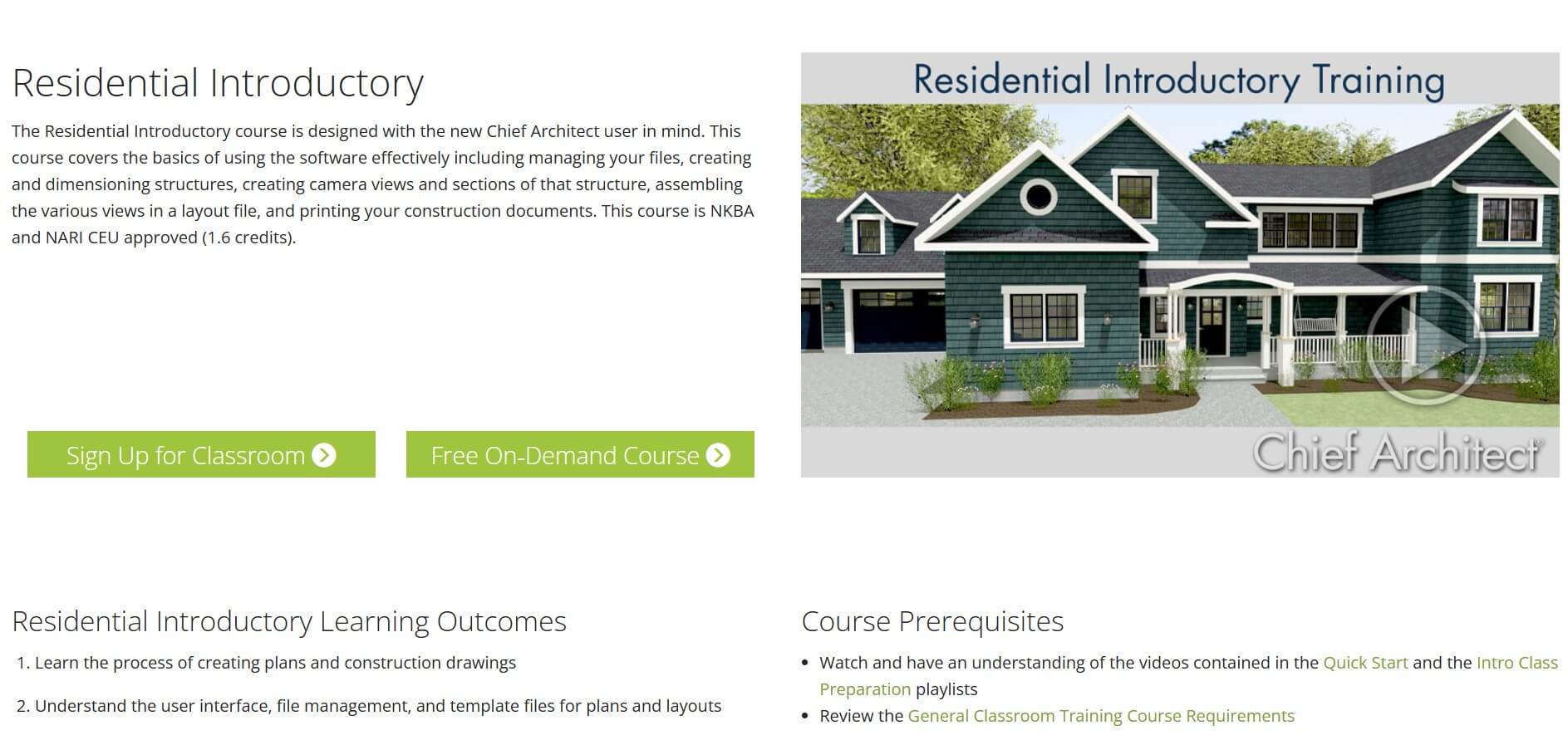
The Residential Introductory course is the starting line if you're new to the software. The on-demand version is free, which makes it the easiest Chief Architect training to recommend. If your goal is just to figure out what the program can do before committing more time or money, start here.
The course walks you through the full process of creating a plan: wall and room layout, doors and windows, cabinets, foundations, roofs, stairs, framing, and basic CAD tools. You'll also cover camera views for 3D rendering, elevations, and sections, then finish by assembling scaled construction drawings in Layout.
It's taught by certified Chief Architect instructors and approved for NKBA and NARI CEU credits (1.6). New users should watch the Quick Start playlist, and class prep also includes specific Residential Introductory pre-requisite videos and reviewing the handout.
Cost: Free
Level: Beginner
Duration & format: Short video playlist, self-paced (under 2 hours total)
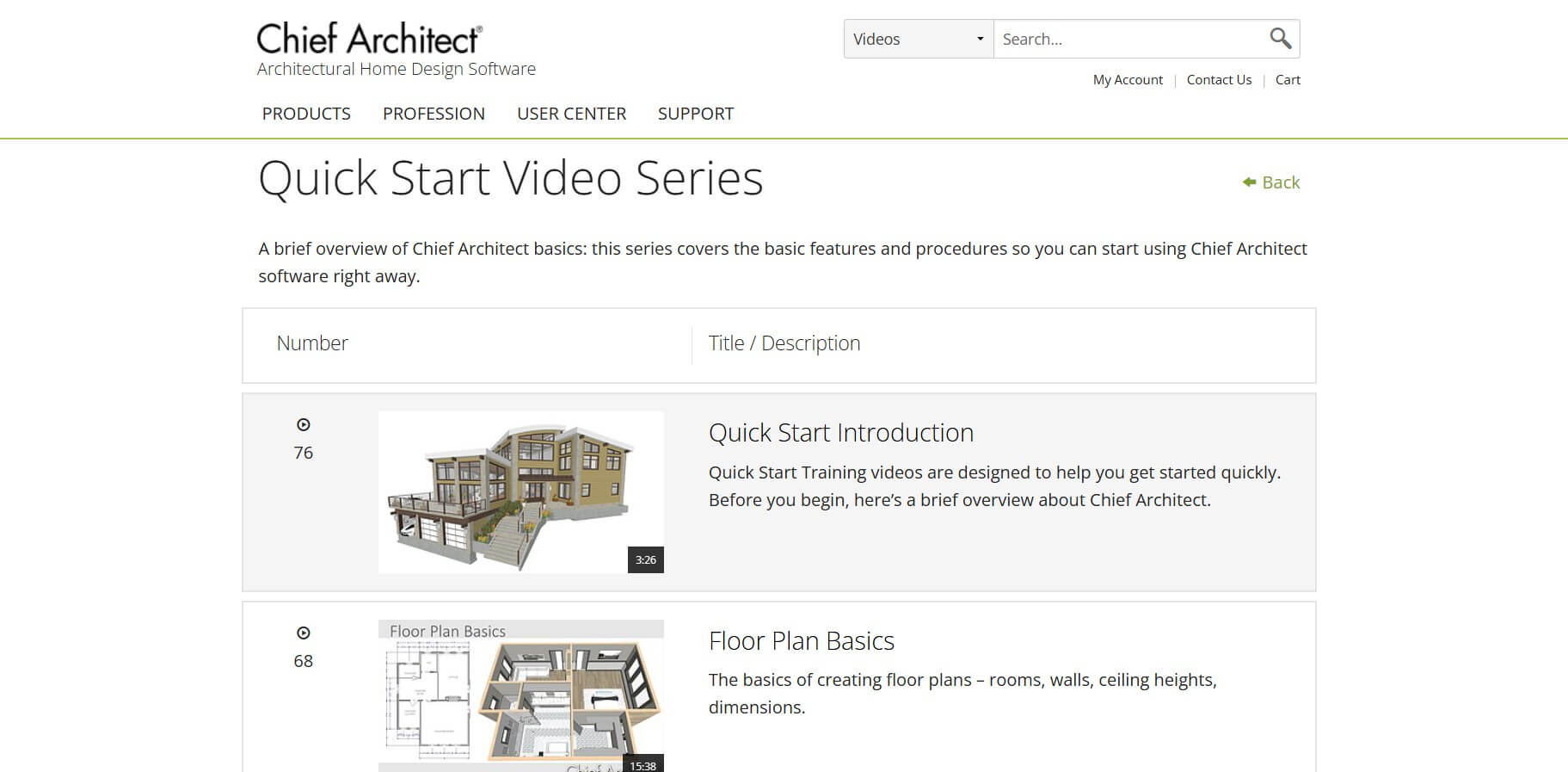
The Quick Start Video Series is a set of Chief Architect beginner tutorials the official training team asks you to watch before any paid class. The playlist covers the interface, floor plan basics, defaults and preferences, dimension tools, and perspective camera navigation.
You won't build a full project here, but you'll understand the layout of the program and stop fighting the defaults. For most DIY users and Home Designer owners, this is enough to get productive on simple plans. It is also a prerequisite for most of the paid Chief Architect courses below.
Cost: $395 on-demand; from $497 live
Level: Introductory and Intermediate versions available
Duration & format: 6–8 hours of on-demand video or 4 half-day virtual sessions
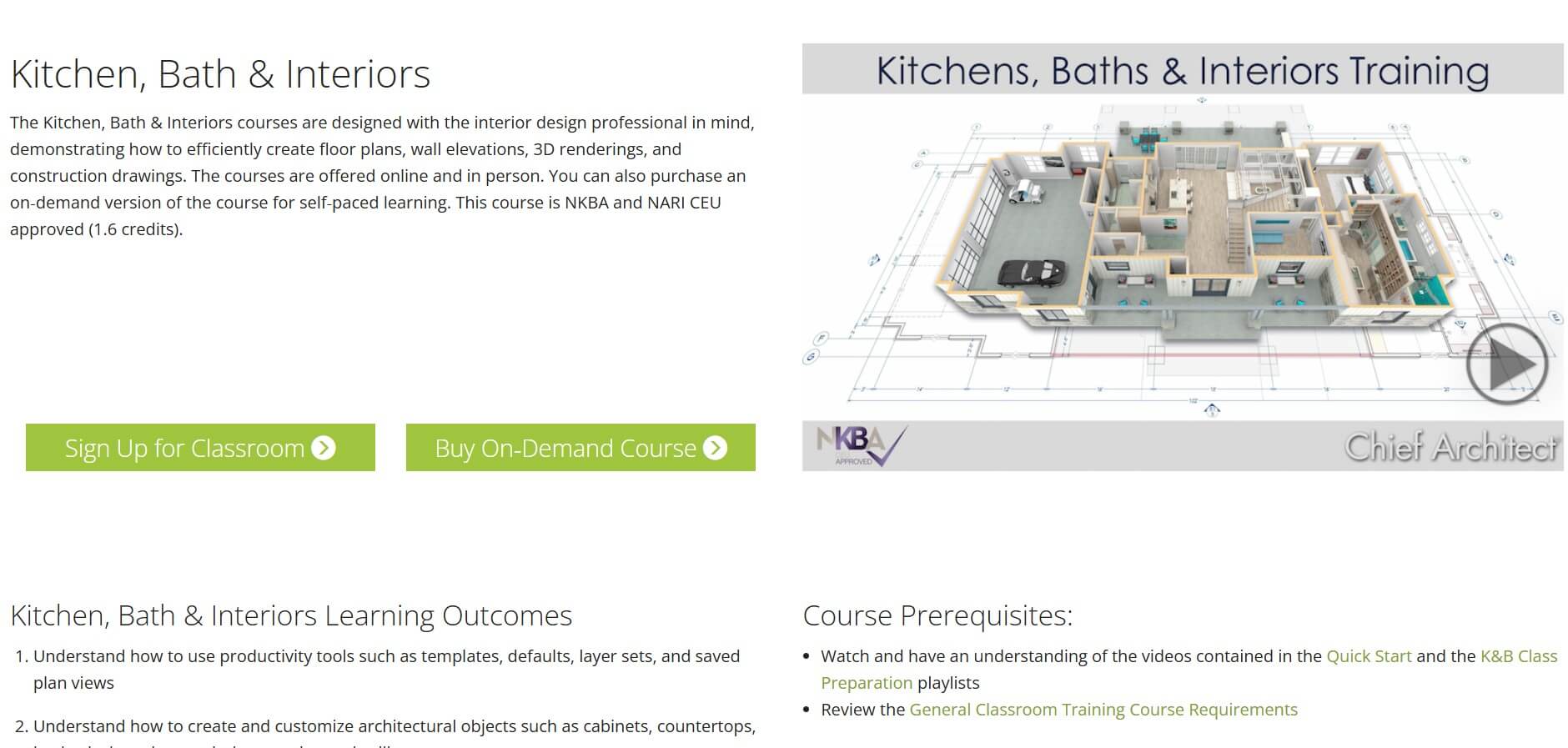
The Kitchens, Baths & Interiors Training is built specifically for interior designers who handle kitchens and baths. You'll work through efficient floor plans, wall elevations, NKBA-standard dimensioning, and construction drawings. The details that actually show up on a contract.
The Introductory version covers cabinets, custom countertops, backsplashes, showers with niches and custom tile, bath vanities, and cabinet schedules. The Intermediate version goes deeper into advanced countertops with holes and intersections, integrated sinks, custom cabinet doors, extended schedules, and Style Palettes for client options.
The course carries 1.6 CEU credits recognized by multiple industry bodies (including NKBA), so it doubles as professional development. If your practice leans interior, this is the one to budget for after the free Residential Introductory.
Cost: $395 on-demand; from $497 live
Level: Intermediate
Duration & format: 6–8 hours of on-demand video or 4 half-day virtual sessions
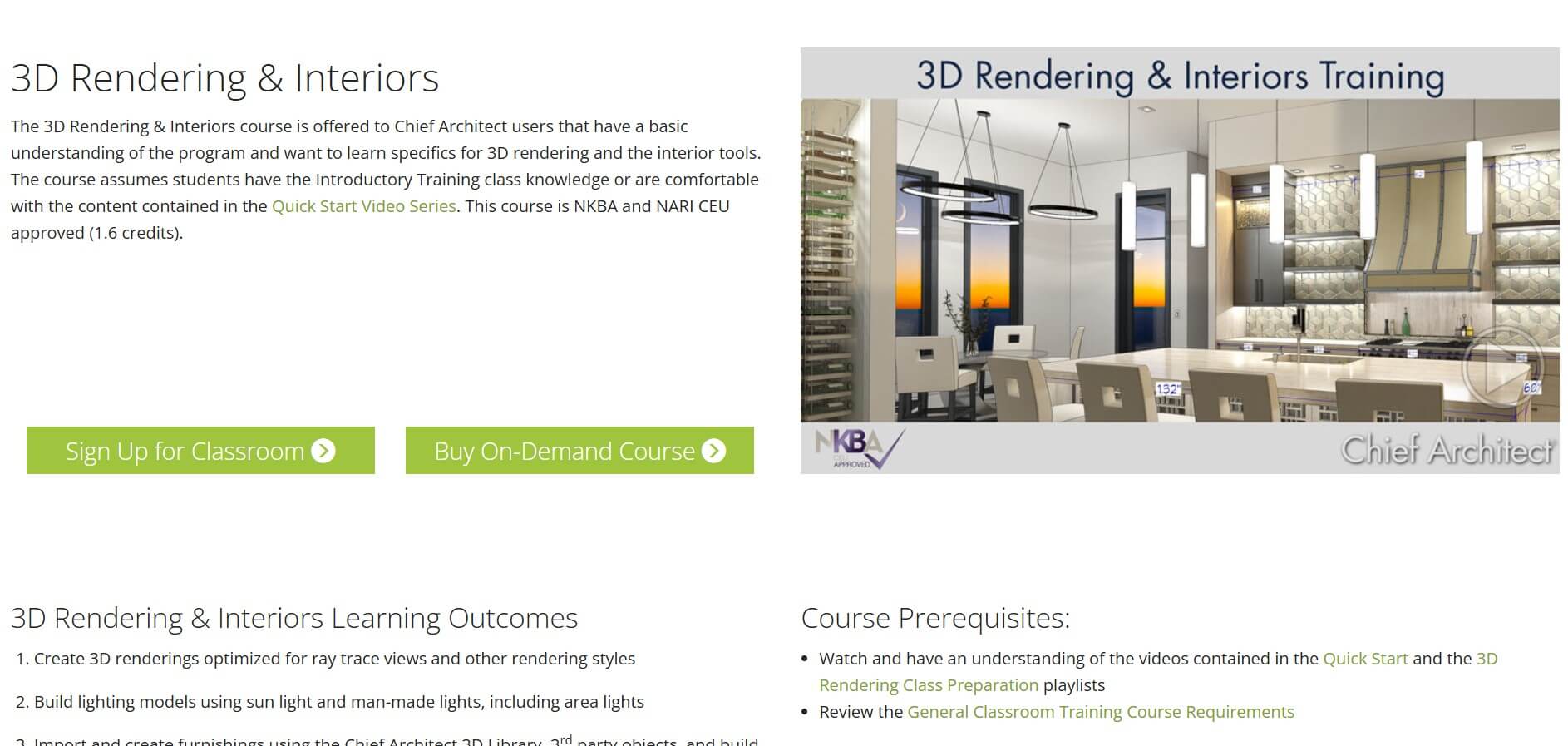
If your renderings look flat and you can't figure out why, the 3D Rendering & Interiors Training is one of the most valuable classes you can take. It covers ray trace optimization, lighting models using sun and man-made lights, area lights, materials and textures, backdrops, and camera settings.
You'll also learn to import and build furnishings using the 3D Library and third-party objects, as well as to send finished views to Layout with a mood board. Beyond these, the topics include finer tuning, such as custom tile patterns and stair railing configuration.
The course assumes you already know the basics, so take the Residential Introductory or Quick Start series first. For anyone doing client presentations, this pays for itself the first time you win a project on the strength of a rendering.
For a quick overview of the process and recommended tools, check our guide on how to render in Chief Architect.
Cost: $497; bundle and individual course options available
Level: Beginner to Advanced
Duration & format: 16 on-demand sessions, approximately 40+ hours total, self-paced
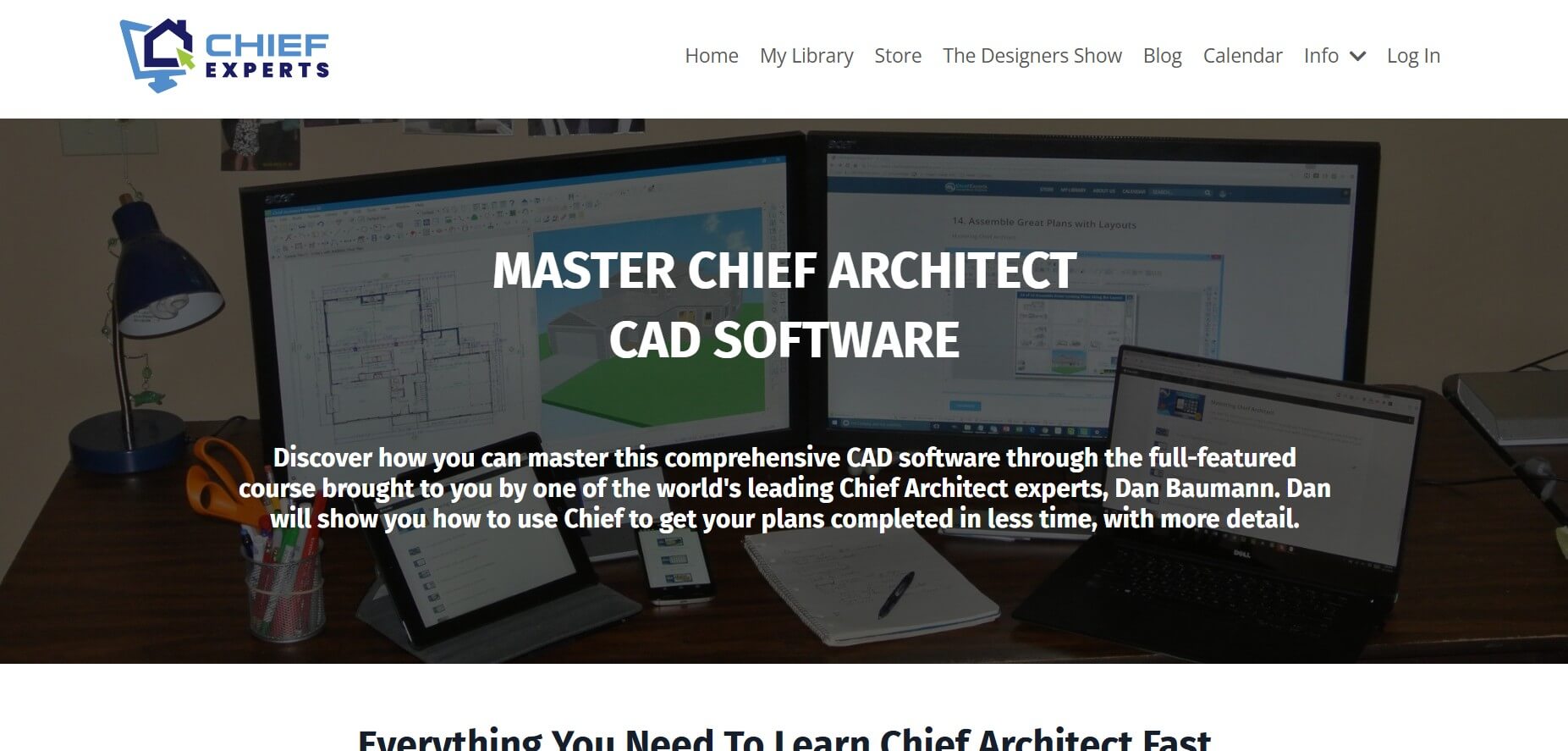
Dan Baumann has 30+ years of experience using and teaching Chief Architect. His Mastering series is the deepest non-official option in this roundup of Chief Architect courses, and probably the most thorough one you'll find anywhere.
The 16 sessions cover everything: plan setup and templates, 2D CAD tools, walls, dimensioning, platforms, foundations, stairs, decks and porches, windows, doors, cabinets, kitchens, automatic and manual roofs, layers and layer sets, 3D slabs and moldings, 2D and 3D framing, electrical and lighting, Layout assembly, schedules, renderings, and terrain.
You get Dan's plan and layout templates included, which on their own are worth a decent chunk of the price. Handouts and sample plans come with most sessions. The Mastering bundle can be paired with his 4-session Creating a Plan course, typically at a discount.
This is the next step after official training runs out of depth.
Cost: $397 on-demand
Level: Beginner
Duration & format: 4 on-demand sessions, self-paced
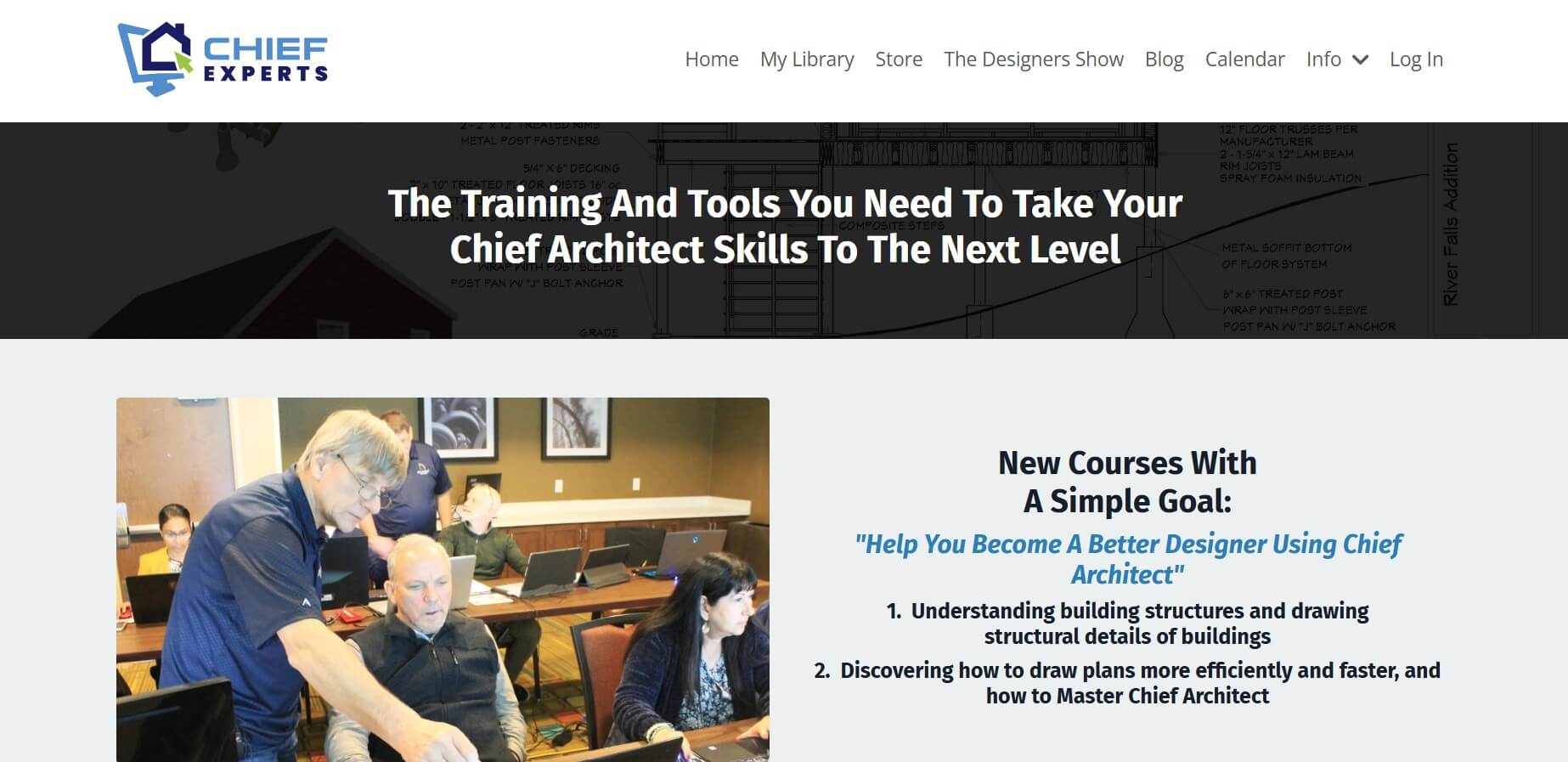
If the 40-hour Mastering course feels like too much, Creating a Plan is the faster Chief Experts option. It's a focused quick-start that takes you through one complete project: template setup, plan layout, detailing, and final assembly.
You get over 4 hours of template training plus Dan Baumann's plan and layout templates. The four modules follow a checklist-based approach that's easy to replicate on your own projects. This works well if you want structured Chief Architect training classes without committing to the full Mastering curriculum yet.
Cost: $199, offered as a one-time fee for lifetime unlimited access
Level: Beginner
Duration & format: 12 modules, self-paced online
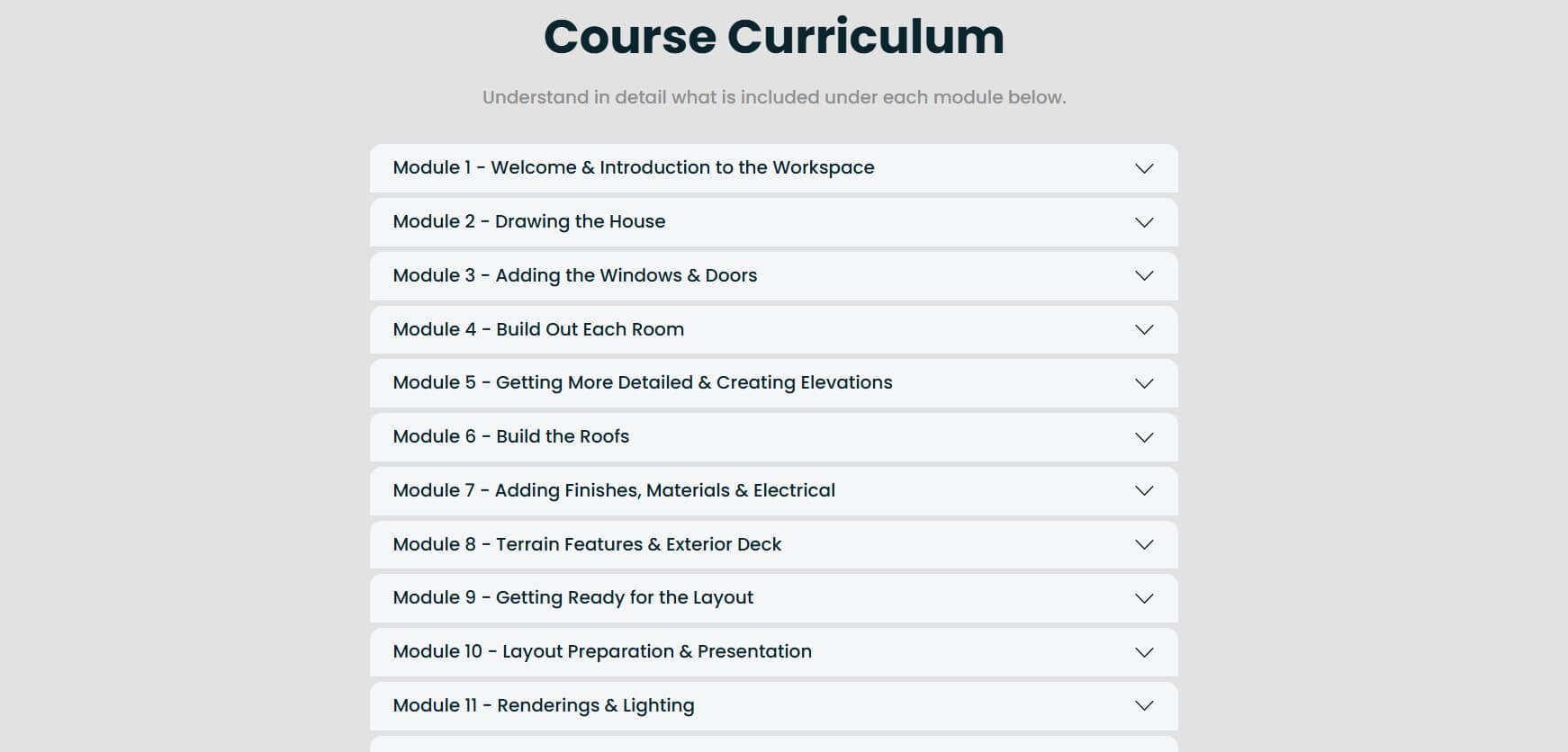
Amy Lee Owens is a Calgary-based interior designer and architectural technologist who built this course specifically for designers. You work through a full modern bungalow from first wall to final rendering, which keeps the learning grounded in something you'll actually use.
The 12 modules cover workspace setup, drawing the house, windows and doors, room build-outs, elevations, roofs, finishes and materials, terrain, exterior decks, Layout preparation, and renderings with furniture and lighting.
Amy's angle is practical design workflow rather than construction documentation, so this course suits interior designers and design-build professionals more than builders or drafters. The pacing is friendly if you've never used any 3D software before.
Cost: Free videos available; Prime Membership $500, one–time payment
Level: Beginner to Intermediate
Duration & format: Extensive video library with ongoing additions, self-paced
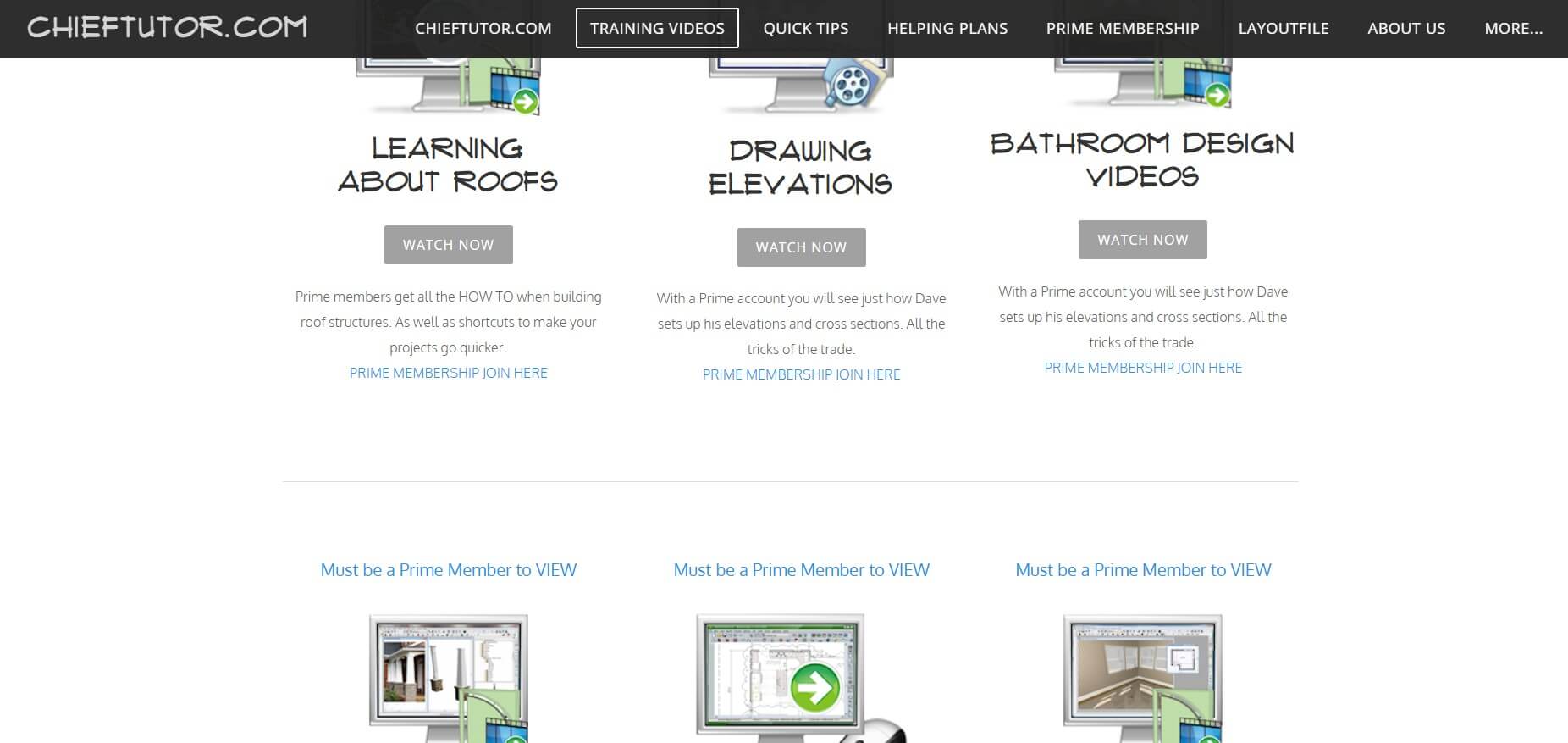
ChiefTutor, run by David Michael of David Michael Designs, is more of a library than a course , and that's actually the point. Instead of a linear curriculum, you get Chief Architect tutorials organized by topic: roofs, stairs, elevations, bathrooms, kitchen design, ray trace, terrain, CAD tools, and version-specific playlists going back to X11.
The free Basics section alone has enough content to get a beginner unstuck. Prime Membership unlocks the full video catalog plus custom symbols and textures, and Prime members can submit specific questions to have videos made for their situation.
This is the resource to reach for when you hit a specific wall , "how do I do a gambrel roof," "how do I handle this stepped foundation." Not a replacement for structured training, but a useful companion.
Cost: Pricing matches other official courses; check chiefarchitect.com for current rates
Level: Intermediate
Duration & format: 6–8 hours on-demand or 4 half-day virtual sessions
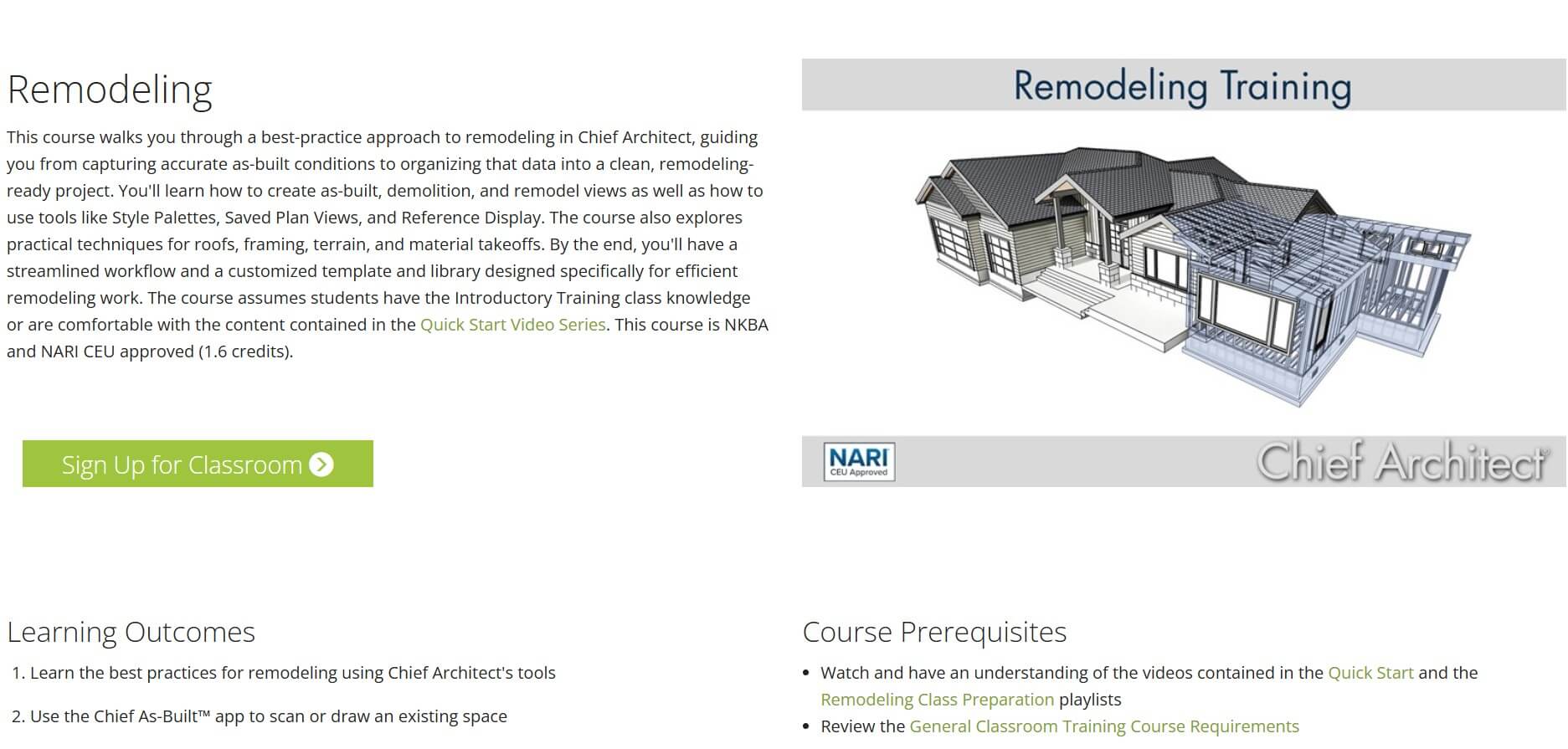
If remodeling is the bulk of your work, the Remodeling Training is one of the options that will save you hours on every project. It covers the tool's remodeling-specific workflow: capturing accurate as-built conditions with the Chief As-Built app, importing DWG/DXF drawings, and organizing project phases (as-built through demolition through new construction) using Style Palettes and Saved Plan Views.
You'll also learn practical techniques for remodeling roofs, framing, terrain, and material takeoffs, plus how to use Reference Display to superimpose as-built drawings with the renovation in both 2D and 3D. The course finishes with a template and library you customize specifically for remodeling.
It's NKBA and NARI CEU approved, and assumes you already know the basics from the Residential Introductory class.
Cost: $120 per hour or $500 for a 5-hour Skills Block
Level: Beginner to Advanced
Duration & format: Live one-on-one sessions over Zoom, scheduled hourly, with recordings provided
.jpg)
My Chief Skills 1:1 Training is the best option to reach for when group classes aren't cutting it, or you have specific problems to solve. Steve Nestor brings over 40 years of construction experience and trains exclusively on Chief Architect Premier (Chief Architect Home Designer Products training is not available). On the forums and in Chief Architect community groups, users credit him as a knowledgeable instructor who explains the software in plain terms.
The format is straightforward. You bring your questions or your problem plan, Steve works through it with you on the Zoom call, and you get a recording of the session afterward to review. Some clients send their plan files ahead of time, so the hour at hand is spent solving the actual issue.
Single hours work well for targeted help. The 5-hour Skills Block is the better value if you're new to the software and want guided coverage of plan templates and Defaults in a structured way.
You don't need to spend anything to get productive in Chief Architect. Here's the sequence that covers the most ground at zero cost:
This sequence covers enough to handle simple residential projects. You'll hit a ceiling on advanced roofs, custom framing, and rendering quality. That's where the paid courses (e.g. Dan Baumann's Mastering series or the official 3D Rendering course) pick up.
For most new users, the best starting point is the free Residential Introductory from Chief Architect, paired with the Quick Start Video Series. That combination costs nothing and covers enough to get you building real plans, plus it comes directly from the software developer.
If you're an interior designer, add the Kitchens, Baths & Interiors course once you're comfortable. For client-facing visuals, the 3D Rendering & Interiors course is the obvious next step.
Once the official training runs out of depth, Dan Baumann's Mastering Chief Architect is the most respected option. It's a serious investment, but the templates alone change how you work. For remodelers, the official Remodeling course handles workflows the beginner training glosses over.
And what to do if you're budget-conscious or just exploring? Stack the free Quick Start videos with the $10.99 Udemy course, then use ChiefTutor for topic-by-topic help as questions come up.
Chief Architect is easier than Revit or AutoCAD, but harder than Home Designer or SketchUp. The interface is built around residential construction logic ("walls know they're walls, cabinets know they're cabinets"), so once you get past the initial learning curve, things start to click quickly. Expect a week or two of friction before it feels natural. Most users who come from CAD software say the 3D model and automatic framing are what make the transition worth it.
You can learn the basics in 1–2 weeks of focused practice. Professional proficiency – meaning you can handle a full residential project without constantly hitting roadblocks – typically takes 2–3 months of regular use. Mastering advanced areas like manual roof framing or custom ray trace lighting takes 6–12 months of real project work. Structured Chief Architect training courses, however, shorten all of these timelines quite a lot.
The fastest path is the free Quick Start Video Series plus the free Residential Introductory on-demand course, followed by one real project you work through from start to finish. Don't try to learn every tool in isolation. Pick a simple house plan, build it all the way through Layout, then go back and learn specific features as you need them. The ChiefTalk forum and ChiefTutor library are excellent for unsticking yourself on specific problems without losing momentum.
If you use Chief Architect for client work, yes. The official on-demand courses are free and cover the basics well. The paid options (Dan Baumann's Mastering series, the official live sessions) pay for themselves quickly through time saved on real projects. Most users report that structured training cuts their ramp-up time by half compared to learning through trial and error.
Chief Architect doesn't have a formal user certification program, but their official courses carry CEU credits recognized by NKBA (National Kitchen and Bath Association) and NARI (National Association of the Remodeling Industry). Completing these courses counts toward your continuing education requirements if you hold those credentials.

