
Choosing the best GPU for rendering is exhausting. New models launch constantly, prices keep shifting, and specs alone won't tell you if a card actually performs well in your rendering software.
So we tested and compared the top options to help you find the best GPU for rendering your projects in 2026.
We benchmarked the leading graphics cards across the rendering engines that architects, designers, and 3D artists rely on most: V-Ray, Blender Cycles, OctaneRender, Redshift, and D5 Render. Below, you'll find specs, real-world performance notes, pricing, and clear recommendations based on your workflow and budget.
Worth flagging upfront: if most of your output is quick client-ready visualizations rather than competition-grade stills, AI renderers like like MyArchitectAI runs the process on remote cloud servers, and your graphics card stops mattering. We'll do the math on that at the end.
Before the picks, a short rundown of what actually moves the needle.
VRAM (Video Memory) is the single most important spec. Your entire scene needs to fit into VRAM during a GPU render. Run out, and the render either fails or falls back to your CPU, which is dramatically slower. For most architectural scenes, 16 GB is a comfortable minimum, but complex projects with 4K+ textures may need 24 GB or more.
CUDA Cores (NVIDIA) or Compute Units (AMD) determine raw processing speed. More cores = faster render times, assuming your software can use them. Most professional render engines are heavily optimized for NVIDIA's CUDA architecture. You can compare raw GPU performance scores on PassMark's GPU Benchmark chart.
Software compatibility is a dealbreaker and often the real deciding factor when choosing the best graphics card for rendering. Check your renderer's requirements before shortlisting anything.
If you're using an Apple workstation, here's a list of renderers compatible with Macs.
Memory bandwidth affects how fast data moves between the GPU and its VRAM. Faster bandwidth helps with large textures and complex scenes. The new GDDR7 memory on RTX 50-series cards offers a significant boost here.
Power consumption (TDP) matters for your electricity bill and cooling setup. High-end cards can draw 300–600W, which means you'll need a beefy power supply and good case airflow.
| GPU | VRAM | CUDA Cores / CUs | MSRP (retail price) | TDP (power consumption) | Best For |
|---|---|---|---|---|---|
| NVIDIA RTX 5090 | 32 GB GDDR7 | 21,760 | $1,999 | 575 W | Flagship performance, large scenes |
| NVIDIA RTX PRO 6000 Blackwell | 96 GB GDDR7 ECC | 24,064 | ~$9,899 | 600 W | Enterprise, massive datasets |
| NVIDIA RTX 5080 | 16 GB GDDR7 | 10,752 | $999 | 360 W | High-end without the flagship price |
| NVIDIA RTX 5070 Ti | 16 GB GDDR7 | 8,960 | $749 | 300 W | Best mid-range for rendering |
| NVIDIA RTX 4090 | 24 GB GDDR6X | 16,384 | ~$2,000–$2,200 (used) | 450 W | Top-tier VRAM at a discount |
| NVIDIA RTX 5070 | 12 GB GDDR7 | 6,144 | $549 | 250 W | Solid entry into GPU rendering |
| AMD Radeon RX 9070 XT | 16 GB GDDR6 | 64 CUs | $599 | 304 W | Blender-only workflows |
| NVIDIA RTX 5060 Ti 16GB | 16 GB GDDR7 | 4,608 | $429 | 180 W | Budget GPU for 3D rendering |
Note: Street prices are often higher than MSRP due to supply constraints and tariffs. Check current pricing before buying.
Hardware specs only tell half the story. Below are indicative relative render times based on Blender Open Data (Cycles, Classroom scene) and published Chaos V-Ray 6 GPU benchmarks, normalized against the RTX 4090 as a baseline. Numbers round to the nearest 5% and vary by driver version and scene complexity.
| GPU | Blender Cycles (relative) | V-Ray GPU (relative) | Notes |
|---|---|---|---|
| RTX 5090 | ~140% | ~135% | Fastest consumer card; GDDR7 helps heavy-texture scenes |
| RTX PRO 6000 Blackwell | ~155% | ~145% | Scales further with 96 GB on huge scenes |
| RTX 4090 | 100% (baseline) | 100% | Still the value benchmark |
| RTX 5080 | ~80% | ~80% | 16 GB limits very large scenes |
| RTX 5070 Ti | ~70% | ~70% | Best performance-per-dollar mid-range |
| RTX 5070 | ~55% | ~55% | 12 GB VRAM is the real ceiling |
| RX 9070 XT | ~60% (Cycles HIP only) | N/A | V-Ray GPU / Redshift do not run |
| RTX 5060 Ti 16GB | ~40% | ~40% | Slow but finishes scenes others crash on |
Caveat: these are synthesized from multiple public sources (Blender Open Data, Chaos forum benchmarks, TechPowerUp). Your mileage will vary with scene type, e.g. interior renders with heavy HDRI and 4K PBR textures stress VRAM first, while exterior hero shots stress CUDA core count.
Here are our picks for the best GPU for rendering, covering everything from budget-friendly options to professional workstation cards.
Best for: Studios and freelancers who need the absolute fastest render times and handle large, complex scenes regularly.
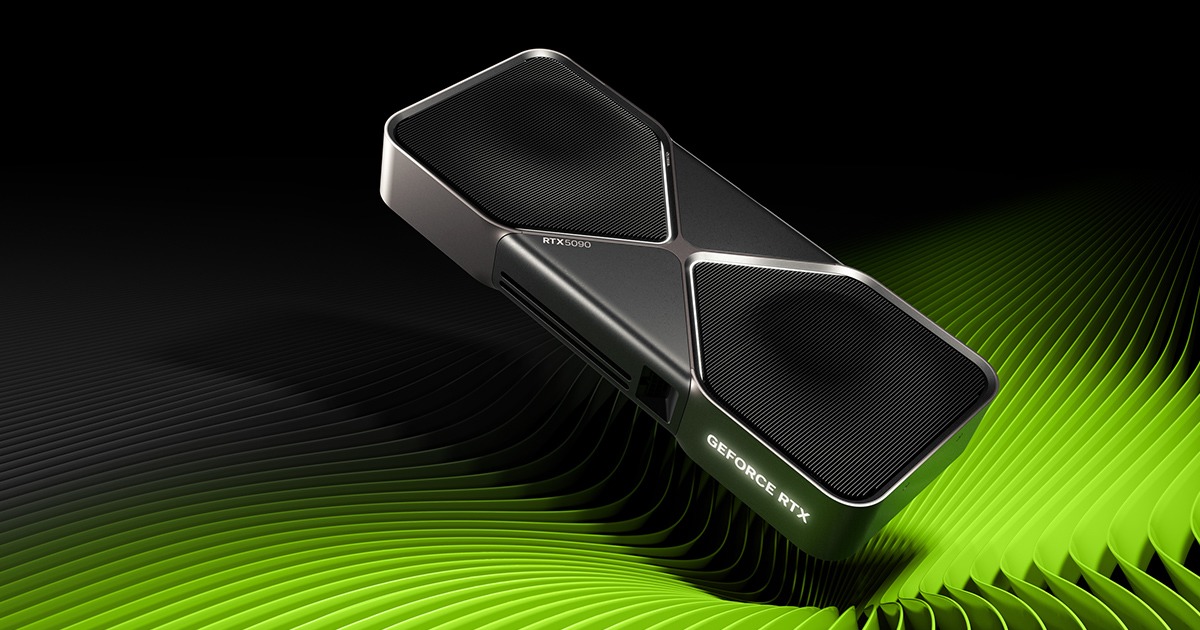
The RTX 5090 is the fastest consumer GPU for rendering in 2026. Built on NVIDIA's Blackwell architecture, it packs 21,760 CUDA cores and 32 GB of GDDR7 memory with 1,792 GB/s bandwidth. That's a massive jump from the RTX 4090's 24 GB.
In Blender Cycles and OctaneRender, the 5090 is roughly 40–50% faster than the 4090. V-Ray GPU and Redshift see similar gains. This extra 8 GB of VRAM compared to the 4090 means fewer out-of-memory crashes on heavy architectural scenes.
On the not-so-bright side, it also draws 575W and street prices hover around $2,500–$3,500. You'll need at least an 850W PSU and a case with excellent airflow. But if render speed directly impacts your revenue, the RTX 5090 is the best GPU for rendering you can buy today.
Best for: Large firms and render farms requiring maximum VRAM and enterprise-grade reliability.

This is NVIDIA's professional-grade powerhouse. With 96 GB of ECC GDDR7 memory and 24,064 CUDA cores, it's designed for workloads that consumer cards simply can't handle.
The 96 GB of VRAM means you can load entire feature-film-quality scenes without worrying about memory limits. ECC memory prevents data corruption during long renders, which is critical for production work where a single error can ruin hours of computation.
At roughly $9,900, the RTX PRO 6000 isn't for everyone. It's built for large studios, visualization firms, and enterprises where certified drivers, ISV support, and guaranteed reliability justify the premium. If you're running a one-person practice, this might be overkill.
Best for: Professionals who want high-end performance and are willing to pay a premium over the 5070 Ti for faster render times.
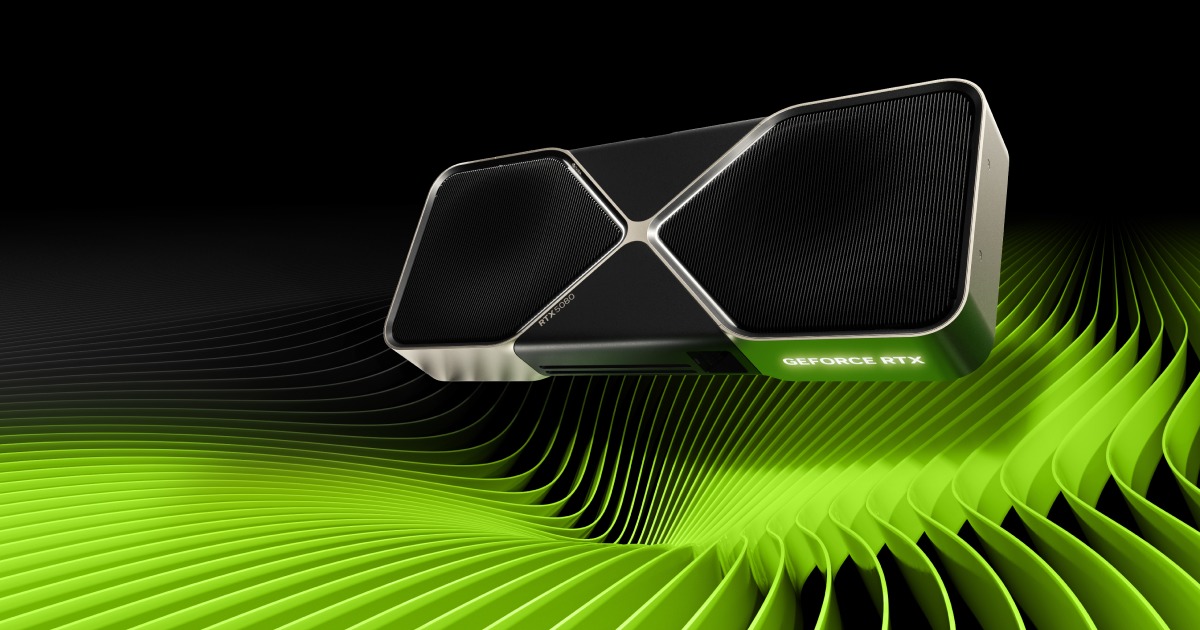
The RTX 5080 offers 10,752 CUDA cores and 16 GB of GDDR7 with 960 GB/s bandwidth. It sits comfortably between the 5070 Ti and 5090 in performance - about 15% faster than the 5070 Ti in most render benchmarks.
For V-Ray, Blender, and D5 Render, the 5080 handles architectural CGI well. The 16 GB of VRAM is enough for most projects, though very large scenes with heavy textures may push its limits.
At $999 MSRP (often $1,200+ at retail) the 5080 earns its spot when your renders are long enough that a 15% speed bump over the 5070 Ti pays for itself in hours saved. If most of your scenes finish in under 20 minutes on the 5070 Ti, the extra spend is harder to justify. Studios running V-Ray GPU or Redshift on interior scenes overnight tend to see the clearest return.
Best for: Small to mid-size firms and freelancers who want solid rendering performance at a reasonable price.
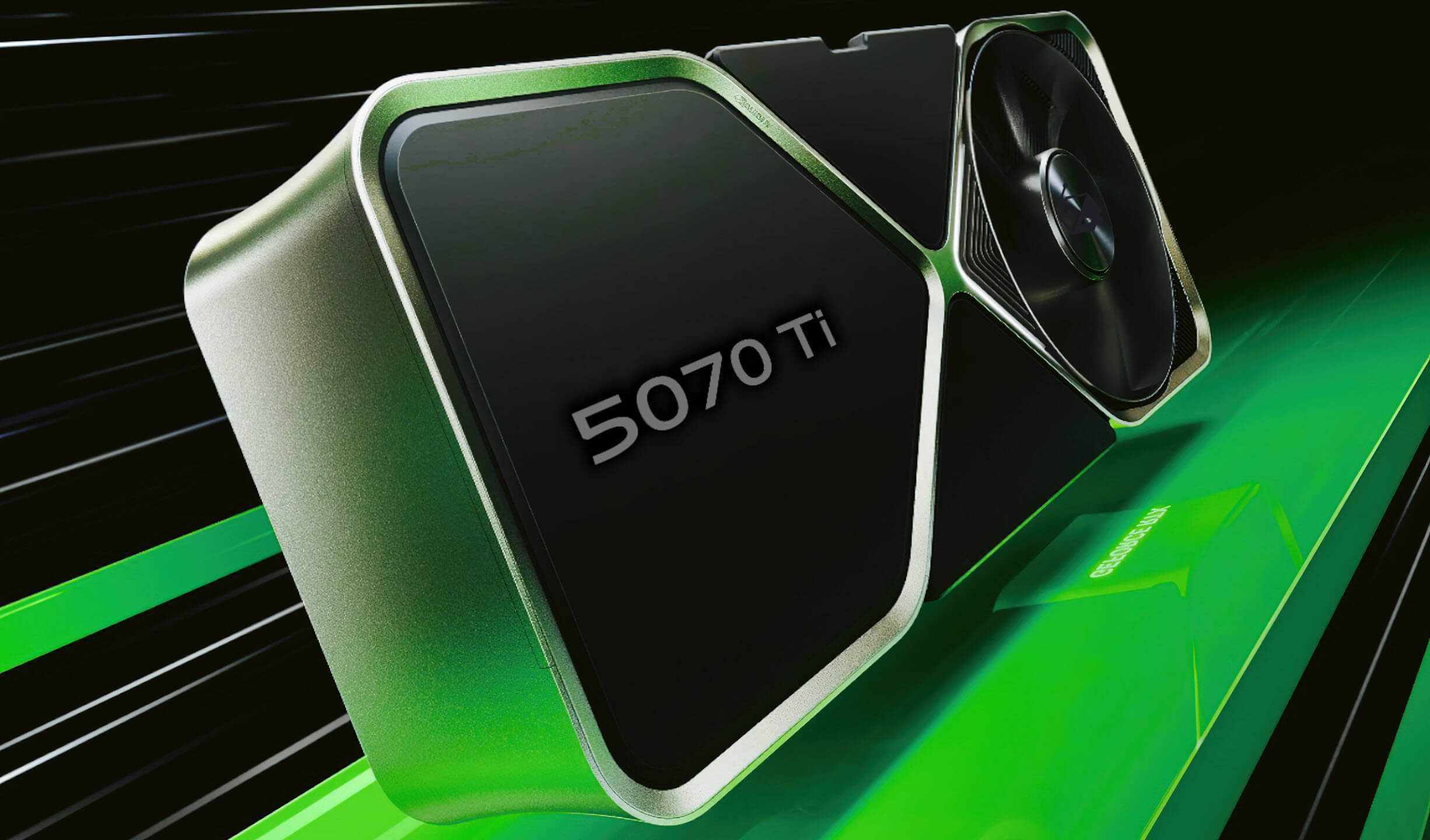
This is our top pick for most professionals looking for the best GPU for rendering without breaking the bank. Many consider it the best GPU for 3D rendering at this price range. The RTX 5070 Ti delivers 8,960 CUDA cores and 16 GB of GDDR7 memory at $749 MSRP.
In rendering benchmarks, it performs roughly on par with the previous-generation RTX 4080 Super. V-Ray, OctaneRender, Blender Cycles, and Redshift all run smoothly. The 16 GB of VRAM handles the majority of architectural scenes without issues.
Power draw is a reasonable 300W, which is much more manageable than the 5080 or 5090. You won't need to overhaul your entire system to use it.
Best for: Professionals comfortable buying used who want top-tier VRAM and performance at a discount.
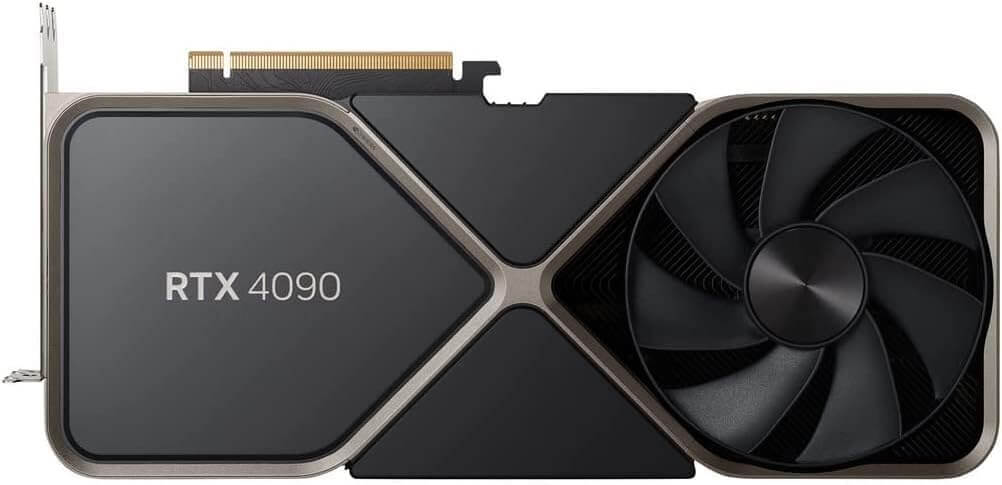
The RTX 4090 is a previous-generation card, but it's still an absolute beast for rendering. Its 24 GB of GDDR6X and 16,384 CUDA cores outperform the RTX 5080 in raw rendering tasks despite being a generation older.
Used 4090 prices have settled around $2,000–$2,200 in early 2026, which is still a sizeable discount from the $2,800+ they held before the 5090 launched, and noticeably cheaper than chasing a scalped 5090. The extra 8 GB of VRAM over the 5080 and 5070 Ti is a meaningful advantage for larger scenes.
The downside is you miss out on Blackwell architecture improvements and GDDR7 bandwidth gains. But for pure rendering throughput, the 4090 remains hard to beat at its current used pricing.
Best for: Small firms or individual professionals with moderate scene complexity and tighter budgets.
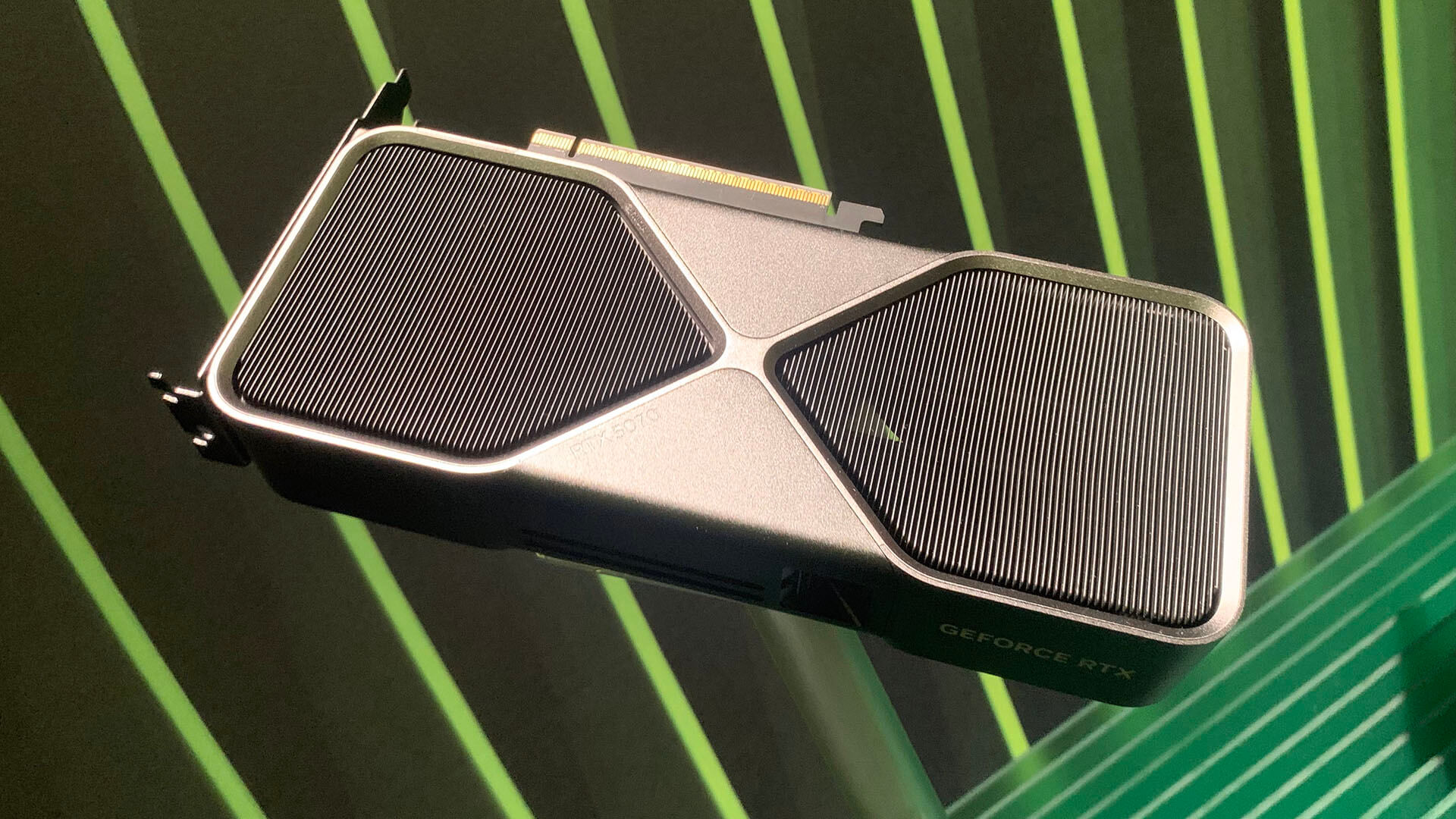
At $549 MSRP, the RTX 5070 is the most affordable Blackwell card that's still viable for professional rendering. Its 6,144 CUDA cores and Blackwell architecture deliver performance close to the previous-gen RTX 4070 Ti Super.
The limitation is 12 GB of VRAM. That's fine for smaller interior scenes and product visualization, but it can become a bottleneck with larger architectural projects or scenes heavy on 4K textures. If your projects are consistently large, better step up to the 5070 Ti.
Still, for studios just getting started with GPU rendering, or as a secondary card in a multi-GPU setup, the 5070 is a solid choice that won't drain your budget.
Best for: Blender users who don't depend on NVIDIA-focused render engines.

The RX 9070 XT is AMD's strongest contender in this generation. It offers 16 GB of GDDR6 memory and 64 Compute Units at $599 MSRP, undercutting the RTX 5070 Ti by $150 while matching it in many gaming benchmarks.
There is, however, a problem for rendering professionals: software support. V-Ray GPU, OctaneRender, and Redshift rarely support AMD cards. D5 Render and Lumion prefer NVIDIA. If you use any of these tools, the 9070 XT is not a practical option today. HIP support in V-Ray and Redshift has been discussed for years but hasn't shipped in a production build.
Where AMD shines is Blender Cycles, which fully supports RDNA 4 via HIP (starting from Blender 4.4). If Blender is your primary renderer and you don't plan to use NVIDIA-exclusive tools, the 9070 XT is a strong pick at this price.
Best for: Freelancers, students, and small firms on a tight budget who still need real GPU rendering capability.

The RTX 5060 Ti 16GB is the most affordable card on this list that still qualifies as a serious rendering GPU. At $429 MSRP, it packs 4,608 CUDA cores and 16 GB of GDDR7 memory.
Render times will be noticeably slower than the cards above. But 16 GB of VRAM means it can actually load and render scenes that would choke GPUs with less memory. That matters more than raw speed for many workflows, as a slow render that completes is infinitely better than a fast one that crashes.
The 180W TDP makes it easy on your power supply and cooling. It's also small enough to fit in compact workstations. As a budget-friendly entry point into GPU-accelerated rendering, this is the best budget GPU for 3D rendering in 2026.
Finding the best GPU for rendering architectural projects depends on your firm's workflow and budget.
Architectural rendering stresses GPUs differently from product viz or character work. Interior scenes eat VRAM through 4K PBR textures, IES lights, and HDRI backplates, and VRAM is the first thing that fails you. Exterior and urban context shots lean harder on raw CUDA core count for path tracing. Choose around that: interior-heavy work favors the 4090's 24 GB over the 5080's 16 GB even though the 5080 is a newer card.
For large architecture firms producing competition-grade visuals with V-Ray or Corona, the RTX 5090 or a used RTX 4090 gives you the best combination of speed and VRAM. If you're running a render farm, the RTX PRO 6000 is worth considering.
For mid-size studios that balance speed with cost, the RTX 5070 Ti is the sweet spot. It handles V-Ray GPU, Blender, and D5 Render without issues, and the 16 GB of VRAM covers most architectural projects.
For solo practitioners and small firms, the RTX 5060 Ti 16GB or RTX 5070 provides enough power for regular client presentations without a massive hardware investment.
And for firms that need fast visualizations without hardware headaches? That's where cloud-based rendering comes in.
Not every firm actually needs a powerful GPU for rendering.
If your workflow involves producing quick, client-ready visualizations from SketchUp, Archicad, or other CAD exports, AI renderers handle the heavy lifting on remote servers. Your local hardware then becomes irrelevant.
MyArchitectAI is built for exactly this use case. Upload a CAD export or line drawing, and get a photorealistic render back in under 10 seconds. The AI engine handles lighting, materials, and atmosphere automatically. No GPU required, no software to install, and it works on any device (including Macs and tablets).
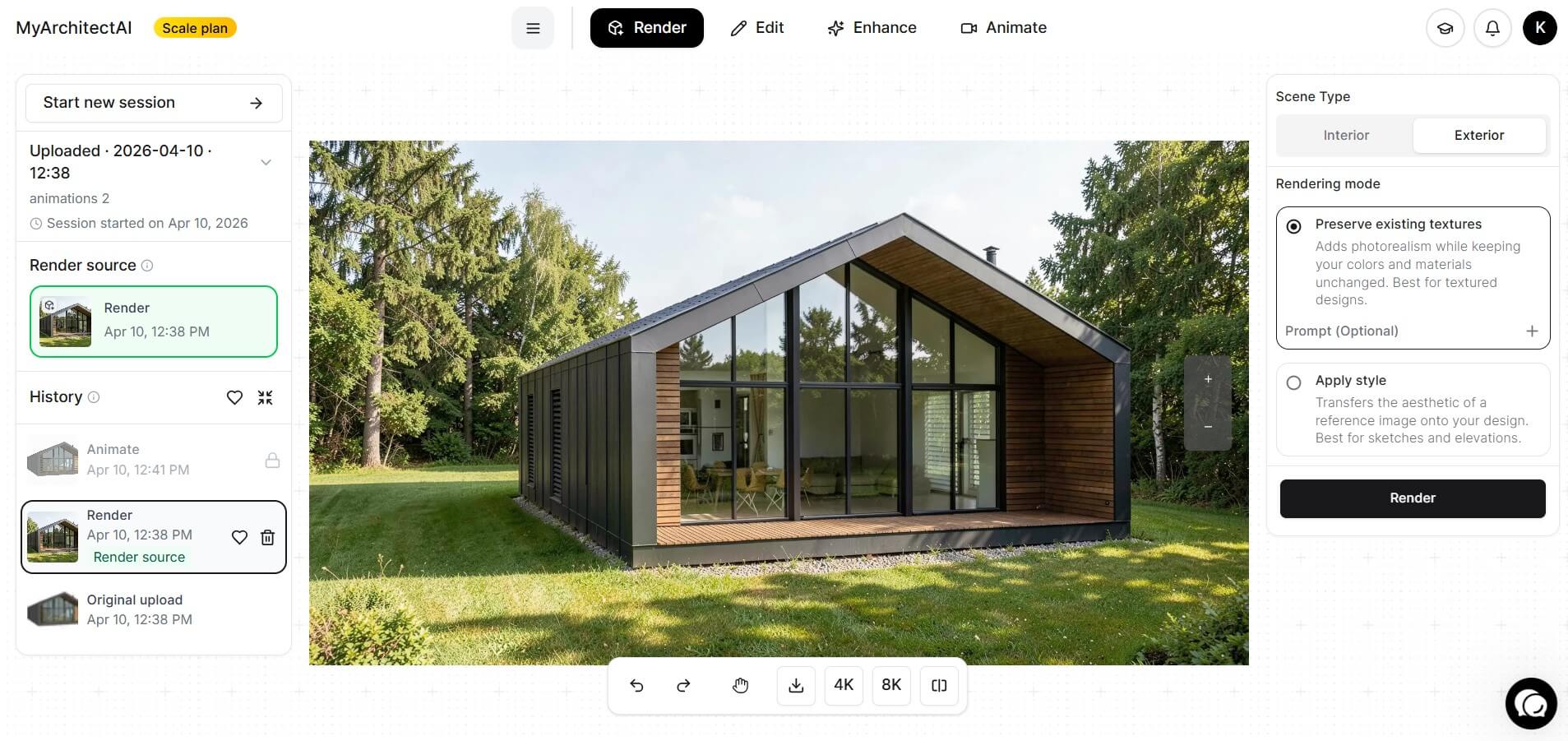
This won't replace a V-Ray studio setup for competition-grade renders. But for daily client presentations or early-stage design exploration, it's dramatically faster and cheaper than investing thousands in GPU hardware. Plans start at $29/month for unlimited renders, with a free tier available to test things out.
Here's the math that changes the decision. An RTX 5070 Ti at $749 plus a matching PSU upgrade and a year of electricity runs roughly $900 all-in. A MyArchitectAI Starter plan at $29/month (or $290 a year) with unlimited renders and no hardware risk. If you're producing under roughly 50 competition-grade hero stills per year, the cloud math wins before you even factor in the render time you save.
The flip side: if your firm produces daily V-Ray renders for live visualization, SketchUp exports that need Enscape real-time walkthroughs, or physical-accuracy renders for lighting consultants, a local GPU still pays back quickly. The two approaches aren't either-or, as many firms we've talked to run MyArchitectAI for quick client-facing previews and a local RTX 5070 Ti / 4090 for final deliverables.
For many architecture and interior design firms, an AI renderer plus a modest workstation is enough. Or at least worth considering before committing $1,000+ to a new graphics card.
Yes, in most cases. VRAM (video memory) stores your entire scene during a GPU render: geometry, textures, lighting information, and more. If your scene exceeds the available VRAM, the render will either fail entirely or fall back to CPU rendering, which is dramatically slower.
That said, VRAM alone doesn't determine speed. A 16 GB card with more CUDA cores will render faster than a 16 GB card with fewer cores, as long as the scene fits in memory. Think of VRAM as the minimum requirement and CUDA cores as the performance multiplier.
It depends entirely on your software. AMD's Radeon RX 9070 XT is a capable card with 16 GB of VRAM and strong performance in Blender Cycles, which fully supports AMD GPUs via HIP. For Blender-centric workflows, AMD is a competitive option at a lower price than equivalent NVIDIA cards.
However, the majority of professional GPU render engines require NVIDIA CUDA or OptiX. They simply don't run on AMD hardware. Real-time renderers like D5 Render and Lumion also require NVIDIA.
16 GB handles the majority of interior and exterior scenes with 2K–4K PBR textures. Move to 24 GB if you regularly work with 8K textures, heavy vegetation, or full urban context models. 32 GB and up is for firms rendering feature-film-grade detail or running multi-scene batches without purging memory.
Probably not. For a single-person practice, you'll rarely saturate 32 GB of VRAM, and the 5070 Ti finishes most client-deliverable renders in acceptable time. The 5090 makes sense when you're billing render hours or running a small studio where your own time is the bottleneck.
Yes. GeForce cards are fully supported in V-Ray GPU, Redshift, OctaneRender, Blender Cycles, D5 Render, and Lumion. The RTX PRO workstation line adds ECC memory and certified drivers, which matter for production pipelines with strict stability requirements, but most architecture and archviz firms run GeForce cards day to day without issue.

