
You've spent hours dialing in your V-Ray or Corona materials, perfecting the lighting in your architectural scene, and now your workstation needs another 14 hours just to push out a single 4K still. Multiply that by a full project deliverable of interior and exterior shots, walkthrough animations, or client revision rounds, and local rendering becomes the biggest bottleneck in your archviz pipeline.
That's exactly the problem cloud render farms solve. By distributing your scene across hundreds of CPUs or GPUs, render farms can compress days of rendering into minutes, freeing you to iterate faster and take on more projects without upgrading hardware.
The real question is: which render farm gives you the best balance of speed, render engine support, and pricing for architectural visualization work?
In this guide, we compare the best render farms on the market right now, breaking down their pricing, supported engines, and the features that matter most to archviz artists, so you can pick the right one for your workflow and budget.
Disclaimer: All render farm cost samples in this guide use the same baseline for comparison. GTX 1080 Ti (184.76 OctaneBench score), rendering 1,000 frames at approximately 1 minute per frame. Actual cost and render time may vary based on scene complexity, renderer settings, node availability, and farm activity. A baseline is required to normalize comparisons across platforms and help you understand relative render farm cost, speed, value, and efficiency.
Best for: enterprise-level speed, huge GPU capacity, and global data centers.
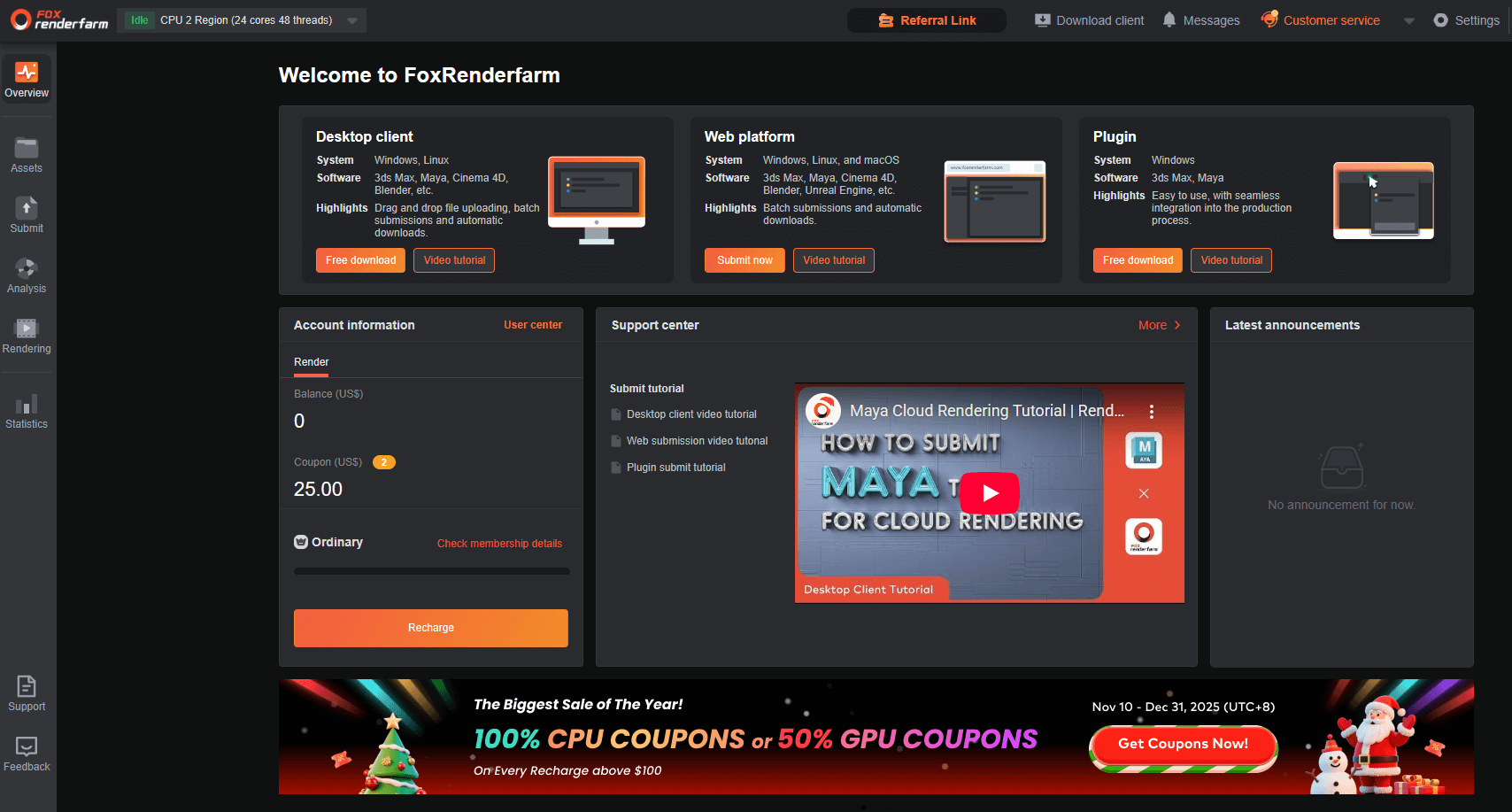
Founded in 2011, Fox Render Farm is one of the top-rated render farms today, with clients in 100+ countries rendering more than 60,000,000 frames per month, offering competitive render farm price options at scale.
If you’re environmentally cautious, Fox Render Farm does “clean rendering” with green data centers.
After registration, you’ll get $25 worth of credits to test the platform.
The default membership tier is Ordinary, then you’re automatically upgraded to a higher tier membership when you reach a certain accumulated amount of recharge.
Important: The number of nodes is automatically assigned depending on server activity. According to their customer support, a minimum of 10 is assigned to a project and a maximum of 500, depending on farm activity. The assigned number of nodes will not affect rendering costs, but will affect rendering time.
Best for: architects who need instant, realistic renders without any hardware requirements
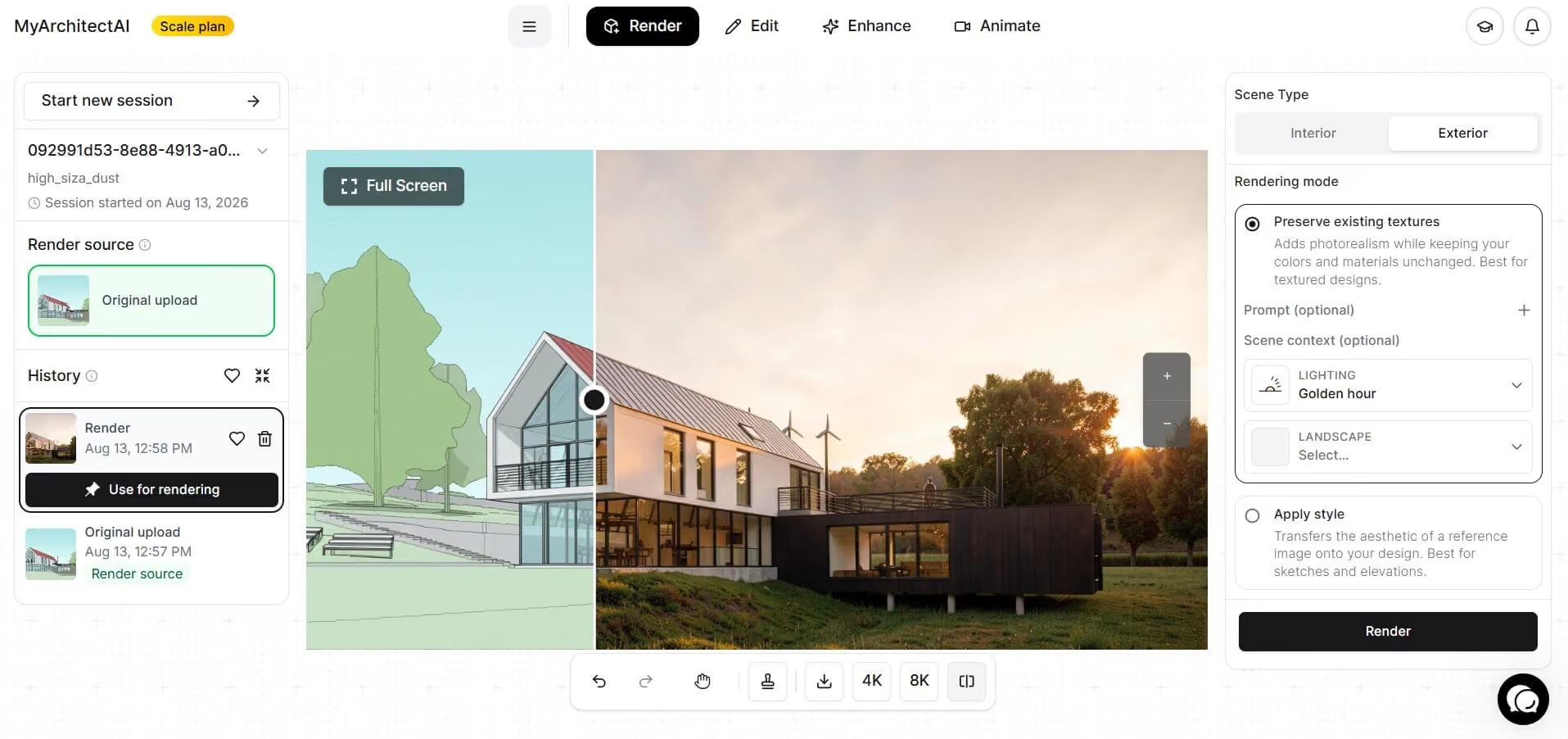
MyArchitectAI is the most affordable option on this list, but it's not a traditional render farm. Instead of distributing rendering jobs across CPU or GPU nodes, it uses a proprietary AI-powered rendering engine to generate high-quality architectural visuals in seconds. No manual setup needed.
Launched in 2023, MyArchitectAI was built to make realistic 3D architectural rendering accessible to architects and designers who don't have expensive hardware or technical rendering expertise.
Traditional render farms excel at animations, complex VFX, and physically accurate lighting simulations. MyArchitectAI is optimized specifically for architectural stills and concept visuals, making it a faster, cheaper, and more predictable alternative to cloud render farms for many architectural workflows.
It works directly in the browser for quick visual output, or can be integrated into existing workflows via its rendering API, making it suitable for both individual designers and teams rendering at scale.
First 10 renders are free. Then, unlimited render subscription costs $29/month or $249/year.
Best for: ArchViz studios and motion design teams running Cinema 4D, Blender, V-Ray, and Corona pipelines who want transparent pricing and a modern NVIDIA RTX 5090 GPU fleet
Founded in 2010, Super Renders Farm is a US-based commercial render farm with 16 years of operating history in 3D cloud rendering. The company serves ArchViz studios, motion design teams, and VFX freelancers running Cinema 4D, Blender, 3ds Max, Maya, and Houdini workloads on a fully managed cloud platform.
The farm operates a 20,000+ CPU core fleet alongside a dedicated GPU pool of NVIDIA RTX 5090 cards (32 GB VRAM each), with SKU disclosure at the billing tier - making it straightforward to predict per-frame cost on Redshift, Octane, or V-Ray GPU jobs. As an official Maxon render partner for Cinema 4D and Redshift, and a Chaos render partner for V-Ray and Corona, Super Renders Farm integrates directly with the production pipelines most commonly used in architectural visualization and motion design.
Credit pricing follows the same concept as Ranch Render, offering large discounts with bulk purchases. For $95, you get 100 credits. For $850, you get 1,000 credits. And for $7000, you get 10,000 credits.
Best for: Blender and Modo designers and small studios who want simple pricing and unlimited cloud rendering options.
.jpg)
Founded in 2012, RenderStreet is a cloud rendering farm built primarily for independent professionals, artists, and studios that want a straightforward, no-friction rendering workflow for Blender and Modo. Unlike usage-heavy pricing models, RenderStreet stands out for its flat-rate monthly plans alongside traditional pay-per-hour options, making it appealing for users with consistent rendering workloads.
RenderStreet runs 24/7 and offers both CPU and GPU rendering through a web-based platform, eliminating the need for complex setup or pipeline integration.
RenderStreet offers two pricing models, depending on how you prefer to pay:
Free trial: $1 single-day trial to test performance and workflow.
Alternatively, users with recurring workloads may find the $59.97/month unlimited plan more cost-effective than per-hour billing.
Best for: hobbyists, students, and Blender users who want a completely free render farm and don’t need privacy guarantees or strict deadlines
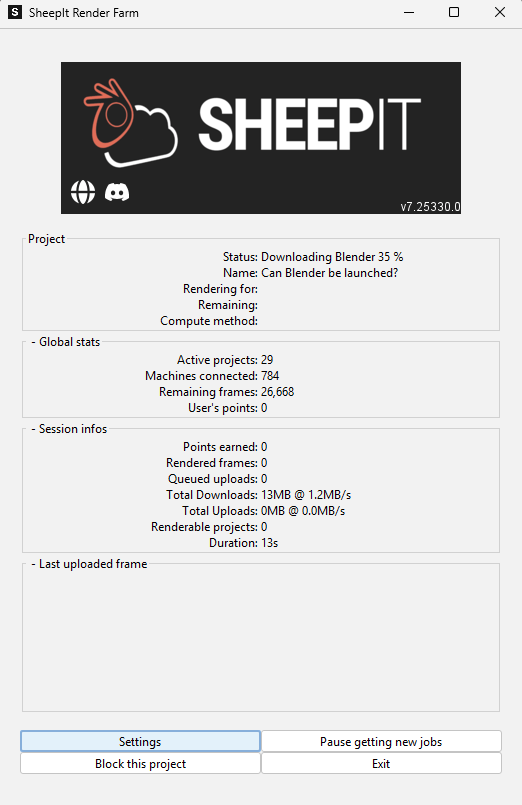
SheepIt Render Farm is a community-powered, peer-to-peer render farm for Blender launched in 2007. Instead of relying on centralized servers, SheepIt distributes rendering jobs across thousands of user-contributed machines worldwide.
As of writing, SheepIt has rendered over 499 million frames, with roughly 10,000 frames processed per hour, making it one of the largest volunteer-based render networks available. Arguably, one of the best Blender render farm for beginners and hobbyists.
Because SheepIt is not a commercial service, it works best for personal projects, learning, test animations, and non-confidential work where flexible turnaround times are acceptable.
SheepIt operates on a points-based system to keep the platform fair:
Each frame of a project is distributed across active community nodes (users). More points increase queue priority but do not guarantee speed or completion time. If you do not want to share your resources to get points, you can always donate to the cause.
Completely free.
Best for: professional studios and freelancers who need flexible pay-as-you-go rendering, strong software compatibility, and reliable production-grade performance
Founded in 2006 in France, Ranch Computing is one of the longest-running commercial render farms in the industry. It’s widely used by VFX studios, animation houses, and independent artists who need scalable cloud rendering without long-term commitments. Ranch Computing supports a wide range of 3D software and render engines, making it suitable for mixed pipelines and complex production workflows.
Unlike community-based farms like SheepIt, Ranch Computing operates fully on dedicated, managed infrastructure, offering predictable performance, secure file handling, and professional customer support.
Ranch Computing uses a credit-based, pay-as-you-go render farm price with no required subscription:
New users receive €30 worth of free credits, allowing test renders and realistic cost estimation before committing.
CPU rendering:
GPU rendering:
Best for: teams that need tight workflow integration through Farminizer, collaborative project management, and reliable customer support
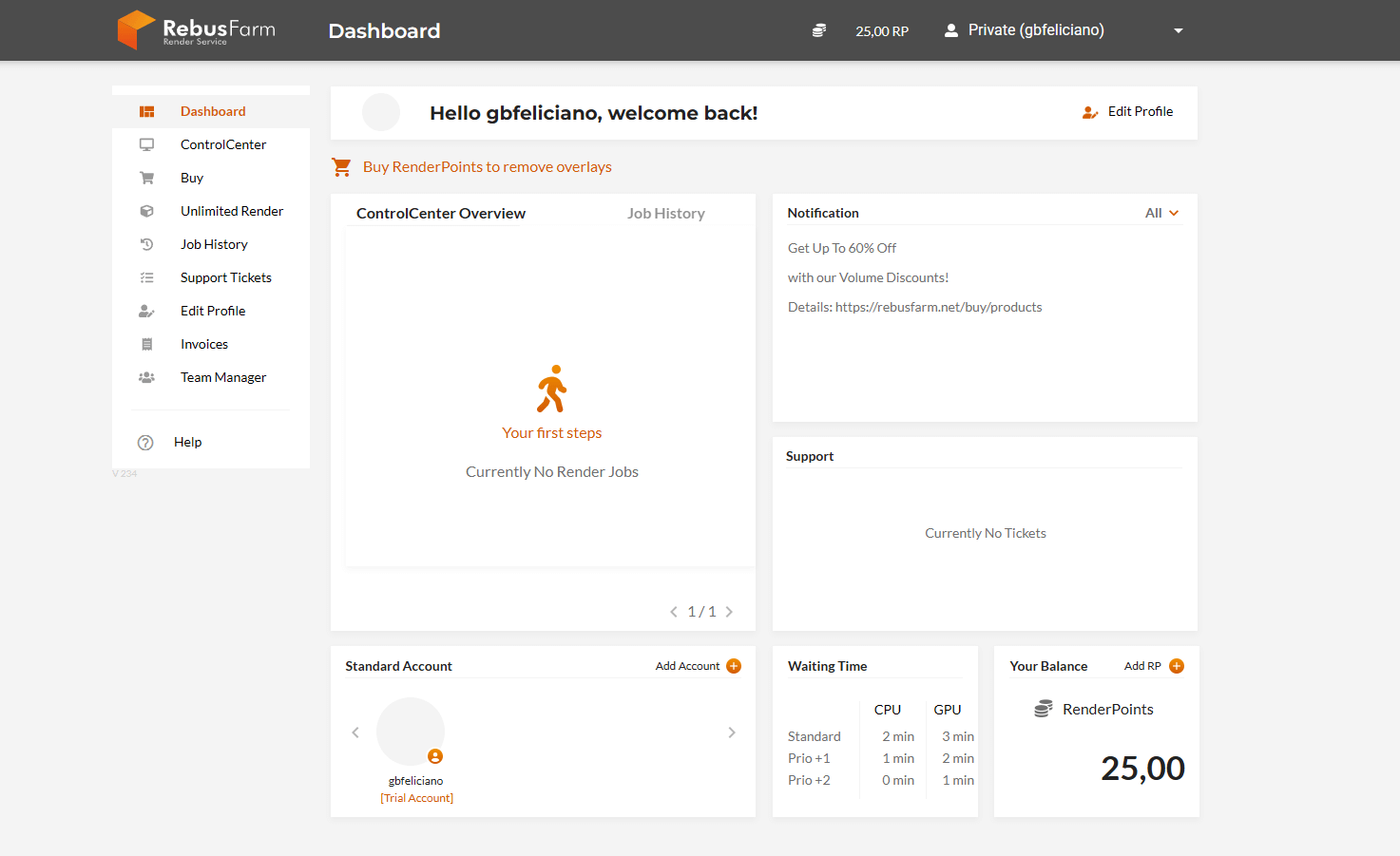
Launched in 2009, Rebus Farm is a well-established commercial render farm known for its proprietary Farminizer software. The company emphasizes sustainable rendering, operating with green energy initiatives, energy-efficient hardware, and intelligent workload management to reduce environmental impact.
Rebus Farm simplifies file prep, job submission, team collaboration, and render management. It is also a popular choice among studios looking for reliable V-Ray render farms with strong pipeline integration.
Rebus Farm follows a straightforward pricing model using a currency called Render Points (RP), with 1 RenderPoint costing $1.18. It also offers automatic volume discounts when purchasing Render Points. The more Render Points you buy, the higher the discount you receive—up to 60% off.
Volume discounts start at 500 RP with a 5% discount and up to 60% discount if you purchase 50,000 RP.
Best for: freelancers looking for straightforward web-based rendering.
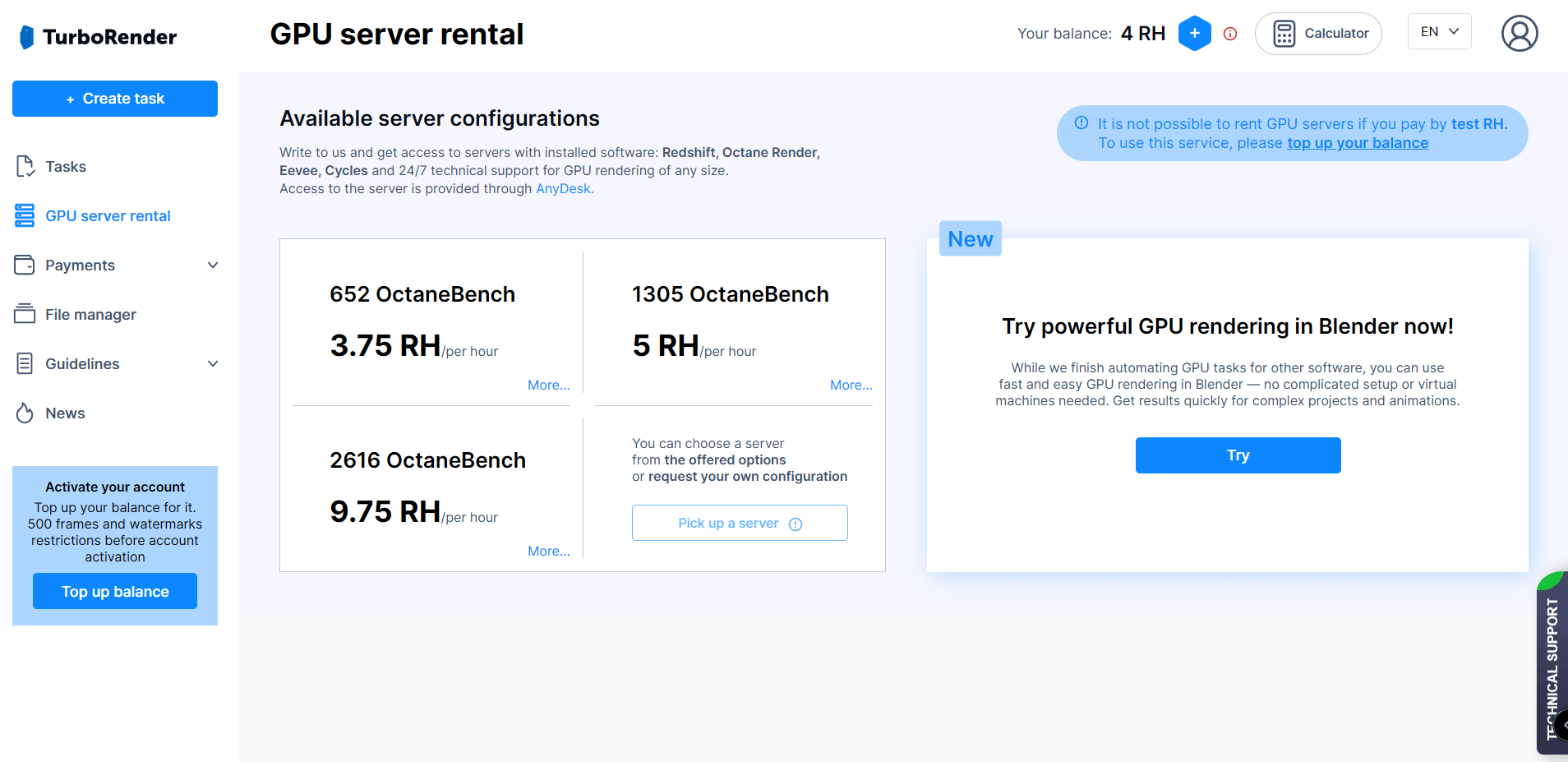
TurboRender was founded in 2013. The company boasts a straightforward sign-up and use process, an intuitive interface, and support for popular rendering software. It’s a web-based only tool that can run on Mac, Linux, or Windows.
TurboRender supports common tools used in architecture, motion design, and VFX with an interface designed for ease of use rather than deep pipeline customization. It is an attractive option for freelancers and small studios who are looking for a low-friction way to offload renders.
Free trial: 4 render hours are free.
Render time: 3 hours 54 minutes
Total cost: $4.8
Currently, TurboRender does not have a GPU cost calculator. Users also need to contact support to switch from CPU to GPU rendering.
Best for: designers who want flexible pricing options and responsive support for urgent deadlines.
GarageFarm was founded in 2009 in the UK by a team of design professionals who were dissatisfied with existing render farm solutions. Their goal was to build a render farm that is artist-friendly, transparent in pricing, and reliable under tight deadlines. Today, GarageFarm serves freelancers, small studios, and larger production teams with a focus on flexibility and security.
GarageFarm pricing varies by render method and priority level.
GPU Rendering (per OBh):
CPU Rendering (per GHz-hour):
CPU rendering:
GPU rendering:
Best for: designers who want decentralized, GPU-only rendering with predictable performance-based pricing using OctaneBench hours.
Render Network is a GPU render farm fundamentally different from traditional centralized render farms. It operates as a decentralized, peer-to-peer GPU rendering network, where GPU owners contribute compute power and earn RNDR tokens, while users pay for rendering using those same tokens. It uses OTOY Inc. (developer of OctaneRender) software to run its marketplace of GPU providers and GPU requesters.
If you’re looking for a Redshift, Cycles, or Octane render farm, Render Network uses a performance-based pricing model measured in OctaneBench hours (OBh), allowing users to pay based on actual GPU output rather than fixed hourly rates.
200 OBh = 1 RTX 2080 running for 1 hour
Actual cost may vary depending on network availability and job scheduling.
If you’re running a large studio with tight schedules, render farms like Fox Render Farm, Rebus Farm, or Ranch Render give you reliable power, speed, and support.
Freelancers and small teams may find more value in flexible, low-cost options like Super Render Farm, GarageFarm, and TurboRender.
If you’re looking for the simplest workflow, especially for architectural stills, AI-driven tools like MyArchitectAI dramatically cut down rendering time and hardware cost while still delivering photorealistic results. It also offers significantly lower costs compared to traditional render farms.
The right render partner will save you hours, reduce stress, and let you focus on creativity instead of waiting for frames to finish.

