
Z-Image is Tongyi Lab’s open-source image model family: Z-Image Turbo, the fast distilled variant most people run, and Z-Image Base. Turbo’s sweet spot is 1024×1024, defaults land around 1024×1536, and the hard ceiling is 2048×2048. There’s no native upscaler anywhere in the family.
That’s fine on screen and short of what print wants. A2 at reasonable DPI, a portfolio book, a competition board: all of them need more pixels than the model will give you. The usual community fix is an upscale pass in a ComfyUI workflow. This page does the same job, minus the workflow: upload, pick 2x or 4x, download. Nothing to install, no VRAM to budget.
Renders and concept art are a special case. Hard edges and glazing reflections are exactly what smears at low resolution, and simple bicubic interpolation can’t bring them back.
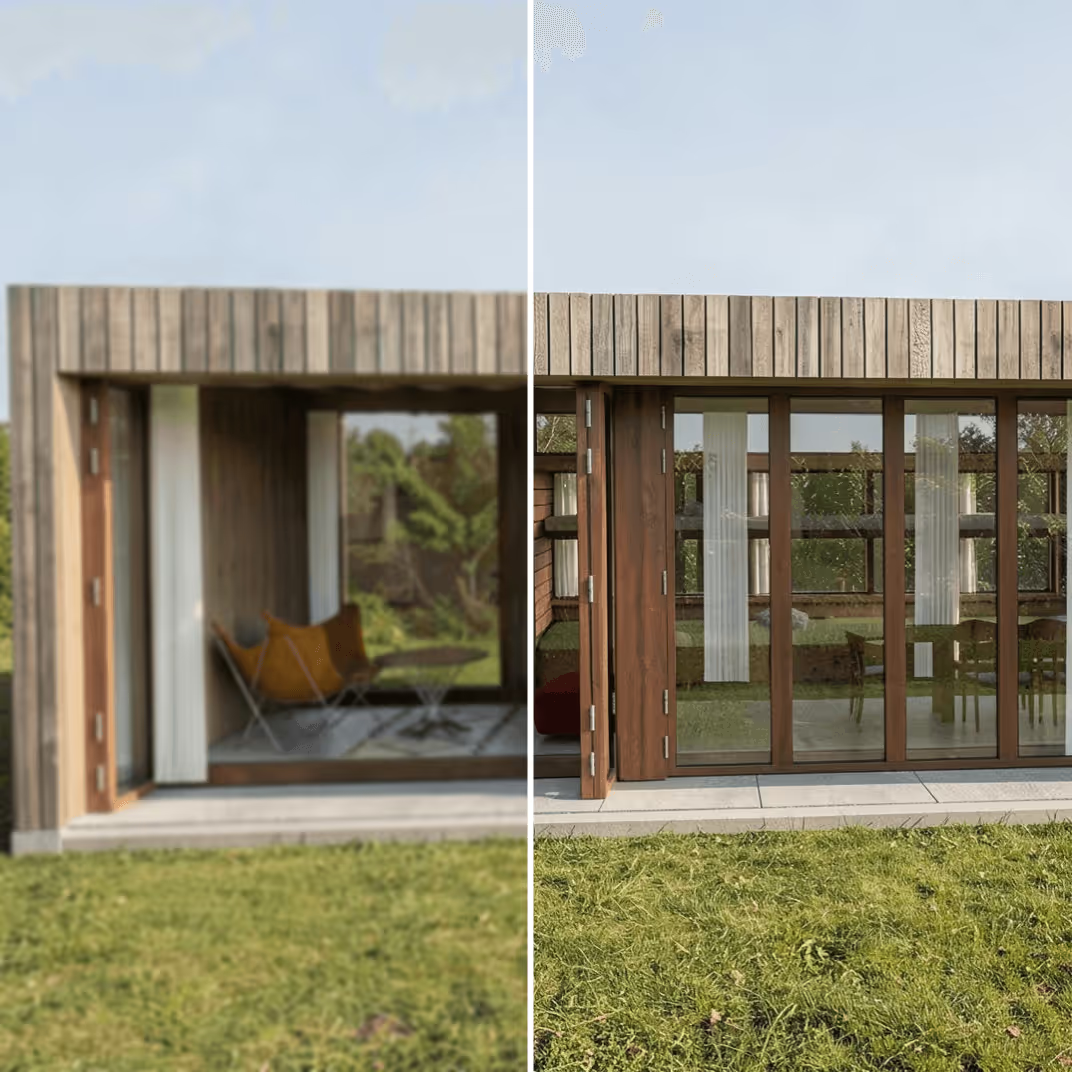
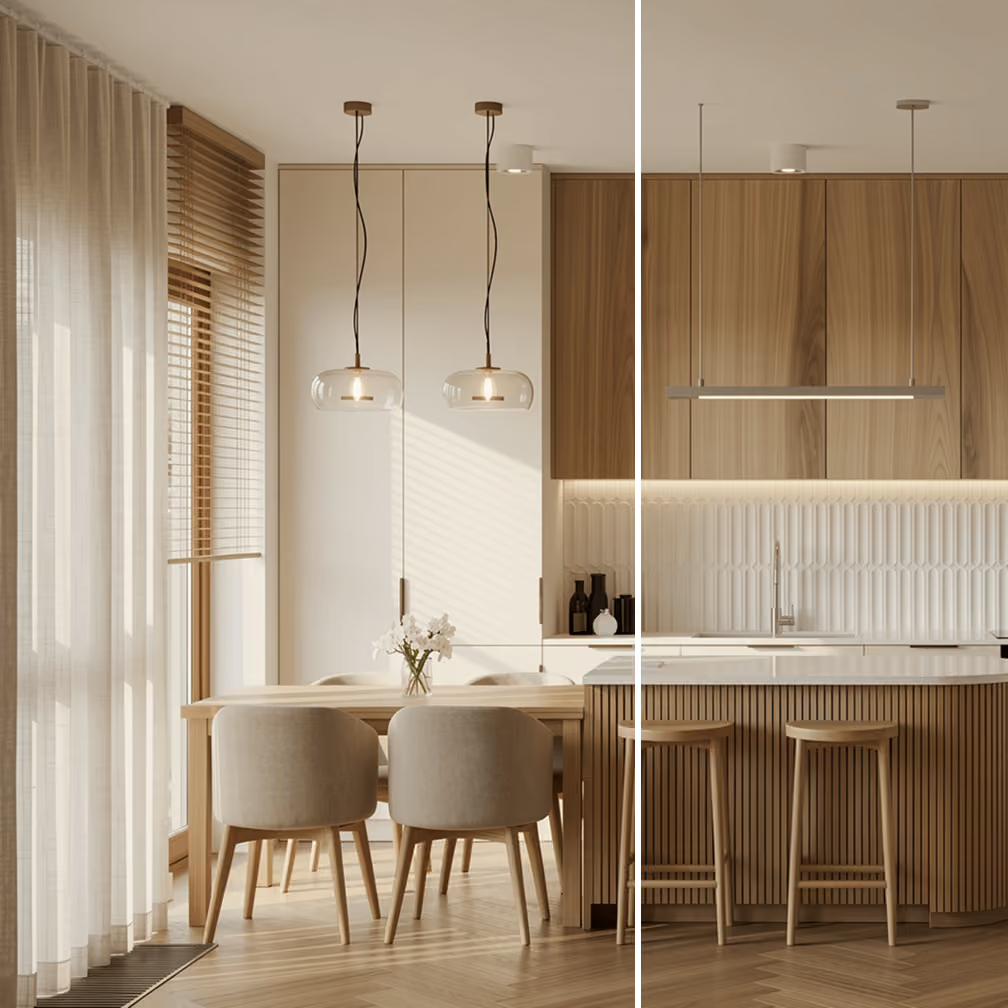
.avif)
Most Z-Image users who end up here fall into one of these situations.
Give users lightning-fast upscaling experience without the complexity or wait times with a single API call. Plus, get access to other archviz tools like rendering, editing, and more.
.avif)
.avif)
%20(1).avif)
.avif)
.avif)

