


How to improve Lumion renders using AI
1. Upload your render
Upload your flat-looking Lumion render to fine-tune its details and add realism.

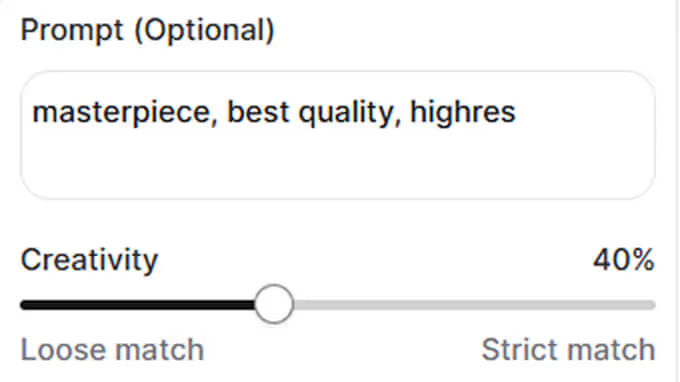
2. Adjust the level of creativity
Use the creativity slider to control how much artistic freedom the AI enhancer has—higher values for more creative control, lower values for subtle refinements that stay true to your original render.
3. Enhance
The enhancer will apply all adjustments for you, making your Lumion render more detailed and realistic.

.avif)


.avif)
.avif)
.avif)
.avif)
.avif)
.avif)
.avif)


