
Midjourney has a built-in upscaler, and it’s decent. In v7 you pick an image from the grid and choose Upscale (Subtle) to keep the look or Upscale (Creative) to add detail, both doubling you to 2048px. In v8.1 those buttons are gone; you generate at 2048px directly with the --hd flag. Either way, 2048px is where Midjourney stops.
That ceiling matters the moment your image leaves the screen. A2 print at reasonable DPI, a portfolio book, a competition board: all of them want more pixels than Midjourney will give you. And if the image wasn’t generated in Midjourney at all, the built-in upscaler won’t touch it. This tool picks up where Midjourney stops, with 2x or 4x on any image you upload.
Renders and concept art are a special case. Hard edges and glazing reflections are exactly what smears at low resolution, and simple bicubic interpolation can’t bring them back.
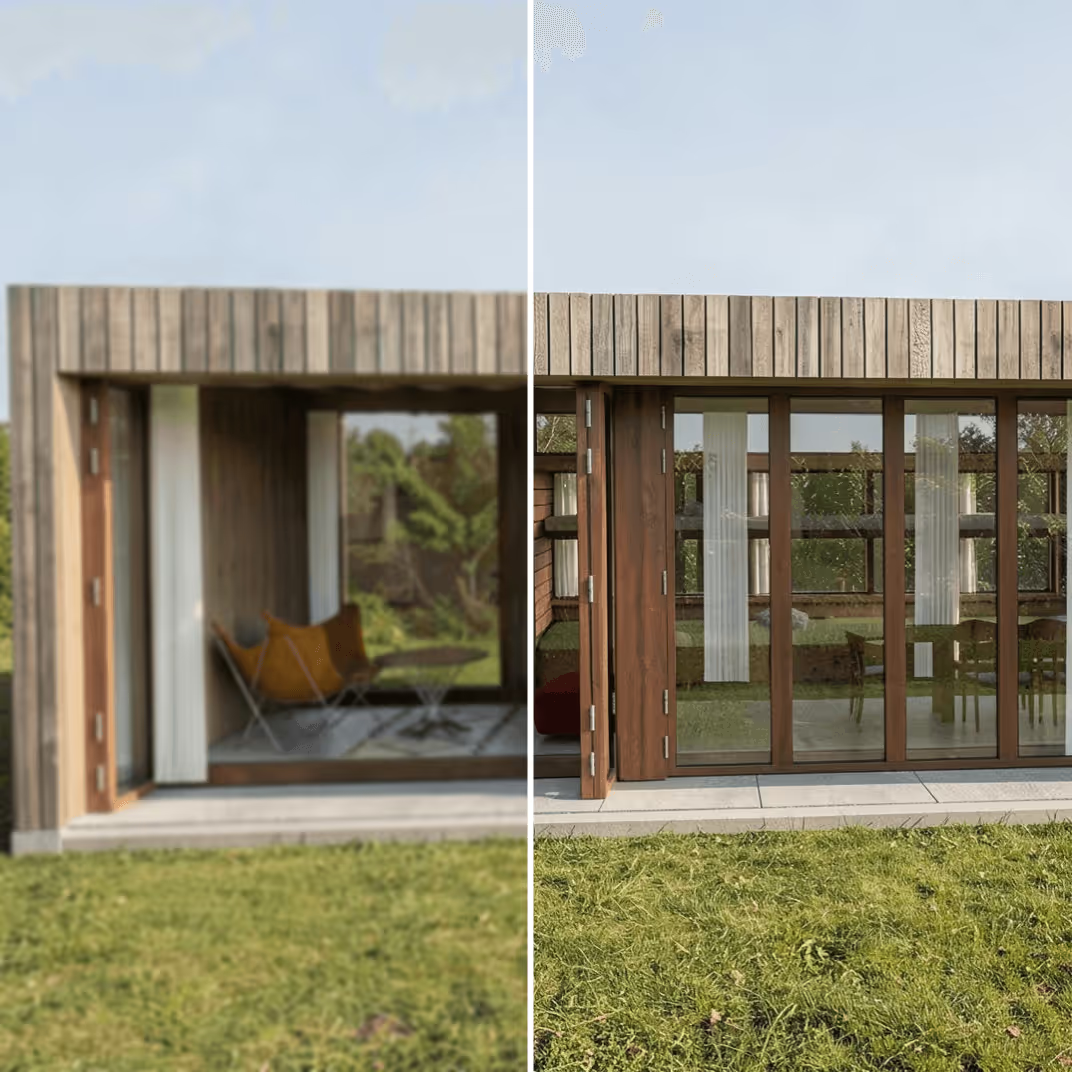
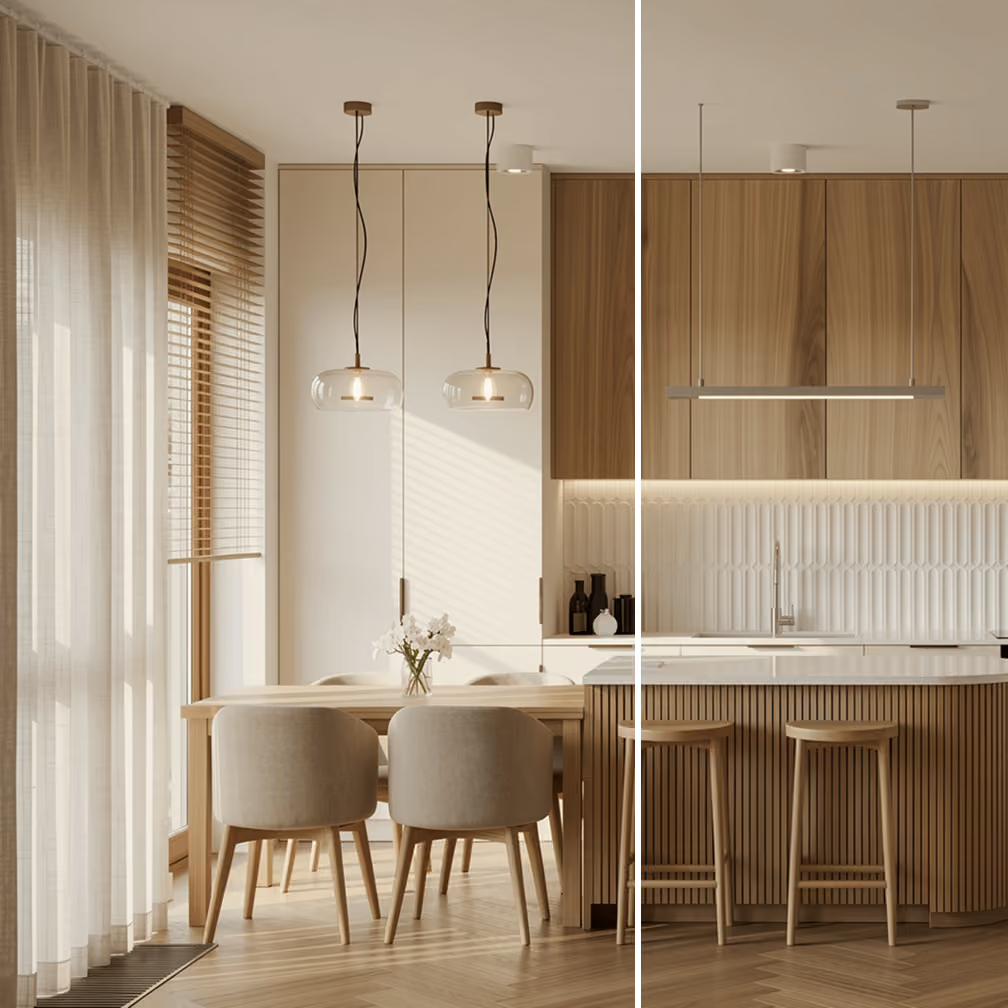
.avif)
Most Midjourney users who end up here fall into one of these situations.
Give users lightning-fast upscaling experience without the complexity or wait times with a single API call. Plus, get access to other archviz tools like rendering, editing, and more.
.avif)
.avif)
%20(1).avif)
.avif)
.avif)

