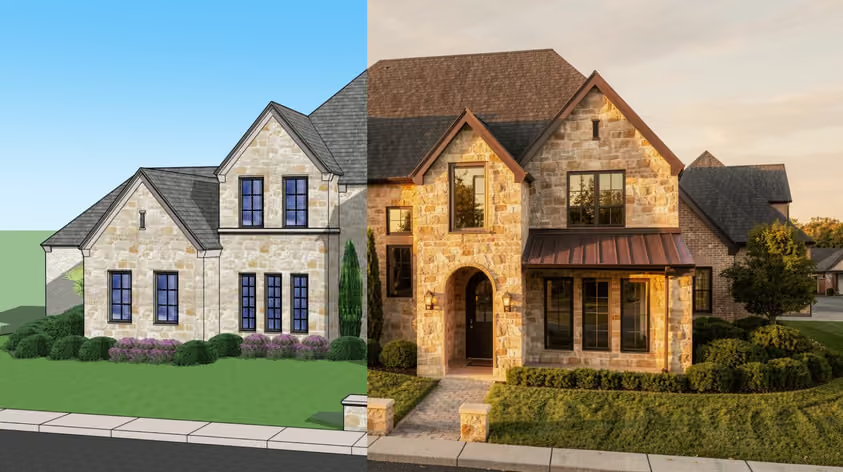
Vectorworks has a reputation for confusing pricing, and some of that reputation is earned.
This guide pulls together the current Vectorworks pricing, so you can see what each plan actually costs. You will see the standard rate for every product, along with the extras that quietly push your bill higher (like rendering, for example).
By the end, you will know which plan fits your work and whether the Vectorworks cost makes sense for you this year, so let's get into it.
There's a well-worn trope that "Vectorworks hides its prices.” It mainly stems from the older and still-current international reseller model where public numbers are scarce. In the US, the prices sit right on the official site, while buyers in other regions usually go through a reseller, so the Vectorworks cost shifts by both market and currency.
On top of that, it doesn’t help that the lineup splits into overlapping products, each carrying its own rate plus a handful of optional add-ons. Working out what you actually need thus really takes a while, in the best case.
So how much does Vectorworks cost? It depends on which tool you pick. Here are the standard annual rates in the US:
All prices are per user. Annual billing works out cheaper because the yearly cost equals roughly ten months of the monthly price. Pay upfront and you effectively get two months back.
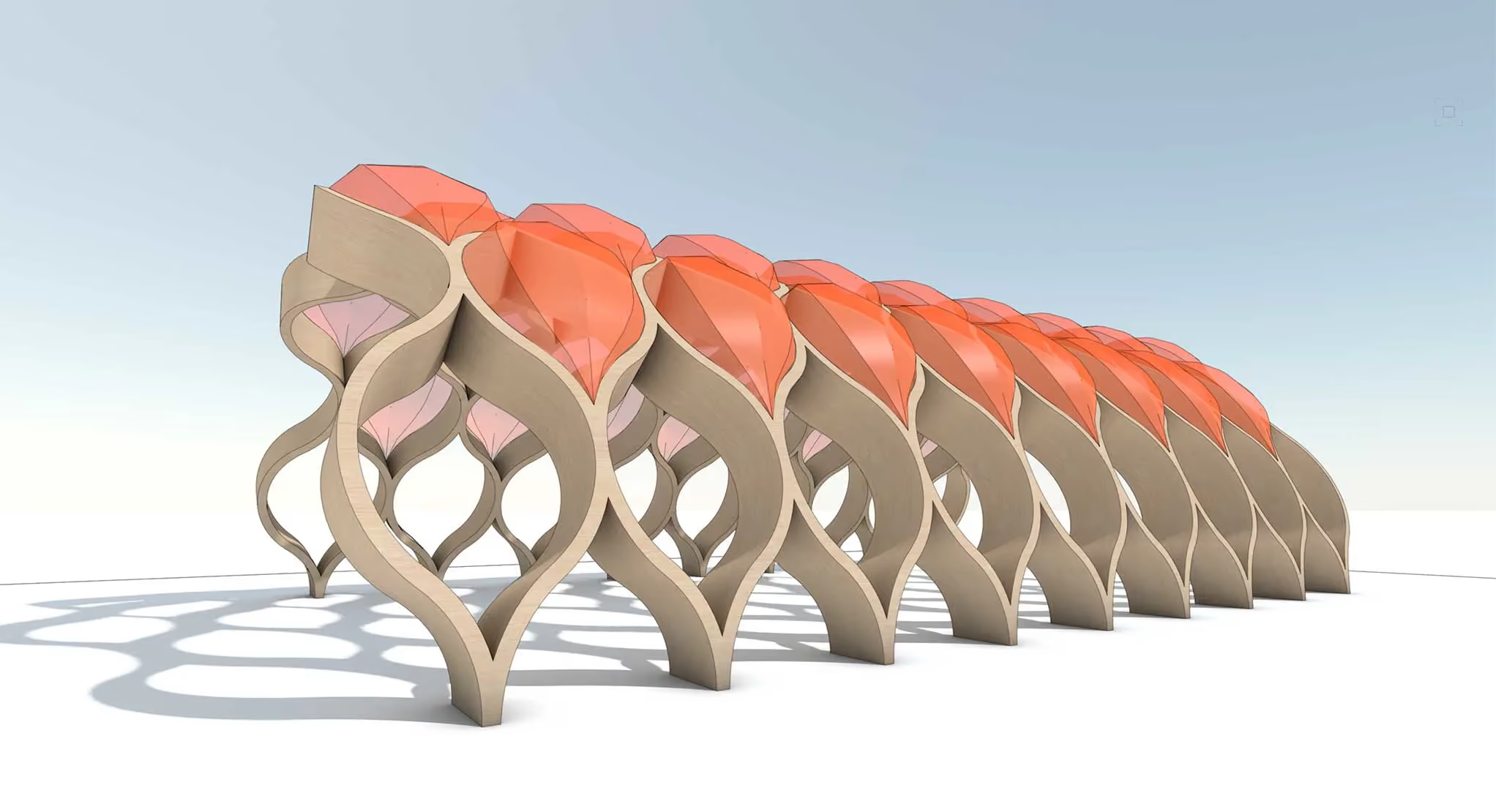
The Vectorworks Fundamentals price sits at $108 per month or $1,080 per year, making it the cheapest entry into the software. It still gives you the core drawing and modeling engine that runs underneath every other product.
The Fundamentals suits you if you mostly need clean 2D drafting plus some 3D modeling and you do not work in a specialized field. It reads imports from tools like AutoCAD and Rhino, hence it slots into mixed-software teams fairly easily.
What you give up is the industry-specific intelligence; there are no parametric walls for architects or plant databases for landscape designers. For that, you will want one of the design-series products below.
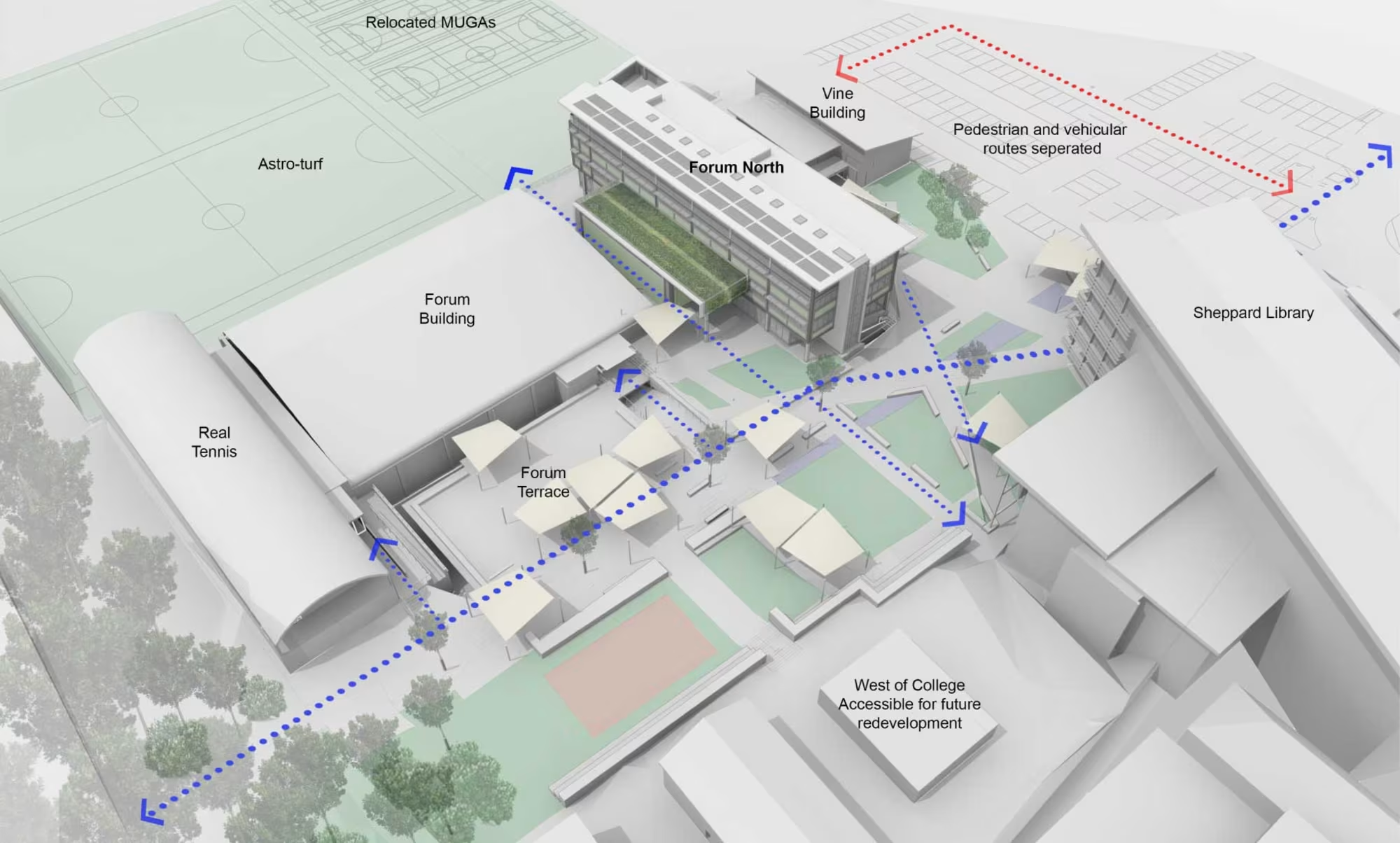
The Vectorworks Architect price is $153 per month or $1,530 per year. This is the version most building designers reach for, since it layers full BIM tools on top of the Fundamentals base.
You get parametric building objects and automatic schedules that update whenever your model changes. Renderworks, the built-in rendering engine, comes included, so you can produce presentation visuals straight from your model. While much slower and harder to use than dedicated Vectorworks renderers, it's included in your subscription price, so it helps keep your budget in check.
For a solo architect or a small studio, $1,530 a year lands in the middle of the BIM market. It costs more than SketchUp yet noticeably less than Revit, which we will compare further down.
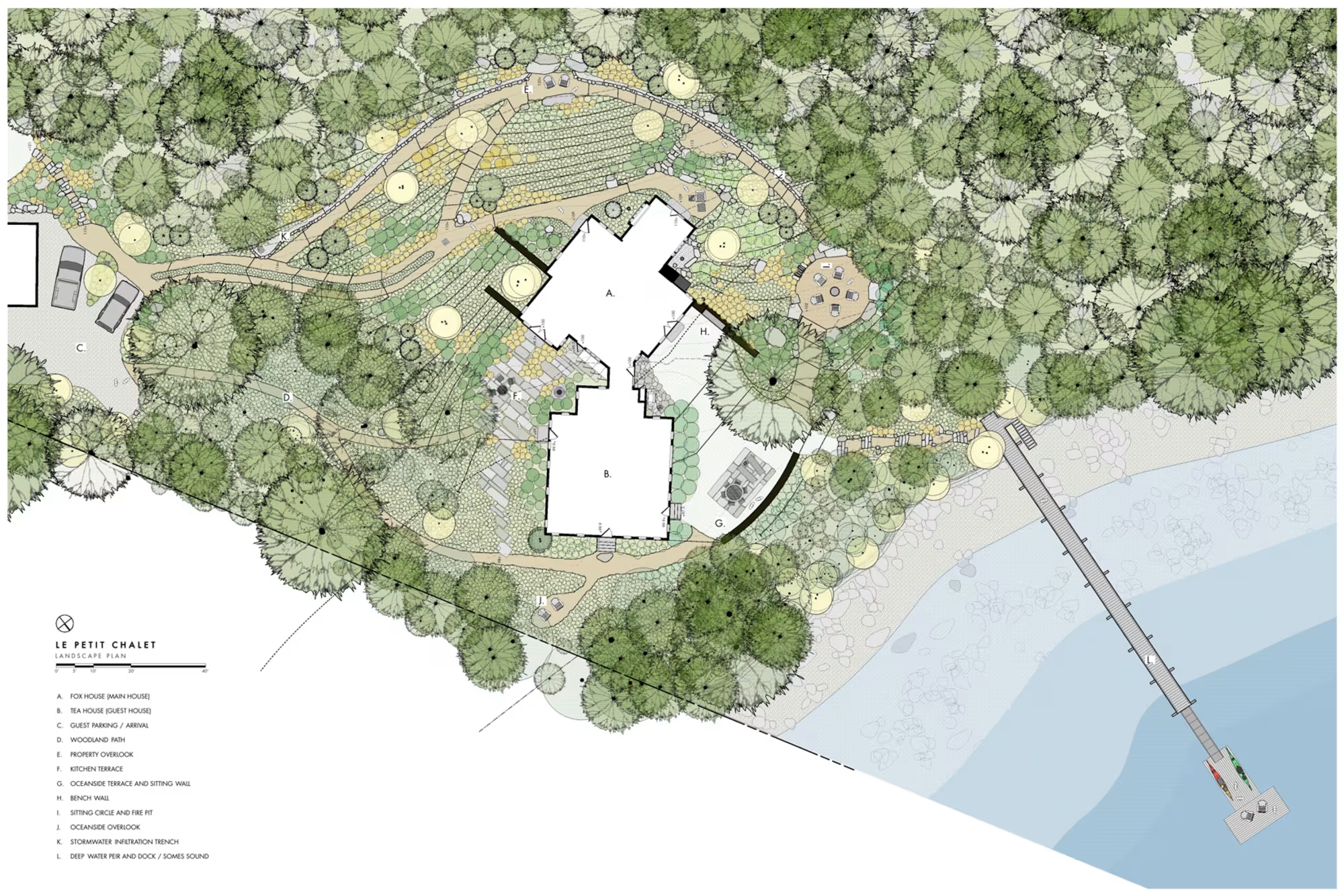
Vectorworks Landmark pricing matches Architect at $153 per month or $1,530 per year. The difference is focus, because Landmark is built for landscape architects and site designers.
The Landmark adds plant databases tied to real horticultural data, along with terrain and irrigation tools for site work. If your projects center on gardens or larger site planning, this is the version that pays for itself.
Since Landmark and Architect share the same price, your choice comes down to discipline. Buy the one that matches your daily work, or step up to the Design Suite if you cross between both.
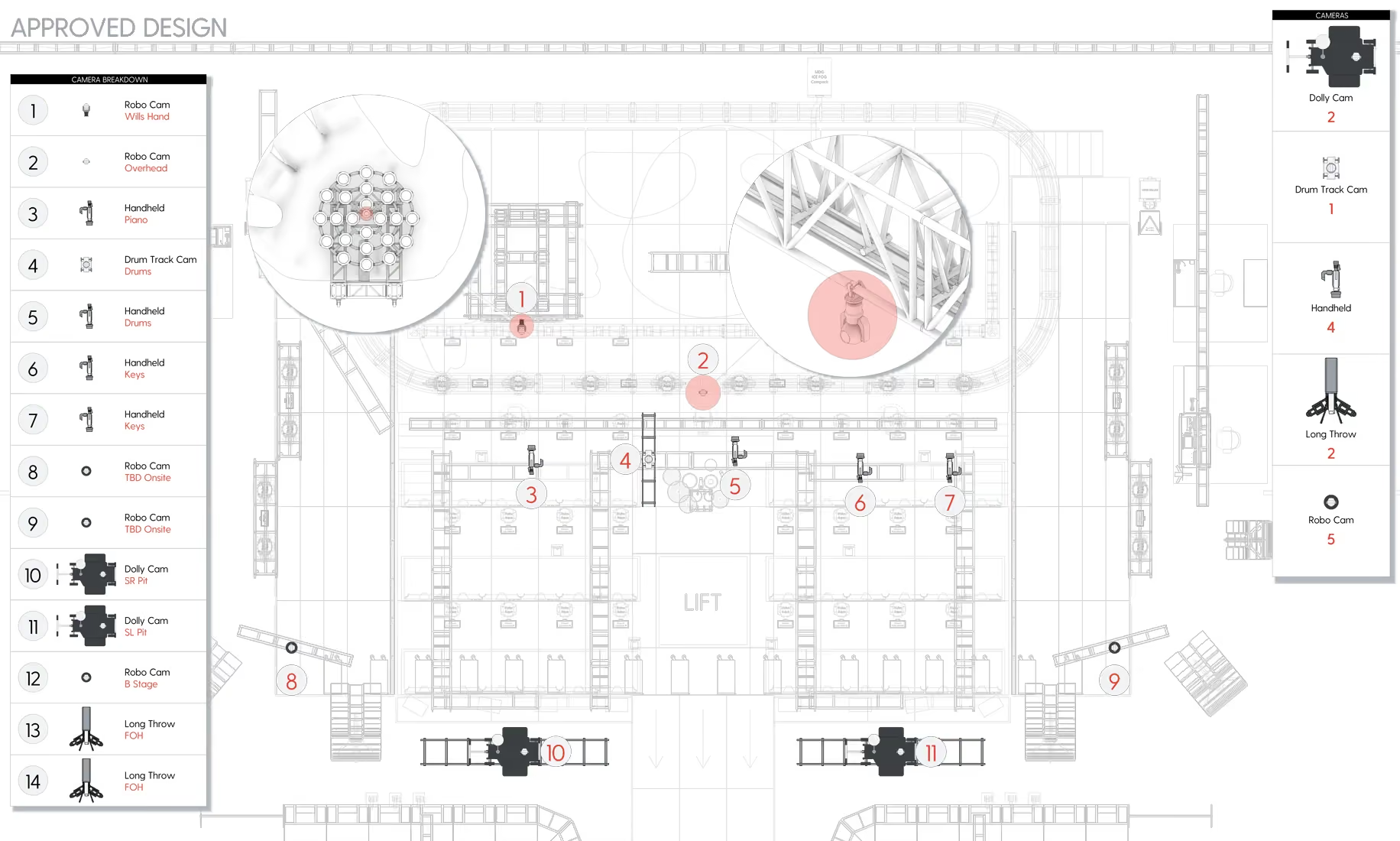
Vectorworks Spotlight pricing also starts at $153 per month or $1,530 per year for the base product. Spotlight is the entertainment-industry version, widely used in theatre and live event lighting.
It covers lighting plots and the rigging paperwork that entertainment productions depend on. Two paid add-ons extend it further when a project calls for them.
ConnectCAD adds signal and systems documentation for AV work. Braceworks handles structural load calculations for rigging and temporary structures. And you only pay for these if your work needs them.
If your projects cross between disciplines, the Design Suite bundles everything. It costs $198 per month or $1,980 per year and rolls all of the separate design products into a single license.
At $1,980, Vectorworks pricing per year for Design Suite is only $450 higher than for a single design product. So those who switch between building and landscape work can easily justify the upgrade. The entertainment add-ons apply here too.
.avif)
Here is some more good news on the Vectorworks Vision price. Vision is the previsualization tool that simulates lighting shows in real time, and you no longer buy it as a standalone product in most cases.
Hold an annual Spotlight or Design Suite subscription and Vision Unlimited comes included at no extra cost through your Service Select membership. Monthly subscribers aren’t forgotten either; they get Vision Plus, which supports four universes, also bundled in.
So the practical Vectorworks Vision price for most entertainment designers is zero, as long as you already pay for Spotlight or the Design Suite. You just request your license from the Customer Portal whenever you need it.
Your Vectorworks subscription cost depends heavily on how you pay. Monthly billing gives you flexibility, which helps if you only need the software for a single project or a busy season. Annual billing, on the other hand, means commitment.
Since the yearly price equals about ten months of monthly fees, you effectively get two months free by paying upfront. Spread that Vectorworks license cost across several years and the savings add up, but only if you use it often enough to make it valuable.
A quick rule of thumb: pick monthly for short bursts of work, then switch to annual once you know you will use Vectorworks consistently. You can cancel an annual plan, though you need to do it at least 30 days before renewal.
The education path makes the long-term Vectorworks cost much gentler if you learn the software before entering the workforce.
Students and educators get a strong deal. In eligible markets, Vectorworks offers a free educational license of the full Design Suite, including the entertainment tools. The files carry a watermark and cannot be used commercially, which of course keeps things fair for paying professionals.
Once you graduate, the student2PRO program gives recent grads 50% off a professional subscription for three years. You also get a one-time conversion of your student files to clean, watermark-free versions you can use to build a portfolio.
Not permanently. Vectorworks does not offer a free commercial tier the way SketchUp does. That said, SketchUp's free browser version is another option for simple work.
Your free alternatives come down to the education license mentioned above or the standard free trial that gives you full functionality for a limited window – plenty to test the software on a real project before you pay. The trial can be started from the Vectorworks website and doesn’t require payment details upfront.
If you need a genuinely free tool for the long haul, a Vectorworks free alternative like FreeCAD or Blender will cover basic modeling. These, however, ask for patience while you learn them.
The headline numbers are only part of the story. Several extras can stretch your Vectorworks subscription cost well past them, and most buyers miss that fact at first.
Renderworks ships inside the design-series products, so basic visuals are covered, but that doesn't really suffice for top-tier professional presentations. Richer outputs need a dedicated renderer, and that is where costs commonly climb further. Enscape runs from around $575 a year, and V-Ray from about $540, so a single seat can rival your Vectorworks license cost on its own.
MyArchitectAI sits at the gentle end of that range. At $29 a month or $290 a year, it turns your Vectorworks views into photorealistic images in seconds through the browser, and it runs fine on a basic machine (yes, even a Mac). For a solo designer who mainly needs quick client-ready visuals, it adds far less to the yearly bill than the traditional engines.

Shall we put rough numbers on a few common setups so the real Vectorworks cost is clear? These figures assume standard US annual pricing.
Solo architect, basic kit
Total: Around $1,730 per year
Small entertainment studio (3 users)
Total: From $8,000 per year, plus hardware
Cross-discipline firm (5 users)
Total: Roughly $11,400 per year, plus hardware
The pattern is familiar. The license is the floor, and the add-ons and hardware build the real figure on top.
Worth knowing: resellers sometimes offer better deals than the main store, especially on multi-seat orders. New customers can also catch promotions like the recurring 20% off code that ran into 2026. Always check for an active offer before paying full price.
And finally, let’s see how Vectorworks pricing stacks up against the other big design tools. Here is a quick comparison of standard annual rates for a single professional license.
As you can see, Vectorworks lands in the middle. It asks more than SketchUp, yet it undercuts both Archicad and Revit while offering comparable BIM depth. For many small and mid-size firms, that balance is the whole appeal.
For the right user, yes. At $1,530 a year for Architect or Landmark, you get full BIM and built-in rendering in one package, with solid 2D drafting on top, and that lands below Revit and Archicad for similar capability. Handling both 2D and 3D in a single file is a real time-saver.
It is less convincing if you only need light modeling, since SketchUp does that for a quarter of the price. Vectorworks also leans toward Mac-friendly studios and the landscape and entertainment fields, where its specialized tools shine brightest.
So weigh your discipline against the Vectorworks cost. If your work matches one of its design series, the price tends to earn itself back quickly.
You cannot get a permanent free commercial license. Your real options are the free trial, which unlocks full features for a limited time, or a student and educator license if you qualify. Anything advertising a free permanent professional copy is either a limited trial or, worse, piracy.
Two reasons mostly. First, it packs deep, industry-specific tools that took years to build, so you pay for specialized capability. Second, Vectorworks sells mainly through resellers and rarely runs aggressive public discounts, which keeps the headline Vectorworks pricing high next to mass-market tools. Even so, it still costs less than Revit for comparable BIM work.
If your design work matches one of its specialized fields, the Vectorworks license cost usually pays off through saved time and built-in tools you would otherwise buy separately. For simple modeling on its own, a cheaper tool will serve you better. Try the free trial on a real project, and you will know within a week whether the price feels right for you.