
If Rhino feels sluggish, your machine is the prime suspect.
This guide walks you through the Rhino system requirements that matter in 2026: what McNeel officially asks for and what you really need for professional work, plus practical tweaks for where the official numbers fall short.
For most architects running Rhino 8 in 2026, the practical specs are:
Take this as a baseline; anything below will slow you down on real work. But the full picture is a little more nuanced.
Here are the current Rhino 8 requirements published by McNeel:
Some forum posts have flagged severe lag on macOS 26 Tahoe with M1 Macs after the OS update. That's worth keeping in mind before you decide to upgrade mid-project.
The minimum requirements above will launch the software, yes. What they're far less likely to do is carry you through real work with Grasshopper or V-Ray.
This is where most people get it wrong. Rhino is single-threaded for most modeling tasks, so clock speed beats core count. In practical terms, a high-frequency 8-core chip will run Rhino better than a 16-core workstation CPU clocked lower.
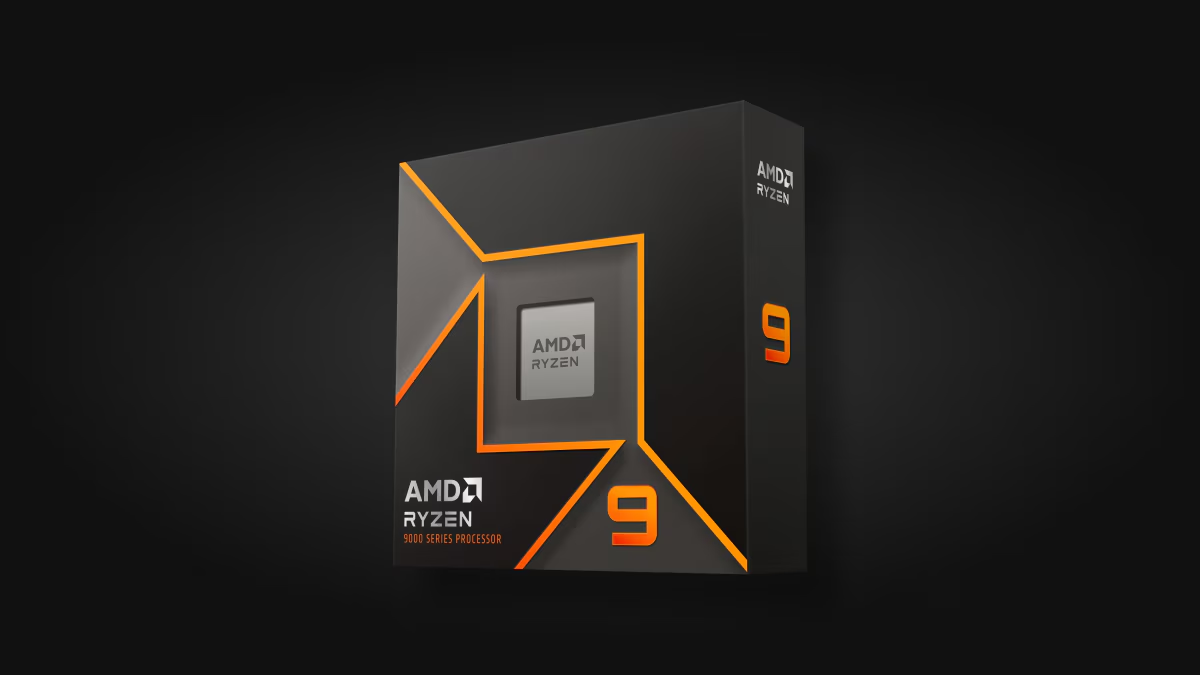
Good picks for 2026:
Rhino rendering plugins like V-Ray and KeyShot use all your cores, so if you render a lot, more cores help. Modeling, on the other hand, won't benefit past 8 fast cores.
Rhino uses the GPU for the viewport, and the Raytraced display mode in Rhino 8 can run on CUDA or OptiX for NVIDIA cards. This is where most hardware specs get underspecced.
.avif)
Aim for something like this:
An RTX 4060 or 4070 handles most architecture and product design work. Step up to an RTX 4080 or 5080 if you're rendering large interior scenes alongside Rhino. Skip integrated graphics, they'll launch Rhino but choke on most moderately complex models.
McNeel's recommended 8 GB is more of a starting point than a working spec. Real-world needs for daily use begin at 16 GB, with 32 GB as the safe bet for any architectural office.
Use an NVMe SSD. Rhino files aren't huge, but linked blocks and rendering caches add up fast. A 1 TB NVMe is the practical baseline.
Plenty of offices still run older versions. The requirements get looser as you go back, but you also lose support for newer hardware.
Version 7 still runs on Windows 8.1, and the Mac OS list goes back to Mojave.
The Rhino 6 requirements officially exclude Apple Silicon. If you've moved to an M-series Mac, version 6 won't install, and you'll need to upgrade.
Rhino 8 runs natively on Apple Silicon, a big change from earlier versions. Otherwise, the Rhino Mac requirements stay simple: 8 GB RAM (16 GB realistically), 10 GB free space, and any supported macOS from Monterey through Tahoe.
A few Mac-specific details:
If you're comparing a Mac and a PC for Rhino, Windows still has the edge for plug-in support and GPU rendering. A MacBook Pro with an M3 Pro or M4 Pro is solid for native modeling; just expect tradeoffs on rendering.
Rhino is lighter on hardware than most architectural tools. Here's how it compares to the software typically run alongside it.
Rhino itself is fairly light, but the moment you add Grasshopper or a real-time renderer, hardware needs to jump into Lumion territory. So plan around the heaviest tool in your stack.
Here are practical builds at three price points. All meet the Rhino system requirements with room to grow.
Good for learning Rhino and small product models, but it will struggle with heavy renders or huge architectural files.
The sweet spot for an architecture or product design office. Handles Rhino with V-Ray comfortably.
For studios doing heavy parametric work or production rendering:
All of the following meet the Rhino Mac system requirements:
It is enough for small models and students, but not for serious architectural use. The minimum spec lists 8 GB, but that hasn't been realistic for years. 16 GB will run Rhino fine for jewelry design or learning the software. Once you bring in Grasshopper or rendering plug-ins, 32 GB is the floor.
Both, but for different things. Modeling tasks lean almost entirely on the CPU, and specifically on single-core speed. Rhino is largely single-threaded for geometry operations, so a fast 8-core chip will typically outperform a slower 16-core one. The GPU handles viewport display and any GPU-accelerated rendering. For a balanced build, get a fast CPU first, then a capable GPU with solid VRAM.

