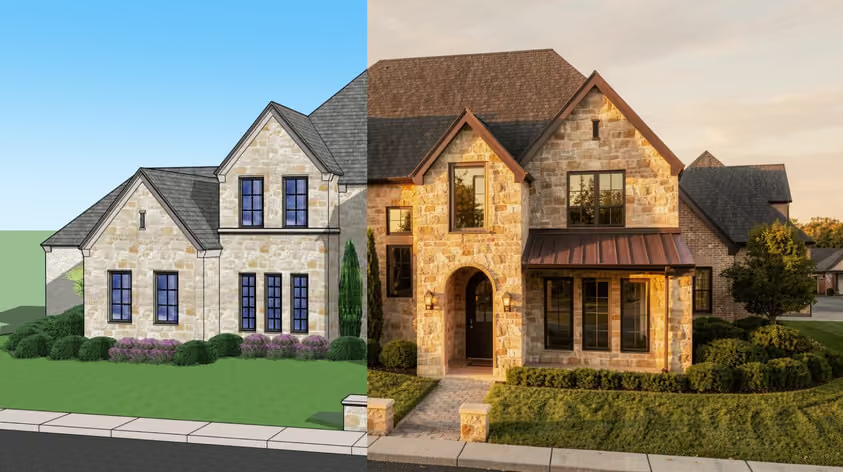
Midjourney is great in its own game, namely general creative use. Its V8.2 model and editor handle image prompts, style references and inpainting, but what it lacks, among others, is a free tier and an official API: plans start at $10/month, and its terms prohibit automated access. If you're an architect or designer looking for something that fits your actual workflow, there are better options out there.
We build AI tools specifically for architects, so we pay close attention to what these tools can and can't do for professional design work. Here's our breakdown of the best Midjourney alternatives in 2026, including free Midjourney alternatives, with pricing checked against official vendor pages in September 2026. (For Midjourney's own plans, see our Midjourney pricing guide.)
Ideal for: Architects, interior designers, AEC professionals
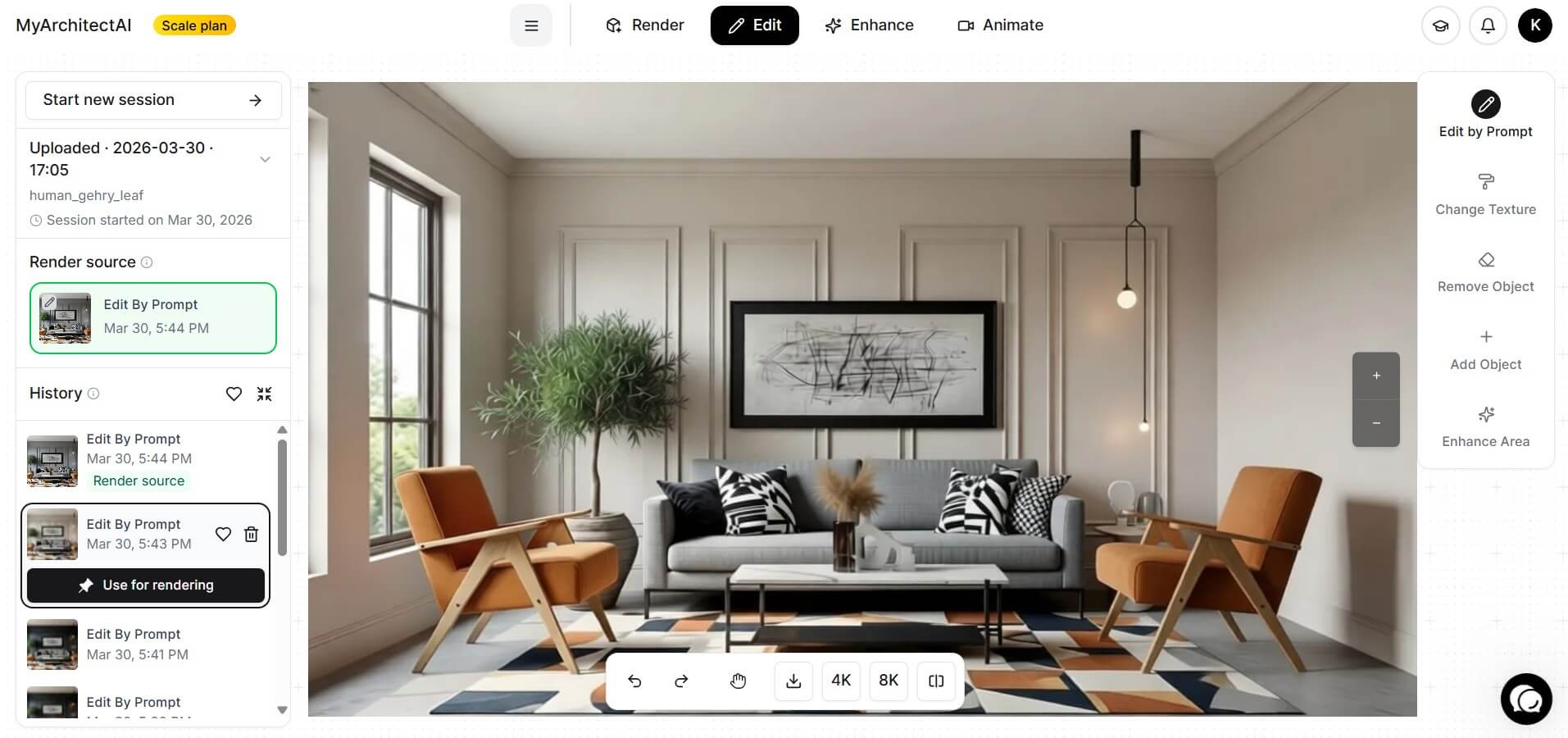
If you're looking for a Midjourney AI alternative built for architectural visualization, MyArchitectAI offers two separate tools.
For concepts, MyArchitectAI's architecture generator works much like a free Midjourney alternative: write a text prompt and get architectural concept images in as little as 3 seconds, with 20 images a day for free.
For your own designs, the workflow is image-based. Take a screenshot or export a view from SketchUp, Revit, Archicad, Rhino or other CAD software, upload it as a JPG, PNG or WEBP file, optionally add a short prompt, and MyArchitectAI renders that image. It works from the 2D view you upload, not from the CAD model file itself, and native SketchUp and Revit plugins are listed as coming soon. MyArchitectAI says renders typically take under 10 seconds and that the geometry and materials of the input view are kept unchanged.
The other major advantage is that MyArchitectAI has an architectural rendering API, billed separately from the app plans on a pay-per-use basis (from $0.03 per render). Midjourney doesn't offer an official public API, so developers who rely on unofficial workarounds risk violating its terms of service.
You get 10 free renders to start. MyArchitectAI's published terms (section 6.2) state that designs generated on free accounts are owned by MyArchitectAI, while paid account holders own theirs. Paid plans include unlimited renders and a commercial usage license.
Pricing: Architecture generator free (20 images/day). Rendering: 10 free renders, then from $29/month or $290/year (Starter, USD). API: pay per use, billed separately.
Ideal for: Developers, technical teams, API-first workflows
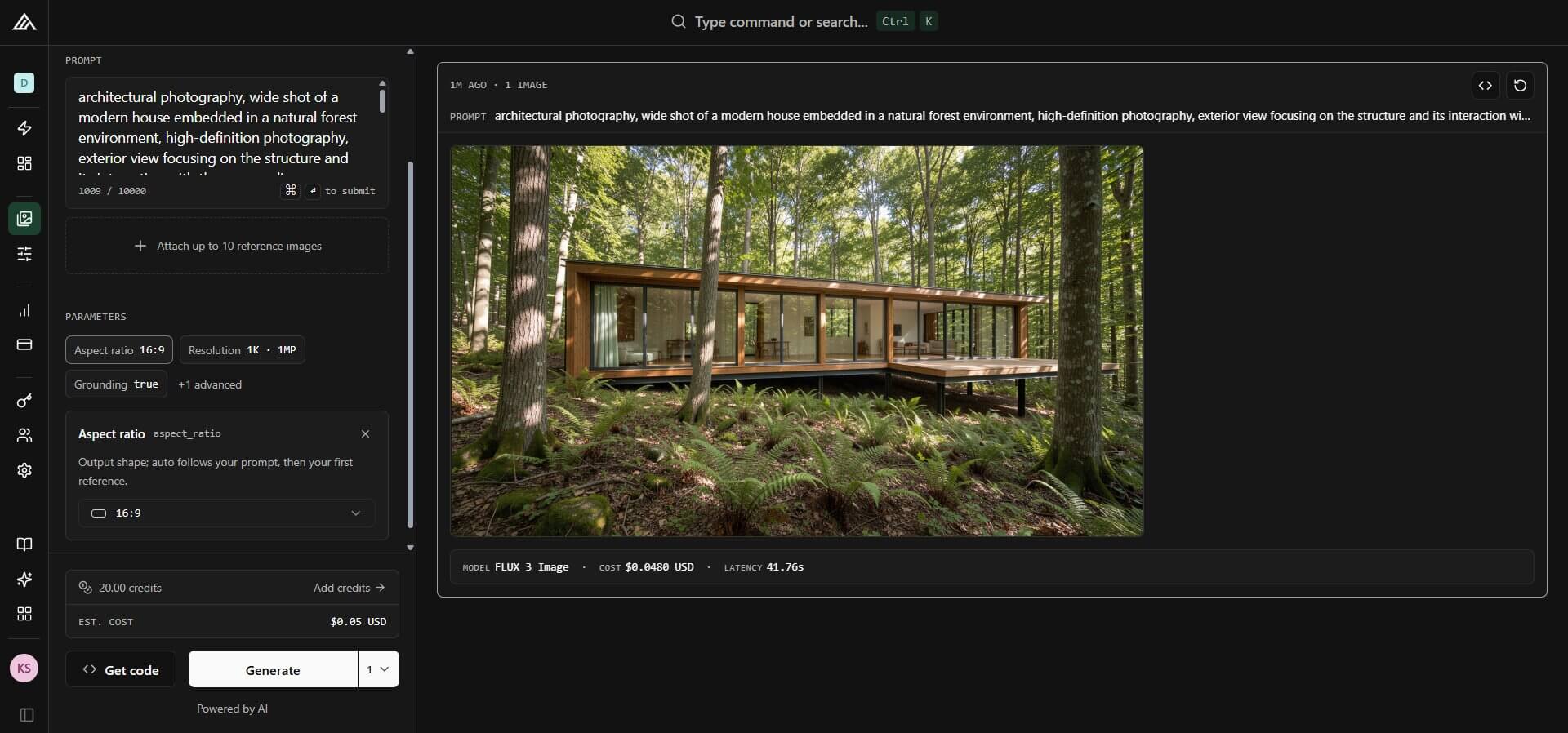
FLUX is developed by Black Forest Labs, a team founded by researchers behind Stable Diffusion. Its current image series, FLUX.2, ranges from lightweight (FLUX.2 [klein]) to maximum quality (FLUX.2 [max]) and uses pay-as-you-go API pricing. Reference-image support varies by model: [max], [pro] and [flex] accept up to 8 references through the API (10 in Black Forest Labs' playground), while [klein] accepts up to 4.
FLUX is developer-first, but you can also use its models through platforms such as Leonardo AI, Adobe Firefly's partner models or Replicate, where pricing and terms are set by that platform.
Licenses depend on the exact model. FLUX.1 [schnell] and FLUX.2 [klein] 4B are released under Apache 2.0, an open source license, which makes them the closest thing here to an unrestricted Midjourney open source alternative for commercial projects (klein 4B needs about 13GB of VRAM). FLUX.1 [dev], FLUX.2 [dev] and klein 9B are open-weight models under non-commercial licenses, so commercial use of those weights requires a separate license (the [dev] licenses do allow commercial use of outputs).
Pricing: API from $0.014 per image for FLUX.2 [klein] 4B; cost varies with resolution, model and operation. Apache 2.0 weights are free to download.
Ideal for: Casual creators making posters, stickers and merch
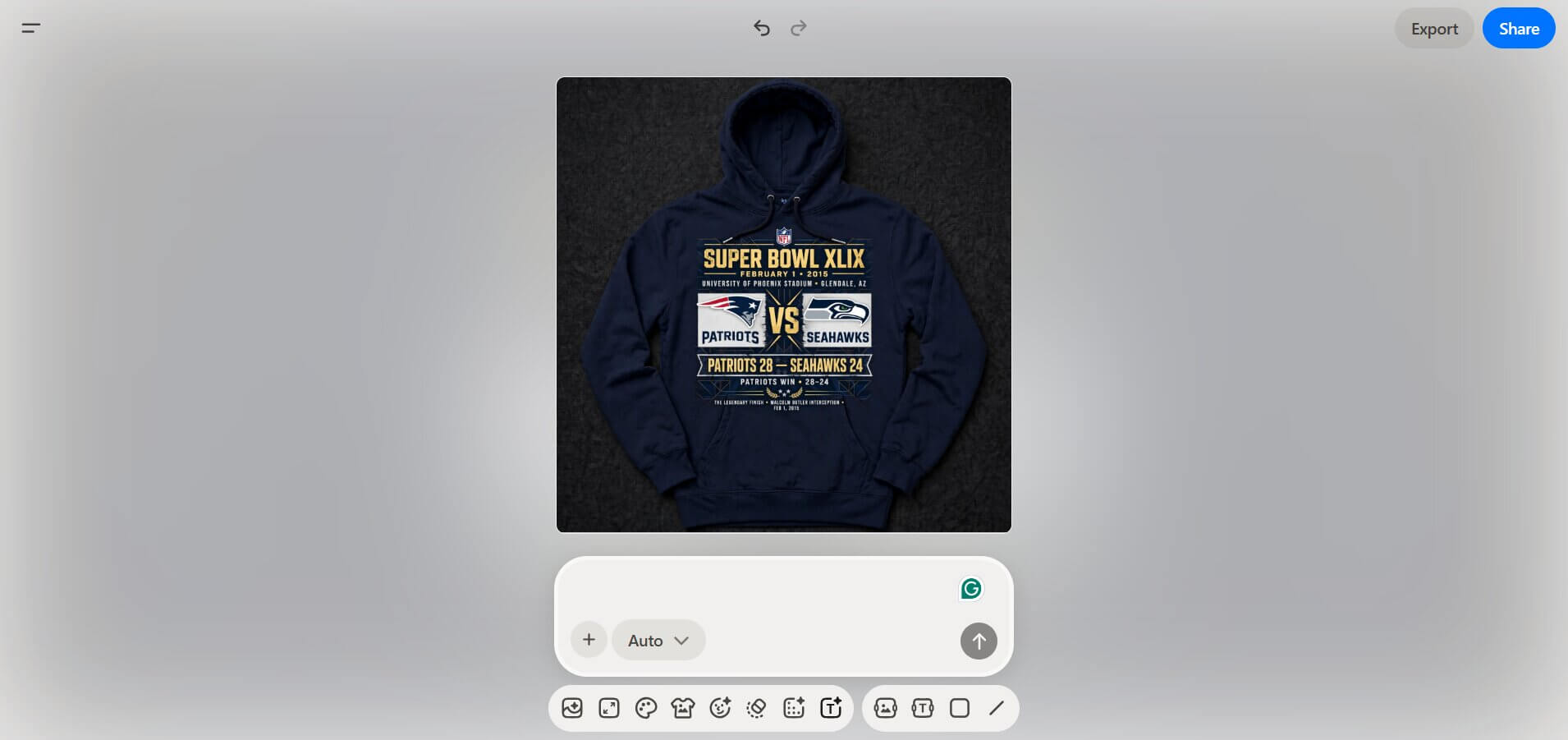
Playground is among the top Midjourney alternatives for newcomers, though it has changed direction. It now calls itself an AI design studio for stickers, merch and posters, combining templates with its Playground v3 (PGv3) model and other models such as GPT Image 2, Nano Banana and Seedream.
Free limits depend on the model: Playground lists 5 PGv3 edits per three-hour window, a separate allowance of 3 monthly generations shared across its other models, and 2 downloads a day. Pro raises PGv3 to 75 images every three hours, adds 150 monthly credits for the other models (1 credit per generation) and unlimited downloads. Playground's terms assign you ownership of your assets for personal or commercial use, subject to restrictions such as not infringing third-party rights or imitating specific artists, characters or logos; assets may also be public by default, which lets other users reuse them. API access is offered only to select business partners by request, with priority for partners generating more than 1M images a month.
Pricing: Free (5 PGv3 edits per three hours, 3 generations a month on other models). Pro $15/month, or $12/month billed annually ($144/year).
Ideal for: Writers, marketers, teams already using OpenAI's ecosystem
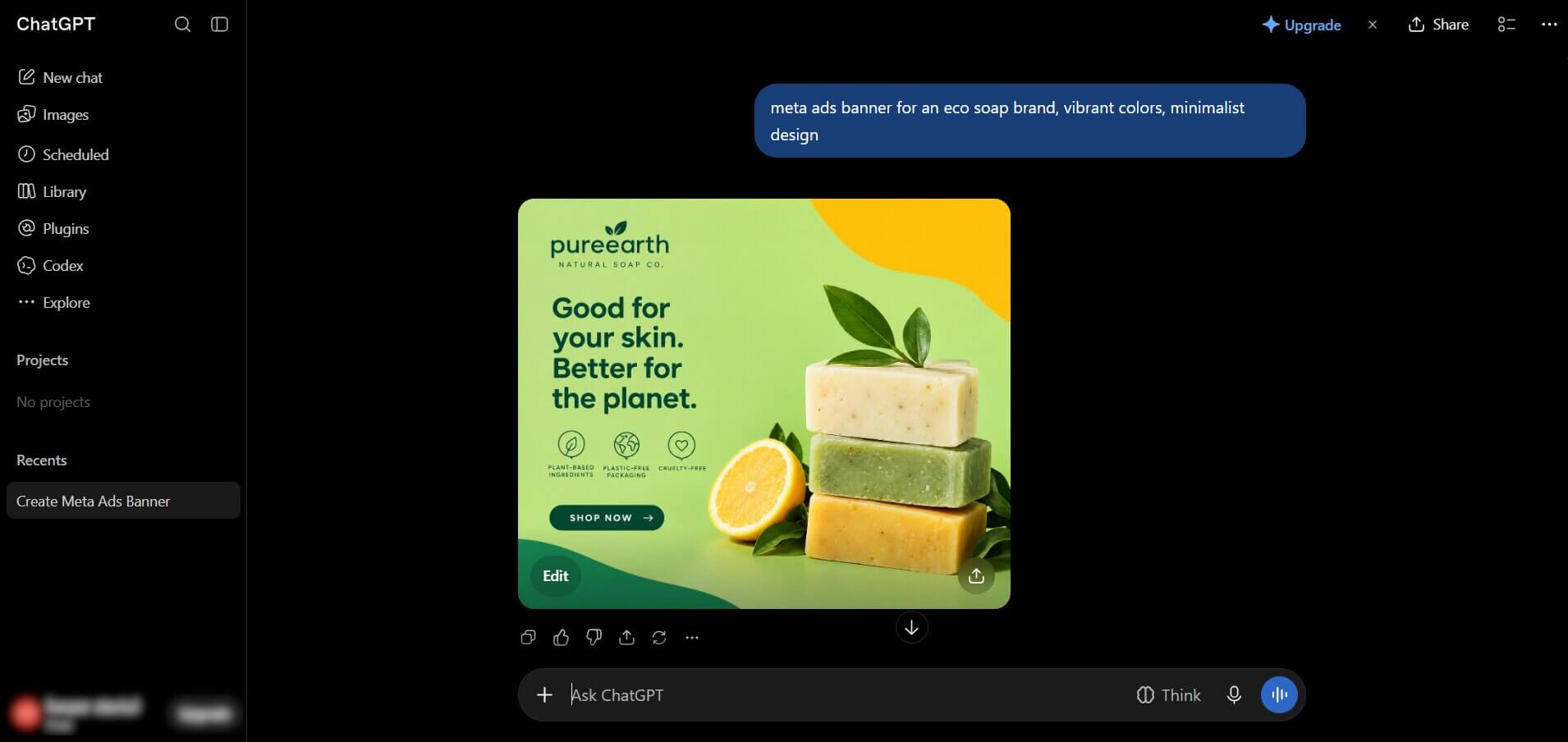
OpenAI retired DALL-E 3 from the API on May 12, 2026, and replaced it with the GPT Image series. In ChatGPT, the current release is ChatGPT Images 2.5 (September 2026), which lets you describe complex, multi-element scenes in plain language, refine them over several turns, or select part of an image and describe the change. Developers get two separate API models, GPT-Image-2.5 Flare (the default) and GPT-Image-2.5 Sunburst.
Every ChatGPT tier includes image creation with usage limits; Go ($8/month in the US) and Plus ($20/month) expand it. The API models are billed per token, so cost per image depends on quality and size. OpenAI's terms say you own the output, to the extent permitted by law.
Where this Midjourney competitor stands out is its conversational editing workflow. OpenAI says Images 2.5 follows editing instructions more reliably across multiple edits and cuts generation latency by up to 50% compared with Images 2.0. That suits detailed briefs with several rounds of edits.
Pricing: Free in ChatGPT (limited). Go $8/month (US). Plus $20/month. API billed per token.
Ideal for: Designers already in the Adobe ecosystem
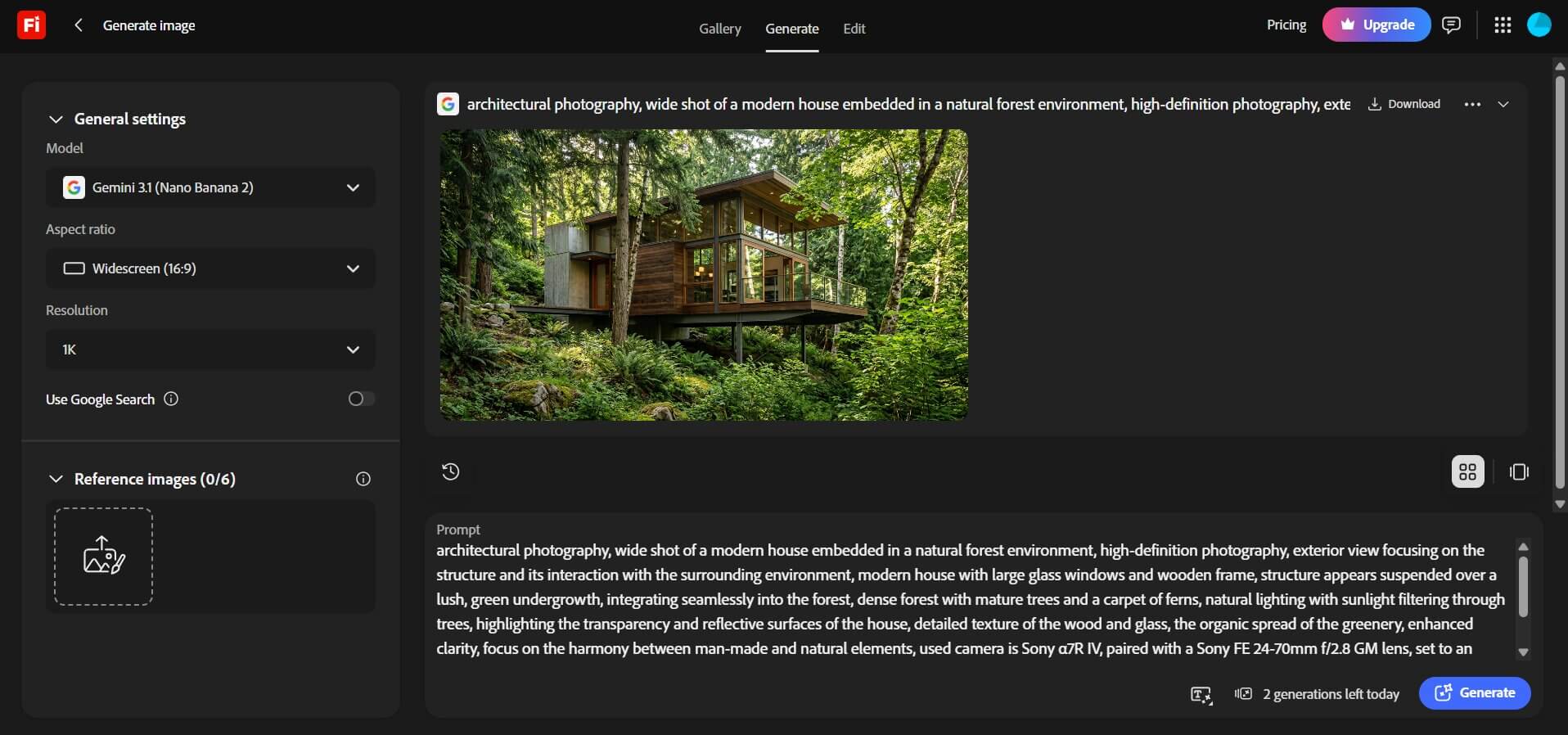
Adobe Firefly's main selling point as a Midjourney alternative is its commercial-use approach. Adobe says its own Firefly models were trained on licensed content, such as Adobe Stock, and public-domain content, and it permits commercial use of outputs from non-beta features. That helps agencies with legal exposure, but it doesn't guarantee copyright ownership. IP indemnification is for enterprise customers, and it excludes the partner models (from Google, OpenAI, Black Forest Labs and others) available in the Firefly app.
The free plan includes limited daily generations. Paid plans start at $9.99/month (Firefly Standard, 2,000 monthly credits) and scale up to $199.99/month (Firefly Premium, 50,000 credits). Standard features such as Generative Fill are unlimited on paid plans on an ongoing basis. Partner models normally use credits, although Adobe's current first-year offer gives qualifying plans, such as Firefly Pro, Pro Plus and Premium, unlimited generations with selected models and resolutions for 12 months. Creative Cloud plans include credits too, and API access (Firefly Services) is enterprise-only.
If your workflow lives inside Photoshop and you need to generate, inpaint, or expand images without leaving the app, Firefly is the option on this list built into Photoshop and Illustrator.
Pricing: Free (limited daily generations). Firefly Standard $9.99/month. Creative Cloud Standard $54.99/month (annual plan, billed monthly).
Ideal for: Game designers, concept artists, studios needing custom-trained models
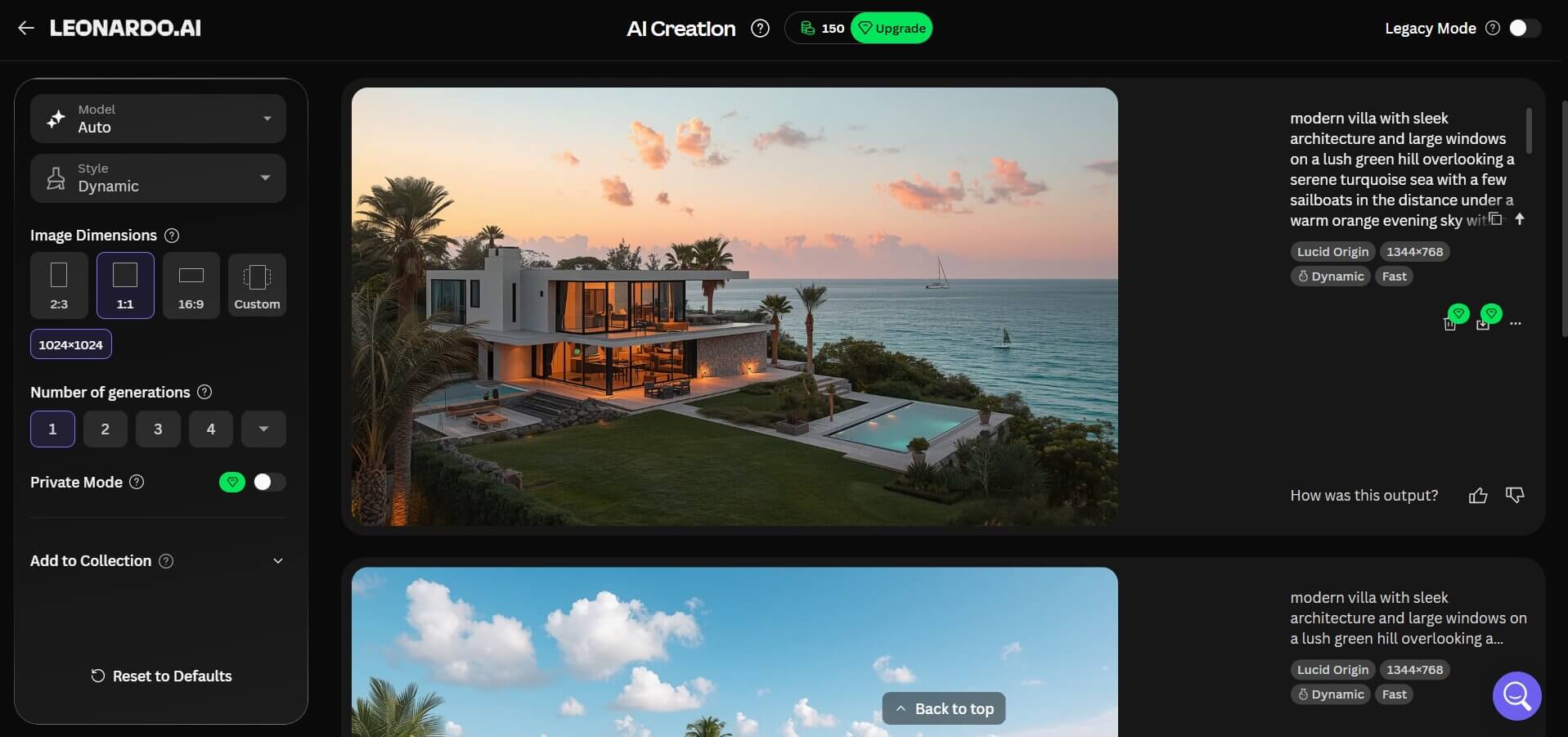
Leonardo AI, now owned by Canva, suits game developers and concept artists thanks to two things: its Canvas editor for precise editing, including inpainting and outpainting, and custom model training. You can also guide output with style, content and character references and choose between Leonardo's own models and third-party ones such as FLUX.2 Pro.
The free tier gives you 150 tokens per day, and free generations are public. Leonardo's paid plans comprise pools of 8,500 / 25,000 / 60,000 monthly fast tokens with private generation, and Premium and Ultimate add unlimited relaxed generation on selected models. The API is a separate pay-as-you-go product, not part of these plans.
One honest caveat: token costs vary by model, resolution and settings, so your effective monthly image count will differ from what the headline numbers suggest.
Pricing: Free (150 tokens/day). Essential $12/month. Premium $30/month. Ultimate $60/month (up to 20% off yearly).
Ideal for: Marketers, poster designers, and anyone creating text-heavy visuals
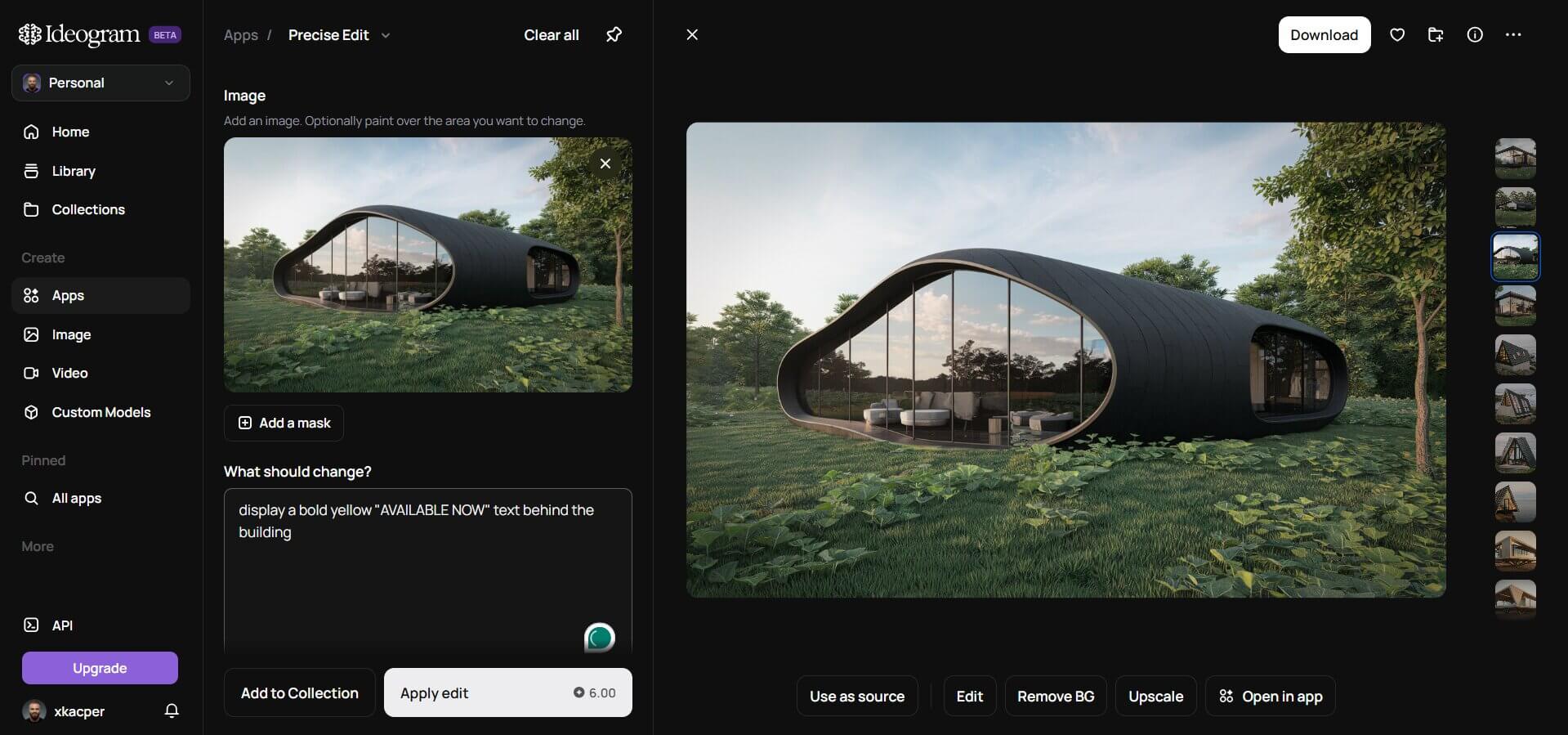
Ideogram carved out a specific niche that many tools have historically struggled with: generating readable, correctly spelled text inside images. Logos, banners, signage, posters, social media graphics: if readable words need to appear in your image, Ideogram is built around that job. Its web app adds Magic Fill (inpainting), style and character references, and upscaling, and Ideogram 4.0 is also released as open weights under a non-commercial license.
The free plan gives eligible accounts weekly slow credits, and images are public. Plus ($20/month, or $15/month billed annually) includes 1,000 priority credits a month; Pro ($60/month, or $42/month billed annually) raises that to 3,500. Both offer unlimited slow generation and private images, and Ideogram allows commercial use of your outputs.
For branded visual content, Ideogram is the Midjourney competitor on this list most focused on typography.
Pricing: Free plan available. Plus $20/month or $180/year. Pro $60/month or $504/year.
Ideal for: Social media managers, small business owners, non-technical teams
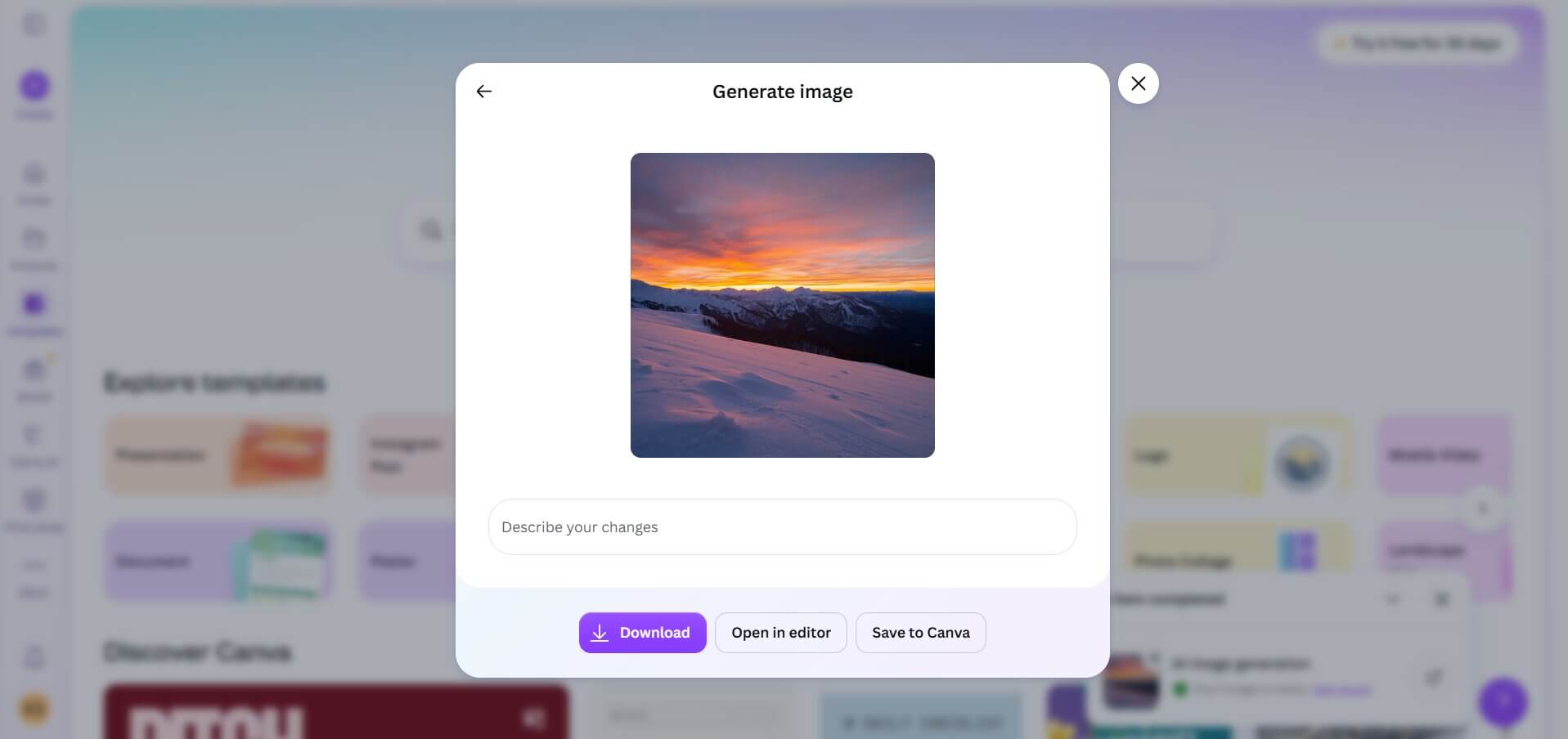
Canva's AI image generator tools (Magic Media and Dream Lab) are the right call if your team doesn't have design experience and needs to produce quick visuals without switching between apps. You generate an image and use it in the same workspace where you're building the presentation or flyer.
Canva Free includes up to 20 uses of Standard or Premium AI tools a month. On Canva Pro, Standard AI tools don't draw from your allowance, and you get up to 200 Premium or 20 Ultra AI uses per billing cycle, shared across Canva's AI features rather than reserved for images. Canva's AI terms let you own and use your outputs for any lawful purpose, except where they incorporate Canva's licensed content.
As one of the top Midjourney alternatives for non-technical users, Canva's case is workflow: images are generated inside the editor where you finish the design.
Pricing: Free (up to 20 AI uses/month). Canva Pro US$144/year.
Ideal for: Casual users who want free image generation for personal projects
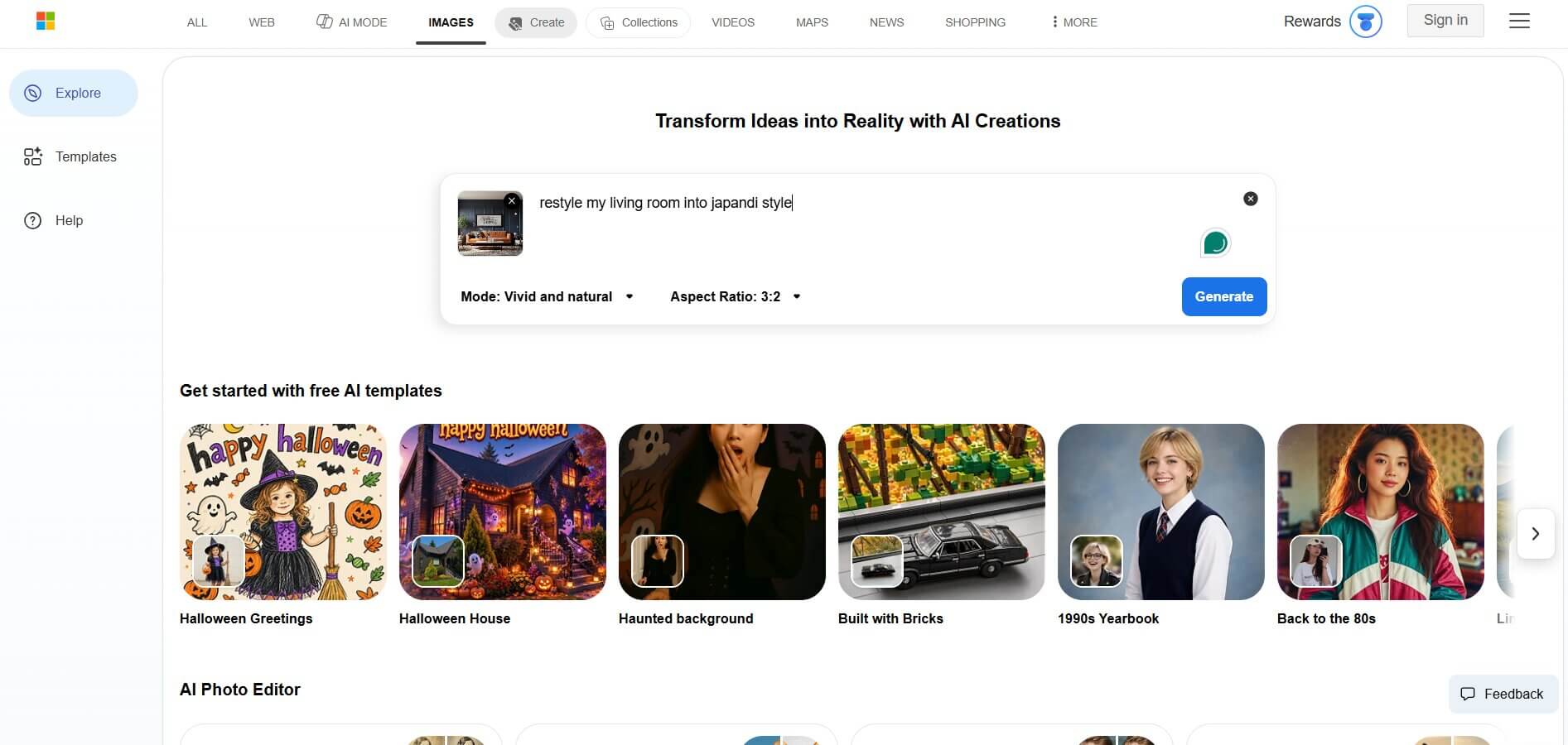
Microsoft offers free image generation in two places: Bing Image Creator and the consumer Copilot app. The limits Microsoft publishes apply to Bing Image Creator, which requires a personal Microsoft account (not a work or school account): 15 fast creations a day, after which generation continues at standard speed, and up to 200 prompts per 24 hours.
The terms differ, too. Bing Image Creator's terms describe the service as being for entertainment purposes. Copilot's consumer terms separately state that you can only use Copilot for your own personal use. For ads or client deliverables, choose a tool with clear commercial terms. Neither service lists a public API that we could verify; developers can use Microsoft's MAI-Image models, which are in public preview on Microsoft Foundry.
For occasional personal images, it's a free alternative to Midjourney with no subscription or local setup.
Pricing: Bing Image Creator is free with a personal Microsoft account. In the Copilot app, Microsoft 365 Personal, Family and Premium subscribers get priority access to image generation.
Ideal for: Developers, technical users, teams that need full control
Stable Diffusion suits anyone looking for a Midjourney open source alternative to run on their own hardware or build into custom pipelines. Strictly speaking, it's open-weight rather than unrestricted open source: the weights are downloadable, but each version has its own license. The community has built a large ecosystem of fine-tuned checkpoints, LoRAs, plus custom workflows around them.
In 2026, the main Stability AI models are:
Flux.1 is often grouped with these, but it's a separate model family from Black Forest Labs. Jump to number 8 for a more detailed view of FLUX as a standalone.
Under the Stability AI Community License, SD 3.5 is free for commercial use only by individuals and organizations with less than $1M in annual revenue; larger organizations need an Enterprise License.
Stability says SDXL should work on consumer GPUs with 8GB VRAM, while SD 3.5 Medium needs about 9.9GB (excluding text encoders). Local interfaces such as ComfyUI also support AMD, Intel and Apple Silicon hardware. If you don't want the setup overhead, hosted services like RunDiffusion or Replicate run models for you, but free software doesn't mean free hosted access. Civitai is also worth bookmarking: it's where many fine-tuned checkpoints live, though it's blocked in some countries, including the UK. The trade-off for all this control is that it takes real time to learn and set up.
Pricing: Free software when self-hosted (license terms vary by model). Hosted access is billed by the provider.\
The best alternative to Midjourney depends on what's actually limiting you. Here's a quick way to think about it:
Whichever you choose, check its current terms before client work. MyArchitectAI provides a rendering workflow built around exported CAD views. Midjourney also accepts uploaded images through Image Prompts and its Editor.
If you want to see how AI actually fits into an architecture workflow, from schematic design through client presentation, try MyArchitectAI's architecture generator with 20 free concept images a day. When you're ready to render your own designs, you get 10 renders free.
It depends on what you need. Midjourney steers its look through style references, personalization and moodboards. Leonardo AI adds a Canvas editor with inpainting and outpainting, custom model training, a choice of its own and third-party models, and a separately billed API, which Midjourney doesn't offer. For game art and concept work that relies on custom-trained models or API access, Leonardo is usually the better fit. If you mainly want to explore Midjourney's own style through prompts and references, Midjourney is the more focused tool.
DALL-E is no longer OpenAI's current image model: OpenAI retired DALL-E 3 from its API in May 2026 and replaced it with the GPT Image series. Midjourney is built for stylized output, with style references and personalization for steering aesthetics. OpenAI positions ChatGPT Images around following detailed instructions and precise, multi-turn edits. Thus, which is "better" depends on whether you're prioritizing stylistic exploration or conversational editing. ChatGPT also includes limited free image creation, while Midjourney has no free tier.
Yes, with limits. Bing Image Creator is free with a personal Microsoft account (15 fast creations a day, then standard speed), though its terms describe it as being for entertainment purposes, and Copilot's consumer terms restrict use to personal use. Stable Diffusion and some FLUX models are free to run locally, but you need capable hardware, setup time and a suitable license. MyArchitectAI's architecture generator gives you 20 concept images a day for free, and several other tools here offer limited free tiers.