
Blender is powerful on its own. The catch is that a lot of what you do in it is repetitive work that AI can now handle in seconds.
AI plugins for Blender can generate 3D models from a text prompt, produce PBR materials, rig characters, and turn rough blockouts into client-ready renders (with MyArchitectAI).
In this guide, we compare the best AI tools for Blender available in 2026. We cover pricing, workflow fit, and output quality so you can pick the right ones for your pipeline.
| Tool | Best for | Type | Pricing |
|---|---|---|---|
| Meshy | Text/image-to-3D, fast iteration | Web app + Blender plugin | Free tier; Pro from ~$20/month |
| MyArchitectAI | Quick architectural and interior renders | Web app (browser-based) | Free tier; Pro from $29/month |
| BlenderMCP | Controlling Blender with Claude by prompt | Blender addon + MCP server | Free (open source) |
| Tripo AI | Game-ready 3D models, rigging | Web app + Blender plugin | Free tier; Pro from $19/month |
| Dream Textures | AI texture generation | Blender addon (local) | Free (open source) |
| 3D-Agent | Native Blender text-to-3D | Blender addon | Free tier; Starter Plan from $10/month |
| AI Render | Stable Diffusion rendering | Blender addon | Free addon; DreamStudio credits needed |
| BlenderKit | AI-powered asset library | Blender addon | Free tier; Full from ~$16/month |
| Rodin (Hyper3D) | Premium photorealistic 3D generation | Web app (export to Blender) | Free trial; Creator from $30/month |
| AI Library Pro | All-in-one AI generation suite | Blender addon | One-time purchase (~$12) |
| DeepMotion | AI motion capture and animation | Web app + Blender addon | Free tier; Pro from $39/month |
Best for: rapid 3D asset creation from text and images, concept prototyping
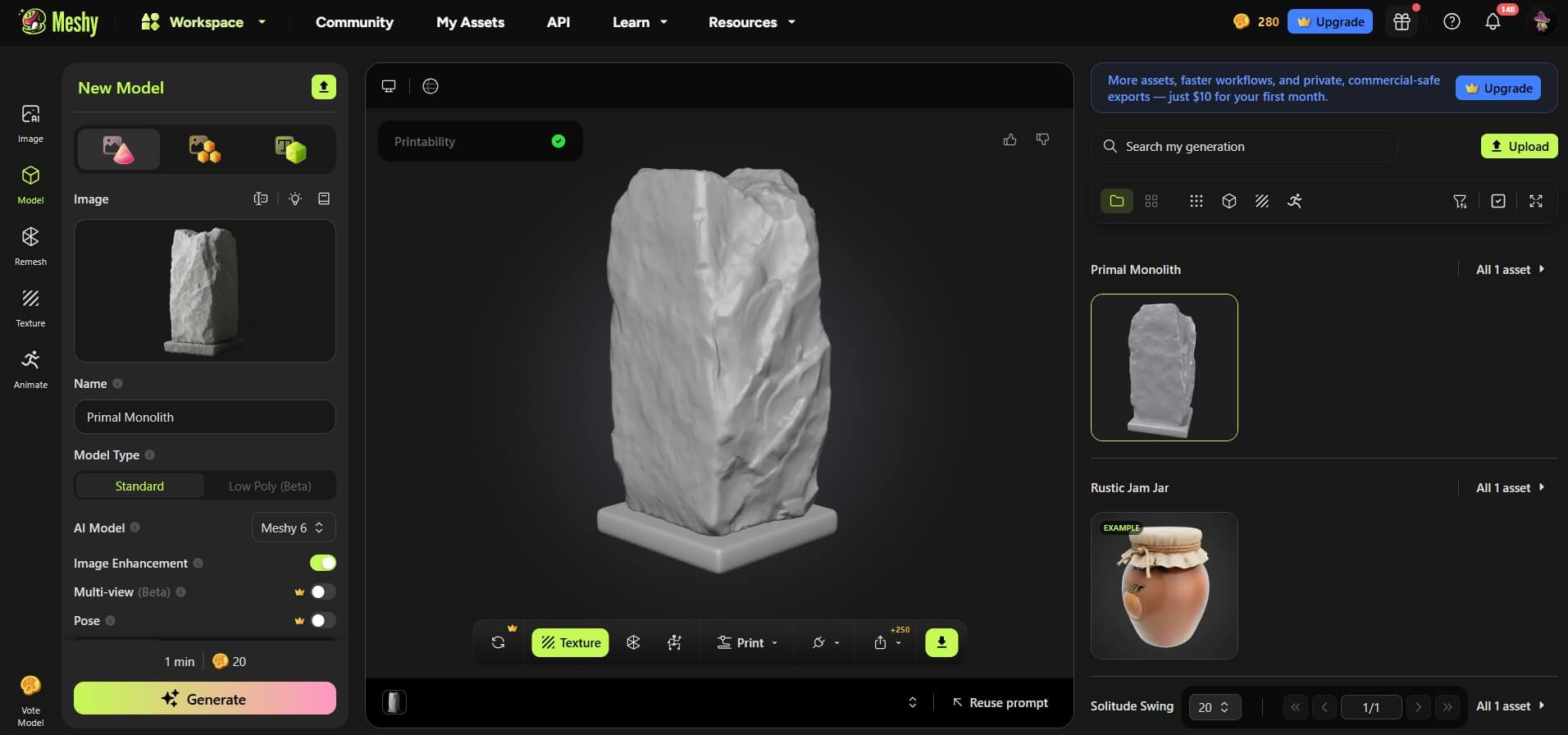
Meshy is one of the most popular AI-powered 3D model generators for Blender. You describe what you want (or upload a reference image), and its AI creates a textured 3D model you can import directly into Blender. The Blender plugin keeps the workflow smooth. It will generate multiple variations, then compare them, and bring the best one straight into your scene.
Speed is what Meshy is built around. A one-line prompt can become a usable 3D asset in under a minute. The results work well as base meshes, or background props, but also as scene-building elements. Topology is typically dense and not animation-ready out of the box, so plan on cleanup if you need to rig or deform the model.
Key features:
Pricing: Free plan includes 100 credits/month and 10 downloads. Pro plan starts at approximately $20/month with 1,000 credits. Studio plan costs $60/seat/month with 400 credits.
Best for: quick architectural, interior design, and product rendering
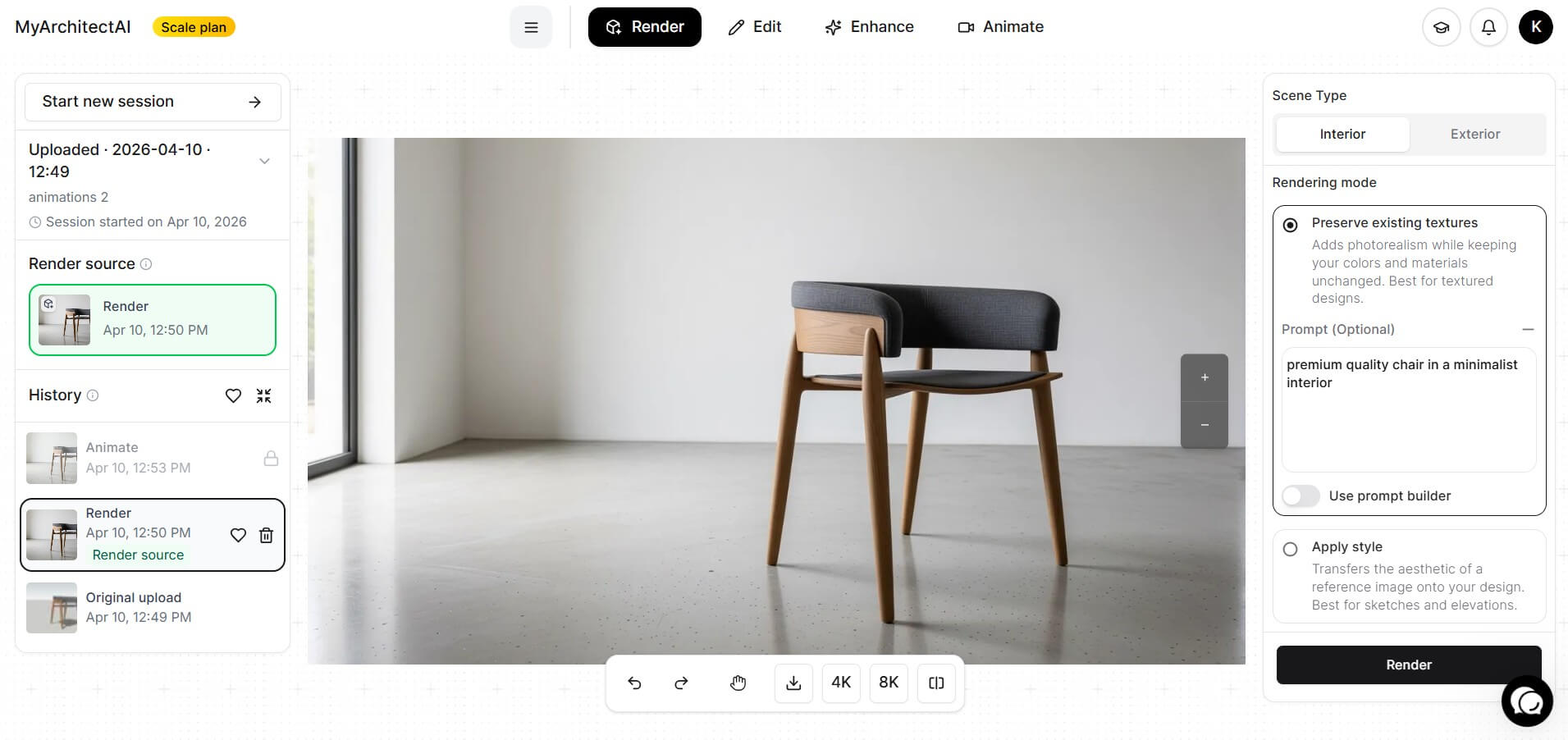
If you're an architect or interior designer working in Blender, MyArchitectAI cuts a lot out of the render step. It turns your Blender output into photorealistic visuals in under 10 seconds.
While it doesn't have direct Blender integration yet, the workflow is super simple. Export your Blender scene as a JPG or PNG, upload it to MyArchitectAI, and watch the AI take care of the lighting, texturing, and material refinement automatically. No more spending hours manually tweaking Cycles settings.
MyArchitectAI runs entirely in your browser (on any device) regardless of your workstation's hardware.
Key features:
Pricing: Free plan includes 10 renders and 10 edits. Pro plans start at $29/month and include unlimited renders.
Best for: controlling Blender with Claude through natural-language prompts
.jpg)
BlenderMCP is an open-source bridge between Claude and Blender. It connects to Claude Desktop, Cursor, or VS Code through the Model Context Protocol, so you type what you want in plain language and Claude runs the actual operations in Blender for you. Tell it to add an object, change a material, or block out a scene, and it does the work.
It can also run Python inside Blender, which is where it gets useful for anything past the basics. Out of the box it pulls assets and HDRIs from Poly Haven, generates models with Hyper3D Rodin, and grabs models from Sketchfab without leaving the chat. It is free, MIT-licensed, and sits above 25,000 GitHub stars, so it stays actively maintained.
Key features:
Pricing: Free and open source under the MIT license. You install a Blender addon and run the MCP server with uvx. A few connected services, such as Hyper3D, have their own free trials and paid tiers.
Best for: game-ready characters, props, and environment assets with auto-rigging
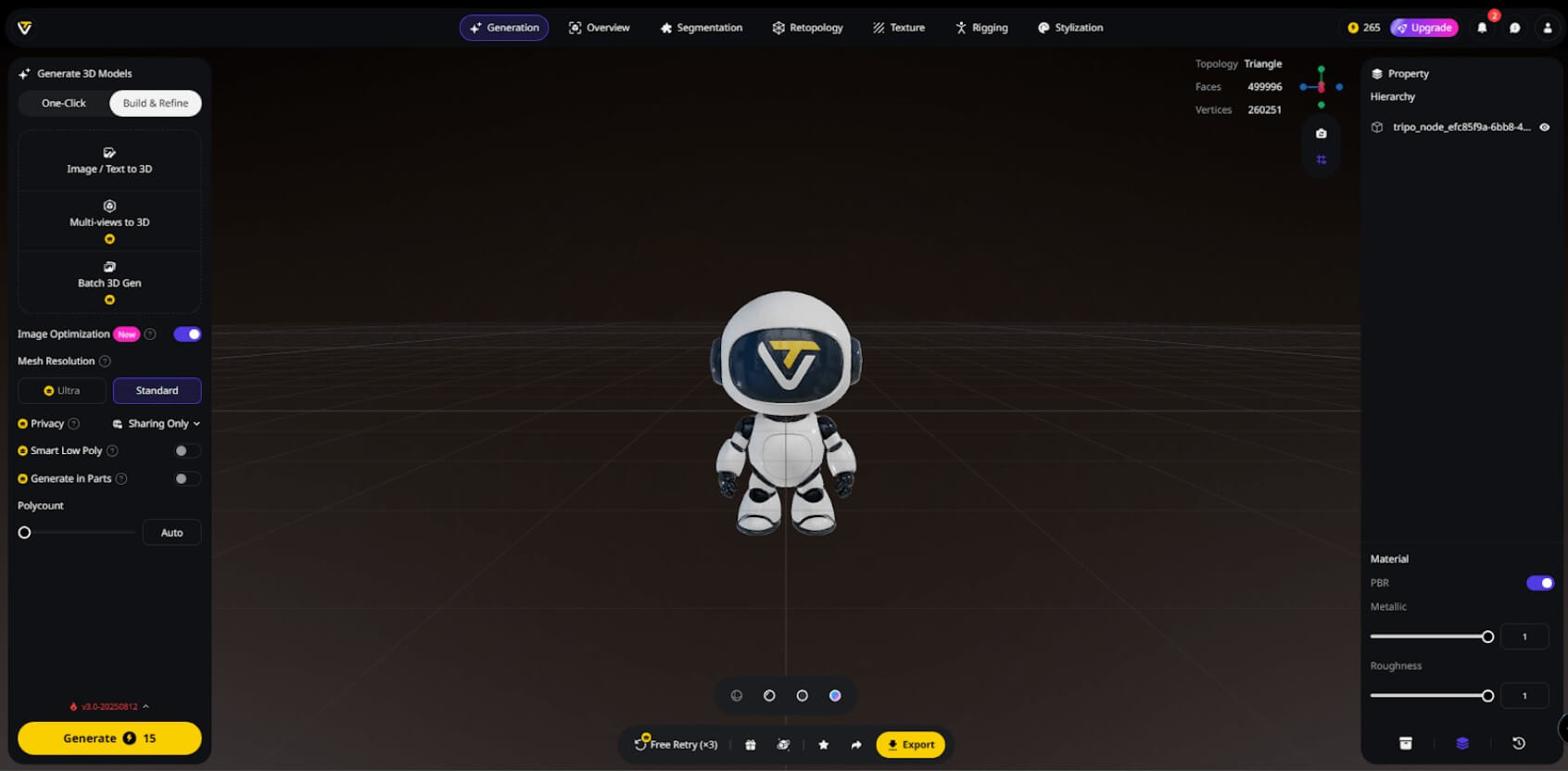
Tripo is an AI Blender model generator that covers the full 3D pipeline. It generates models from text or images, then offers built-in retopology, texturing, and even rigging. If you're a game developer using Blender, that means going from prompt to rigged character without switching tools.
The Blender plugin integrates directly, so you can pull models into your project and start working with them right away. Tripo also supports FBX, GLB, and OBJ exports for use in Unity, Unreal Engine, and other game engines.
Key features:
Pricing: Free plan with 300 credits/month. Pro plans start at $19/month with higher limits and priority generation.
Best for: generating AI textures and concept images without leaving Blender
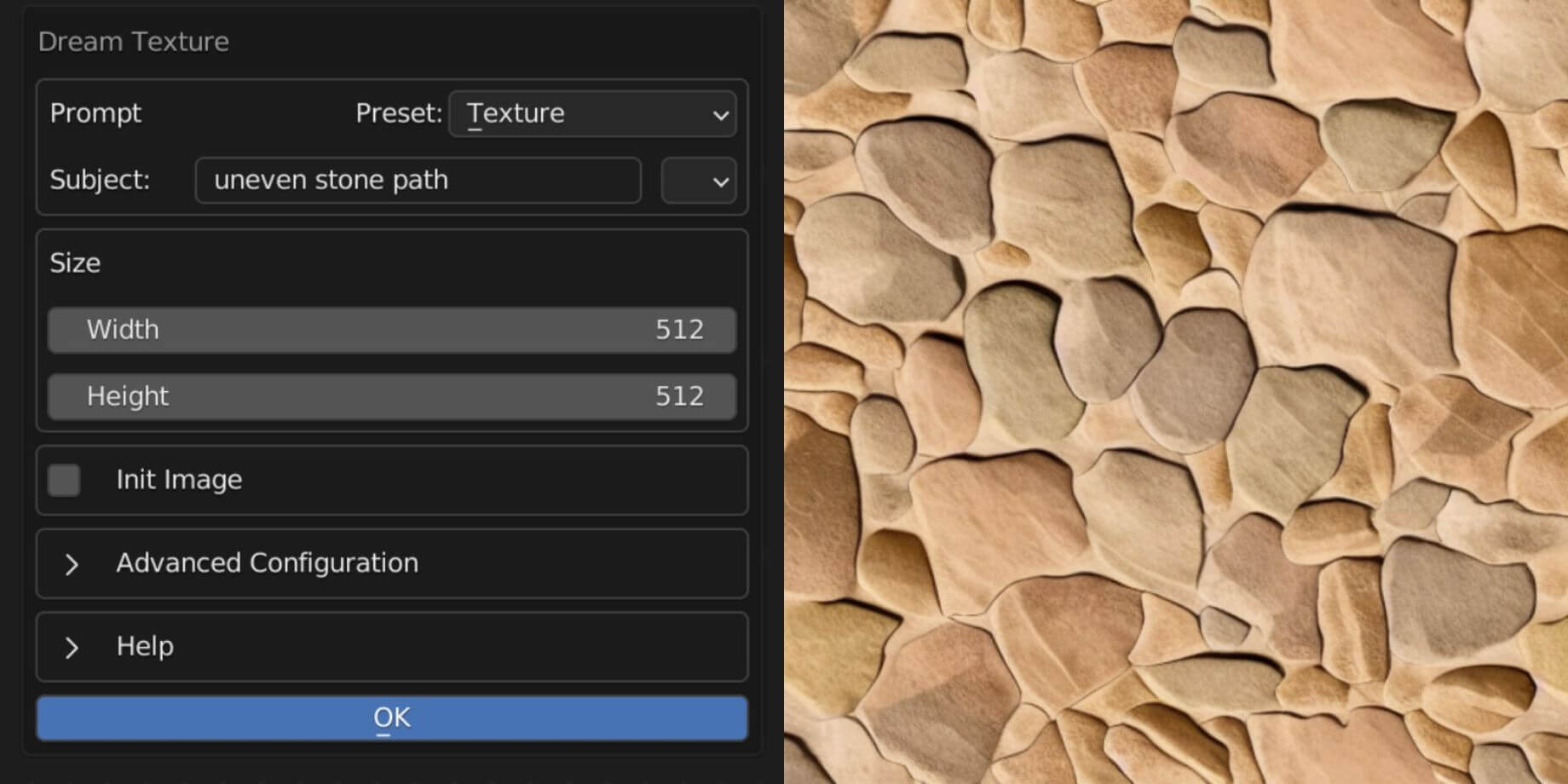
Dream Textures brings Stable Diffusion directly into Blender as a free, open-source addon. It's the best AI for Blender users who need a texture generator that runs locally on their machine, so you're not dependent on clouds or API keys. Note here that it thus requires a capable GPU (RTX 3060 or better recommended). Here's our guide best GPUs for rendering if you're shopping for one.
You can generate seamless textures from text prompts and produce materials that tile properly. This Blender AI texture generator is especially useful for architectural visualization and environment art, where you need unique materials fast.
Key features:
Pricing: Completely free (open-source)
Best for: generating 3D models directly inside Blender without leaving your workspace
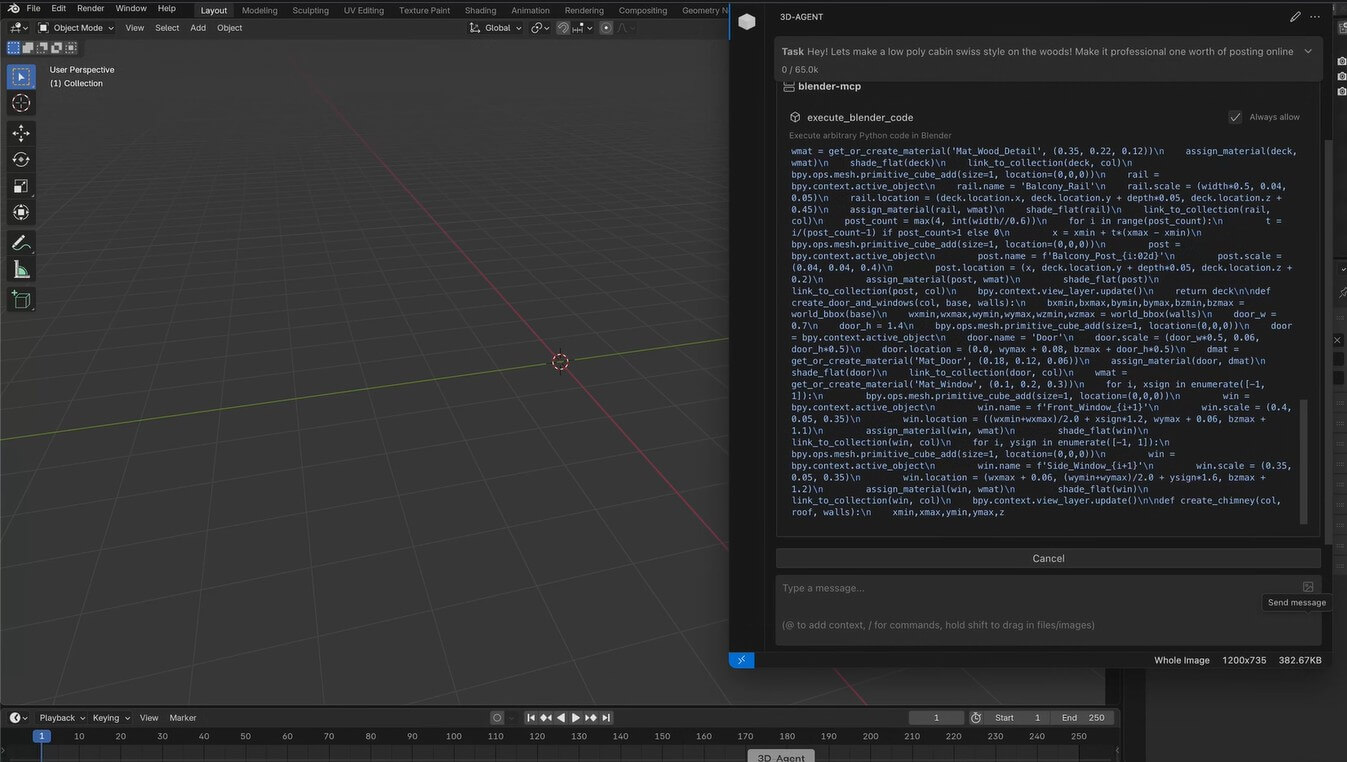
3D-Agent is a Blender AI plugin that works natively inside Blender using Model Context Protocol (MCP) technology. Type a description in plain language ("spiral staircase," "modern office desk") and it generates the model right in your scene.
The standout feature is topology. Unlike most AI model generators, which produce triangle-heavy meshes that require serious cleanup, 3D-Agent creates clean quad-based geometry using Blender's own modeling tools. That means the output is actually usable for subdivision and further sculpting.
Key features:
Pricing: Free tier with 15 monthly generations. Premium subscriptions cost from $10 to $100 a month and offer from 100 to 1,000 generations a month, higher quality models, and advanced features.
Best for: turning Blender viewport renders into stylized concept art and illustrations
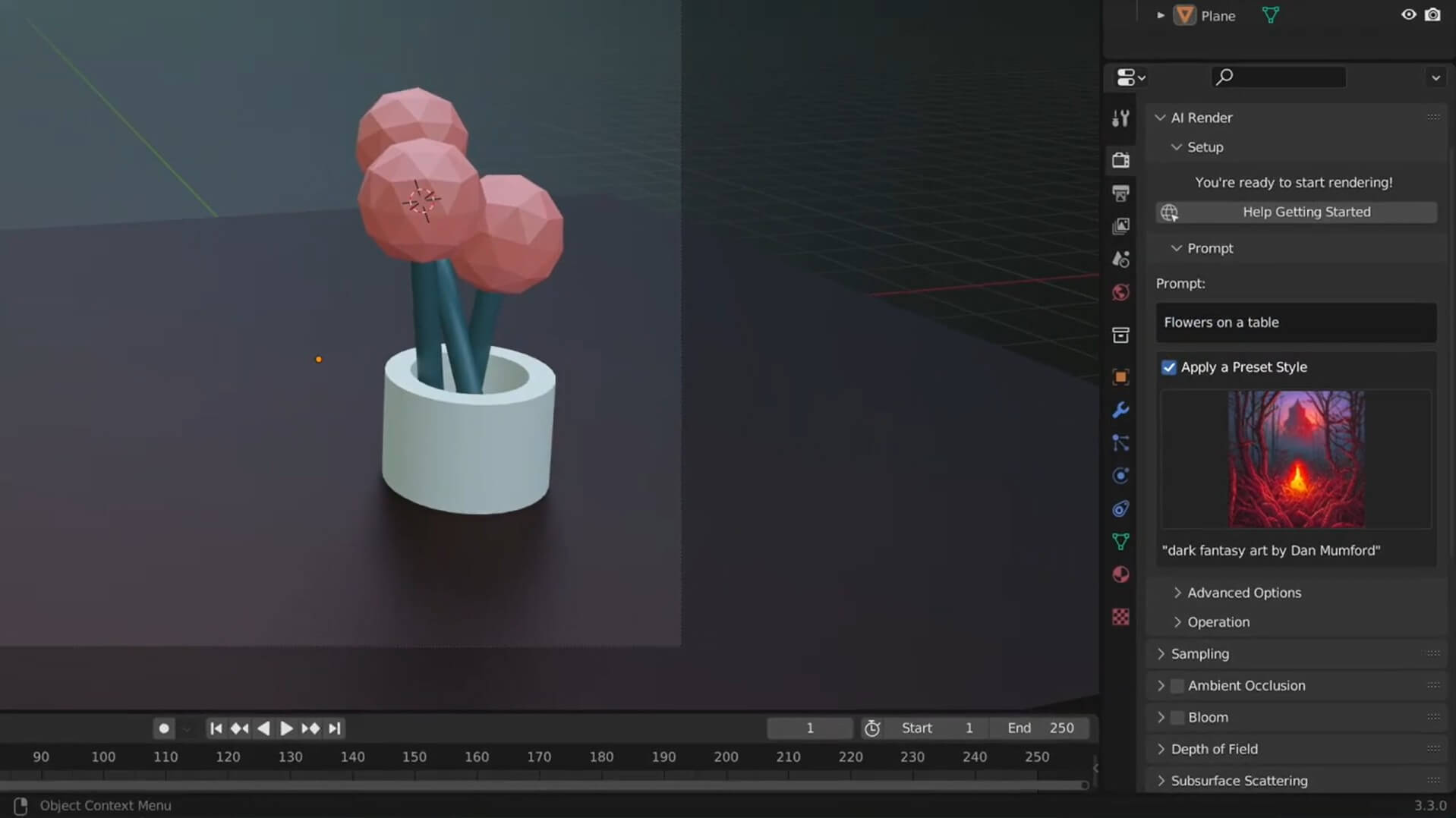
AI Render for Blender connects Stable Diffusion to Blender's rendering pipeline. It takes your viewport render and uses it as a guide for AI image generation. In return, your 3D geometry and composition stay intact, while the visual style transforms into whatever you describe in your prompt.
This is particularly handy for architects and designers during the early concept phase. Block out a rough massing model, run AI Render, and you've got a polished illustration for a client meeting without spending hours on materials and lighting. The addon also supports animation with keyframeable Stable Diffusion settings, making it a lightweight Blender AI video generator for concept animations.
The limitation of this plugin is that it uses Stable Diffusion, a relatively old AI model, which doesn't produce the same level of realism as leading AI renderers like MyArchitectAI.
Key features:
Pricing: The addon itself is free. You'll need a DreamStudio account for cloud processing (free signup includes 100 credits; additional credits cost $10/1,000).
Best for: finding and importing production-ready assets with AI-powered search
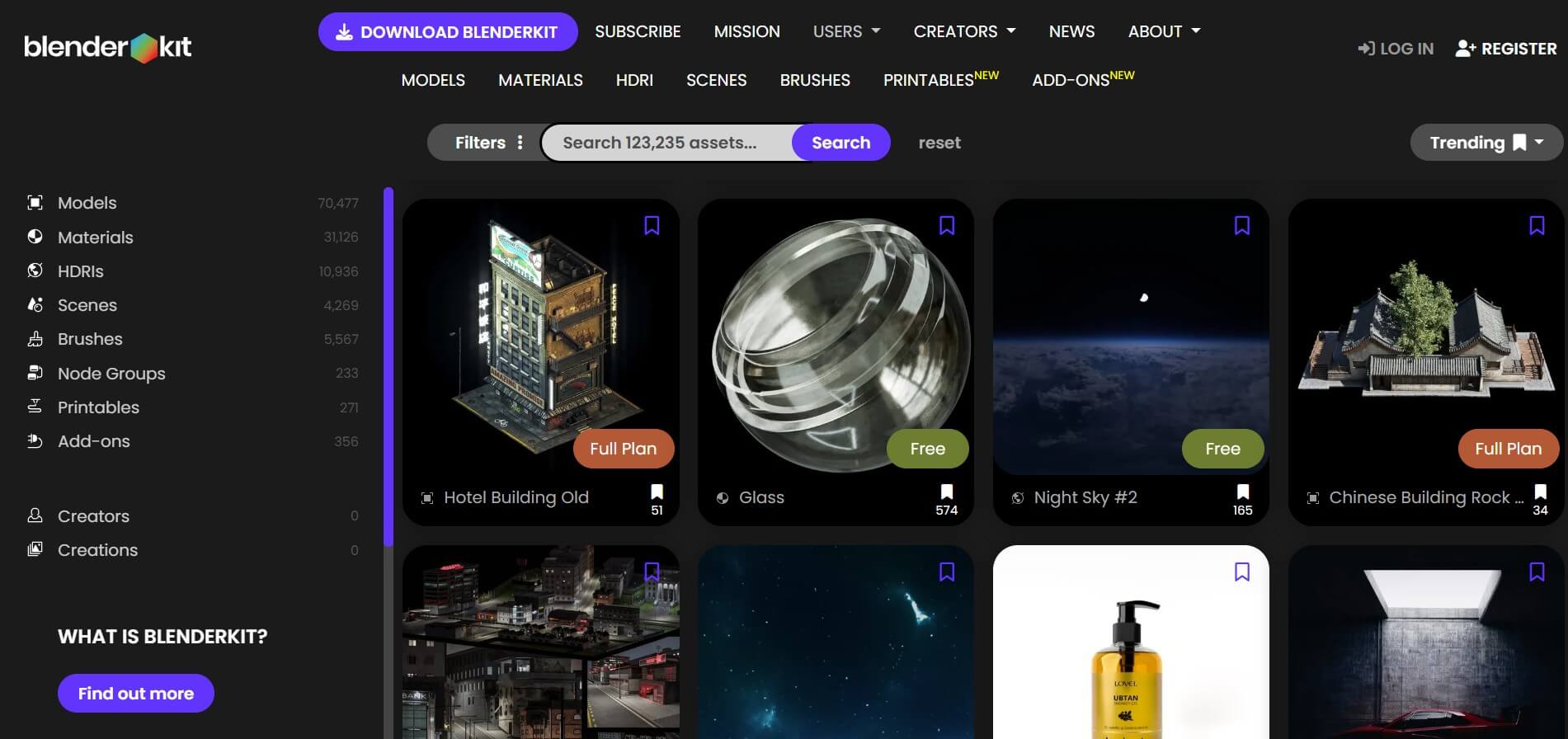
BlenderKit takes a different angle from generative tools. It's a library of over 100,000 3D models, materials, HDRIs, and brushes that integrates directly into Blender. The AI component is in the search: type a description, and it surfaces the most relevant assets from the entire library.
For architects and designers who need to populate scenes quickly, BlenderKit is one of the most practical Blender AI add-ons available. Instead of generating assets from scratch, you pull in high-quality, artist-made models. The free tier covers nearly half the library — enough for most project needs on a tight budget.
Key features:
Pricing: Free tier available. Full plan starts at approximately $16/month (or ~$9/month billed annually). Business plan starts at $48/month for teams (or $29/month billed annually).
Best for: photorealistic 3D models for product visualization, film, and high-end rendering
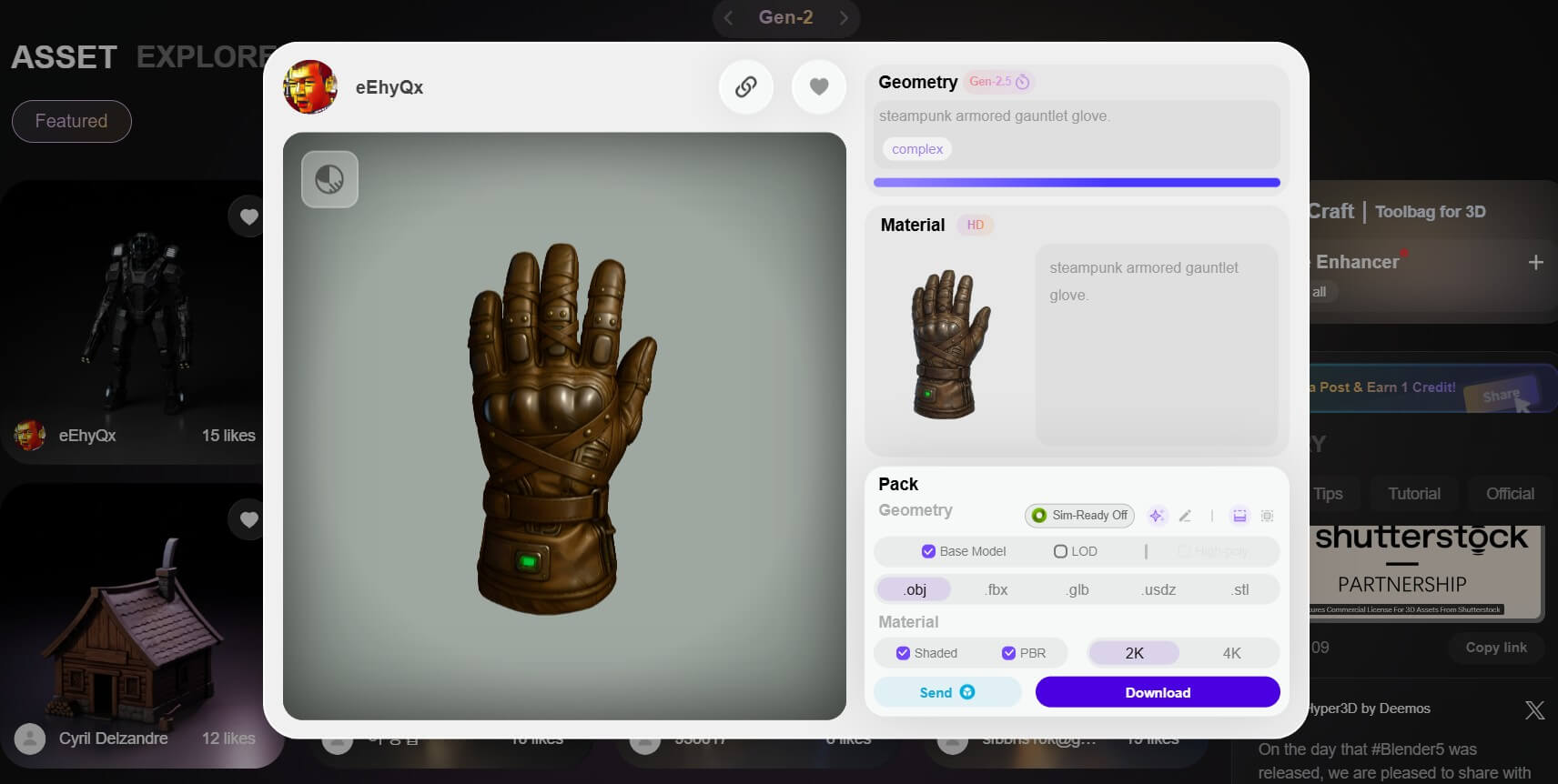
Rodin is the premium Blender AI generator on the market, so consider it if you need the highest-quality AI-generated 3D models. Built on a multi-billion parameter diffusion model, it produces fully textured assets with clean quad-mesh topology, PBR texture maps, and proper UV mapping—output that's ready for production in Blender, Maya, or any game engine.
Rodin doesn't have a direct Blender plugin, but models export in OBJ, FBX, and GLB formats that Blender handles natively. That extra step is worth it for studios where model fidelity matters more than workflow speed, as Rodin consistently delivers the most refined results.
Key features:
Pricing: Free tier with 5 credits at signup. Education plan at $15/month (24 credits). Creator plan at $30/month. Business plan at $120/month (208 credits). Yearly plans with 20% discount available.
Best for: an all-in-one AI generation suite inside Blender
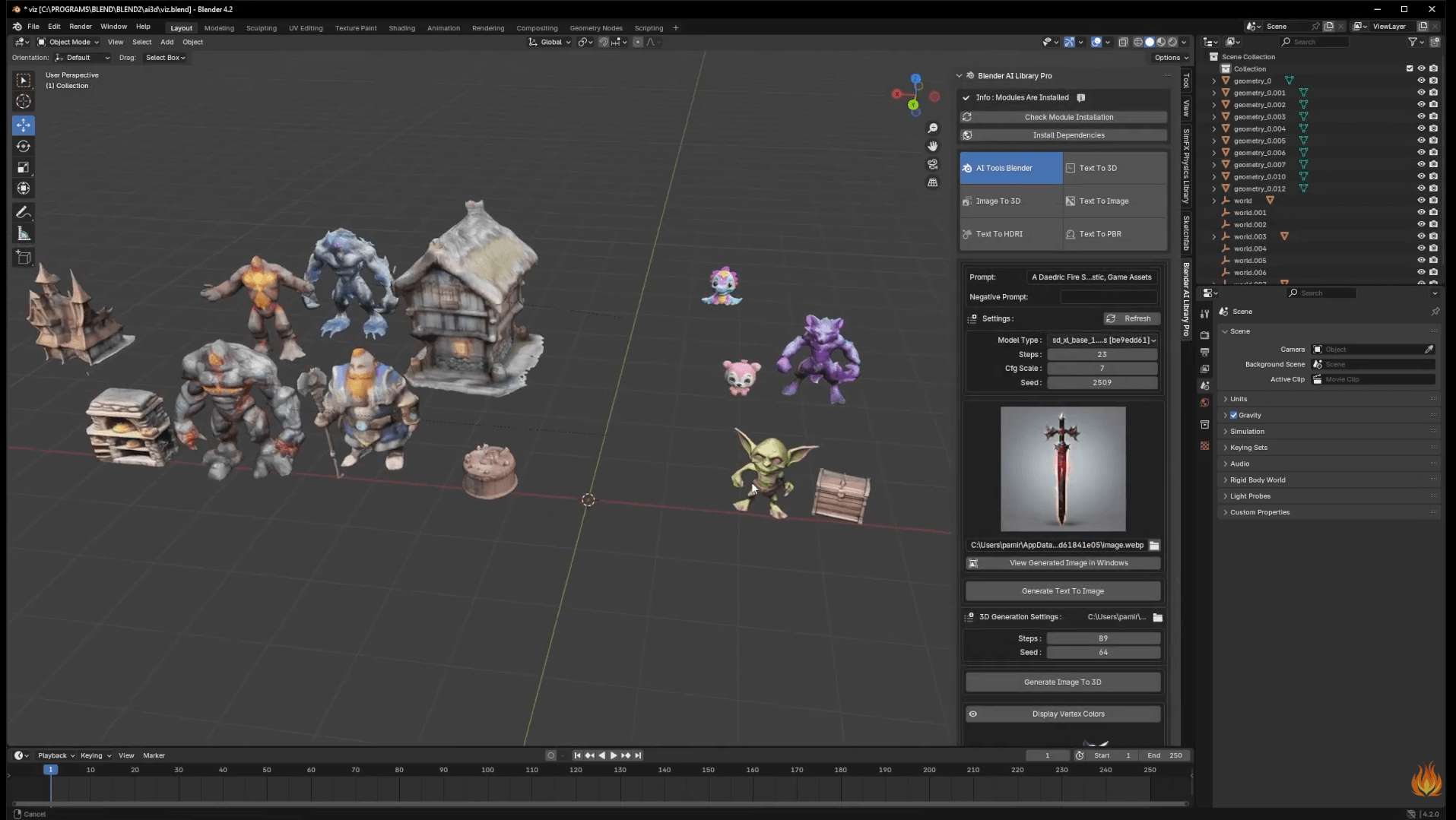
Blender AI Library Pro bundles multiple AI capabilities into a single Blender addon. It handles text-to-3D, image-to-3D, text-to-image, PBR material generation, and HDRI creation, all from within Blender. Under the hood, it connects to InstantMesh, Stable Diffusion, TripoSR, and OpenAI's Shap-E.
The latest version supports dynamic material generation from natural language prompts with GPT-integrated shader scripting. So if you'd rather manage one addon instead of juggling several separate Blender AI tools, this is a convenient option. That it is currently Windows-only is a slight downside, although support for other operating systems is expected soon.
Also, an internet connection is needed for generation.
Key features:
Pricing: One-time purchase (approximately $12) on Superhive (formerly Blender Market). No subscription required.
Best for: turning video footage into 3D character animation for Blender
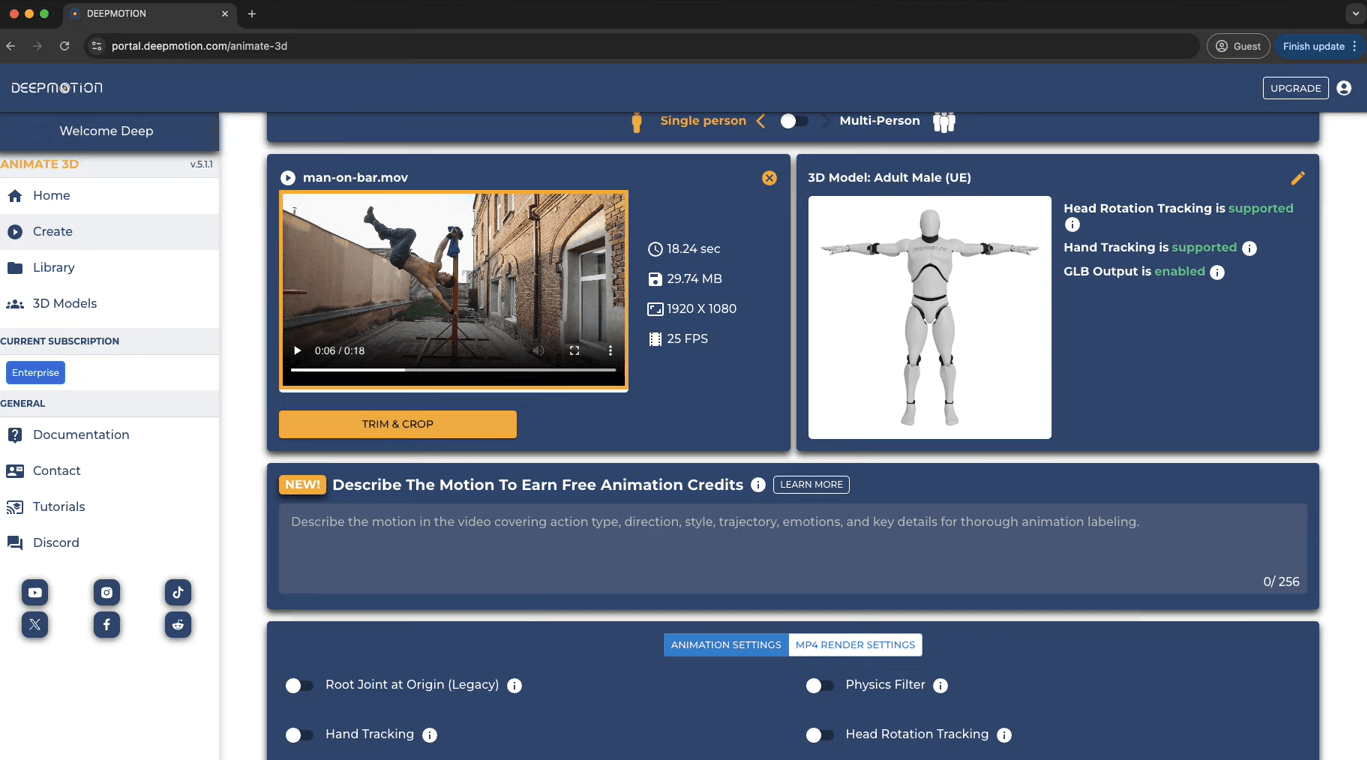
DeepMotion is a practical solution if you need realistic character animation but don't have access to a mocap studio. It handles Blender AI animation workflows by removing the most time-consuming part of the process: hand-keyframing character movement frame by frame.
Upload a video of a person, and DeepMotion's AI system analyzes the motion and generates 3D character animation data. The Blender addon lets you import these AI-generated animations and retarget them to your custom rigs.
Key features:
Pricing: Free tier with limited processing. Pro plans start at approximately $39/month with higher processing limits and a priority queue.
If you're using Blender for architectural visualization specifically, four of the tools on this list cover most of what you'll actually need:
Not natively. As of Blender 4.x, there are no built-in AI features. However, Blender's open architecture makes it one of the best 3D tools for AI integration through third-party addons. Plugins like 3D-Agent, Dream Textures, Meshy, and BlenderKit all add Blender AI capabilities directly into the interface. The MCP (Model Context Protocol) ecosystem also allows AI assistants like Claude to control Blender through natural language, opening up entirely new workflows.
That's very unlikely. AI tools are, in fact, making Blender more powerful. Treat Blender AI tools as accelerators for the tedious parts. The creative direction and final refinement still need human judgment. The best results in 2026 come from hybrid workflows. AI for the rough pass, you for the polish.
It depends on what you need. For text-to-3D models with clean topology, 3D-Agent is the strongest native option. For local texture generation, Dream Textures is unbeatable at zero cost. For polished renders, MyArchitectAI handles the work cloud-side. Most pipelines that ship combine 2-3 plugins rather than picking one.
Yes, and well enough for production work in many cases. Tools like Meshy, Tripo, Rodin, and 3D-Agent generate textured 3D models from a text prompt or reference image, then export to FBX, OBJ, or GLB for direct import. Topology quality varies a lot. 3D-Agent and Rodin lead on clean quad meshes, while Meshy and Tripo trade some topology cleanliness for speed.
Yes, Dream Textures is free and open-source. It runs Stable Diffusion locally inside Blender to generate seamless tileable textures from text prompts. You'll need a reasonably capable GPU (RTX 3060 or better) for usable speed. AI Render is also free as an add-on, but cloud credits via DreamStudio cost money once the free 100 credits run out.
Most AI plugins install the same way as any Blender add-on: download the .zip from the developer's site, then in Blender go to Edit > Preferences > Add-ons > Install, point it at the .zip, and enable the checkbox. Some plugins (3D-Agent, AI Library Pro) include one-click installers. Cloud-backed plugins also need an API key from the vendor, usually free to sign up.

