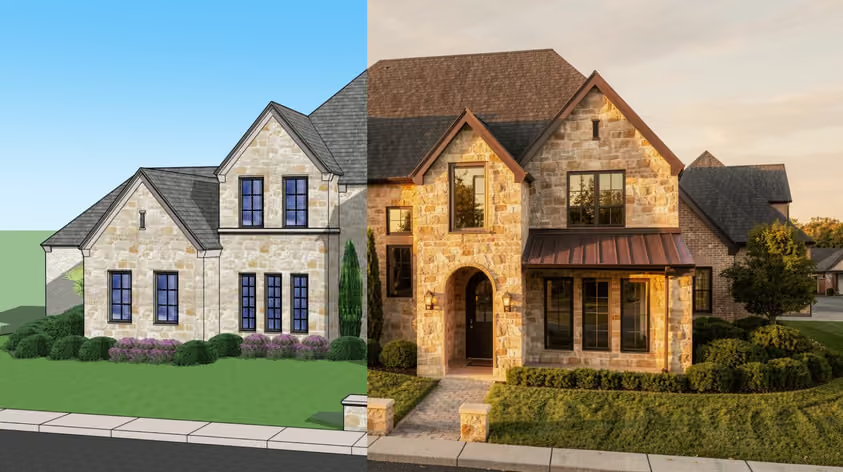
Nano Banana API pricing starts at $0.039 per generated image on Google's Standard tier. That number moves fast once you factor in batch discounts, resolution tiers, and the newer Nano Banana 2 (Gemini 3.1 Flash Image) rates.
Nano Banana is Google's multimodal image generation and editing model, officially called Gemini 2.5 Flash Image, released in August 2025 and best known for character consistency and multi-image fusion.
This guide covers what every plan costs per image, what that means for a real monthly bill, how to get an API key, and where specialized alternatives beat Nano Banana on price and output quality.
Nano Banana API pricing is based on input and outputs. Text prompts and uploaded reference images count as input, and generated images count as outputs. However, output costs make up the bulk of the total spending.
At Google's Standard pricing tier for Gemini 2.5 Flash Image, input tokens cost $0.30 per million tokens, meaning even a 500-token prompt (which is already relatively high) costs only $0.00015.
Before breaking down input and output costs, here's a quick overview of Google's available pricing plans and how they differ in terms of cost, latency, and reliability.
There is also a budget option. Nano Banana 2 Lite, officially Gemini 3.1 Flash-Lite Image, launched in June 2026 as the cheapest and fastest model in the family. It only outputs 1K images, but a generation takes about 4 seconds and costs $0.0336 on the Standard tier, less than the original Nano Banana charges per image. Batch drops that to $0.0168, the lowest per-image price Google offers.
The 1K resolution cap matters less than it sounds though, as you can run outputs through a Nano Banana upscaler afterward and still come out far cheaper than generating at 4K natively.
Google also offers Nano Banana Pro, officially Gemini 3 Pro Image, a higher-fidelity model built for work like infographics, mockups, and text-heavy visuals. Per image, it costs roughly twice as much as Nano Banana 2.
Nano Banana is the public codename for Gemini 2.5 Flash Image, an image generation model that is optimized for high-volume image generation.
In addition, Nano Banana is multimodal, meaning it can interpret both text and image inputs. It is made for low-latency tasks or tasks that require outputs with minimal delay.
It is accessible through third-party tools and is natively integrated into Google's ecosystem, namely:
Gemini 3.1 Flash Image is Nano Banana’s successor, an improved version. It is still the same text-to-image generation tool that is both multimodal and built on conversational AI, but better.
Compared to Gemini 2.5 Flash Image, Gemini 3.1 Flash Image adds support for multiple output resolutions (0.5K, 1K, 2K, and 4K), Google Search Grounding, additional aspect ratios, improved prompt adherence, and better overall image quality and consistency. A Lite version, Gemini 3.1 Flash-Lite Image, followed in June 2026. It trades the resolution options for speed and a lower price.
If you're wondering how to use Nano Banana API, you'll first need access through Google AI Studio or Vertex AI. Google AI Studio is the easiest option for developers who want to test and prototype with the model, while Vertex AI is designed for large-scale deployments and production workflows.
In this guide, we'll focus on Google AI Studio, as it's the most common way to access the Nano Banana API.
Before you can use the Gemini API, you'll need an API key. The API key authenticates your requests, enforces security limits, and tracks your Gemini API usage.
Here’s how to get Nano Banana API Key:
1. Sign in to Google AI studio with your Google account.
2. Go to the Projects section in Google AI Studio. Click “Create New Project.” Enter a name for your project, then select “Create Project” to confirm.
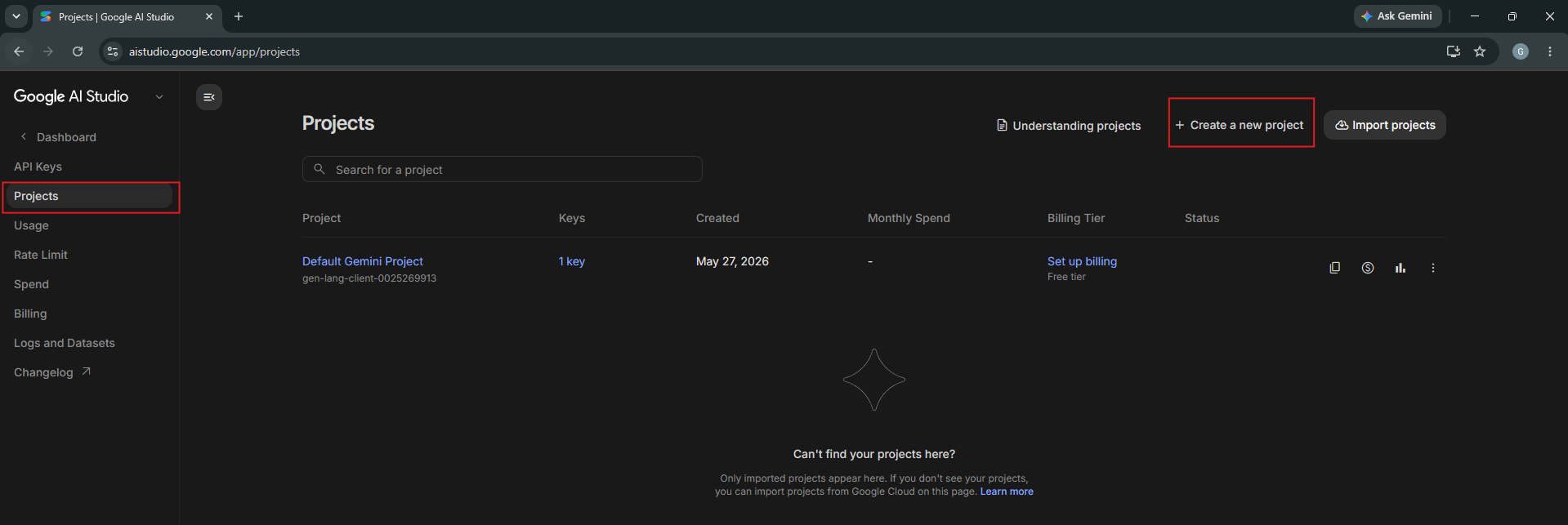
3. In the Projects tab, locate your newly created project. Click “Create API Key.” Enter a name for your key, then, in the “Choose an imported project” dropdown, ensure your project is selected before clicking “Create Key” to generate your API key.
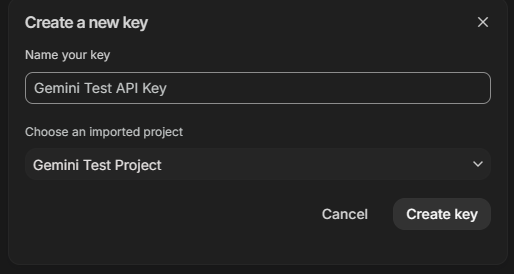
4. Navigate to the API Keys tab in your dashboard to find and copy your new API key.
From this section, you can also monitor your API usage and spending, review request activity, rename your API key for easier organization, and upgrade your billing tier if you need higher usage limits or additional features.

Nano Banana API costs can scale from a few dollars to thousands of dollars per month depending on usage and access tier. Input and output are billed separately, but input costs are negligible in real-world workloads.
In practice, it's not Nano Banana's API pricing that has the biggest impact on total spending, but how the model is used. Some use cases naturally require fewer generations, while others involve multiple rounds of experimentation and refinement.
For example, tools used for social media content, presentation graphics, blog illustrations, and marketing materials often require fewer revisions. Users typically need a single image from a few revisions that communicates an idea or supports a piece of content, so generation costs tend to remain relatively low.
By contrast, design-heavy workflows such as architecture visualization, interior design, branding, and concept development often involve generating multiple variations of the same scene, testing different styles, and refining details over several rounds of iteration and revisions. In these cases, costs can increase significantly because each variation and revision requires an additional generation, even when the number of users remains the same.
As a result, two businesses using the same Nano Banana API pricing tier can have very different monthly costs depending on how generation-intensive their workflows are.
To make this concrete, here is what 1,000 generated images per month cost at 1K resolution on each Google option:
If you're looking for a more affordable Nano Banana API alternative, several providers offer lower costs depending on your workload.
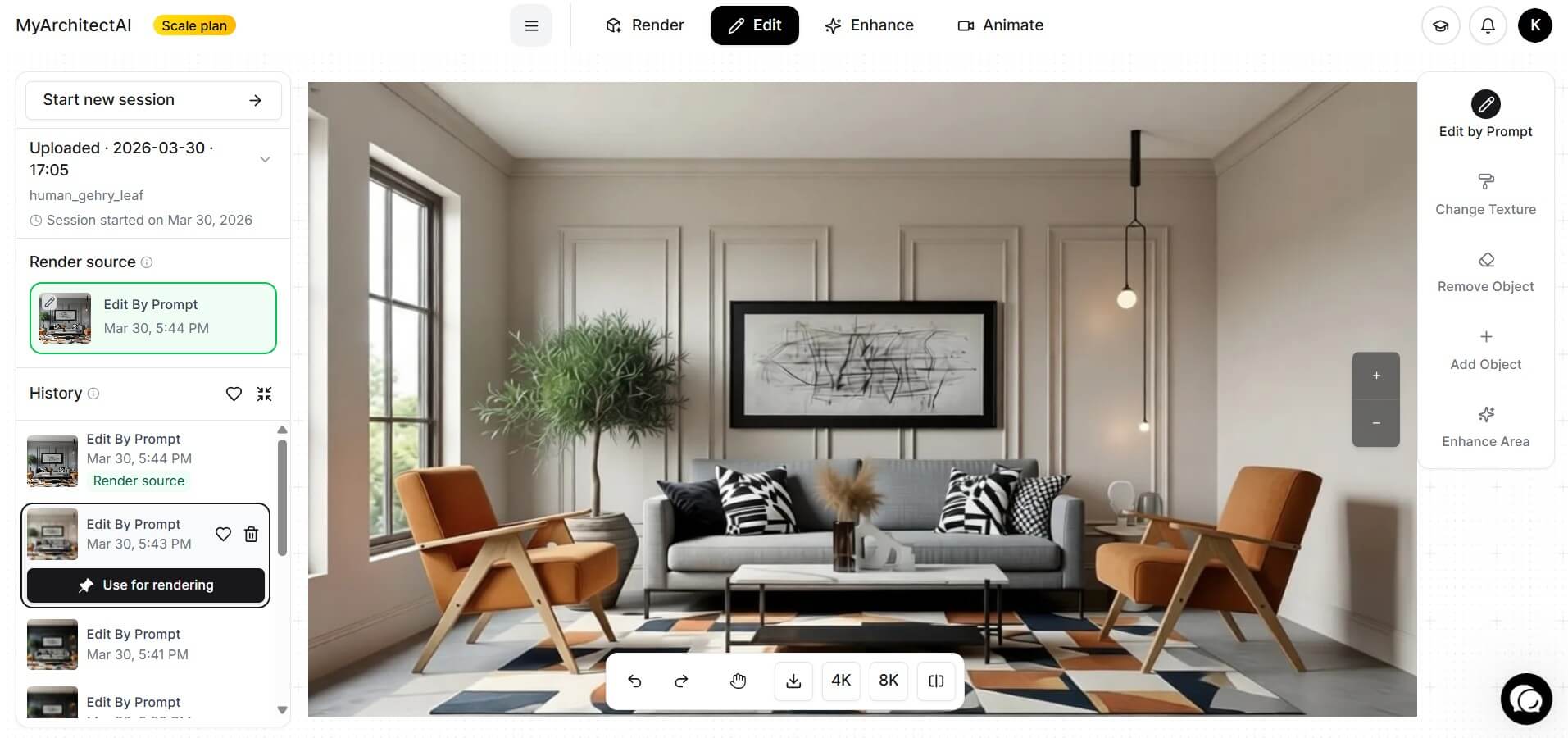
MyArchitectAI is an AI-powered rendering tool that caters to interior designers, architects, and other AEC professionals looking to create realistic renders with a fraction of the cost and time associated with traditional rendering workflows.
MyArchitectAI API is priced on a per-call model depending on the type of request needed:
MyArchitectAI’s API can generate photorealistic renders in an average time of 13.4 seconds. Currently, there are no rate limits even on standard plans, and this average render time applies to all API users with a 99.8% success rate. In addition, with MyArchitectAI, privacy is a priority, inputs and outputs are deleted from the system in 5 minutes and never used for training the model.
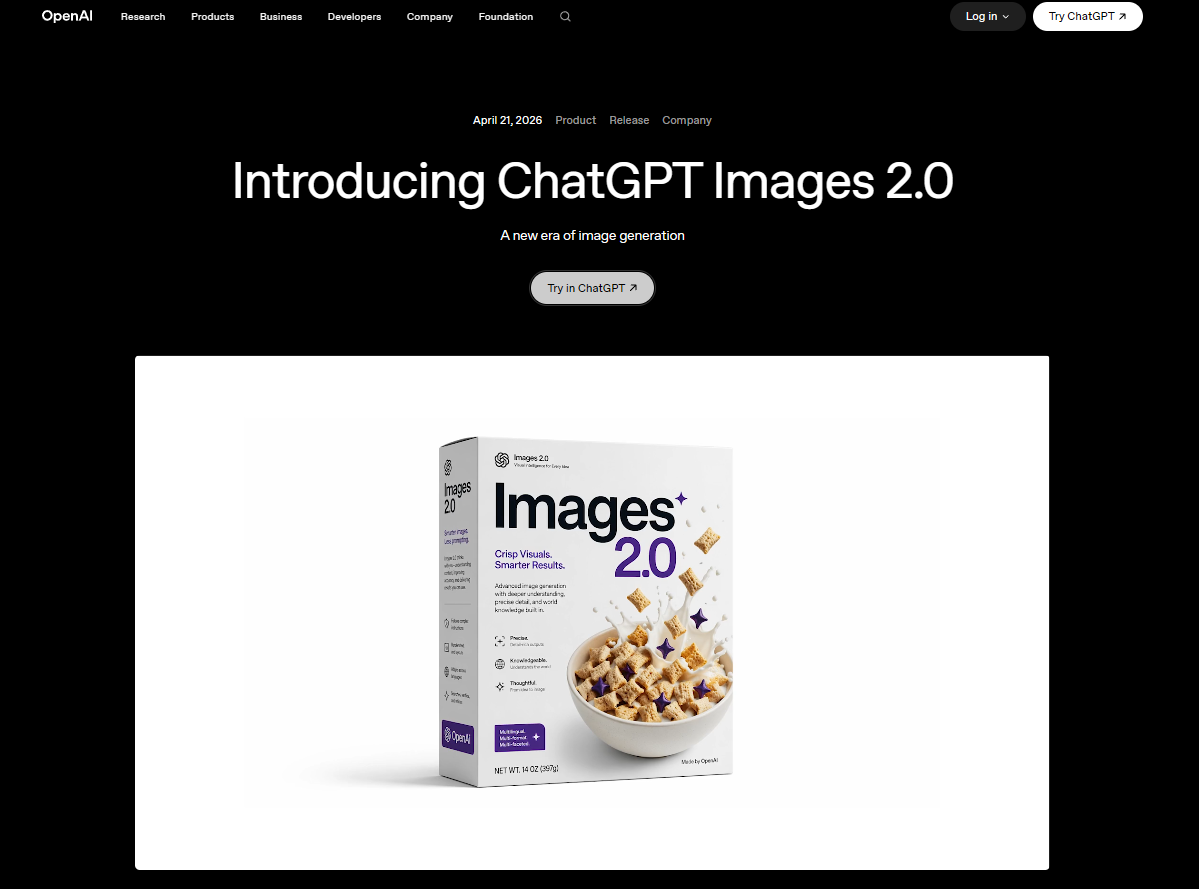
GPT Image 2 is OpenAI’s first text-to-image generation model with built-in thinking capabilities. This simply means that the model, once asked to generate an image, can search the web for real-time information to create an output with “accuracy, up-to-date information, consistency and visual cohesion.”
Another feature that sets it apart from earlier models (GPT Image 1.5) is how it maintains precision and control. It can follow instructions word-for-word and produce requested details and render “fine-grained elements” that older models or other image generation tools usually cannot create, such as: small text, icons, UI elements, and clutter, heavy, or crowded details.
GPT Image 2 API is priced per 1 million (1M) tokens.
The cost per generated image varies depending on its size and quality. For example, generating a 1024×1024 image costs approximately $0.06 at low quality and $0.211 at high quality.
If you use streaming image generation, an additional 100 image output tokens are charged for each partial image generated during streaming.
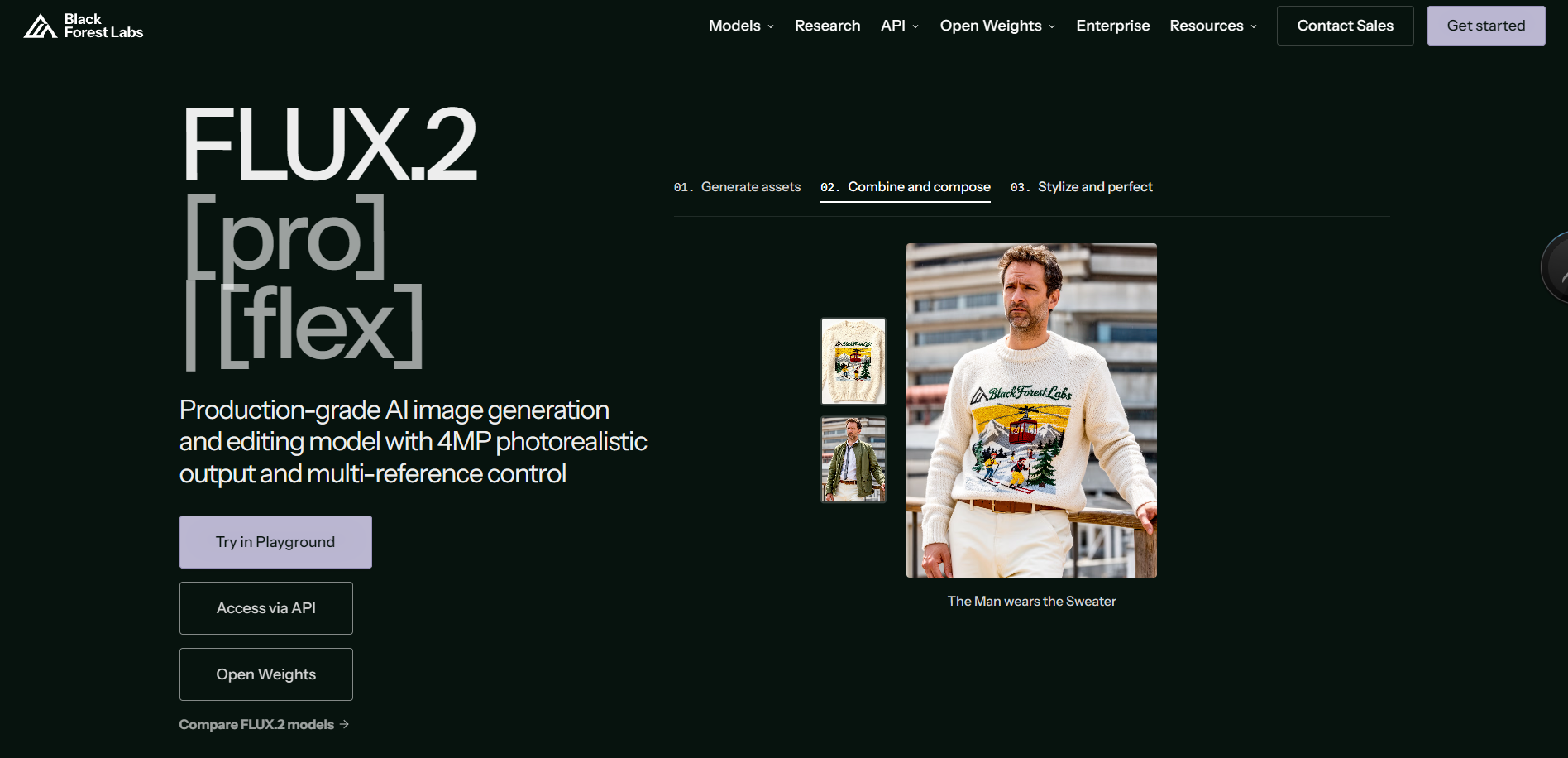
Flux 2 is a Black Forest Labs tool that is mostly used for creative visuals. Its ability to understand complex prompts and use multiple reference images positions it as a powerful visual generation tool. In addition, Flux 2 was created by the same AI engineers and builders who contributed to the development of Latent and Stable Diffusion, two of the most influential image generation technologies in modern AI.
Black Forest Labs follows a pay-as-you-go business model, with prices ranging from $0.014 (Flux.2 [klein] 4B) to $0.07 (Flux.2 Max) for the first generated megapixel (1024x1024 px) depending on the Flux.2 model you’re using. Additional fees apply for each additional megapixel.
When generating with Flux.2 Max, the highest fidelity Flux model, you pay $0.07 on the first MP plus a small additional fee for each extra megapixel. With Flux.2 [klein] 4B, it's $0.014 for the first MP then $0.001 for every additional megapixel.
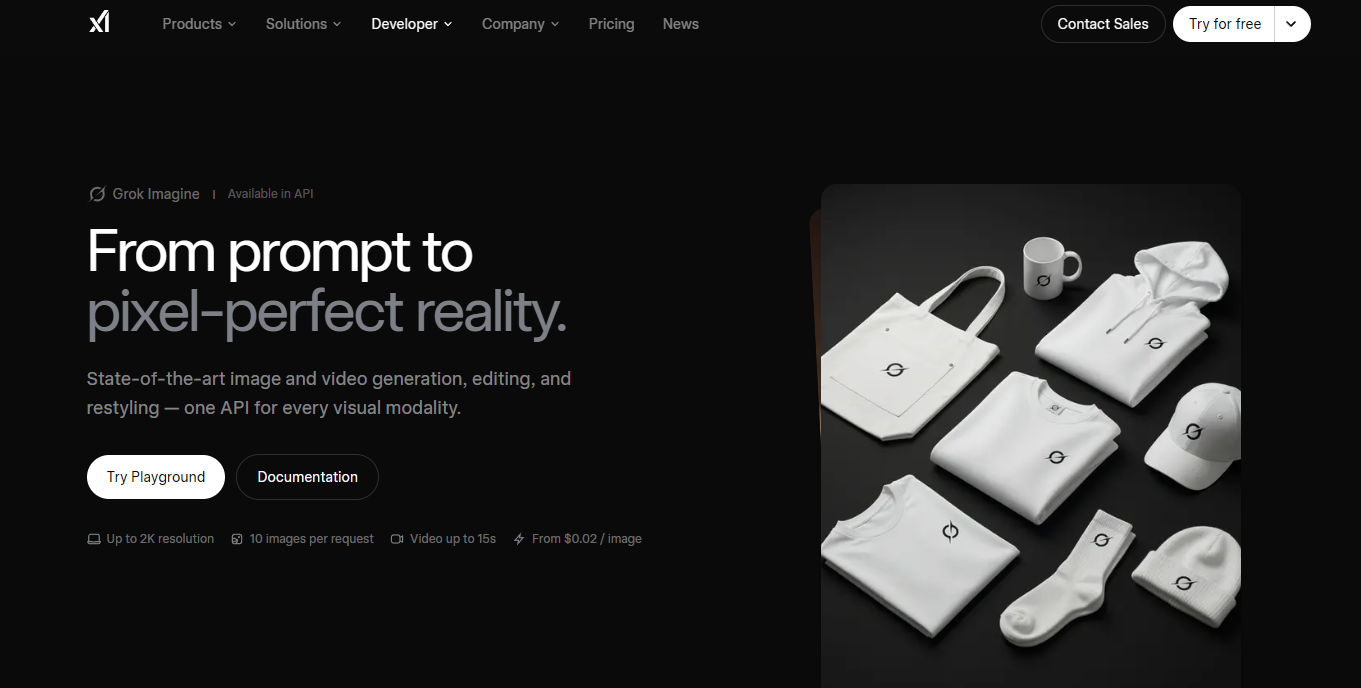
Grok Imagine is an image and video generation AI tool created by xAI, the AI research company founded by Elon Musk. It is a general-purpose generative AI tool that is useful for both creative and realism-focused outputs. The model can generate new images and videos from text prompts, edit existing visuals, and assist with a wide range of content creation workflows.
xAI's Imagine API supports both image and video generation with separate pricing for inputs and outputs.
Image generation costs $0.002 per image input and $0.02 per standard-quality generated image, or $0.05 per image at high quality.
Video generation costs $0.01 per second of video input and $0.002 per image input when using reference images. Output pricing is $0.050 per second for standard video and $0.080 per second for enhanced-quality video.
It can be worth the cost if you're looking for a general-purpose image generation and editing model that integrates easily into your platform. Ultimately, the value depends on your use case. Nano Banana API is particularly well suited for developers building AI assistants, marketing tools, social media content creation platforms, creative applications, and other products that require fast, scalable image generation. Its low latency, multimodal capabilities, and flexible pricing make it a strong choice for applications serving a large number of users.
However, if you're building software for a specific industry, a specialized API may offer better value. For example, architects and interior designers may find MyArchitectAI to be a more cost-effective alternative. Its API is designed specifically for architectural visualization and rendering, offering lower per-call pricing and features tailored to AEC workflows.
Yes, you can use Nano Banana API for commercial and production use provided you comply with Google’s Terms of Service.
Yes, Nano Banana API is available in free and paid tiers. However, the free version has limited access to exclusive features like higher rate limits, access to other models, improved security, and more. Also, generations in Free tier are used by Google to improve their products.
Create a project in Google AI Studio, then generate an API key to access the Nano Banana API.
Yes, all images generated with Nano Banana API will include a SynthID watermark.
The cheapest Google option is Nano Banana 2 Lite on the Batch tier, at $0.0168 per 1K image. On the bigger models, Batch pricing runs $0.0195 per image for Gemini 2.5 Flash Image and $0.022 per 0.5K image for Nano Banana 2. If you need lower costs than that, specialized APIs like MyArchitectAI start at $0.01 per call.