
BFCM TEKLİFİ BF50 koduyla yıllık planda %50 indirim kazanın. Bugün sona eriyor!

AI Rendering & Animation for KeyShot

Render, edit, enhance, and animate KeyShot designs in your browser. No GPU, no installs. Powered by AI.
Kullanıcı puanıKullanıcı puanıKullanıcı puanıKullanıcı puanıKullanıcı puanı
5-star rating
4.9
Loved by of KeyShot users worldwide
1.500.000+
Bugüne kadar oluşturulan render'lar
9,3s
Ortalama render süresi
0
Öğrenme süresi

Your full AI toolkit for KeyShot

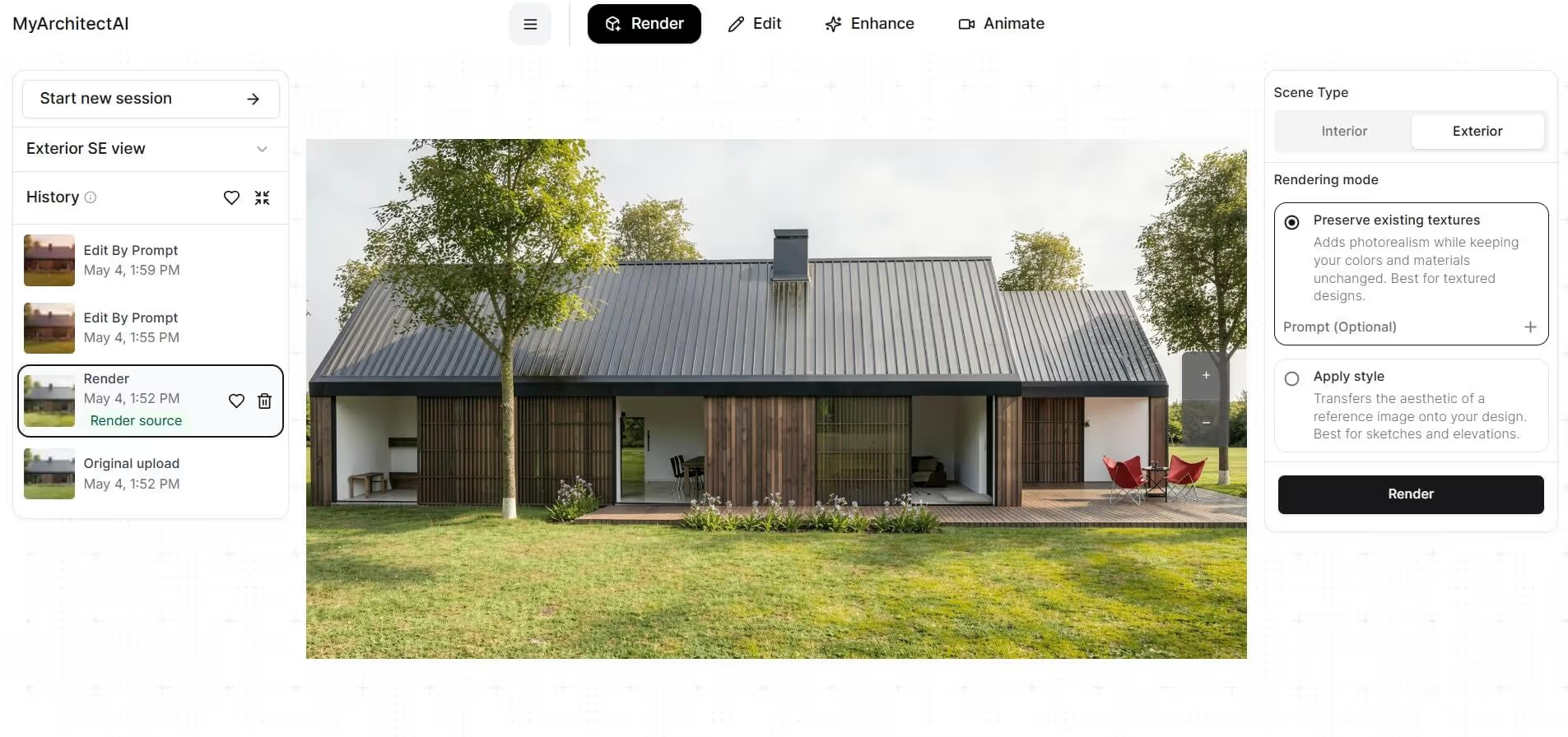
KeyShot gets you to a render. MyArchitectAI is what you use next. Drop in a viewport export and keep working without reopening the scene. Change  materials, generate variants, push the image to 4K, or animate it into a clip with one-click camera motion presets.

Render

Generate photorealistic renders from KeyShot screenshots, viewport export, or even a CAD file before it hits KeyShot.
architectural SketchUp rendering of a modern residential homeSketchUp model

Edit

Change materials, swap backgrounds, add or remove objects in a KeyShot render without re-rendering. KeyShot render → MyArchitectAI editor → 10 variants in 2 minutes
architectural SketchUp rendering of a modern residential homeSketchUp model

Enhance

Push existing KeyShot renders to higher photorealism, sharper detail, cleaner lighting. KeyShot render → MyArchitectAI enhance → 4K download
architectural SketchUp rendering of a modern residential homeSketchUp model

Animate

Turn a static KeyShot render into a cinematic video using camera presets. Static KeyShot hero shot → MyArchitectAI animate → MP4 for social/web

How MyArchitectAI compares with KeyShot Studio AI

Here's what actually differs in practice: hardware specs, cost, render time, and features.

Most teams end up using both: KeyShot for the source render, and MyArchitectAI for everything that happens after.

Feature

KeyShot Studio AI

MyArchitectAI

Hardware specs
At least 16 GB-VRAM GPU
None - works in your browser
Cost
$1,299/year
$290/year
Avg render time
4 mins and up (on a MacBook Pro M5Max)
10-15 seconds, no matter the workstation
Animations
Not available
Select a camera preset, ready in 90-120 sec
AI enhancer
Not available
One-click enhancer, 15 seconds per image
Restyling scenes using prompts
Yes
Yes
Restyling scenes using reference images
Not available
Yes
Privacy
Local-only, fully offline
Cloud, data encrypted in transit and at rest

When to pick KeyShot Studio AI?

  • You're inside an active KeyShot scene and want to restyle the whole thing or swap the background in the same-session, without exports
  • Strict no-cloud IP policy (client work that legally cannot leave your machine)
  • You only need scene-wide variants, not surgical edits

When to bring MyArchitectAI alongside KeyShot

  • You're on KeyShot Pro (no Studio AI included) and want AI workflows without upgrading the whole tier
  • You want to enhance a finished PNG (a client deliverable from last week, a screenshot, an old archive render) without reopening the scene
  • You need to animate a static render to video
  • You need to edit one specific thing in a render (swap one material, change one object, fix one detail) without going back into the scene
  • You're on a laptop / iPad / away from your GPU workstation and need to iterate

"By far the best in terms of speed, accuracy-to-geometry, and customization"

I believe MyArchitectAI will offer amazing competition to Lumion, who I've heavily relied on in the past! Not only do you provide spot-on accuracy quickly, but there aren't a ton of hardware requirements which I think is a huge advantage compared to platforms like V-Ray and Lumion. It's uncanny the quality you deliver, I'm still blown away!
Luke Vercia
Visualization Artist
Lumion vs MyArchitectAI example rendering

Enhance your KeyShot rendering workflow using AI

Try MyArchitectAI with no commitment by signing up for a free account. It only takes a couple of seconds. No installs needed.

Take your KeyShot renders a step further

Lightweight and efficient

KeyShot Studio AI runs locally and wants at least 16 GB of VRAM. MyArchitectAI runs on our cloud GPUs.

You open a browser tab and start working. Nothing to install or update, and your workstation stays free for KeyShot.

architectural rendering of a modern house

Automatic realism

Lighting, camera, materials, environment. KeyShot lets you tune every setting, which is why the prep often takes longer than building the model.

MyArchitectAI does the prep for you. Hand it a render or a CAD file and it returns a photorealistic image with the lighting and camera already sorted.

Insanely quick

Under 10 seconds per image. 90 to 120 seconds per video. No queue, no overnight job, no Slack to IT about GPU temperatures.

interior design rendering

Compatible with any device

Thanks to running in the cloud, you can use MyArchitectAI on any device (Macs, tablets, and mobile phones included).

Direct line to the founders

While MyArchitectAI’s rendering engine is powered by AI, the support is powered by the founders. We'll make sure you get the most out of our renderer and answer any of your questions via live chat and email.

CAD programs compatibility

Used across industries

Architecture firms

Firms using KeyShot for facade studies, lobby visuals, and amenity renders bring in MyArchitectAI to produce the client review set. Material swaps, day-to-dusk variants, landscape changes, short fly-through clips. All of it without reopening the scene or queuing another render.

Product designers

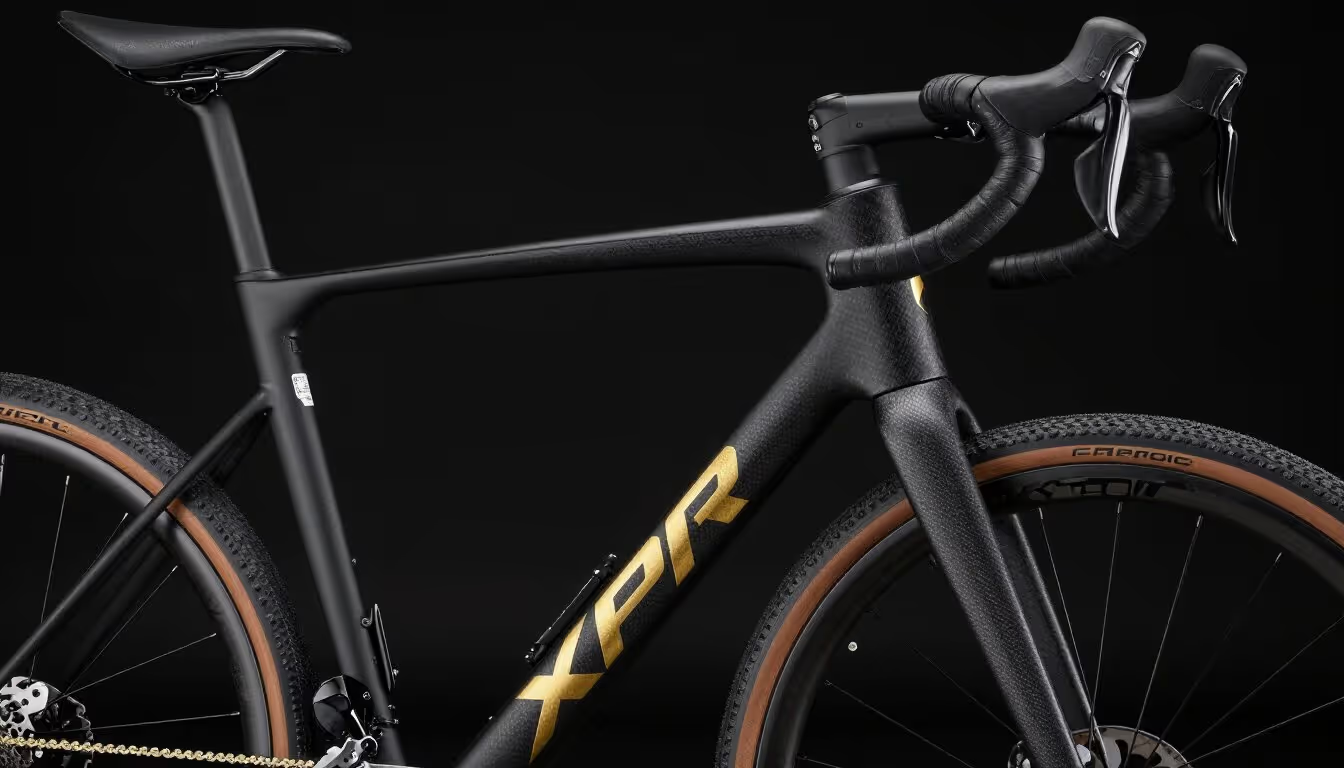
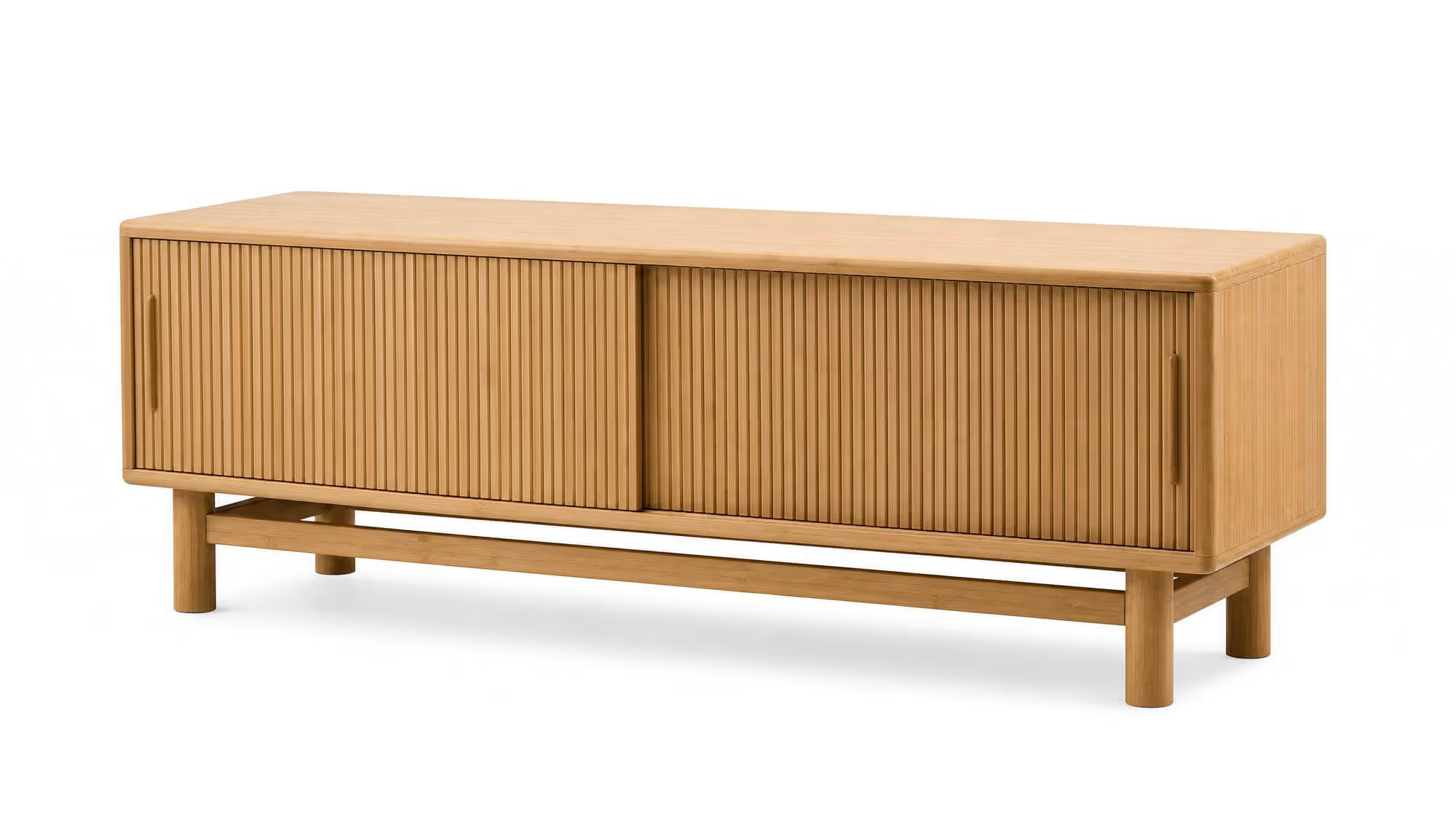
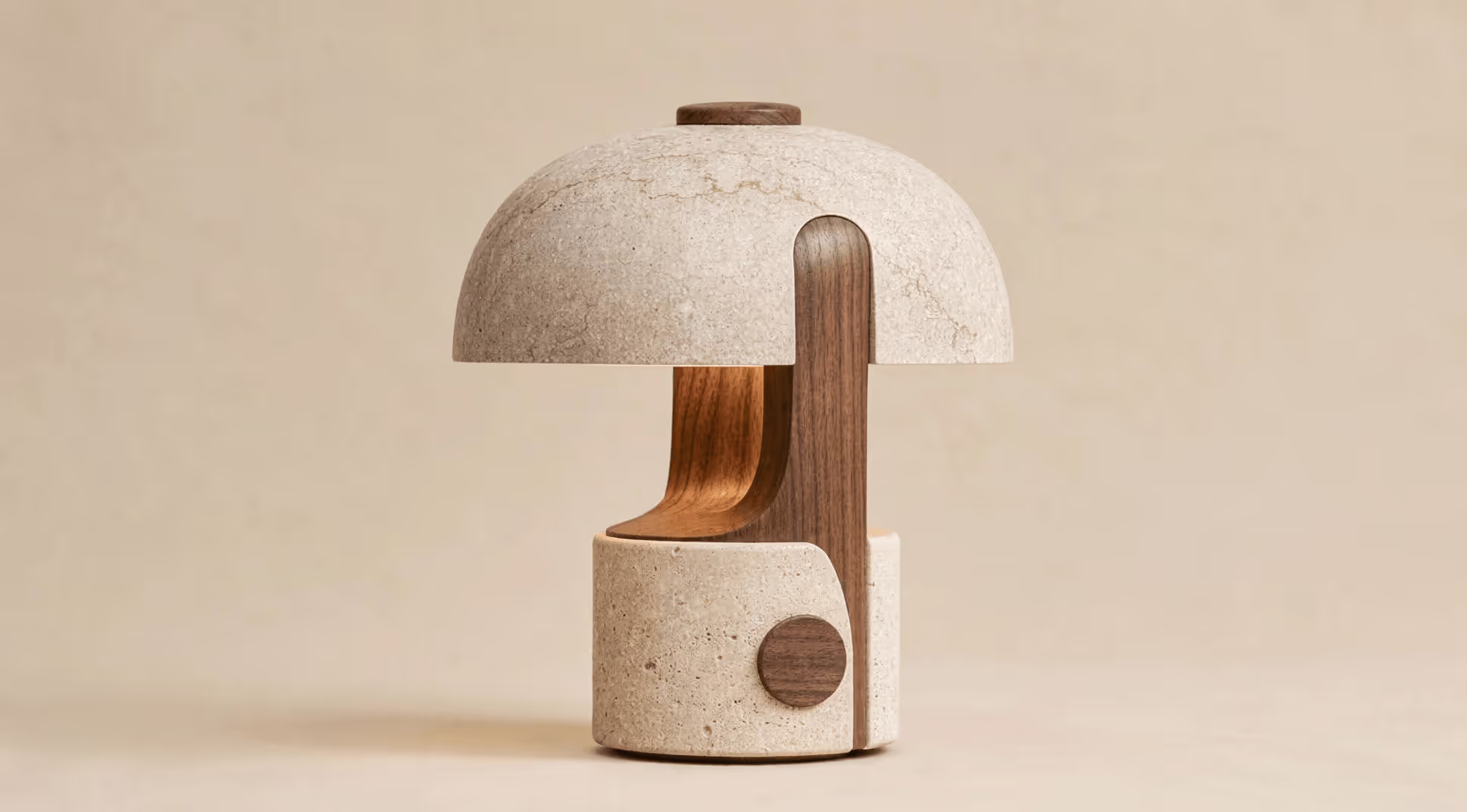
Product teams render the hero in KeyShot, then move into MyArchitectAI for everything around it. Colorways, lifestyle backgrounds, packaging contexts, product animations for the launch deck. One source render becomes a dozen deliverables.

Industrial design

Iterate on concepts before you commit to a full scene setup. Export one KeyShot view and use MyArchitectAI to test material finishes, environments, and camera angles. Cheaper than re-rendering, faster than rebuilding the lighting

Packaging design

Render the carton or bottle in KeyShot, then drop it into retail shelves, lifestyle scenes, or printed-spec mockups in MyArchitectAI. Invaluable for the stakeholder reviews where the question is "how does this look on shelf" rather than "is the geometry right."

"Saniyeler içinde inanılmaz gerçekçi renderlar"

Piyasadaki diğer render programlarının çoğunu denedim ve hız ile kalite açısından yanına bile yaklaşamıyorlar. Ayrıca, saniyeler içinde her türlü soruyu yanıtlayabilen profesyonel bir ekibin parmaklarınızın ucunda olması da çok yardımcı oluyor.
Eric Carlson
Sahibi, Carlson Design Group

"En iyi yapay zeka render yazılımı"

MyArchitectAI'ı bulduğumuza çok sevindim. Mimari renderlarımız için bulduğum en iyi yapay zeka aracı oldu. Kullanımı kolay olmasının yanı sıra, denediğimiz tüm ürünler arasında bize en iyi sonucu veriyor ve inanılmaz bir değer sunuyor!
Travis Billingham
Gayrimenkul Danışmanı, Compass

"Basitliği ve verimliliğiyle öne çıkıyor"

MyArchitectAI'ı kullanmaya başladığımda temel amacım, V-Ray ve Twinmotion'a bir alternatif bulmaktı, çünkü her ikisiyle de render almak son derece zaman alıcıydı. MyArchitectAI, düşük öğrenme eğrisi ve hızlı sonuçlar üretme yeteneği sayesinde dikkatimi çekti—bu da iş akışımda büyük bir fark yarattı.
Mac architectural render of herwig
Herwig Hostens
İç Mimar ve Dekorasyon Uzmanı

Fikri mülkiyetiniz bizimle güvende

Yapay zeka stil aktarımı özelliği

Fikri mülkiyet sahipliği

MyArchitectAI ile oluşturduğunuz her render'ın tam mülkiyeti size aittir ve her zaman gizli kalır.
SketchUp modeli

Veri koruma

Verileriniz, sektör lideri şifreleme ile güvence altına alınarak her adımda güvenliği sağlanır.
Yapay zeka render

Hizmet güvenilirliği

Güçlü bulut altyapımız tutarlı performans ve yüksek sistem kullanılabilirliği garanti eder.

Works with designs from any CAD software

Push your KeyShot renders further

Ten free renders, no credit card needed. If it does not save you time on the first one, you owe us nothing.
kitchen rendering example

Frequently asked questions

Do I need a KeyShot license to use MyArchitectAI?
No. MyArchitectAI works on any image: a KeyShot render, a viewport screenshot, a CAD export, a hand sketch. If you don't have KeyShot, you can upload a CAD file or a sketch directly and MyArchitectAI will render from that.
Can I use MyArchitectAI on a Mac or laptop without a dedicated GPU?
Yes. The rendering runs on our cloud GPUs, not your machine. A MacBook Air, an iPad, or a phone is enough. Output quality is the same on every device.
How do I export KeyShot images for AI rendering?
In KeyShot: Render Output → PNG. (Or grab a viewport screenshot if you just want a quick iteration.)  Then, drag the file into MyArchitectAI. Lastly, pick what you want to do: render, enhance, edit, or animate.
Can I use AI renders from KeyShot commercially?
Yes. You own every render you generate. Use them for client deliverables, marketing, pitch decks, social, and print. No watermarks, no royalties, no extra license.