
OFERTA BFCM Zyskaj 50% zniżki na plan roczny z kodem BF50. Kończy się dzisiaj!

AI Rendering & Animation for KeyShot

Render, edit, enhance, and animate KeyShot designs in your browser. No GPU, no installs. Powered by AI.
Ocena użytkownikówOcena użytkownikówOcena użytkownikaOcena użytkownikaOcena użytkownika
5-star rating
4.9
Loved by of KeyShot users worldwide
>1,5 miliona
Liczba wygenerowanych renderów
9,3 s
Średni czas renderowania
0
Wymagany czas nauki

Your full AI toolkit for KeyShot

KeyShot gets you to a render. MyArchitectAI is what you use next. Drop in a viewport export and keep working without reopening the scene. Change  materials, generate variants, push the image to 4K, or animate it into a clip with one-click camera motion presets.

Render

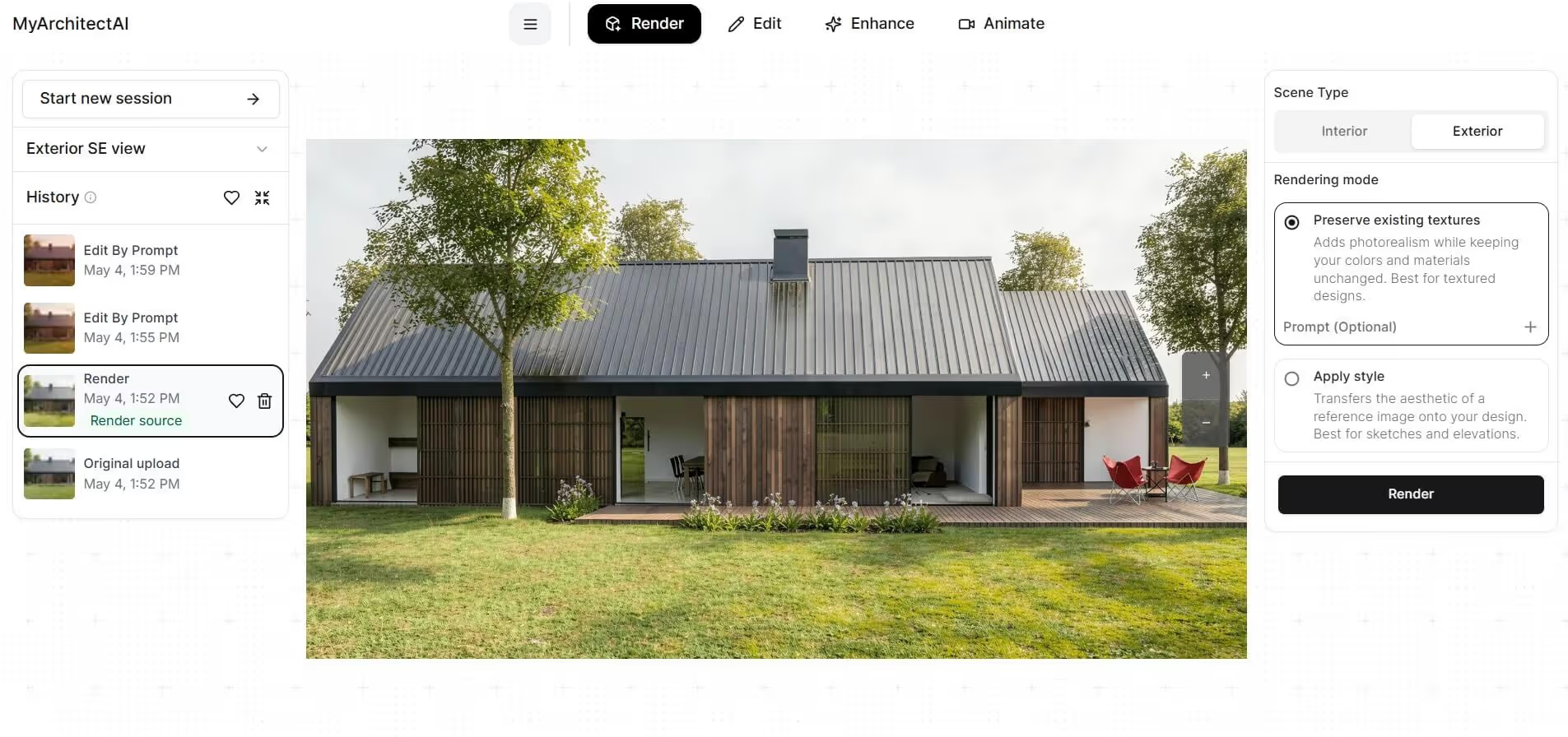
Generate photorealistic renders from KeyShot screenshots, viewport export, or even a CAD file before it hits KeyShot.
architectural SketchUp rendering of a modern residential homeSketchUp model

Edit

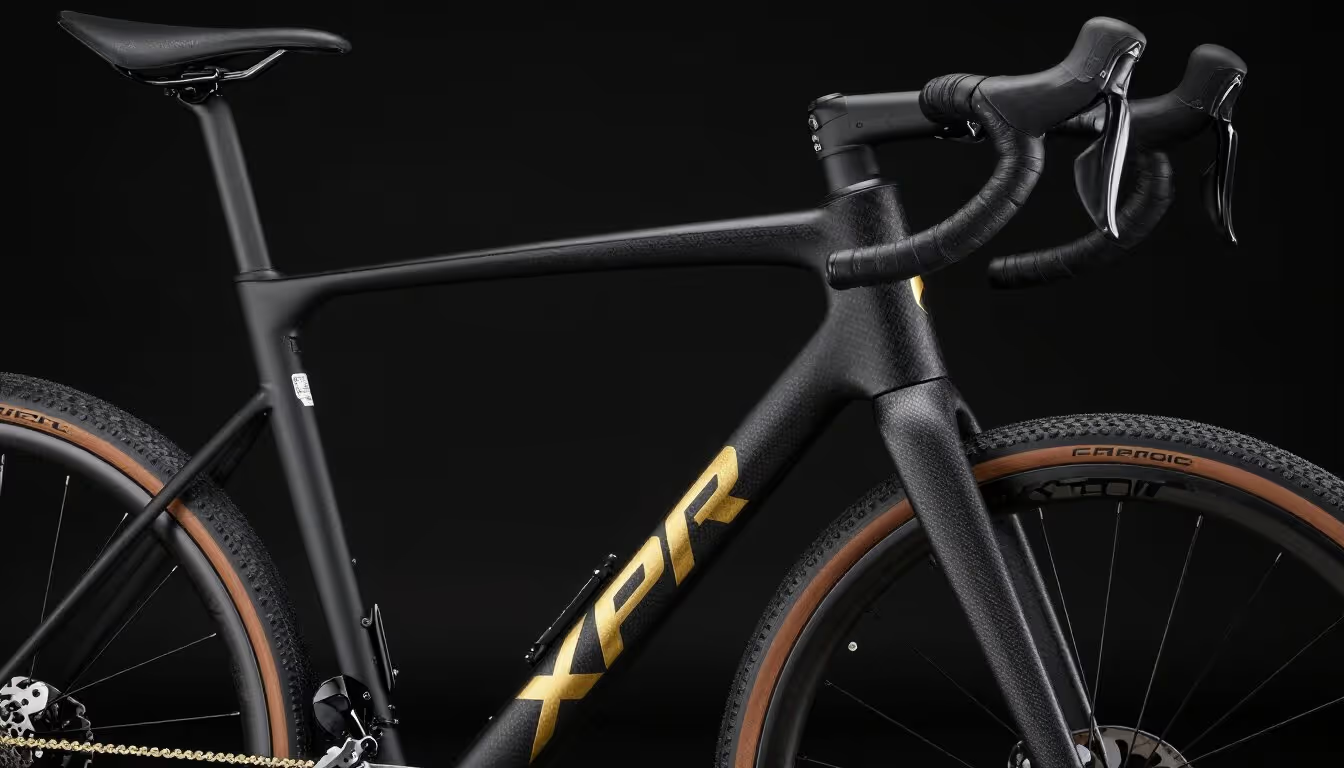
Change materials, swap backgrounds, add or remove objects in a KeyShot render without re-rendering. KeyShot render → MyArchitectAI editor → 10 variants in 2 minutes
architectural SketchUp rendering of a modern residential homeSketchUp model

Enhance

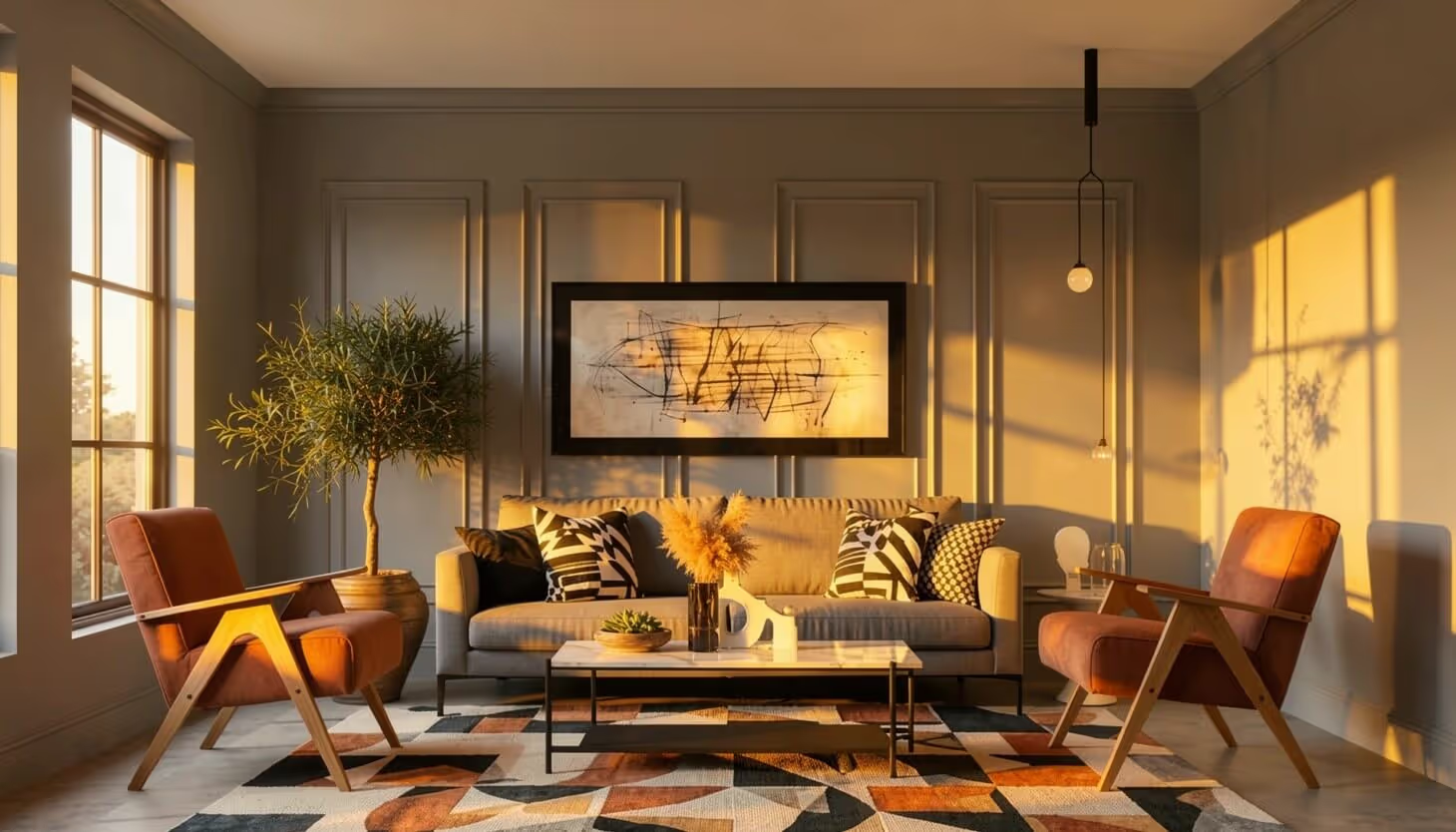
Push existing KeyShot renders to higher photorealism, sharper detail, cleaner lighting. KeyShot render → MyArchitectAI enhance → 4K download
architectural SketchUp rendering of a modern residential homeSketchUp model

Animate

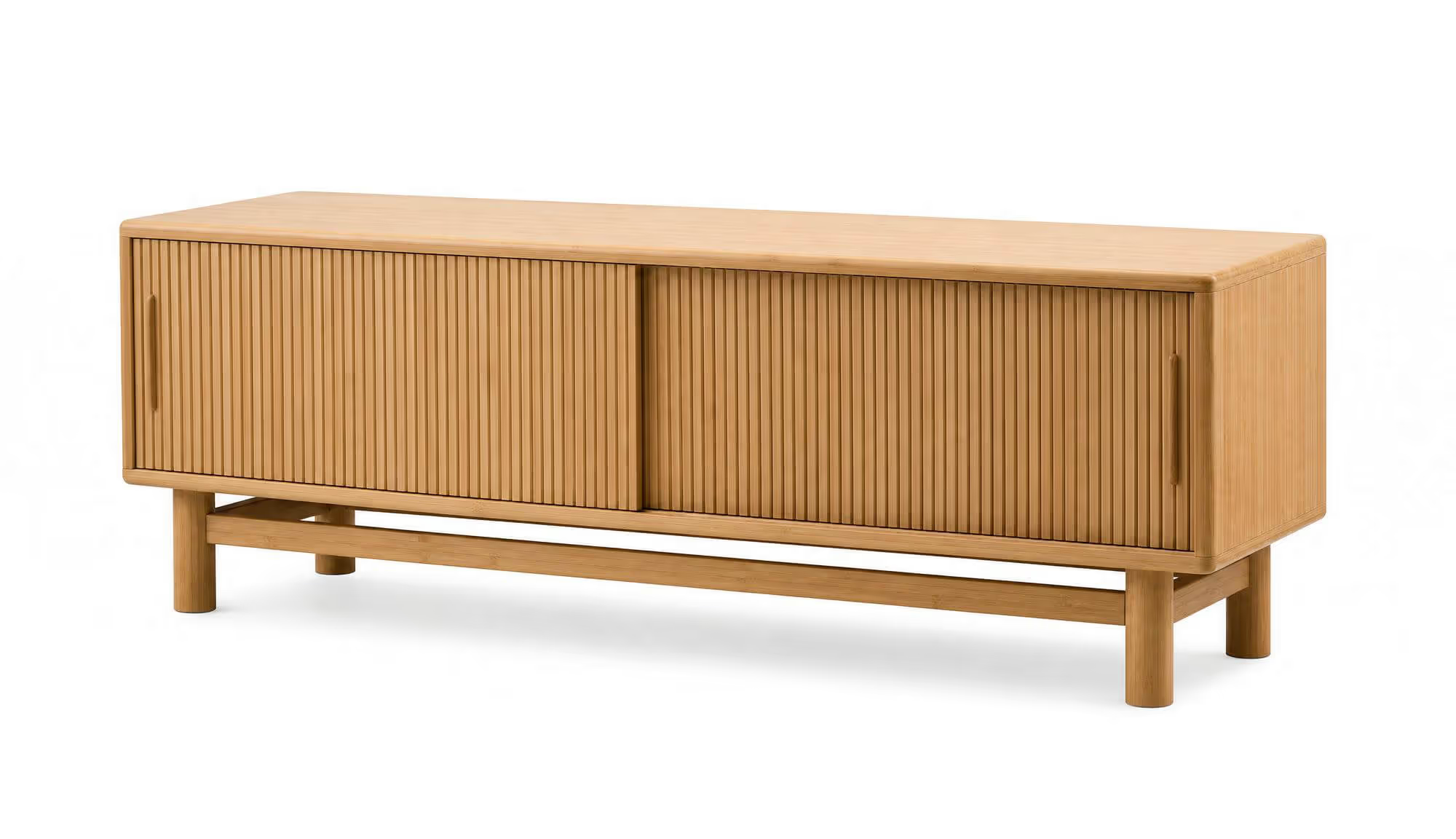
Turn a static KeyShot render into a cinematic video using camera presets. Static KeyShot hero shot → MyArchitectAI animate → MP4 for social/web

How MyArchitectAI compares with KeyShot Studio AI

Here's what actually differs in practice: hardware specs, cost, render time, and features.

Most teams end up using both: KeyShot for the source render, and MyArchitectAI for everything that happens after.

Feature

KeyShot Studio AI

MyArchitectAI

Hardware specs
At least 16 GB-VRAM GPU
None - works in your browser
Cost
$1,299/year
$290/year
Avg render time
4 mins and up (on a MacBook Pro M5Max)
10-15 seconds, no matter the workstation
Animations
Not available
Select a camera preset, ready in 90-120 sec
AI enhancer
Not available
One-click enhancer, 15 seconds per image
Restyling scenes using prompts
Yes
Yes
Restyling scenes using reference images
Not available
Yes
Privacy
Local-only, fully offline
Cloud, data encrypted in transit and at rest

When to pick KeyShot Studio AI?

  • You're inside an active KeyShot scene and want to restyle the whole thing or swap the background in the same-session, without exports
  • Strict no-cloud IP policy (client work that legally cannot leave your machine)
  • You only need scene-wide variants, not surgical edits

When to bring MyArchitectAI alongside KeyShot

  • You're on KeyShot Pro (no Studio AI included) and want AI workflows without upgrading the whole tier
  • You want to enhance a finished PNG (a client deliverable from last week, a screenshot, an old archive render) without reopening the scene
  • You need to animate a static render to video
  • You need to edit one specific thing in a render (swap one material, change one object, fix one detail) without going back into the scene
  • You're on a laptop / iPad / away from your GPU workstation and need to iterate

"By far the best in terms of speed, accuracy-to-geometry, and customization"

I believe MyArchitectAI will offer amazing competition to Lumion, who I've heavily relied on in the past! Not only do you provide spot-on accuracy quickly, but there aren't a ton of hardware requirements which I think is a huge advantage compared to platforms like V-Ray and Lumion. It's uncanny the quality you deliver, I'm still blown away!
Luke Vercia
Visualization Artist
Lumion vs MyArchitectAI example rendering

Enhance your KeyShot rendering workflow using AI

Try MyArchitectAI with no commitment by signing up for a free account. It only takes a couple of seconds. No installs needed.

Take your KeyShot renders a step further

Lightweight and efficient

KeyShot Studio AI runs locally and wants at least 16 GB of VRAM. MyArchitectAI runs on our cloud GPUs.

You open a browser tab and start working. Nothing to install or update, and your workstation stays free for KeyShot.

architectural rendering of a modern house

Automatic realism

Lighting, camera, materials, environment. KeyShot lets you tune every setting, which is why the prep often takes longer than building the model.

MyArchitectAI does the prep for you. Hand it a render or a CAD file and it returns a photorealistic image with the lighting and camera already sorted.

Insanely quick

Under 10 seconds per image. 90 to 120 seconds per video. No queue, no overnight job, no Slack to IT about GPU temperatures.

interior design rendering

Compatible with any device

Thanks to running in the cloud, you can use MyArchitectAI on any device (Macs, tablets, and mobile phones included).

Direct line to the founders

While MyArchitectAI’s rendering engine is powered by AI, the support is powered by the founders. We'll make sure you get the most out of our renderer and answer any of your questions via live chat and email.

CAD programs compatibility

Used across industries

Architecture firms

Firms using KeyShot for facade studies, lobby visuals, and amenity renders bring in MyArchitectAI to produce the client review set. Material swaps, day-to-dusk variants, landscape changes, short fly-through clips. All of it without reopening the scene or queuing another render.

Product designers

Product teams render the hero in KeyShot, then move into MyArchitectAI for everything around it. Colorways, lifestyle backgrounds, packaging contexts, product animations for the launch deck. One source render becomes a dozen deliverables.

Industrial design

Iterate on concepts before you commit to a full scene setup. Export one KeyShot view and use MyArchitectAI to test material finishes, environments, and camera angles. Cheaper than re-rendering, faster than rebuilding the lighting

Packaging design

Render the carton or bottle in KeyShot, then drop it into retail shelves, lifestyle scenes, or printed-spec mockups in MyArchitectAI. Invaluable for the stakeholder reviews where the question is "how does this look on shelf" rather than "is the geometry right."

„Niesamowicie realistyczne wizualizacje w kilka sekund”

Przetestowałem większość dostępnych na rynku programów do renderowania i żaden z nich nie dorównuje temu pod względem szybkości i jakości. Ogromnym wsparciem jest również zespół profesjonalistów na wyciągnięcie ręki, który odpowiada na każde pytanie w kilka sekund.
Eric Carlson
Właściciel, Carlson Design Group

„Najlepsze oprogramowanie do wizualizacji AI”

Cieszę się, że trafiliśmy na MyArchitectAI. To najlepsze narzędzie AI do wizualizacji architektonicznych, z jakiego korzystaliśmy. Oprócz łatwości obsługi, zapewnia najlepsze rezultaty spośród wszystkich testowanych przez nas produktów i oferuje niesamowitą wartość!
Travis Billingham
Doradca ds. nieruchomości, Compass

"Wyróżnia się prostotą i wydajnością"

Głównym celem, dla którego zacząłem korzystać z MyArchitectAI, było znalezienie alternatywy dla V-Ray i Twinmotion, ponieważ renderowanie w obu tych programach jest niezwykle czasochłonne. MyArchitectAI wyróżnił się dla mnie niskim progiem wejścia i możliwością uzyskania szybkich rezultatów – co znacząco wpłynęło na mój proces pracy.
Mac architectural render of herwig
Herwig Hostens
Projektant i dekorator wnętrz

Twoja własność intelektualna jest u nas bezpieczna

Funkcja transferu stylu AI

Prawa własności intelektualnej

Każda wizualizacja stworzona w MyArchitectAI jest Twoją własnością i pozostaje w pełni prywatna.
Model SketchUp

Ochrona danych

Twoje dane są chronione za pomocą wiodących w branży standardów szyfrowania, co zapewnia ich bezpieczeństwo na każdym etapie.
Renderowanie AI

Niezawodność usługi

Nasza wydajna infrastruktura chmurowa gwarantuje stabilne działanie i wysoką dostępność systemu.

Works with designs from any CAD software

Push your KeyShot renders further

Ten free renders, no credit card needed. If it does not save you time on the first one, you owe us nothing.
kitchen rendering example

Frequently asked questions

Do I need a KeyShot license to use MyArchitectAI?
No. MyArchitectAI works on any image: a KeyShot render, a viewport screenshot, a CAD export, a hand sketch. If you don't have KeyShot, you can upload a CAD file or a sketch directly and MyArchitectAI will render from that.
Can I use MyArchitectAI on a Mac or laptop without a dedicated GPU?
Yes. The rendering runs on our cloud GPUs, not your machine. A MacBook Air, an iPad, or a phone is enough. Output quality is the same on every device.
How do I export KeyShot images for AI rendering?
In KeyShot: Render Output → PNG. (Or grab a viewport screenshot if you just want a quick iteration.)  Then, drag the file into MyArchitectAI. Lastly, pick what you want to do: render, enhance, edit, or animate.
Can I use AI renders from KeyShot commercially?
Yes. You own every render you generate. Use them for client deliverables, marketing, pitch decks, social, and print. No watermarks, no royalties, no extra license.