Relight AI

Change the lighting of any architectural or interior design render: golden hour, dusk, overcast, night, and more.

How to relight your renders using AI

01

Upload your image

Drag in a JPG, PNG, or WebP file, or click to browse. There are sample renders if you just want to test it. No account needed.
02

Pick a lighting preset

Golden hour, blue hour, overcast, night, daylight, dusk, and more. Each preset relights the whole scene, shadows included, rather than tinting it like a filter.
03

Download the result

Your scene will be ready in about 30 seconds. Compare before and after with the slider, then download the full-resolution file. The first one is free, no signup.

What AI relighting actually does

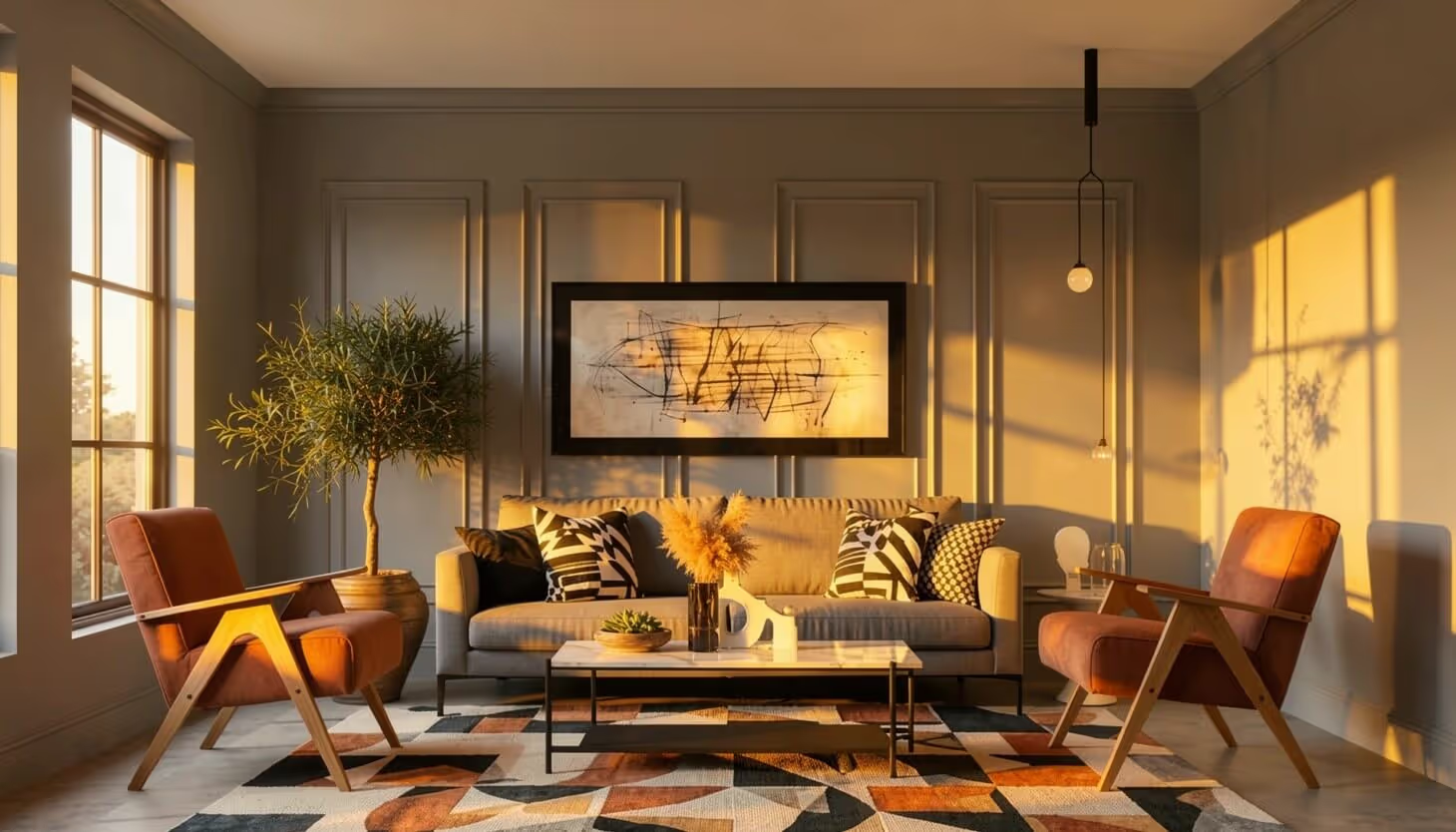
Relighting regenerates the light in a scene instead of tinting it. A warming filter shifts every pixel the same way; a relight moves the light source, so walls catch it differently than floors, windows glow instead of darkening, and the image reads like it was shot at a different hour.

That used to mean a reshoot or a re-render. A twilight photo session books a photographer for the evening, and re-rendering an archviz scene at a new time of day costs GPU hours and a waiting client. An AI relight using MyArchitectAI takes the image you already have and returns the edited version in about 30 seconds.

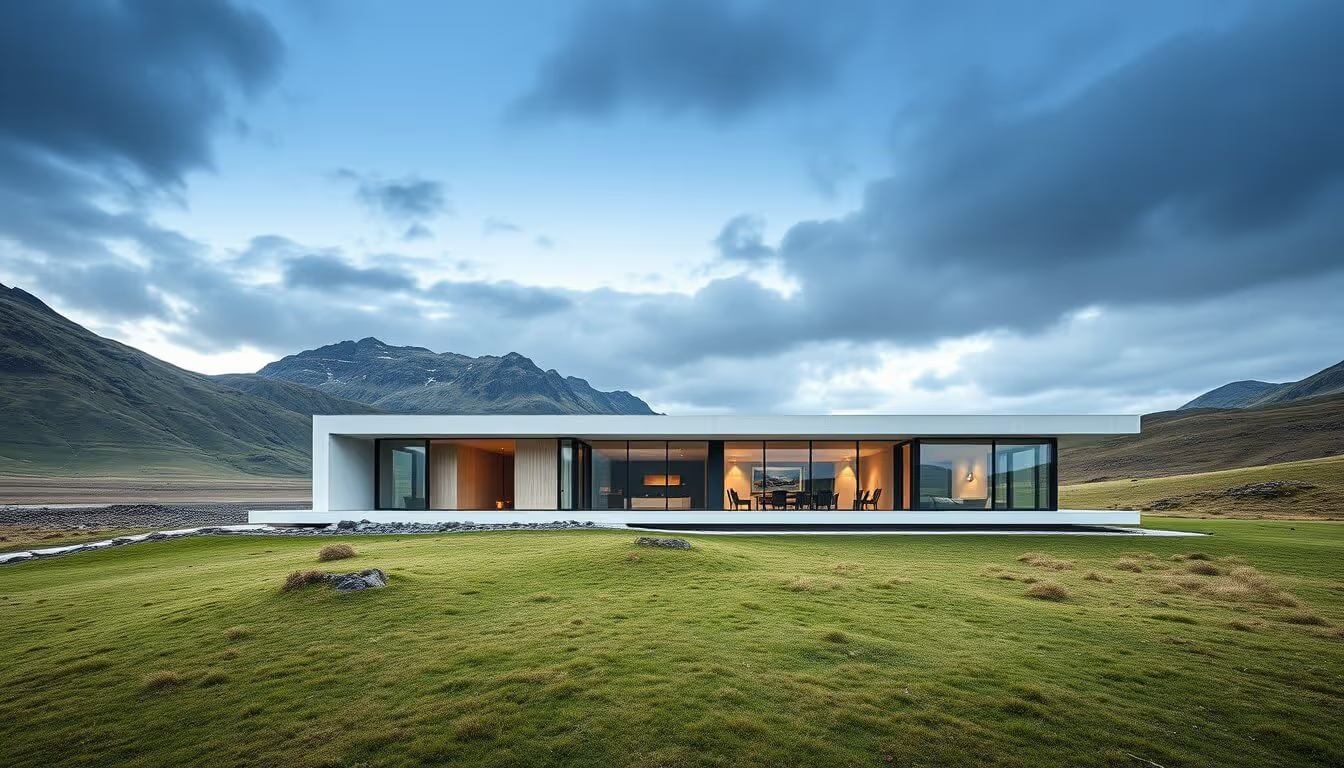
This generator works on AI renders as well as photos. Most relighting tools are built around portraits and product shots; this one is tuned for architecture and interiors, where shadow direction, glazing, and sky mood carry the image.

What the AI relighting tool does

SketchUp model

Presets that match how buildings are shot

Golden hour exterior, blue hour dusk, overcast sky, night scene, plain daylight, studio interior. The names map to the shots architects and designers actually ask for, not abstract filter labels.
MyArchitectAI app interface

Full scene elighting, not just a color filter

The AI rebuilds how light falls in the scene: direction, warmth, sky contribution, interior spill. A filter shifts colors uniformly; a relight changes where the light comes from, and the shadows follow.
AI rendered image

Composition stays put

The scene, geometry, and camera don’t move. You get the same image at a different hour, which is the whole point for showing your clients the design in different moods.

What people use it for

Most architects and designers who end up here fall into one of these situations.

Client presentations and pitch decks

A flat noon render reads cold in a deck. A golden hour version of the same image warms the project up without touching the model.

Archviz time-of-day studies

Show a client the same elevation at noon, golden hour, and night without three renders. Pick the mood in review, then re-render only the winner.

Interior mood shots

Turn a bright staging photo into a warm evening interior for furniture, short-let, or hospitality marketing.

Real estate listings

Day-to-dusk the hero photo instead of booking a twilight shoot. Portals reward listings that stand out in the thumbnail grid.

Portfolio and social media

Night and dusk versions of daytime work give a portfolio range without new projects, and evening shots stop the scroll.

Product and lifestyle photos

The studio and golden hour presets work on product shots too. Same upload, same 30 seconds.

Other free AI generators

AI architecture generator

SketchUp architectural rendering of an apartment building

AI interior design generator

AI-generated texture — a sample design

AI bedroom design generator

SketchUp architectural rendering of an apartment building

AI bathroom design generator

AI-generated texture — a sample design

AI living room design generator

SketchUp architectural rendering of an apartment building

AI kitchen design generator

SketchUp architectural rendering of an apartment building

AI exterior design generator

AI-generated texture — a sample design

Frequently asked questions

What is AI relighting?
Relighting means regenerating the lighting in an existing image: direction, warmth, sky, shadows. A filter shifts every pixel by the same amount; a relight changes where the light comes from, so each surface responds on its own. You get the same scene at a different hour.
Does it work on AI renders?
Yes, that’s the main use here. Renders from SketchUp, Lumion, Enscape, or Twinmotion, and images from Midjourney, Flux, or Nano Banana, all relight the same way photos do. It’s a fast way to explore time-of-day options before committing to a re-render.
How is this different from a photo filter?
A filter tints the whole frame at once, so a “sunset” filter makes the sky and the shadows equally orange. A relight recomputes the illumination: the sky darkens, windows start to glow, shadows stretch and warm up. That difference is what makes a dusk conversion look shot rather than edited.
What resolution does the result come back at?
The same pixel dimensions you uploaded. Relit images can read slightly softer than the original, which is normal for this class of model. If the image is headed for print or a large screen, run it through our image upscaler afterward to sharpen it back up at up to 4K.
Is it really free?
Your first relight is free, full-resolution download included, with no account. All presets are available on that first use. After that you need a subscription. Most tools in this category make you sign up for credits before you see anything; here you can test the quality on your own image first.
Can I use relit images commercially?
From our side, yes. We claim no rights to anything you upload or download. Your image stays yours, relit or not.